Online vs In-Person Coding Classes for Kids: Which Fits Better? (2026)
Which Is Better?9 min read
Parent Guides
Maya Putri
Early Childhood Education Specialist
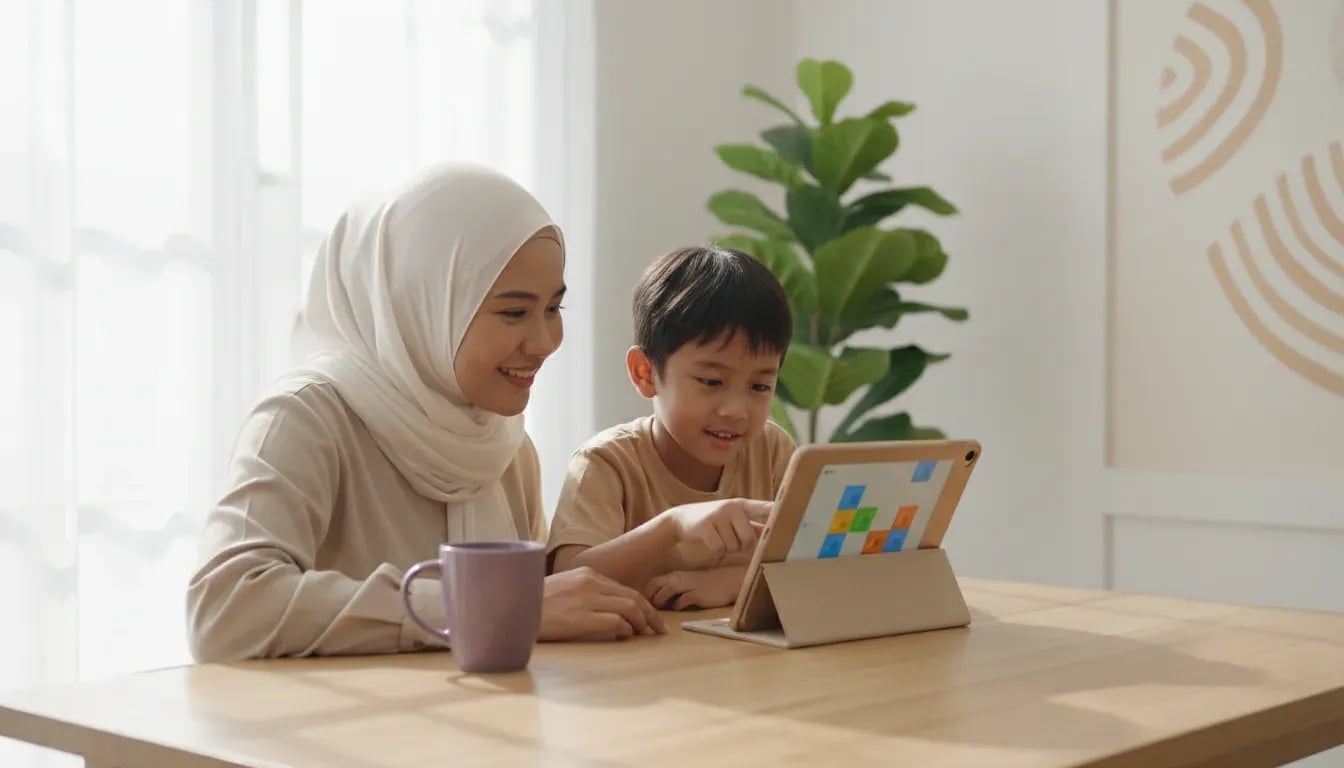
Coding for first graders is a good fit at age 6-7 if it stays short and hands-on: 15-20 minutes per session, 2-3 times a week, with no typing. In Indonesian primary school (SD), Grade 1 children learn to put 3-5 steps in order, spot patterns, and fix a wrong sequence using command cards and ScratchJr. Below are the topics, activities, a 4-week plan, and signs your child is ready or should wait.
Yes. A Grade 1 child in Indonesia is usually 6-7 years old and can already follow 2-3 step instructions, which is the main skill coding needs at this age.
At school, the elective subject Coding and Artificial Intelligence (Koding dan Kecerdasan Artifisial) is available from Grade 5 of SD under Permendikdasmen No. 13 of 2025. So in Grade 1, coding happens at home, in a class, or in an after-school club. Reading is not required: ScratchJr, an app made for ages 5-7, uses pictures and icons instead of words.
What children practise at this age is thinking: order, cause and effect, patterns. Typing code comes years later. More on timing is in our guide to the age kids can start coding, and all grades are summarised in the guide to coding for primary school kids.
Grade 1 coding covers five basic skills, and all of them can be practised without typing a single letter.
| Topic | Example activity | Tool |
|---|---|---|
| Sequencing | Put 3-5 command cards in order so a toy robot reaches the goal | Arrow cards, ScratchJr |
| Cause and effect | "When the cat is touched, it meows" | ScratchJr |
| Patterns | Continue a red-blue-red-blue bead pattern | Beads, cards, blocks |
| Simple loops | Repeat "jump" 3 times instead of laying out 3 cards | Cards, ScratchJr |
| Debugging | Find the wrong card when the robot bumps into a wall | Cards, ScratchJr |
These topics are the same foundation used in later grades, only shorter and more concrete. The full list by grade is in our coding topics for primary school kids.
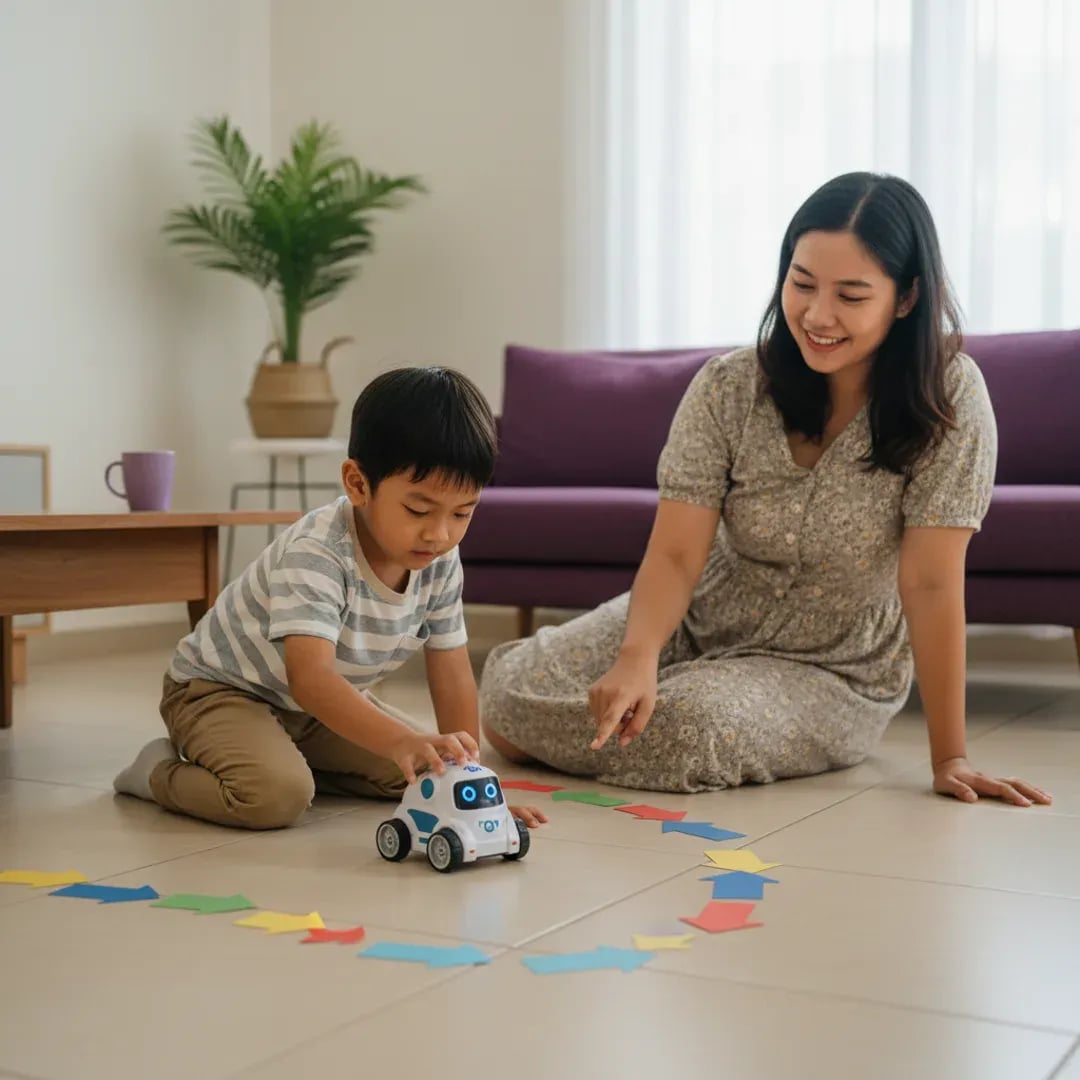
Screen-free activities work best as a first step, because a child can test an idea with their hands before moving it to a screen.
Four activities you can start tonight with no special equipment:
Start with the child's hands and body, then move to the screen.
More ideas are in our guide to unplugged coding and teaching your child coding at home.
ScratchJr is a free app for ages 5-7 from MIT Media Lab, Tufts University, and the Playful Invention Company. Children drag picture blocks to move a character on screen.
Three realistic first projects for Grade 1, each 15-20 minutes:
The first project usually fits in one session. If your child asks to change the background colour or add another character, let them: it means they are starting to make their own decisions. The app runs on a tablet, and other options are compared in coding apps for primary school kids. For the bigger picture of visual platforms, see what Scratch is.
For Grade 1, 15-20 minutes per session with 2-3 sessions a week is enough, and short sessions are easier to keep up.
This number is our practical recommendation, not a medical limit. The WHO 2020 guidelines on physical activity and sedentary behaviour for children and adolescents ask to limit recreational screen time but give no minute count for ages 6-7. That is why half of each session should be screen-free.
A 4-week plan to try at home:
| Week | Focus | Activities |
|---|---|---|
| 1 | Sequencing | Arrow card robot, sandwich recipe |
| 2 | Patterns and cause-effect | Bead patterns, ScratchJr "cat greets" project |
| 3 | Loops | Command dance, "dance three times" project |
| 4 | Debugging | Deliberately place a wrong card, the child finds and fixes it |
Do not add sessions if your child is still cheerful after 20 minutes. Stop while they still want more, so they look forward to the next session.
A Grade 1 child is ready to try coding if they can follow 2-3 instructions in order and enjoy arranging or moving things.
Signs of readiness:
Signs to wait: your child still finds it hard to sit for 10 minutes, or is worn out after a full school day and reading and counting are not yet smooth. Focus on reading and arithmetic first, since they help every subject. If you are unsure about extra classes at all, read whether a Grade 1 child needs extra lessons and the signs a child suits coding. For younger children, see coding for preschool and kindergarten.
Learning at home is enough for the introduction stage, and a class with a teacher helps when a child needs guidance, classmates, and projects that grow every week.
Algonova teaches live online with certified teachers, groups of up to 10 children, and prices from Rp 102,000 per lesson. For ages 5-6 there is Coding Knight built on ScratchJr (32 lessons, 8 modules), and at 7 children move on to Digital Literacy or step up to the Scratch path. Details are on the pages for coding classes for ages 5-7 and coding courses for primary school kids. Every child starts with a free 60-minute master class.
After Grade 1 the path continues. The next grade is covered in coding for Grade 2, and Grades 5 and 6 connect to junior high preparation in coding for Grades 5 and 6.
First graders learn five basics: putting steps in order, cause and effect, patterns, simple loops, and finding mistakes. All of it is practised with command cards, body movement, and a block app such as ScratchJr, without typing code. For example, a child lines up 4 arrow cards so a toy robot reaches a target box, then fixes the card that made it bump into a wall. In 4 weeks with 2-3 sessions a week, many children can make a short animation with one character that walks and talks. The aim is to build step-by-step thinking, not to memorise programming terms.
Yes. ScratchJr uses icons and pictures, so a child does not need to read the commands. Screen-free activities use arrow cards and movement, so they are also text-free. What the child needs is the ability to follow 2-3 instructions in order and understand spoken directions. If reading and counting are still being learned, coding can even reinforce them, for example through number patterns. If reading already feels exhausting, give it time: put reading first, then add 10-15 minutes of coding as a fun break.
15-20 minutes per session, 2-3 sessions a week, not every day. This is a practical recommendation, not a medical limit: the WHO 2020 guidelines ask to limit recreational screen time but give no minute count for ages 6-7. To keep it light, make half of each session screen-free and half on a tablet. A sign a session is long enough: your child starts repeating the same thing with no new ideas, or gets restless. Stop while they still want more, so they look forward to the next session.
Not at the start. The first week can be entirely screen-free with paper and cards. ScratchJr is free and runs on a tablet, while a laptop only becomes useful when a child moves to full Scratch, usually once they read fluently. For an online class, a device you already have with a stable internet connection is enough. Avoid buying new equipment until your child has tried a few sessions and clearly likes it, because interests at this age can change within weeks.
Usually not, as long as sessions stay short and do not replace rest or sleep. Grade 1 coding trains order, patterns, and care, which are also used in arithmetic and following a story. A simple rule: school homework and reading practice always come first. If grades or enthusiasm for school drop after coding is added, cut back to one session a week and watch for 2-3 weeks before deciding whether to stop or continue.
Most children are ready for Scratch once they read fluently and get bored with ScratchJr, usually in Grade 2 or 3. Signs: your child asks for more characters, wants to build a simple game, or finishes ScratchJr projects without help. Scratch has more blocks, some with words and numbers, so reading matters. There is no rush: children who master sequencing and loops in ScratchJr usually move across smoothly within 1-2 sessions.
At Algonova, prices start from Rp 102,000 per lesson for a live online class with a certified teacher and a group of up to 10 children. The monthly total depends on lessons per week: 4 lessons means about Rp 408,000 a month. Before paying, your child can join a free 60-minute master class to see whether the format suits them. Learning at home with paper cards and free ScratchJr costs nothing.
No. Under Permendikdasmen No. 13 of 2025, Coding and Artificial Intelligence is an elective subject, and the first primary grade that gets it is Grade 5. Schools may also choose not to offer it. So Grade 1 has no official coding curriculum, and anything done at this age is extra. The benefit is that your child gets used to step-by-step thinking well before meeting the subject in the upper grades.
Shorten sessions to 10-15 minutes and switch activity every 5 minutes, for example from arrow cards to the screen to movement. Give choices, such as "cat or robot?", so the child feels part of the decision. If boredom keeps showing up for 2-3 weeks, treat it as information: the challenge may be too easy or too hard. Drop to 3 cards, or add one new rule, and watch the reaction.

Algonova worldwide
Contact
Whatsapp: +62 21 50996971
Email: info@algonova.id
Address
Coworking Area, Gedung IT 6 Lantai Dasar, Nongsa Digital Park, Jalan Hang Lekiu, Kelurahan Sambau, Kecamatan Nongsa, Batam, Indonesia Directorate General of Consumer Protection and Trade Compliance – Ministry of Trade of the Republic of Indonesia. WhatsApp Ditjen PKTN: 0853-1111-1010.
PT Algonova Indonesia Cerdas All rights reserved 2026