Direct and Inverse Proportion Explained for Kids + 12 Worked Examples with Answers
Math Education8 min
Coding Education

Bayu Nugraha
Children's Coding Specialist
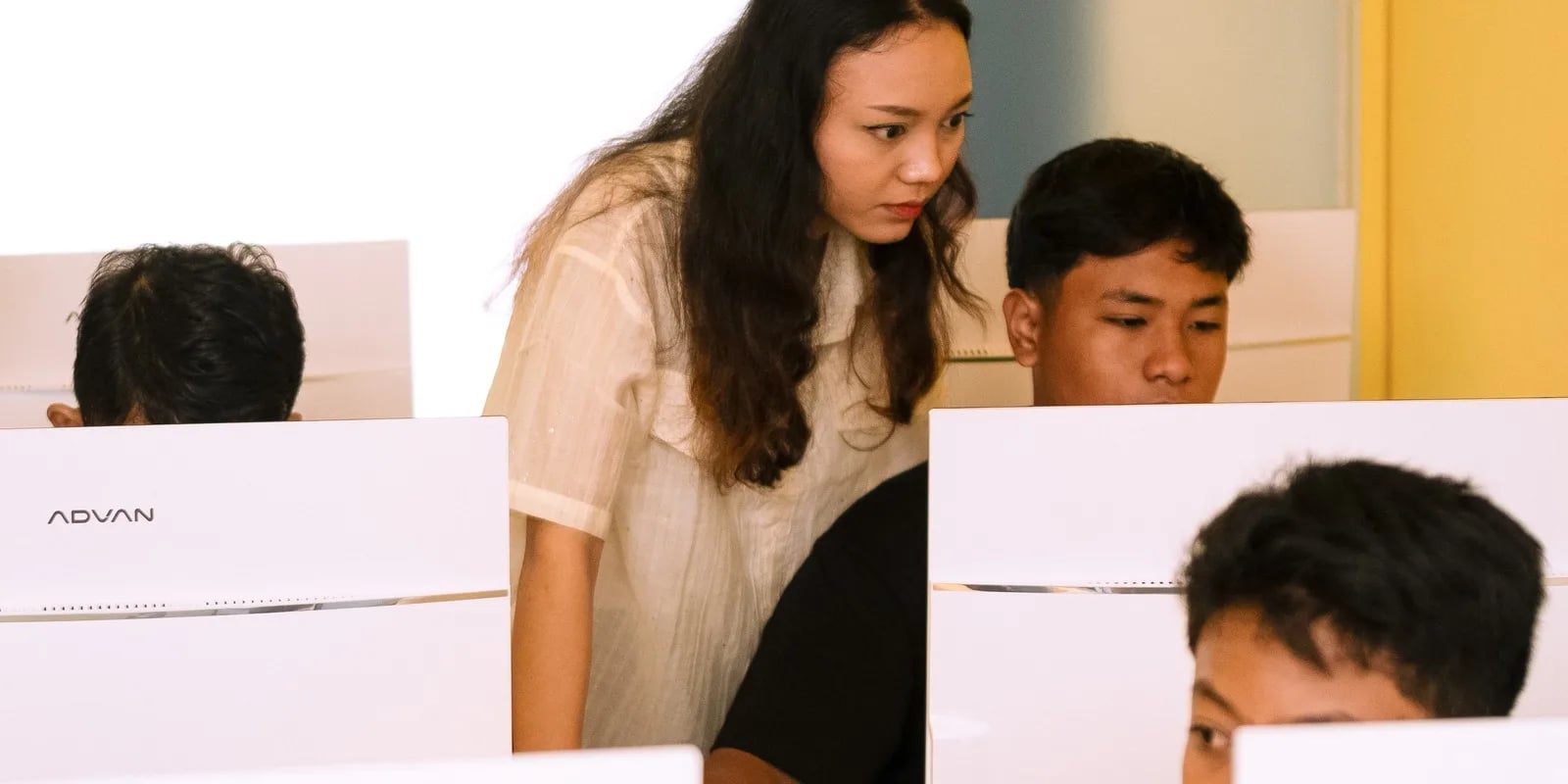
Teaching your child to code at home means introducing programming logic through age-appropriate structured activities — board games for age 5, Scratch Jr for kindergarten, Scratch and Python for primary and middle school. You don't need to be a programmer — just learn alongside your child, stay consistent with 2–3 weekly sessions, and start with free platforms. This guide covers 7 practical steps, top free tools, and 5 mistakes to avoid.
💡 Algonova offers free online coding classes for kids ages 5-17. Classes come in Private (1 student), Mini (2-4 students), and Group (up to 10 students) formats — 1,000,000+ students in 97 countries learning with us. Try a free class →
Coding is how we give instructions to a computer — from drawing shapes on screen to moving game characters to building apps used by millions. For children, coding is not about typing complex code on a black screen. Coding is a way of thinking: breaking big problems into small steps, trying, failing, fixing, trying again.
Imagine your child in Jakarta or Surabaya who plays games on a tablet every day. With coding, they stop being a passive consumer and become a creator. They can build their own games, animations, even interactive stories. This is a profound shift in how children interact with technology.
The Kurikulum Merdeka in Indonesia is starting to integrate digital literacy and computational thinking, but many schools are not yet technically ready. That is why the parent's role at home becomes so important. Children who start learning to code early have a massive competitive advantage — not just for tech careers, but for nearly every future profession.
Children who learn coding from primary school are also more confident facing academic challenges because they are used to the "try — fail — fix" cycle that is the heart of coding.
Teaching your child to code gives them five major benefits that will last a lifetime:
1. Sharpens logic and structured thinking. Coding teaches children to think in clear, sequential steps. When your child tries to make a Scratch character jump exactly three times, they have to think through the sequence: where does the character start, when does it jump, how high, when does it stop. This thinking pattern transfers directly to mathematics and science at school.
2. Boosts creativity. Contrary to the stereotype that coding is a dry technical activity, coding is actually deeply creative. Your child will build stories, design characters, choose music, create worlds. Scratch and Tynker offer unlimited canvases for imagination.
3. Builds problem-solving resilience. First-time code almost always fails. This is an incredible life lesson: failure is not the end, it is information. A child used to debugging becomes more patient, more analytical, more confident facing real-life problems.
4. Prepares them for future careers. Many of the jobs available a decade from now do not exist today — and nearly all of them demand high digital literacy. From doctors using AI diagnostics to architects building 3D models with code, your child will work with technology regardless of career path.
5. AI-readiness. The AI era is not about memorizing code — it is about understanding the logic behind systems. A child who knows how to think like a programmer can work with ChatGPT, Claude, or any AI tool far more effectively. They know how to give precise instructions, evaluate output, and iterate.
💡 Want your child to gain all these benefits with guidance from professional teachers? Algonova gives a FREE first class — no credit card, no commitment. Classes come in Private (1 student), Mini (2-4 students), and Group (up to 10 students) formats, so every child still gets personal attention. Book a free trial class →
This question often comes up from parents in Bandung and Jakarta: "Isn't 5 too young?" The answer is no. But the method must match the age.
Ages 5-7 (kindergarten – grade 1). At this age, children don't need to type code. They learn coding concepts through physical activities — directing toy robots, arranging instruction cards, playing board games like Robot Turtles. Suitable apps: Scratch Jr (visual, drag-and-drop, no reading required), Lightbot Jr, Kodable. Main goal: introduce sequence, repetition, and instruction concepts.
See our full guide for this age: Coding for Kids 5-7.
Ages 8-12 (primary school). This is the golden age to start serious coding. Children can read, have the patience for 30-45 minute projects, and are very motivated to build real things. Start with Scratch — a visual language developed by MIT specifically for children. After 6-12 months of Scratch, your child is ready for Python, the text language used by Google, Netflix, and Instagram.
Primary program details: Coding for Primary School 8-12.
Ages 13-17 (middle and high school). Teens are ready for advanced Python, web development (HTML/CSS/JavaScript), AI fundamentals, and real portfolio projects. At this age, coding is no longer just a hobby — it is a professional skill that opens doors to informatics olympiads, scholarships, and future careers.
See: Coding for Teens 13-17.
The most important thing: don't wait for the "perfect age." A child starting at 5 with Scratch Jr and a child starting at 10 with Scratch can both succeed. What matters is consistency and enjoyment.
Here is a roadmap you can follow, step by step, starting today:
Step 1: Start with logic board games. Before opening any screen, play games like Robot Turtles, Code Master, or even traditional games like snakes and ladders with added rules ("if green square, jump two squares"). Goal: build algorithmic thinking foundation without technology.
Step 2: Use age-appropriate visual apps. For kindergartners, install Scratch Jr on a tablet (free, iPad and Android). For primary kids, use Scratch in the browser (scratch.mit.edu). Let your child play freely for 1-2 weeks before assigning structured tasks.
Step 3: Code together (joint activity). This is the key that many parents skip. Don't just hand over the tablet — sit with your child for 20-30 minutes, several times a week. You don't need to know coding beforehand. Learn together. Your child will be far more motivated seeing their parent engaged.
Step 4: Build real projects, not exercises. Avoid courses that are just small exercises with no end result. Instead, encourage your child to build something real: an animated greeting card for their grandmother in Yogyakarta, a color-guessing game for their younger sibling, an interactive story about a Bali vacation. Real projects = real motivation.
Step 5: Give progressive challenges. Once your child masters the basics, give graduated challenges. Week 1: make a character walk. Week 2: add obstacles. Week 3: add a score. Week 4: add multiple levels. Each small challenge builds confidence.
Step 6: Combine with online classes. At some point — usually after 2-3 months of self-study — your child needs a teacher who can give advanced challenges, answer tough questions, and maintain consistency. This is when online classes like Algonova become essential.
Step 7: Celebrate wins. Every finished project, celebrate. Show grandparents, send to friends, post in the family group (with your child's permission). Recognition is the most powerful fuel for long-term learning.
💡 Algonova is the fastest path to step 6. We have helped over 1,000,000 children in 97 countries learn to code. Classes come in Private (1 student), Mini (2-4 students), and Group (up to 10 students) formats, so the teacher knows each child's name and progress. Start with a free class →
You don't need to spend money to start. Here are the best free platforms:
Scratch (scratch.mit.edu). The gold standard for ages 8-16. Visual block-based language, developed by MIT, completely free, with a global community including Indonesia. Children can publish their projects and see other kids' work.
Scratch Jr. Version for ages 5-7. iPad/Android app, free, no reading required. Perfect for first introduction.
Code.org. Has full curricula from kindergarten through high school, including "Hour of Code" — one-hour lessons themed with Minecraft, Star Wars, or Frozen. Great for your child's day-one coding experience.
Tynker. Paid platform but with a lot of free content. Specialty: Minecraft modding courses, very engaging for kids who love Minecraft.
Khan Academy Kids. Free app for ages 2-8 including early coding concepts.
Python (python.org). When your child is ready to graduate from Scratch, install Python on your computer — free and the language used by professionals worldwide.
All these tools are great, but they have a limitation: the child learns alone, without personal feedback, without a guaranteed progression structure. For maximum results, combine them with online classes.
Based on our experience with thousands of families in Indonesia and globally, here are the five mistakes we see most often:
Mistake 1: Starting with a language that's too hard. Many parents hear "Python is popular" and immediately give their primary-school child a thick Python book. Result: frustration within two weeks. Start with visual (Scratch), graduate to text (Python) only after the foundation is solid.
Mistake 2: Expecting results too fast. Coding is not memorizing multiplication tables. It takes months for a child to start building independent projects. If you pressure your child to "show results" after 2 weeks, they will give up.
Mistake 3: Not learning together. Handing over a tablet and saying "go learn" rarely works. Children need a learning partner, especially a parent. You don't have to be great at coding — just be present.
Mistake 4: Focusing on the language, not the project. Many parents ask "which language is best?" The right answer: the best language is the one that gets your child building interesting projects. Focus on output, not technology.
Mistake 5: No long-term structure. Self-study at home is great for the first 2-3 months. After that, without a teacher or structured curriculum, the child stagnates. This is why combining self-study + online classes is the best path.
💡 Avoid all five mistakes at once. Algonova provides progressive structure, expert teachers, and a curriculum designed specifically for children in Indonesia. First class free to try. Book a trial slot now →
You teach a child to code at home by starting with one free block-based tool like Scratch, keeping sessions short and playful, and sitting beside the child as an exploration partner rather than a teacher. Let the child build small projects they actually care about, and celebrate each win. For structured guidance with a teacher, see the coding classes for ages 5 to 17, or try a free coding class to find the right starting level.
Yes, Algonova Indonesia runs a full coding program for kids aged 5 to 17, covering kindergarten through senior high. It splits into three age tracks: Little Coders for ages 5 to 7 using visual block based coding, Junior Coders for ages 8 to 12 using Scratch and the fundamentals of programming logic, and Teen Coders for ages 13 to 17 using Python and game development. Every class is live online with certified teachers in small groups of up to 10 students. Kids build a real project from the first session rather than memorising syntax. Algonova has taught more than 1,000,000 students across 97 countries since 2016.
Yes. For the coding track Algonova Indonesia offers a free 60 minute master class with no commitment. No credit card is needed and there is no auto subscription afterwards. Note that these 60 minutes are an introductory master class, not a regular lesson. A regular coding class runs 90 minutes. During the master class the child works directly with a certified teacher, tries the online learning platform, and finishes a first small project matched to their age. After the session parents receive a personal learning track recommendation plus a transparent explanation of program, schedule, and pricing from Rp 102,000 per lesson. To book, fill in the form on the website.
Algonova Indonesia coding classes come in three formats: Private with one student per teacher, Mini group of 2 to 4 kids, and Group of 6 to 10 kids of similar age and level. The small group format exists because coding gets stuck on very specific lines of code, and a child needs a teacher who can look at their screen when it happens. In a Mini group the teacher checks each child's screen several times per session. The Private format is the most intensive and suits competition preparation, independent projects, or a child who wants to move faster than the group.
Kids coding at Algonova Indonesia starts from Rp 102,000 per lesson. The price covers the live session with a certified teacher, digital learning materials, online platform access, and an official certificate once the child completes each program level. The starting rate is the same across all age tracks. The final quote depends only on class format, meaning Private, Mini, or Group, and on how many sessions per week you choose. Group is the most affordable option and Private is the most intensive. Full pricing is shared after the free master class and before formal enrolment, with no surprise fees. To get a quote, fill in the form on the website.
Yes, every Algonova Indonesia coding program runs fully online with live sessions taught by certified teachers, not recorded videos. Kids learn in real time in small groups, with live Q&A and code written alongside the teacher during the class. To join, a child needs a computer or laptop with a camera, a stable internet connection, and a headset. The Algonova platform runs directly in the browser, so no special software installation is required and no expensive machine is needed. Because everything is online, families anywhere in Indonesia can join and easily fit lessons around school.
Three things make Algonova coding effective for Indonesian kids: project based learning, a staged track, and small groups. Every session produces something that runs and can be shown to a parent, which keeps motivation alive far longer than theory alone. The track climbs gradually from visual block based coding to Python, so a child never jumps into a text language before their logic is ready. Small groups of up to 10 students let the teacher adjust pace: faster kids get extra challenges and stuck kids get help inside the same session. The material also lines up with coding and artificial intelligence entering the Indonesian school curriculum.
That is fine, most Algonova students start from zero with no coding experience at all. Every new child begins with the free master class, where the teacher watches how they solve problems and picks the right starting point. Kids aged 5 to 7 start with visual block based coding and do not need to type fast yet. Older kids can start with Scratch and move up to Python once their logic is solid. All that is required is basic reading and curiosity. Parents do not need to understand programming to support the child, because every task is explained by the teacher during class.

Algonova worldwide
Contact
Whatsapp: +62 21 50996971
Email: info@algonova.id
Address
Coworking Area, Gedung IT 6 Lantai Dasar, Nongsa Digital Park, Jalan Hang Lekiu, Kelurahan Sambau, Kecamatan Nongsa, Batam, Indonesia Directorate General of Consumer Protection and Trade Compliance – Ministry of Trade of the Republic of Indonesia. WhatsApp Ditjen PKTN: 0853-1111-1010.
PT Algonova Indonesia Cerdas All rights reserved 2026