Direct and Inverse Proportion Explained for Kids + 12 Worked Examples with Answers
Math Education8 min
Coding Education

Arif Pratama
Web & AI Instructor
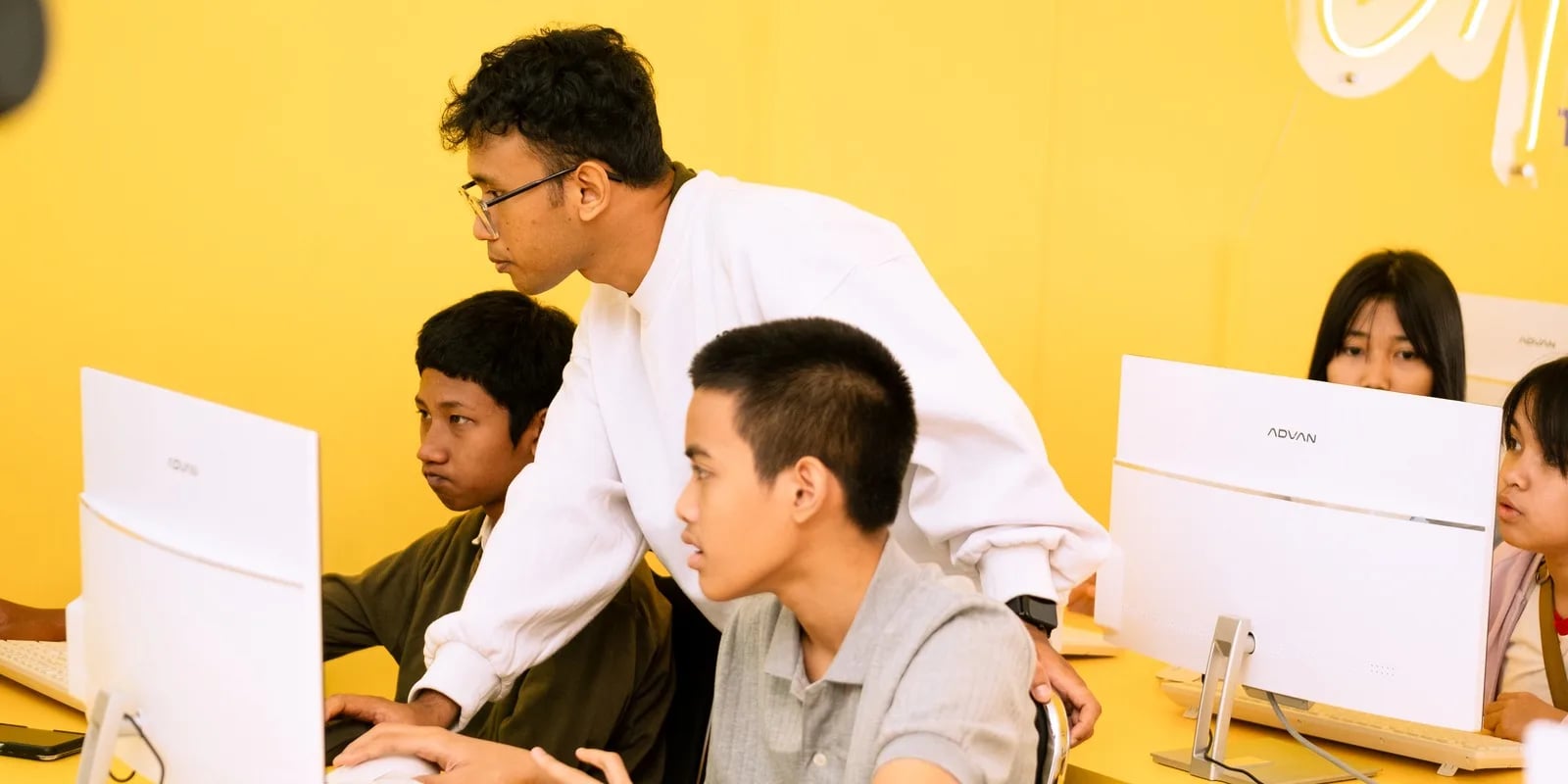
Coding material for elementary kids aged 6–12 is a step-by-step sequence of topics that begins with basic logic and algorithms, moves into visual programming like ScratchJr and Scratch, and ends with text-based languages such as Python in the upper grades. The goal isn't memorizing code — it's training kids to think in order: break a problem down, lay out the steps, then fix what's broken. This guide maps that material grade by grade, so you as a parent know exactly what your child should be learning at each stage of elementary school.
In Indonesia, this fits naturally with Kurikulum Merdeka, which emphasizes computational thinking and digital literacy from an early age. The good news: a child doesn't need to be a "math genius" to start. Coding for elementary kids is closer to playing with logic LEGO than studying formulas.
Learning to code at the elementary level isn't about producing tiny professional programmers. The real benefits are broader and show up across other subjects:
If this is all new to you, start with the basics in What is coding for kids so you have the full picture before diving into grade-by-grade material.
Material should match a child's age and reading ability. Here's a common roadmap used in kids' coding programs, including at Algonova:
| Grade | Age | Focus | Tools |
|---|---|---|---|
| Grades 1–2 | 6–8 yrs | Basic logic, sequencing, pattern recognition | ScratchJr, screen-free unplugged games |
| Grades 3–4 | 8–10 yrs | Algorithms, loops, events, simple animation | Scratch |
| Grades 5–6 | 10–12 yrs | Variables, conditions (if), advanced logic, intro to text | Advanced Scratch → intro to Python |
The healthy pattern is always the same: ScratchJr → Scratch → Python. Kids start with colorful drag-and-drop blocks and only move to text-based code once their thinking patterns have matured.
At this stage children don't need to touch text-based code. The material covers core ideas: arranging steps in order (like "how to make a sandwich"), recognizing patterns, and following simple instructions. A lot of it is done unplugged — without a computer — using cards, games, or movement. When screens are used, ScratchJr (a free tablet app) is a great fit because it uses icons instead of words.
This is the prime window to move into Scratch. Kids build programs with colorful blocks: moving characters, making animations, even simple games. Here they learn key concepts — loops, events ("when the button is clicked"), and logical sequencing. Dig deeper into how it works in What is Scratch.
Once fluent in Scratch, kids are ready for deeper concepts: variables, conditions (if/else), and branching logic. Many fluent readers in grades 5–6 begin touching Python — a text language with clean, beginner-friendly syntax. See how that path looks in Python for kids.
Try it, don't just read about it. The fastest way to know which stage suits your child is the AI-based talent diagnostic in Algonova's free 60-minute Master Class. A certified teacher assesses your child's level live. Try a free Master Class
Whatever the tool, a handful of core coding concepts get revisited at increasing depth across grades:
These concepts are the "real material." Scratch or Python are just the vehicles. For a fuller foundation, Coding explained breaks these terms down in plain language.
You can start preparing coding material for your elementary child at home with a mix of free and structured options:
Free exploration is great for sparking interest, but many kids need structure and guidance to stay consistent. That's where online classes come in. You'll also find specific activity ideas in Coding for elementary kids and Benefits of coding for kids.
Algonova is an online school for children aged 5–17, running since 2016 with over 1,000,000 alumni across 97 countries. What sets it apart: classes are live and online with certified teachers (not recorded videos), available in Private (1 student), Mini (2-4 students), and Group (up to 10 students) formats so every child gets attention, plus an AI-based talent diagnostic to place each child at the right level — whether that's still ScratchJr, Scratch, or ready for Python.
See the full learning path on the coding program page. And to find out exactly where your child should begin, the best approach is to try it.
Sign up for a free 60-minute Master Class today — free, online, and guided live by a teacher. You'll find out which coding material fits your child best, right now.
Want your child to start coding? Try a free Master Class.
Coding material for primary school children should build gradually: grades 1–3 start with unplugged coding and visual blocks (ScratchJr, Scratch), while grades 4–6 move into more complex logic and an introduction to Python or game building. The order follows a child's reading and abstract-thinking readiness.
Does a primary school child need to learn a "real" programming language? Not yet. A foundation in logic matters more than syntax at this age.
How do you sequence the material? Follow a curriculum that steps up with age rather than jumping to hard topics. See Algonova's coding classes, arranged by age band for ages 5–17, or try a free coding class.
Yes, Algonova Indonesia runs a full coding program for kids aged 5 to 17, covering kindergarten through senior high. It splits into three age tracks: Little Coders for ages 5 to 7 using visual block based coding, Junior Coders for ages 8 to 12 using Scratch and the fundamentals of programming logic, and Teen Coders for ages 13 to 17 using Python and game development. Every class is live online with certified teachers in small groups of up to 10 students. Kids build a real project from the first session rather than memorising syntax. Algonova has taught more than 1,000,000 students across 97 countries since 2016.
Yes. For the coding track Algonova Indonesia offers a free 60 minute master class with no commitment. No credit card is needed and there is no auto subscription afterwards. Note that these 60 minutes are an introductory master class, not a regular lesson. A regular coding class runs 90 minutes. During the master class the child works directly with a certified teacher, tries the online learning platform, and finishes a first small project matched to their age. After the session parents receive a personal learning track recommendation plus a transparent explanation of program, schedule, and pricing from Rp 102,000 per lesson. To book, fill in the form on the website.
Algonova Indonesia coding classes come in three formats: Private with one student per teacher, Mini group of 2 to 4 kids, and Group of 6 to 10 kids of similar age and level. The small group format exists because coding gets stuck on very specific lines of code, and a child needs a teacher who can look at their screen when it happens. In a Mini group the teacher checks each child's screen several times per session. The Private format is the most intensive and suits competition preparation, independent projects, or a child who wants to move faster than the group.
Kids coding at Algonova Indonesia starts from Rp 102,000 per lesson. The price covers the live session with a certified teacher, digital learning materials, online platform access, and an official certificate once the child completes each program level. The starting rate is the same across all age tracks. The final quote depends only on class format, meaning Private, Mini, or Group, and on how many sessions per week you choose. Group is the most affordable option and Private is the most intensive. Full pricing is shared after the free master class and before formal enrolment, with no surprise fees. To get a quote, fill in the form on the website.
Yes, every Algonova Indonesia coding program runs fully online with live sessions taught by certified teachers, not recorded videos. Kids learn in real time in small groups, with live Q&A and code written alongside the teacher during the class. To join, a child needs a computer or laptop with a camera, a stable internet connection, and a headset. The Algonova platform runs directly in the browser, so no special software installation is required and no expensive machine is needed. Because everything is online, families anywhere in Indonesia can join and easily fit lessons around school.
Three things make Algonova coding effective for Indonesian kids: project based learning, a staged track, and small groups. Every session produces something that runs and can be shown to a parent, which keeps motivation alive far longer than theory alone. The track climbs gradually from visual block based coding to Python, so a child never jumps into a text language before their logic is ready. Small groups of up to 10 students let the teacher adjust pace: faster kids get extra challenges and stuck kids get help inside the same session. The material also lines up with coding and artificial intelligence entering the Indonesian school curriculum.
That is fine, most Algonova students start from zero with no coding experience at all. Every new child begins with the free master class, where the teacher watches how they solve problems and picks the right starting point. Kids aged 5 to 7 start with visual block based coding and do not need to type fast yet. Older kids can start with Scratch and move up to Python once their logic is solid. All that is required is basic reading and curiosity. Parents do not need to understand programming to support the child, because every task is explained by the teacher during class.

Algonova worldwide
Contact
Whatsapp: +62 21 50996971
Email: info@algonova.id
Address
Coworking Area, Gedung IT 6 Lantai Dasar, Nongsa Digital Park, Jalan Hang Lekiu, Kelurahan Sambau, Kecamatan Nongsa, Batam, Indonesia Directorate General of Consumer Protection and Trade Compliance – Ministry of Trade of the Republic of Indonesia. WhatsApp Ditjen PKTN: 0853-1111-1010.
PT Algonova Indonesia Cerdas All rights reserved 2026