Best Online Tutoring in Indonesia for Primary Kids: A 9-Point Checklist for Parents
Checklists & Calendar13 min
Learn Coding

Fajar Hidayat
Coding Curriculum Team, Algonova
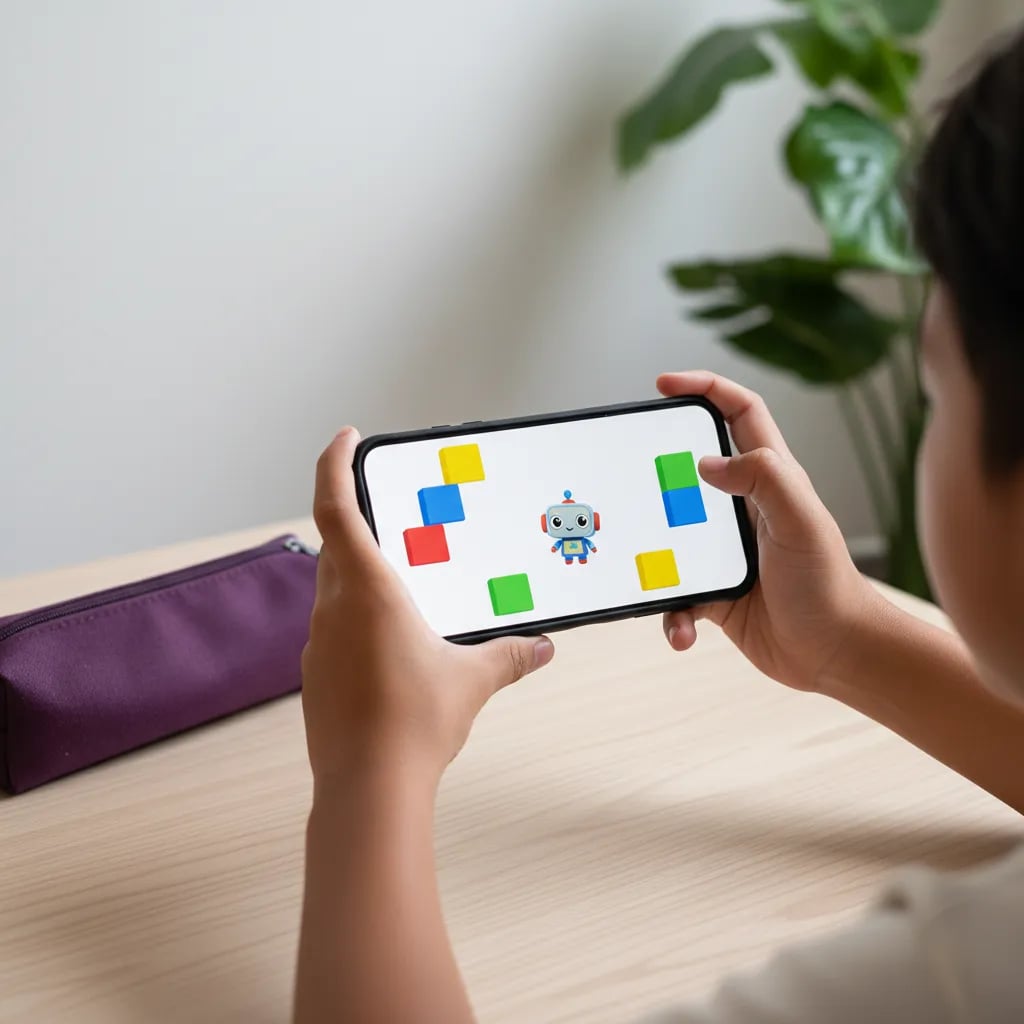
Free coding apps for kids on a phone are a good first step for ages 7-12: logic puzzles, then small games. We checked 5 on Google Play and the App Store in Indonesia: Lightbot: Code Hour, Tynker and Pocket Code for kids, plus Mimo and Pydroid 3 for teens. A 6-inch screen is too small for full Scratch projects or a live class, so for those your child needs a laptop or tablet.
Yes, for the stage where they learn how logic works. Puzzle apps teach sequencing and loops through a touch screen, and for a beginner that is most of what coding is.
Trouble starts when your child wants to build something bigger. The Scratch editor does open in a phone browser, but the Scratch Wiki describes it as close to unusable on a screen that small. Even ScratchJr, the Scratch version for young children, is built for tablets, and its developers at Boston College recommend a screen of at least 7 inches.
Take Raka, 9, who finished all 20 Lightbot levels on his mum's phone over two afternoons. When he tried to make his own chase game, the blocks on a 6-inch screen were too small to drag and he got frustrated fast. The screen was the problem there, not Raka.
If you're unsure whether your child is old enough, start with our guide on what age kids can start coding.
The right app depends on your child's age and which phone you have at home. We built this table from each app's Google Play and App Store page in Indonesia in October 2026. The last row is a popular app parents search for that doesn't run on a phone.
| App | Age | Android | iPhone | Cost | What it teaches |
|---|---|---|---|---|---|
| Lightbot: Code Hour | 7-12 | Not found on Play Store | Yes | Free, 20 levels, no in-app purchases | Sequencing, procedures, loops |
| Tynker | 8-12 | Yes | Yes | Free download, full content by subscription | Block puzzles, then basic JavaScript and Python |
| Pocket Code |
A phone is enough for logic practice, but it falls short on projects that need screen space and a keyboard.
| Works on a phone | Hard or impossible on a phone |
|---|---|
| Logic puzzles and sequencing | Scratch projects with many sprites and scripts |
| Simple games in Pocket Code | Roblox Studio and 3D worlds |
| Reading lessons and short quizzes | Typing Python programs longer than 20-30 lines |
| Playing other people's Scratch projects | Following a live class while the editor is open |
A live class is the hardest thing to do from a phone. The teacher's video, the editor and your child's camera all fight for space on a 6-inch screen.
Salsa, 12, wrote a pocket-money calculator in Pydroid 3. It ran, but every mistyped bracket took her about two minutes to find. On a laptop she'd have spotted the same typo in seconds.
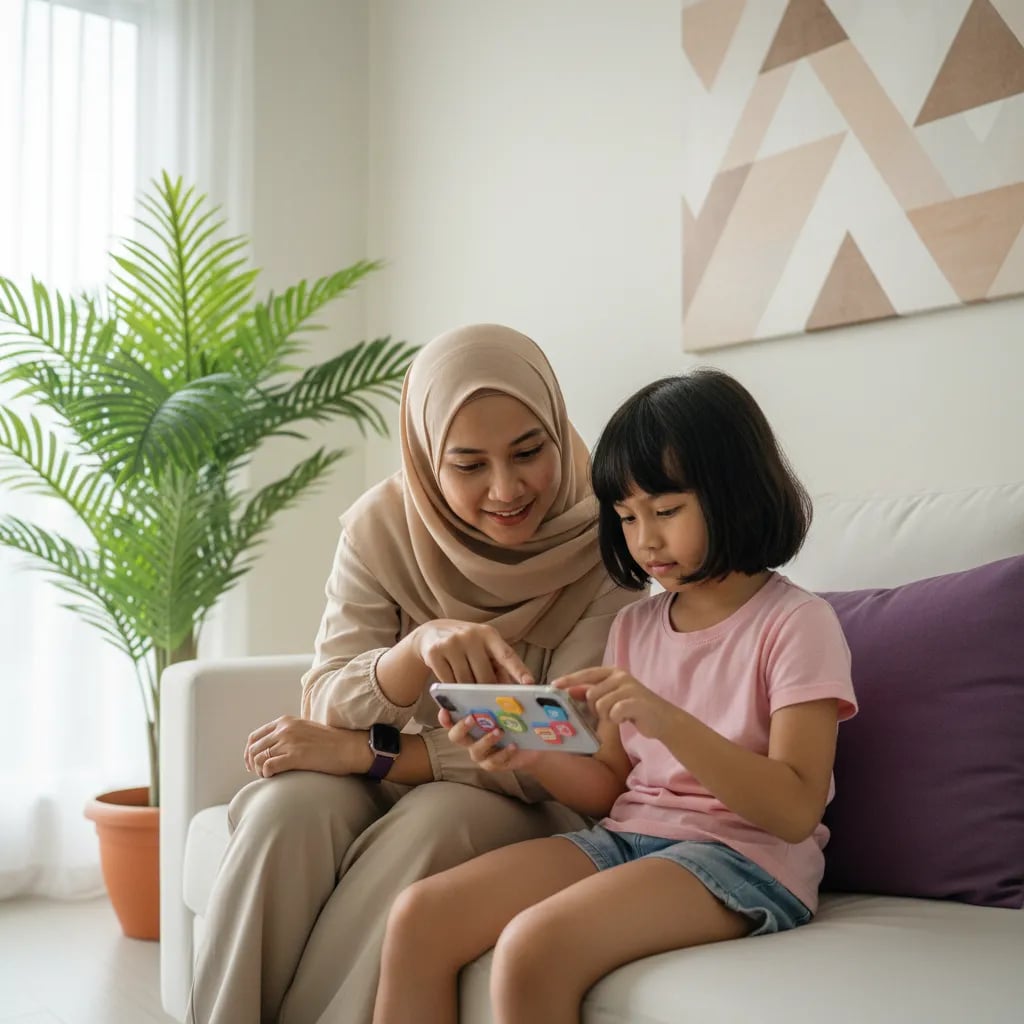
It's time to move when your child wants to build their own project instead of finishing levels someone else designed.
Signs to watch for:
Algonova coding classes are taken on a laptop, computer or tablet. They can't be followed on a phone, because your child needs to see the teacher's screen and the editor at the same time. If all you have at home is a phone, ask when you sign up whether a tablet is enough for the course you've chosen. A free 60-minute coding master class also works as a test of the devices you have.
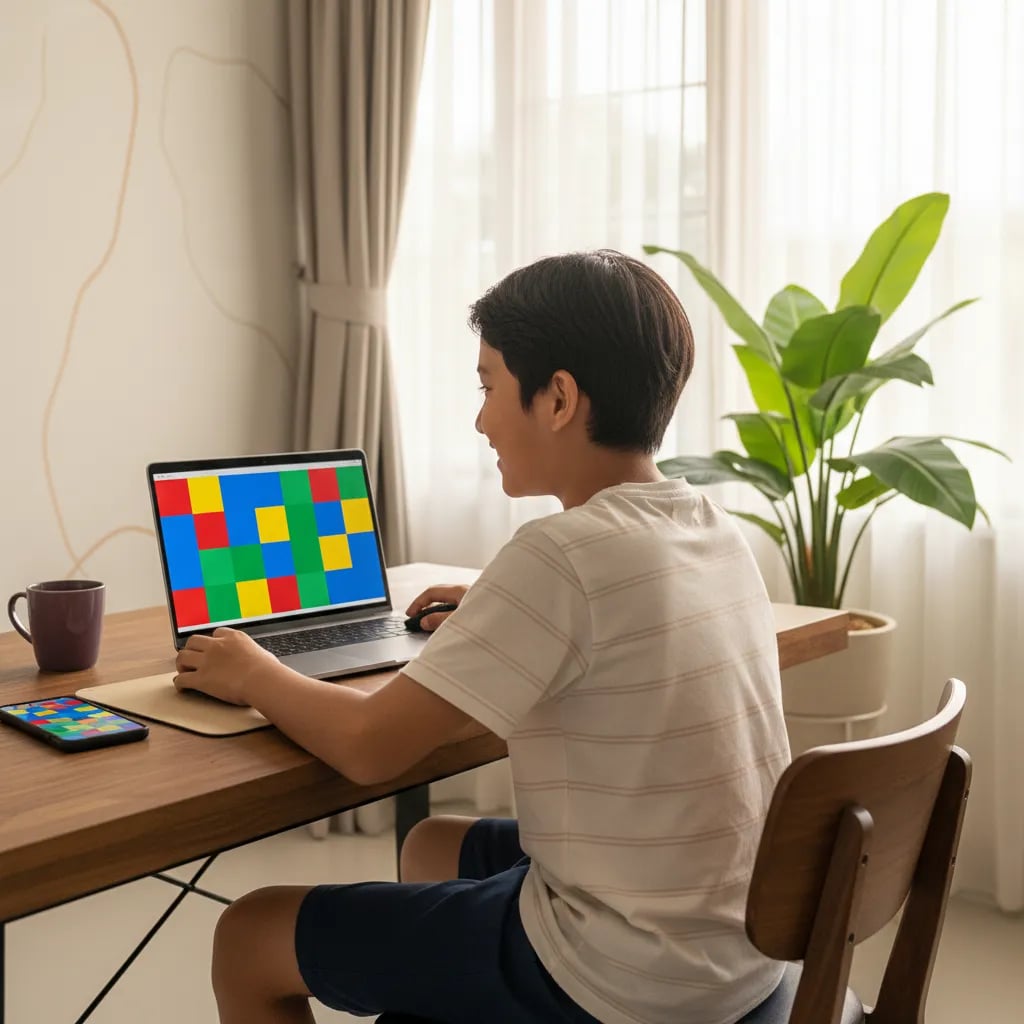
A laptop for a primary school child doesn't need to be expensive. Minimum specs and price ranges are in our guide to laptops for kids' coding. For kids in grades 3-6, Algonova's

Algonova worldwide
Contact
Whatsapp: +62 21 50996971
Email: info@algonova.id
Address
| Yes |
| Yes |
| Free, no ads, no purchases |
| Games and animations with blocks, right on the phone |
| Mimo | 13+ | Yes | Yes | Free with ads, paid Pro version | Short Python and HTML lessons |
| Pydroid 3 | 13+ | Yes | No | Free with ads | Writing and running Python code |
| Swift Playgrounds (tablet) | 10+ | No | iPad and Mac only | Free | Swift through puzzles |
Our picks by age:
For a longer list that includes laptop and web games, see our roundup of coding games and apps for kids.
Set the phone up before your child starts, especially if it's your own phone.
For more ideas you can try at home, read how to teach your child coding at home.
A phone is great for getting a child curious. Once they want to make their own game, they need a bigger screen and a teacher who helps when they get stuck.
Fajar Hidayat, Coding Curriculum Team, Algonova
For kids aged 7-10 on an iPhone, Lightbot: Code Hour is the easiest start: it's free, has no in-app purchases and ends after 20 levels. We couldn't find Lightbot on the Play Store in Indonesia, so on Android use Tynker's free levels instead. In both apps your child lines up commands to move a character, and each level adds one idea, such as a loop or a procedure. Kids aged 10-12 can move on to Pocket Code, which is free with no ads, and build small games of their own. Before downloading, open the store page and check the age rating and the in-app purchase note: many apps are free to download but need a subscription. In the first session, ask your child to explain each step in their own words. If they finish every level within 2 weeks and ask how to make their own game, they're ready for Scratch on a laptop or tablet.
Scratch opens in a phone browser, but the editor is close to unusable on a screen that small. The Scratch Wiki notes that the project editor doesn't fit on a phone screen, while playing projects in full-screen mode usually works fine. So your child can play other people's Scratch games but will struggle to build their own: blocks pile up, menus cover the work area and fingers drag the wrong piece. On a 10-inch tablet the Scratch editor is usable, though still awkward without a mouse. If your child wants to learn Scratch properly, use a laptop, computer or 10-inch tablet. A cheap mouse or stylus makes the blocks much easier to drag accurately. Our Algonova blog article What Is Scratch covers everything from creating an account to a first project, so it's a good next read before buying any device.
Roblox Studio, the tool for making Roblox games, isn't available on Android phones or iPhones. Studio runs only on Windows and Mac computers, while the Roblox app on a phone is just for playing. Many primary school kids expect to build a Roblox game straight from the phone and find they can only play worlds other people made. To build their own game, your child needs a laptop or computer with a mouse, since Roblox Studio uses many panels and menus, plus Lua scripts that have to be typed. Before installing, check the minimum specs on the official Roblox site, because 3D worlds are heavier than Scratch projects. If your child in grade 5 or 6 is already comfortable with Scratch and loves Roblox, Studio is a natural next step. At Algonova, the Game Design course with Roblox Studio and Lua for kids aged 10-12 runs 90 minutes a week in groups of up to 10 children.
Start with block puzzle apps, then move to an app where your child can build projects. For kids, the order looks roughly like this: Lightbot: Code Hour on iPhone or Tynker's free levels on Android for 1-2 weeks, then Pocket Code to make a simple game with a character and a score. Teenagers aged 13 and up can try Mimo for short Python lessons, or Pydroid 3 on Android to write and run their own code. Keep sessions to 20-30 minutes and ask your child to tell you what they made each time. Typing code on a phone is slow because the on-screen keyboard covers half the display, and brackets and colons are easy to mistype. Once a program grows past 20-30 lines, a laptop or a tablet with a keyboard saves a lot of time. Save a screenshot of every project so you and your child can see the progress from month to month.
Algonova live coding classes can't be followed on a phone. Your child needs a laptop, computer or tablet, because in one session they have to see the teacher's screen and the coding editor at the same time, with the camera on. On a 6-inch screen the video window covers the editor, and your child falls behind when the teacher asks them to drag a block or type code. A simple laptop with 4 GB of RAM, a camera and a microphone is enough for Scratch and Python, and an old family laptop often works once unneeded apps are removed. Algonova coding courses for kids aged 8-12 run 90 minutes a week in groups of up to 10 children. Before you sign up, check the devices at home and ask the Algonova team whether a tablet is enough for the course you want. The free 60-minute coding master class doubles as a device test and your child's first lesson.
Most are, as long as you check the age rating, the ads and the in-app purchases before your child starts. Pocket Code shows no ads and sells nothing inside the app, and Lightbot: Code Hour on iPhone has no in-app purchases. Mimo and Pydroid 3 show ads or offers for a paid version, so they suit teenagers who already understand that. Set up Google Family Link or Screen Time so every download and purchase needs your approval. Some apps have a project gallery and comments from other users. For children under 13, turn off sharing or stay with them when they open the gallery. Read recent reviews in the app store, because ad policies and subscription prices can change at any time. Keep the password for the Google Play account or Apple ID with you, the parent, rather than saving it on your child's phone where a quick tap can approve a purchase.
For primary school kids, 20-30 minutes per session and 3-4 sessions a week is enough for logic practice. Coding puzzles take concentration, so kids tire faster than when they watch videos. A sign to stop: your child starts guessing the order at random or keeps hitting the restart button. For children aged 2-4, the 2019 WHO guidelines recommend no more than 1 hour a day of sedentary screen time, so put screen-free activities first at that age. Count coding time as part of your child's total screen time, not as extra on top of it. A realistic schedule might be Tuesday, Thursday and Saturday afternoons after homework, in the living room rather than a bedroom. Write down the levels finished each week on paper or a calendar. That way you see your child's progress, not just the minutes spent in front of a screen, and you can tell when it's time for a harder app.
Move your child to a laptop when they want to build their own projects, not just finish levels. This usually happens around ages 8-10, after they've finished Lightbot or Tynker's basic levels. Other signs: they get annoyed that the blocks are too small, they want to learn Scratch, Roblox Studio or Python, or they're ready for a live class with a teacher. The laptop doesn't need to be new. A dual-core processor, 4 GB of RAM, a 128 GB SSD and an 11-14 inch screen are enough for Scratch and Python. The phone stays useful for puzzles on the road, in the car or while waiting, while the main projects happen on the laptop. At Algonova, kids aged 8-12 start with Scratch, then move on to Roblox and Python, with the same teacher every week. A free 60-minute coding master class shows whether your child is ready for the next step and which device to prepare.
Coworking Area, Gedung IT 6 Lantai Dasar, Nongsa Digital Park, Jalan Hang Lekiu, Kelurahan Sambau, Kecamatan Nongsa, Batam, Indonesia Directorate General of Consumer Protection and Trade Compliance – Ministry of Trade of the Republic of Indonesia. WhatsApp Ditjen PKTN: 0853-1111-1010.
PT Algonova Indonesia Cerdas All rights reserved 2026