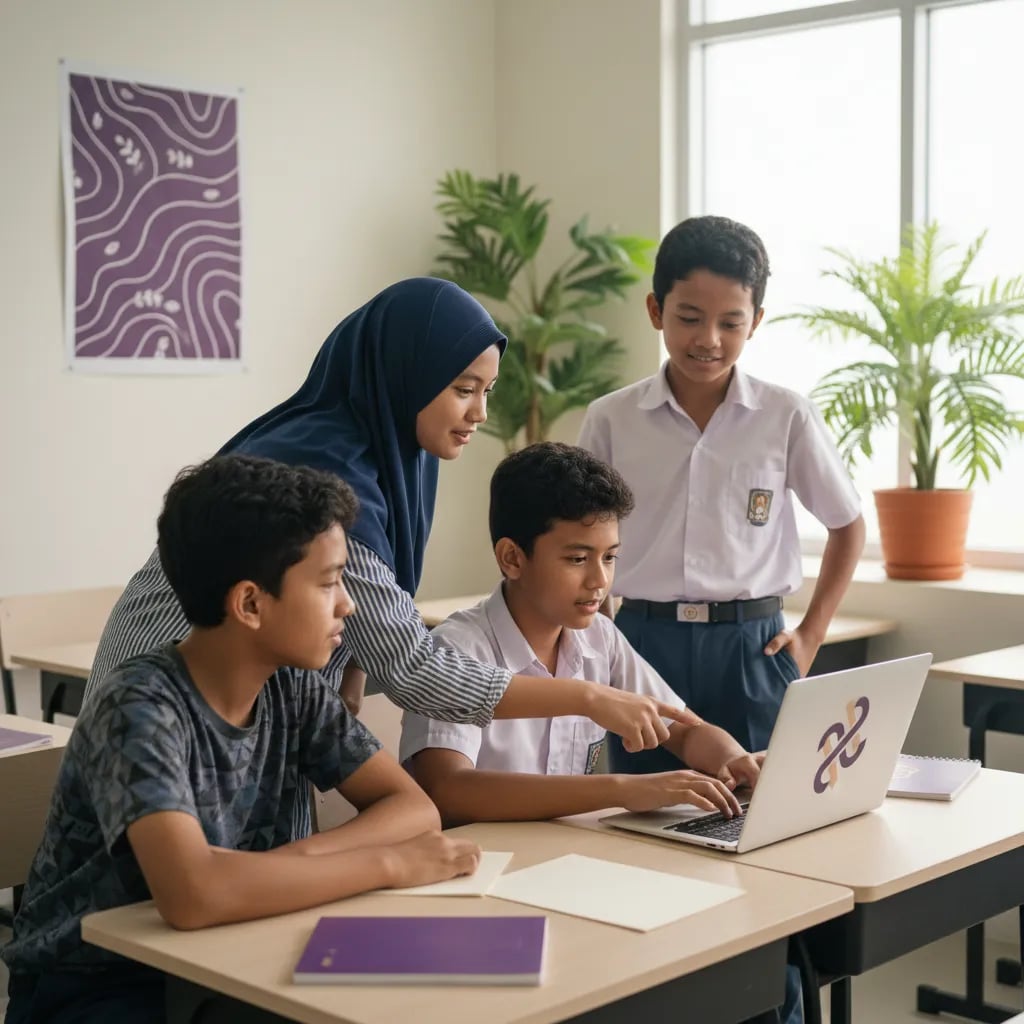


Digital Literacy for Kids: A Parent's Guide in the AI Era

Parent Guides14 min read
Graphic Design for Kids · Ages 8–15
From zero to a real digital portfolio. Kids learn illustration, design, 3D and animation step by step — private with a mentor, with visible results in every project. 1,000,000+ alumni · 97 countries · since 2016 · 4.9★ · Bett MEA Awards winner
8–15
the ages we teach
1-on-1
private online lessons with a mentor
Portfolio
real results by the end
4 tools
GIMP, Inkscape, Tinkercad, Wick Editor
From interest to skill
Does your child love drawing and dream of making work like in films, cartoons or ads? At Algonova we help turn “I want to make something cool” into “whoa, I made this myself!” — with mentor guidance, real projects, and a portfolio they can be proud of.
Programs by age
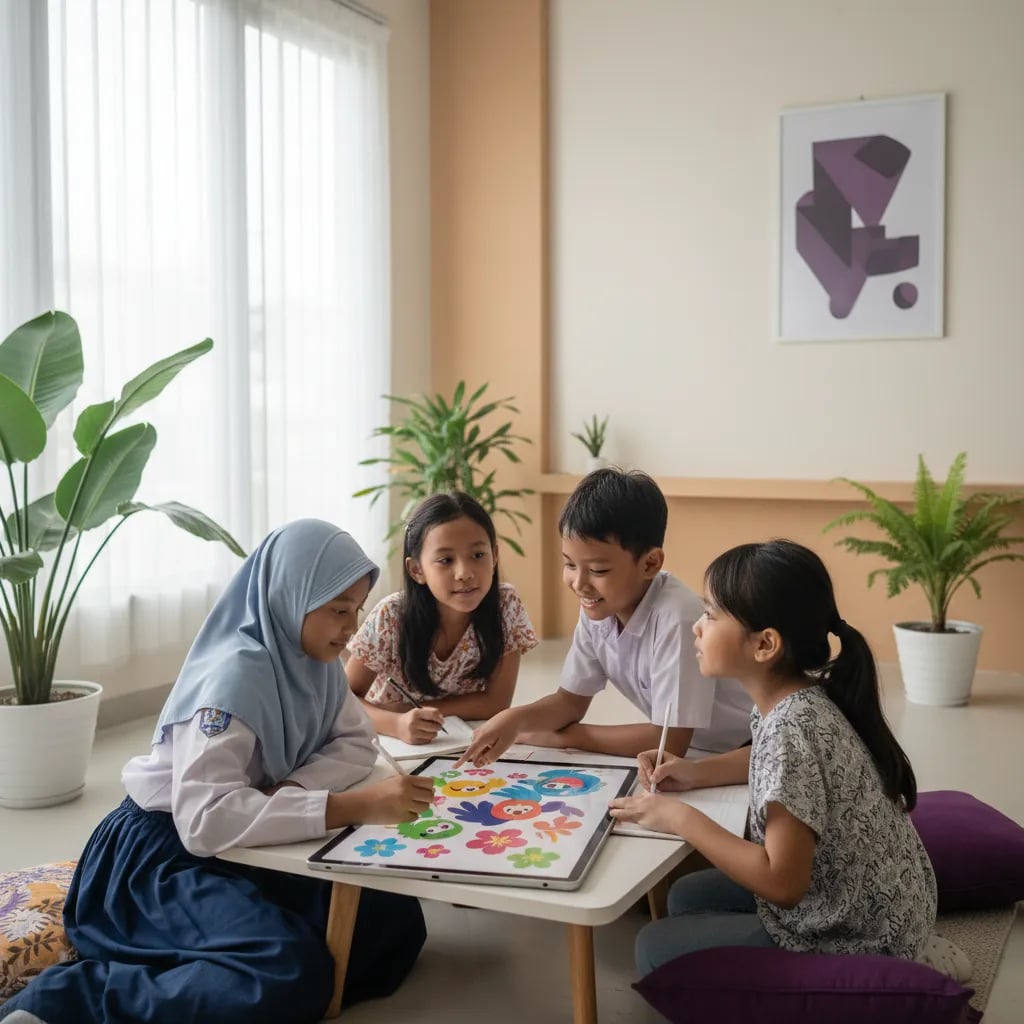
Free class · No card · No commitment
Book one free lesson with a mentor. Even in the first class, your child already creates their own digital work.
Curriculum
Five areas of digital design, from drawing to animation — using the tools real designers use.
Graphics & design
Raster and vector graphics, sketching, line art, colouring, then composition, typography and colour theory.
3D & animation
Compare options
Visible results
Every project is a real result
Kids don't just practise — every lesson produces work they can see: images, 3D objects, or animations.
Clear milestones
From the first sketch to a digital portfolio, kids know exactly how far their skills have grown.
Learning by doing, not theory
Every lesson starts from the child's idea, and the mentor helps turn it into real digital work.
How it works
Every child starts with a free trial and a personal learning plan.
01
1. Free trial lesson
Your child tries one lesson; we get to know their interests and level.
Our approach
Professional tools, free
GIMP · Inkscape · Tinkercad · Wick Editor
The software real designers use — all free and running on an ordinary computer, with no expensive apps to buy.
Project-based, 1-on-1
Private with a mentor
Kids don't memorise theory — every lesson creates real work with personal guidance at the child's pace.
FAQ

Algonova worldwide
Contact
Whatsapp: +62 21 50996971
Email: info@algonova.id
Building first 3D objects in Tinkercad and short animations in Wick Editor.
Professional tools
GIMP, Inkscape, Tinkercad and Wick Editor — all free and used by real designers.
Private 1-on-1 online lessons
A real digital portfolio
Professional design software
Feedback every lesson
Step-by-step from basics to projects
Ordinary class / YouTube
Crowded class or one-way video
Loose drawings with no direction
Pencil & paper only
No personal feedback
Random, no order
A foundation for the future
Design skills and a portfolio become real assets for an interest in design, illustration, games or digital media.
02
2. Personal learning plan
The mentor builds a path matching the child's age and goals.
03
3. Regular private lessons
1-on-1 online, hands-on every session.
04
4. A growing portfolio
Every finished project goes into the child's digital portfolio.
Free trial · No credit card
The result: a digital portfolio
More than just drawing
Every project goes into a portfolio — a foundation for design, illustration, games or digital media.
From age 8. Ages 8–11 join the Junior program, 12–15 join the Senior program.
No. Many kids start from zero and learn from the basics.
Online and private (1-on-1) with a mentor, from home.
GIMP, Inkscape, Tinkercad and Wick Editor — all free.
Just an ordinary computer or laptop and an internet connection.
Kids use professional tools, learn step by step, and build a real digital portfolio — not just loose drawings.
Yes. Parents can book a free class before deciding.
Yes. At Algonova kids learn graphic design from the basics, step by step, through online design and illustration classes with a mentor.
Address
Coworking Area, Gedung IT 6 Lantai Dasar, Nongsa Digital Park, Jalan Hang Lekiu, Kelurahan Sambau, Kecamatan Nongsa, Batam, Indonesia Directorate General of Consumer Protection and Trade Compliance – Ministry of Trade of the Republic of Indonesia. WhatsApp Ditjen PKTN: 0853-1111-1010.