

Online Math Tutoring for Primary & Middle Schoolers: Options & Pricing 2026
Math Education8 min
Coding Education

Maya Putri
Early Childhood Education Specialist
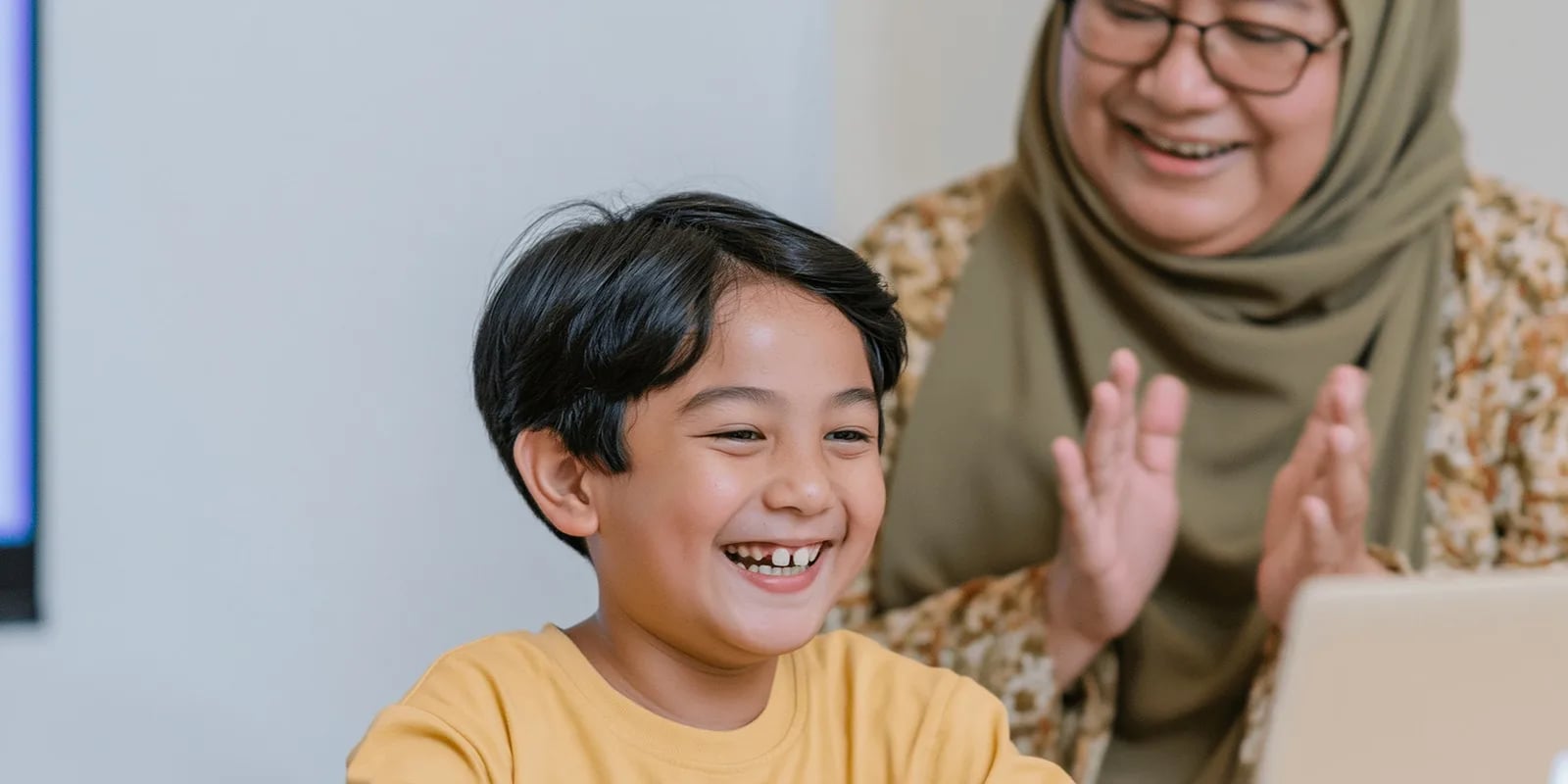
Coding for preschoolers means introducing logical thinking and problem-solving to children aged 5–6 through visual play (like ScratchJr) and screen-free activities — not typing lines of complex code. At this age, kids learn sequencing, patterns, and cause-and-effect through play, trial, and repetition. This guide covers how to start at home with unplugged activities, when to move to ScratchJr, and the long-term benefits for a child's thinking.
Coding for preschoolers isn't about screens and keyboards. It's about building the foundation of computational thinking — the ability to break a big problem into small, clear, ordered steps.
Think about teaching a child to make a sandwich: take the bread, spread the jam, close it with bread. If the order is wrong — spreading jam before grabbing the bread — the result is a mess. That's the heart of coding: the right sequence produces the right result. Children aged 5–6 are perfectly ready to grasp this, because their brains are in a golden window for forming simple patterns and logic.
Four core concepts preschoolers learn through coding:
The good news is that all of these can be taught without any device at all. Let's look at how.
Yes — as long as the method fits their age. The key is using pictures, colors, and movement instead of text.
Here's what parents should keep in mind: the goal of coding at the preschool age is not to produce a tiny programmer. The goal is to train a way of thinking — patient, orderly, and unafraid of mistakes. These skills transfer to everything, from math to storytelling.
The best way to find out whether your child genuinely enjoys logic and technology is to try it firsthand, in a fun and guided setting.
💡 Try it firsthand, for free. Curious whether your little one clicks with coding? Try a free Master Class with Algonova — a 60-minute session with an AI-based talent diagnostic to help reveal your child's interests.
ScratchJr is a free app designed specifically for children aged 5–7. Because kids can't read yet, every command is a colorful picture block you simply drag and snap together. Children can make a character walk, jump, speak, and tell a story — all by arranging blocks like a puzzle.
Why is ScratchJr ideal for preschool and kindergarten?
At Algonova, ScratchJr is the starting point of a learning path that grows with the child: ScratchJr → Scratch → Python. Kids begin with simple visual blocks, then step up to more complex projects when they're ready.
One of the biggest misconceptions is that coding always means screen time. In reality, the best way to introduce coding to preschoolers is often with no screen at all — this is called unplugged coding. It matters especially for young children whose screen time genuinely needs limits.
Here are a few unplugged activities you can try at home right now, using things you already have:
| Activity | What It Builds | How to Play |
|---|---|---|
| Human Robot | Sequencing & clear instructions | The child gives you commands one by one ("two steps forward, turn left") to guide you, the "robot," to a goal |
| Arrow Cards | Algorithms | Arrange arrow cards (↑ → ↓) to guide a toy from point A to B across the floor |
| Bead Patterns | Pattern recognition | The child continues a color pattern of beads or blocks: red-blue-yellow, red-blue-yellow… |
| Sequence Story | Logic & ordering | Put picture cards (wake up → bath → breakfast) in the correct order |
| Treasure Trail | Debugging | Make a "map" of steps; if the child gets "lost," find the wrong step and fix it |
These look like ordinary games, but they quietly train the same thinking real programmers use. That's why many parents start here before introducing any app.
Why bother introducing coding as early as preschool? Because the benefits go far beyond technology itself. Here's what grows in a child:
These benefits align with project- and reasoning-based learning approaches — the same spirit behind Indonesia's Kurikulum Merdeka — rather than rote memorization. Coding is one of the most natural ways to build 21st-century skills early. (Read more about the benefits of coding for kids.)
Algonova takes children from age 5 — just match the form of the activity to your child's readiness:
The most important principle: keep it fun. The moment it feels like "homework," a young child's interest fades instantly. Follow your child's curiosity, praise effort (not just results), and let them experiment freely.
If you'd like your child to learn with structured guidance, live online coding classes with a teacher can be a lighter option than teaching it all yourself. At Algonova, classes are live (not pre-recorded video) with certified teachers, in Private (1 student), Mini (2-4 students), and Group (up to 10 students) formats, so every child still gets real attention.
Teaching coding at home is doable, but not every parent has the time or confidence to guide the process consistently. This is where structured classes help.
Algonova is an international tech school for kids trusted by 1,000,000+ alumni across 97 countries since 2016. Its approach: first recognize a child's natural talent through an AI-based diagnostic, then develop it along a fitting learning path — from ScratchJr for the youngest to Python for older kids. Classes are live and online, so a child in any city across Indonesia can learn comfortably from home.
It's not about producing a programmer as fast as possible. The goal is to help a child discover what they love and are good at — then grow it into real skills.
Coding for preschoolers is an investment in how your child thinks — logical, creative, and unafraid of mistakes. You can start today with screen-free activities at home, then move to ScratchJr when your child is ready.
If you want to know whether your little one truly enjoys the world of coding, the easiest way is to try it firsthand. Try a free 60-minute Master Class with Algonova — a fun session with an AI-based talent diagnostic that helps you recognize your child's interests and strengths. No cost, no pressure.
Learn more: What is coding for kids · Coding for elementary kids · Algonova coding programs.
Preschoolers aged 5 to 6 can start learning to code through screen-free activities and visual apps like ScratchJr, long before they can read or type. The focus is not writing code but training sequencing logic, cause-and-effect, and problem-solving through play. Short 15 to 20 minute sessions are enough at this age. To introduce coding in a guided way with a teacher, see the programs on the coding classes page, or try a free coding class so a teacher can assess your child's readiness in a short diagnostic session.
Want your child to start coding? Try a free Master Class.
Yes, Algonova Indonesia runs a full coding program for kids aged 5 to 17, covering kindergarten through senior high. It splits into three age tracks: Little Coders for ages 5 to 7 using visual block based coding, Junior Coders for ages 8 to 12 using Scratch and the fundamentals of programming logic, and Teen Coders for ages 13 to 17 using Python and game development. Every class is live online with certified teachers in small groups of up to 10 students. Kids build a real project from the first session rather than memorising syntax. Algonova has taught more than 1,000,000 students across 97 countries since 2016.
Yes. For the coding track Algonova Indonesia offers a free 60 minute master class with no commitment. No credit card is needed and there is no auto subscription afterwards. Note that these 60 minutes are an introductory master class, not a regular lesson. A regular coding class runs 90 minutes. During the master class the child works directly with a certified teacher, tries the online learning platform, and finishes a first small project matched to their age. After the session parents receive a personal learning track recommendation plus a transparent explanation of program, schedule, and pricing from Rp 102,000 per lesson. To book, fill in the form on the website.
Algonova Indonesia coding classes come in three formats: Private with one student per teacher, Mini group of 2 to 4 kids, and Group of 6 to 10 kids of similar age and level. The small group format exists because coding gets stuck on very specific lines of code, and a child needs a teacher who can look at their screen when it happens. In a Mini group the teacher checks each child's screen several times per session. The Private format is the most intensive and suits competition preparation, independent projects, or a child who wants to move faster than the group.
Kids coding at Algonova Indonesia starts from Rp 102,000 per lesson. The price covers the live session with a certified teacher, digital learning materials, online platform access, and an official certificate once the child completes each program level. The starting rate is the same across all age tracks. The final quote depends only on class format, meaning Private, Mini, or Group, and on how many sessions per week you choose. Group is the most affordable option and Private is the most intensive. Full pricing is shared after the free master class and before formal enrolment, with no surprise fees. To get a quote, fill in the form on the website.
Yes, every Algonova Indonesia coding program runs fully online with live sessions taught by certified teachers, not recorded videos. Kids learn in real time in small groups, with live Q&A and code written alongside the teacher during the class. To join, a child needs a computer or laptop with a camera, a stable internet connection, and a headset. The Algonova platform runs directly in the browser, so no special software installation is required and no expensive machine is needed. Because everything is online, families anywhere in Indonesia can join and easily fit lessons around school.
Three things make Algonova coding effective for Indonesian kids: project based learning, a staged track, and small groups. Every session produces something that runs and can be shown to a parent, which keeps motivation alive far longer than theory alone. The track climbs gradually from visual block based coding to Python, so a child never jumps into a text language before their logic is ready. Small groups of up to 10 students let the teacher adjust pace: faster kids get extra challenges and stuck kids get help inside the same session. The material also lines up with coding and artificial intelligence entering the Indonesian school curriculum.
That is fine, most Algonova students start from zero with no coding experience at all. Every new child begins with the free master class, where the teacher watches how they solve problems and picks the right starting point. Kids aged 5 to 7 start with visual block based coding and do not need to type fast yet. Older kids can start with Scratch and move up to Python once their logic is solid. All that is required is basic reading and curiosity. Parents do not need to understand programming to support the child, because every task is explained by the teacher during class.

Algonova worldwide
Contact
Whatsapp: +62 21 50996971
Email: info@algonova.id
Address
Coworking Area, Gedung IT 6 Lantai Dasar, Nongsa Digital Park, Jalan Hang Lekiu, Kelurahan Sambau, Kecamatan Nongsa, Batam, Indonesia Directorate General of Consumer Protection and Trade Compliance – Ministry of Trade of the Republic of Indonesia. WhatsApp Ditjen PKTN: 0853-1111-1010.
PT Algonova Indonesia Cerdas All rights reserved 2026
