Sakamoto Math Fees in Indonesia 2026: Cost Items, How to Calculate and Online Alternatives
Which Is Better?10 min
Learn Coding

Fajar Hidayat
Coding Curriculum Team, Algonova
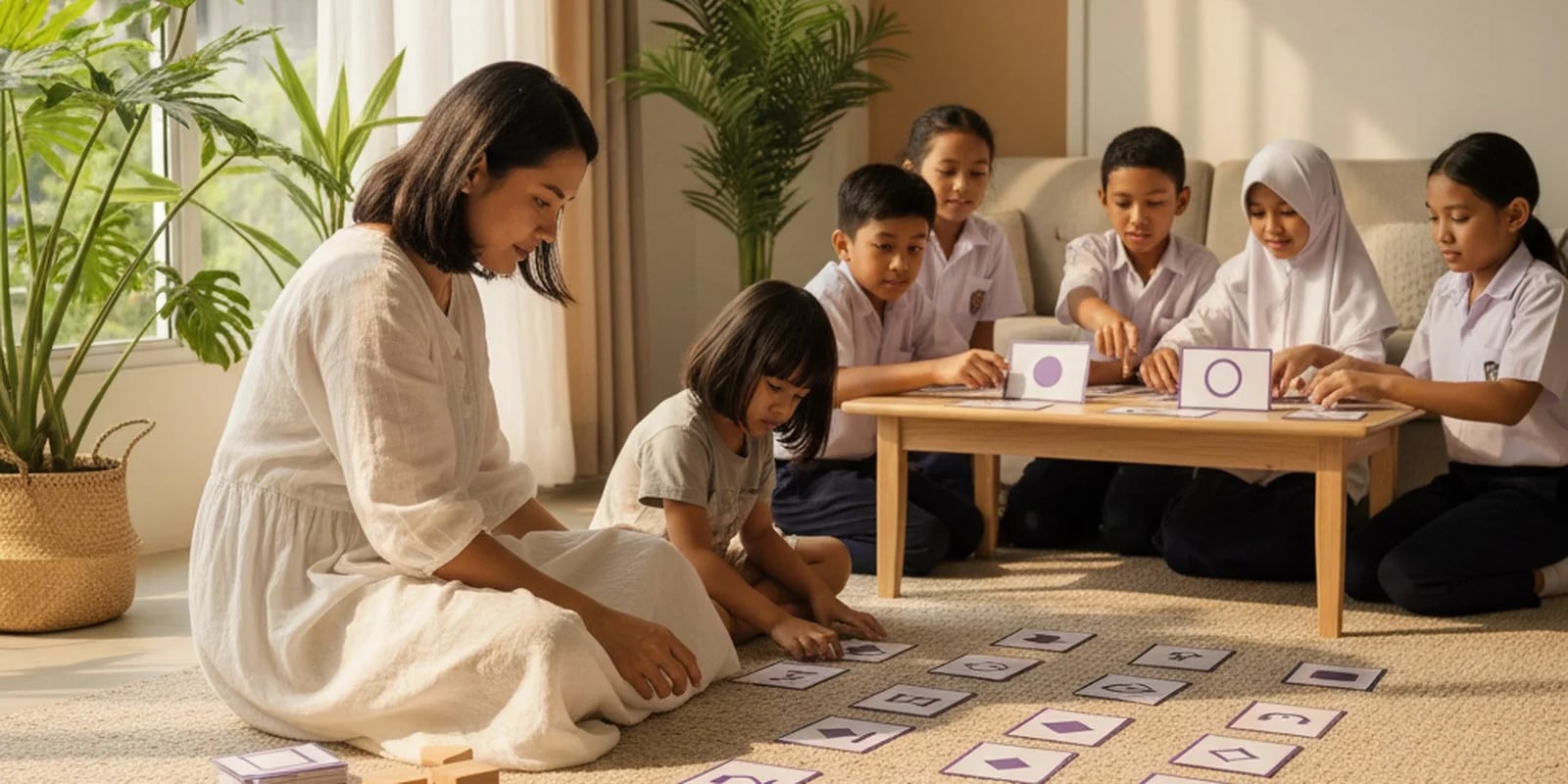
Unplugged coding is a way of teaching programming concepts without a computer, tablet, or any device at all — using only cards, movement, and games.
Many parents are surprised to hear this. Learning to code without a computer? But there is one fact that makes this method more than just a cheap alternative:
The Koding dan Kecerdasan Artifisial curriculum from Kemendikdasmen actually begins with unplugged methods at SD level.
Not because of a shortage of devices, but because that is the order that makes pedagogical sense. This article explains why, gives six activities you can do at home today, and marks the point at which a child is ready to move to a screen.
The official approach of the Koding dan KA programme is tiered: SD through unplugged methods, SMP with block-based programming, SMA/SMK with text-based coding and applied AI.
The logic is simple. What is really being learned in coding is not syntax but computational thinking: breaking a big problem into small steps, recognising patterns, arranging sequences, and creating "if this, then that" conditions.
All of that can be practised without a single line of code. And if a child masters it first, a programming language later becomes a technical matter — not a wall.
Conversely, a child sat straight down in front of a code editor often memorises steps without understanding why. It looks fast at first, then stalls at the first problem that is not in the tutorial.
Four concepts, and all of them have an everyday equivalent:
| Concept | In coding | In everyday life |
|---|---|---|
| Sequence | Commands run in order | A cooking recipe, the steps of brushing teeth |
| Loop | Repeating a block of commands | "Stir ten times" |
| Condition (if/else) | A decision branch | "If it rains, take an umbrella" |
| Decomposition | Breaking down a big problem | Tidying a room section by section |
All of them can be done today, without buying anything.
The child becomes the "robot", you give the commands — then you swap roles. The rule: the robot only carries out commands exactly as spoken. "Get the glass" is not enough; it has to be "walk forward three steps, turn right, reach out your hand".
What it trains: sequencing and precision of instruction. The child quickly realises that a computer does not guess what we mean.
Make something simple together — a sandwich, an iced tea — and write the steps on paper first. Then deliberately swap two steps around and see what happens.
What it trains: algorithms and the consequences of a wrong order.
You hold a simple picture the child cannot see, then dictate how to draw it using words alone. Compare the results at the end.
What it trains: decomposition and clarity of instruction. It is also funny — the results are almost always different.
Build a pattern out of any objects in the house: spoon–fork–spoon–fork. Ask the child to continue it, then to create their own pattern for you to guess.
What it trains: pattern recognition — the basis of loops.
Agree on rules together: "if I clap, you jump; if I knock on the table, you sit down". Add a third rule, then a fourth.
What it trains: conditions and branching. The more rules there are, the clearer it becomes that logic needs to be organised properly.
Write out the steps for making something, but deliberately get one step wrong. Ask the child to find the mistake and fix it.
What it trains: debugging — and the attitude that mistakes are something you look for and fix, not a reason to stop. This is in fact the skill that most often decides whether a child sticks with coding or gives up.
It makes most sense in the 5–9 range, and this matches the curriculum, which places unplugged methods at SD level.
For older children, unplugged work is still useful, but usually as a short interlude — not as the main programme. Children of 10 and above who are already interested are usually ready to work directly on a screen.
Unplugged work is not a substitute for coding on a computer, and anyone who presents it that way is misleading you.
A child who only plays with command cards will not be able to build a game or an app. What unplugged work builds is a foundation for how to think; finished products only appear once the child starts working with real tools.
The signs that a child is ready to move to a screen: they start to get bored with the command games, they are comfortable with sequences and conditions, and they begin asking "how do I make one myself".
We teach coding for children online from the age of 5. For the youngest children the early lessons do lean heavily on logic before syntax — the same principle as unplugged work — then move gradually into block-based programming, and on to Python and web development in the teenage years.
For primary school children there are coding classes for SD children, and for those interested in making games — Roblox and game design from age 10.
If you would first like to understand what the Koding dan KA programme at school actually is and what changes for your child, that is covered separately in our guide to the Coding and Artificial Intelligence curriculum. The key term is explained in computational thinking.
The easiest way to gauge your child's readiness is a free 60-minute masterclass with a teacher. There is no obligation to continue.
Unplugged coding means learning programming concepts without a device, and it is not a cheap version of real coding — it is precisely where the national curriculum begins at SD level.
The six activities above cost nothing and can be started tonight. What they build is not the skill of typing code, but the way of thinking that makes code make sense later.
Yes, a child can learn coding without a computer through unplugged activities that teach the same thinking: sequencing steps, spotting patterns, and breaking a problem into parts. Games like giving directions on a grid, sorting cards, or writing a "recipe" of instructions build the logic behind real code. When the child is ready for screens, structured classes take it further. See Algonova's coding classes for ages 5 to 17, or try a free coding class, a 60-minute masterclass.
Unplugged coding is a way of teaching programming concepts without a computer, tablet, or electronic device — using cards, movement, games, and everyday objects. What it trains is computational thinking: sequencing, loops, conditions, and breaking a problem down into small steps.
The approach of the Koding dan Kecerdasan Artifisial programme from Kemendikdasmen is tiered: SD through unplugged methods, SMP with block-based programming, SMA/SMK with text-based coding and AI. The reason is pedagogical — what needs to be mastered first is the way of thinking, not the syntax. Once that foundation is there, a programming language is simply a technical matter.
No. Unplugged work builds a foundation for how to think, but a child who only plays with command cards will not be able to build a game or an app. Finished products appear once the child starts working with real tools. Unplugged work is the first stage, not a replacement.
It makes most sense for ages 5–9, in line with the curriculum, which places this method at SD level. For children of 10 and above unplugged work remains useful as an interlude, but they are usually ready to work directly on a screen.
Some of the most effective: playing "the robot and its programmer" (the child carries out commands exactly as spoken), writing a recipe as an algorithm and then swapping the order of the steps, drawing using only spoken instructions, building patterns from household objects, the "if… then…" game, and finding the mistake in a list of steps that has deliberately been made wrong.
The signs: the child starts to get bored with the command games, is comfortable with sequences and conditions, and begins asking how to make something themselves. At that point block-based programming becomes the natural next step.

Algonova worldwide
Contact
Whatsapp: +62 21 50996971
Email: info@algonova.id
Address
Coworking Area, Gedung IT 6 Lantai Dasar, Nongsa Digital Park, Jalan Hang Lekiu, Kelurahan Sambau, Kecamatan Nongsa, Batam, Indonesia Directorate General of Consumer Protection and Trade Compliance – Ministry of Trade of the Republic of Indonesia. WhatsApp Ditjen PKTN: 0853-1111-1010.
PT Algonova Indonesia Cerdas All rights reserved 2026