Online vs In-Person Coding Classes for Kids: Which Fits Better? (2026)
Which Is Better?9 min read
Parent Guides

Maya Putri
Early Childhood Education Specialist
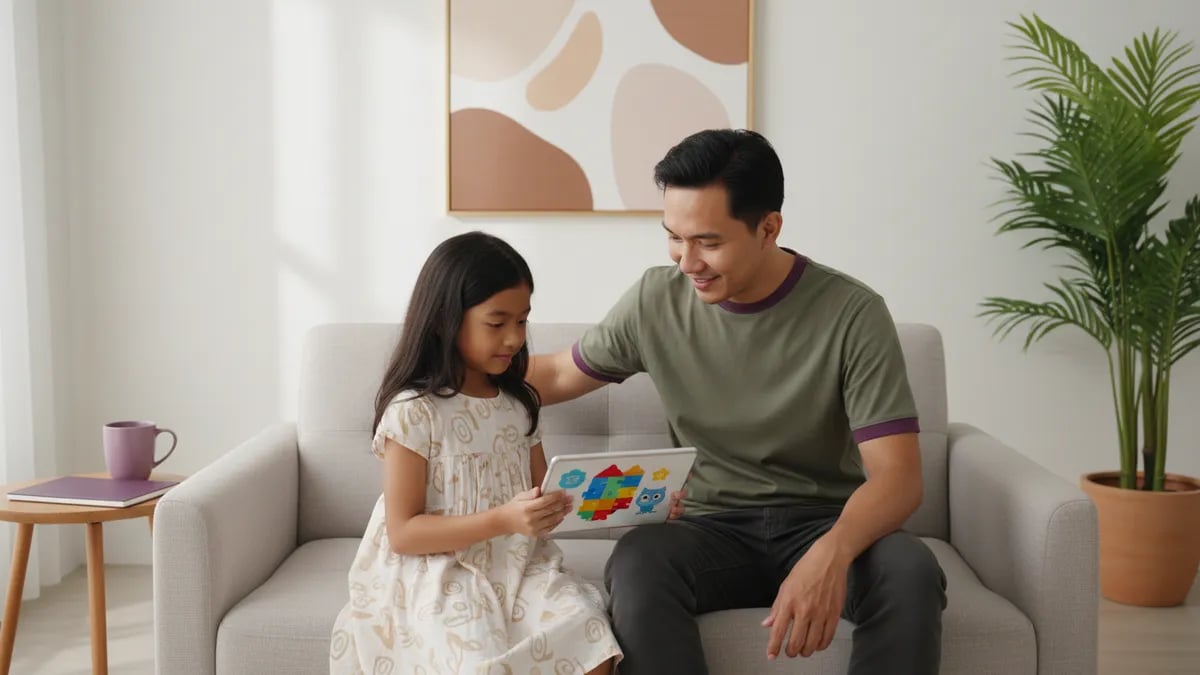
Coding for 2nd graders (kelas 2 SD in Indonesia, ages 7-8) starts with ScratchJr, not with typing code. Children learn to put commands in order, repeat them, and fix what does not work. Sessions of 20-30 minutes, 2-3 times a week, on one tablet or laptop are enough. This guide covers what second graders learn, two projects you can build this week, and a home schedule for parents.
Yes, a 2nd grader is ready for coding if he or she is comfortable holding a tablet and can follow three instructions in a row. At 7-8 years old, most children in kelas 2 SD have only recently become fluent readers, so coding at this stage uses pictures on blocks instead of written commands.
Schools rarely offer coding in grade 2. Indonesia's Ministry of Primary and Secondary Education (Kemendikdasmen) made Coding and Artificial Intelligence an elective subject starting in grade 5 of elementary school, phased in from the 2025/2026 school year (Kemendikdasmen press release of 23 July 2025). Parents who want an earlier start usually teach at home or choose an outside course.
Not sure your child is ready? Read the signs a child is ready to learn coding and the guide to the best age to start coding. For grades 1 to 6 together, see the guide to coding for elementary school kids.
Second graders learn four basic ideas: sequence, repetition, events ("when tapped"), and debugging. Variables, scores, and Python are not needed yet.
The table shows each idea, an on-screen example, and a screen-free way to practice it:
| Idea | What it means for a child | On-screen example | Screen-free example |
|---|---|---|---|
| Sequence | Commands run one after another | The cat moves, hops, then stops | The child gives orders, a parent acts as the robot |
| Repetition | One command repeats several times | The cat waves 3 times | Clap 3 times, jump 2 times |
| Events | One thing happens after another | The cat says hello when touched | "When the bell rings, we stand up" |
| Debugging | Finding the wrong step | The cat does not move, so the child checks the block order | A simple recipe with the steps swapped |
A practical session length for grade 2 is 20-30 minutes, 2-3 times a week. This is a rule of thumb from Algonova teachers for home study, not a school regulation. A topic table for every grade is in the guide to coding topics for elementary school by grade.
Start with ScratchJr, then move to Scratch once your child reads fluently and types comfortably. According to MIT News (2014), ScratchJr is designed for ages 5-7, while Scratch is used by children aged 8 and up.
| ScratchJr | Scratch | |
|---|---|---|
| Age | 5-7 years | 8 years and up |
| Cost | Free | Free |
| Device | Tablet (iPad or Android) | Laptop or computer, in a browser |
| Reading needed? | No, picture blocks | A little, blocks with text |
| Best for | Short stories and animations | Longer animations and simple games |
A 2nd grader who is already 8 and likes typing can try Scratch on a laptop, but ScratchJr remains the safest first step. You do not need an expensive laptop; see the minimum laptop specs for kids learning to code and coding apps for kids on a phone. For a full introduction, read what Scratch is.
These two projects fill the first two weeks and use only basic blocks. Plan two 20-minute sessions for each project.
Project 1: a cat that says hello (ScratchJr)
Project 2: Kancil and the Crocodile talk (ScratchJr)
Using a traditional Indonesian story makes the project feel familiar. Once your child is confident, ask them to retell the story with three characters.
Home practice works best in short 20-30 minute sessions, 2-3 times a week, with a parent sitting beside the child. This schedule is enough to finish the first project in one week:
When your child gets stuck, do not take over the mouse. Ask, "What do you want the cat to do, and which block tells it to do that?"
Parents do not need to know how to code. Your job is to ask questions, give your child time to try, and let them fix their own mistakes. More screen-free activities are in the guide to unplugged coding, and more beginner steps are in how to teach your child coding at home.
A child needs a teacher when progress stalls after 2-3 weeks or when you do not feel comfortable with the basics yourself. Signs to watch for:
Algonova teaches coding online with a live teacher, in groups of up to 10 children, from Rp 102,000 per lesson. Children aged 5-7 learn with ScratchJr in the coding class for ages 5-7. A child who is already 8 and reads fluently can look at the Scratch path in the coding course for elementary school kids, which covers grades 3-6. The trial class is free, and after it the team assesses your child's level to choose the right track. We do not run in-person classes; every class is online.
After grade 2, children usually move from ScratchJr to full Scratch in grade 3, build projects with a score in grade 4, and start meeting Python in grades 5-6. This is the same path as the grade-by-grade table in the guide to coding for elementary school kids.
If you have a younger child, read coding for 1st graders. For an older sibling, there is coding for grades 5 and 6.
No, a 2nd grader is not too young to learn coding. ScratchJr, a coding app made by researchers at the MIT Media Lab and Tufts University, is designed for children aged 5-7, so 7-8 sits well inside its range. Children do not type code. They snap picture blocks together like puzzle pieces to make characters move, speak, and jump. What gets trained is a way of thinking: break a task into steps, predict the result, and fix it when it goes wrong. If your child gets frustrated quickly or is not interested in screens, it is fine to wait a few months and start with screen-free games. Nobody gets "too late" at this age. Begin with 15-20 minute sessions and see whether your child wants more.
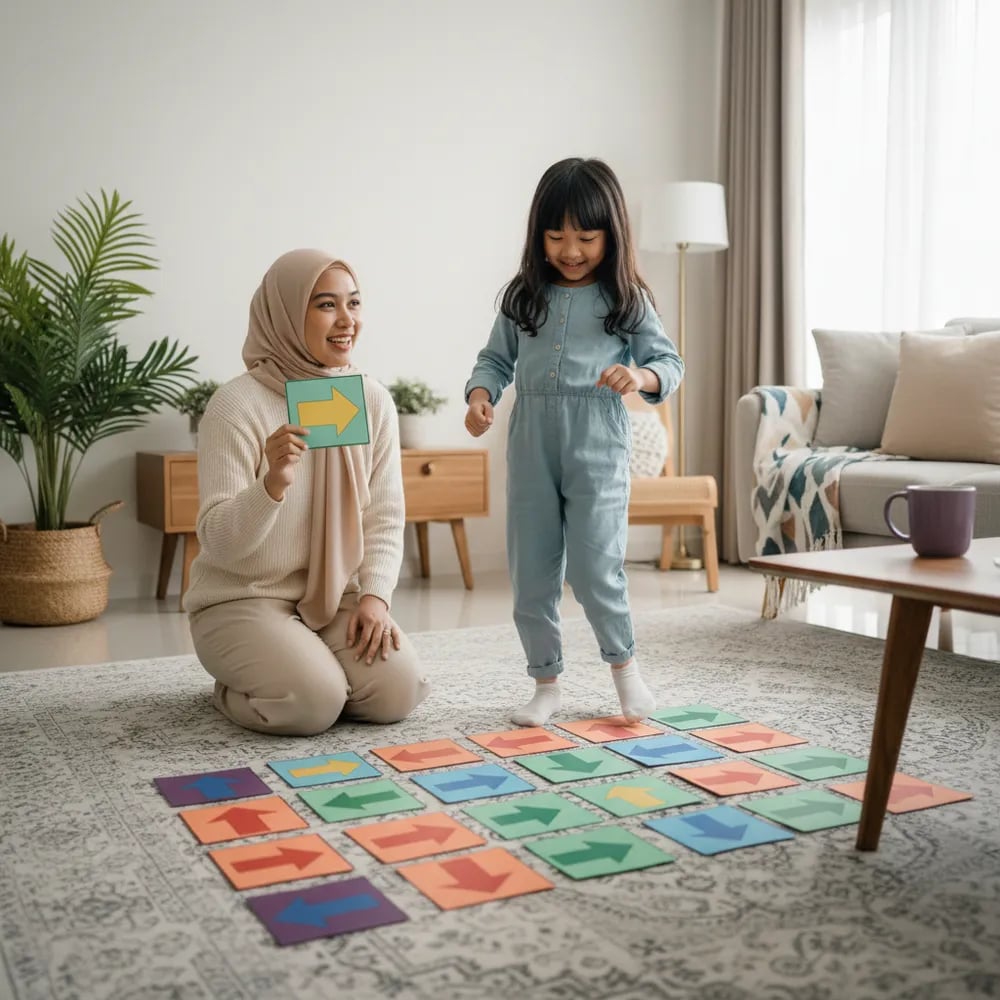
A 2nd grader should practice coding for 20-30 minutes per session, two or three times a week, rather than for hours every day. This figure is a rule of thumb from Algonova teachers for home study, not an official school rule. At 7-8 years old, attention spans are still short, so a short session that ends while the child is still keen works better than a long one that ends in boredom. Leave the last 5 minutes for your child to show what they made. If your child asks to continue, you can add time, but do not make it an obligation. Screen-free sessions, such as a robot game with arrow cards, count as coding practice too and can fill the days in between.
Yes, a child who does not read fluently yet can still learn coding with ScratchJr. The app uses picture blocks, such as an arrow for moving and a bubble for speaking, so children do not need to read commands. Text only appears when the child wants a character to say a sentence, and a parent can type that part. Moving to Scratch, which uses blocks with words and more typing, is better left until your child reads short sentences comfortably and uses a keyboard. There is no rigid age order. A more reliable sign than age is whether your child can read block names without guessing.
Not necessarily. ScratchJr runs on an iPad or Android tablet and is free, so one tablet is enough to start. A laptop or computer only becomes necessary when your child moves to Scratch, which runs in a browser and is easier with a keyboard and mouse. The specs are modest: an ordinary laptop with a stable internet connection handles simple animations and projects. For Algonova's online classes, children learn from a laptop, computer, or tablet, and the class cannot be followed from a phone. If you are unsure about devices, check what you already have before buying anything, because many families already own something that works.
Generally, no. The elective subject Coding and Artificial Intelligence was set by Kemendikdasmen to start in grade 5 of elementary school, phased in from the 2025/2026 school year, according to the press release of 23 July 2025. It is an elective, so implementation depends on each school's readiness. In grade 2, coding-like activities may appear in extracurriculars or school projects, but there is no national curriculum for this grade. That is why parents who want an earlier start usually teach at home with free apps or enroll in a course. You can ask your child's homeroom teacher whether the school has a computer club.
Move to Scratch when your child reads short sentences easily, is comfortable with a mouse and keyboard, and has outgrown what ScratchJr offers. According to MIT News (2014), ScratchJr is designed for ages 5-7 and Scratch is used by children aged 8 and up, so many children switch at the end of grade 2 or the start of grade 3. A practical sign: your child has finished several ScratchJr projects without help and starts asking for features that do not exist there, such as a score or several characters reacting to each other. Moving on does not make ScratchJr useless; the ideas of sequence and repetition carry straight into Scratch.
Yes. Parents do not need to understand programming, because grade 2 material covers only sequence, repetition, and events, which we use in daily life already. Your role is to sit beside your child, ask questions, and give time to try. Questions such as "What do you want to happen first?" or "Which block tells it to hop?" help more than giving answers. You can also learn alongside your child through the cat project, which takes a few minutes to finish. If you feel unsure, a class with a teacher is an alternative, and home support then means keeping your child company and asking about what they made.
Algonova's online coding courses start from Rp 102,000 per lesson, in groups of up to 10 children with a teacher who teaches live online. The final price depends on the class format and the number of lessons you choose, and the team explains it after the trial class. Self-study at home with ScratchJr or Scratch costs nothing because both apps are free; you only need a device and your time. There is a separate course page for ages 5-7, while the Scratch path for grades 3-6 is on the elementary school coding page. Compare the two options after your child has tried a first class.
You can book a free trial class through the short quiz on the Algonova site. For coding, the trial is a 60-minute master class with a live teacher, with no credit card and no obligation to continue. Your child joins a real class, meets the teacher, and makes something in the first session. Afterwards the team assesses your child's level and learning style to choose a suitable track. Prepare a tablet or laptop with a stable internet connection and sit near your child for the first 10 minutes. If your child feels comfortable, you can continue; if not, you have spent nothing.

Algonova worldwide
Contact
Whatsapp: +62 21 50996971
Email: info@algonova.id
Address
Coworking Area, Gedung IT 6 Lantai Dasar, Nongsa Digital Park, Jalan Hang Lekiu, Kelurahan Sambau, Kecamatan Nongsa, Batam, Indonesia Directorate General of Consumer Protection and Trade Compliance – Ministry of Trade of the Republic of Indonesia. WhatsApp Ditjen PKTN: 0853-1111-1010.
PT Algonova Indonesia Cerdas All rights reserved 2026