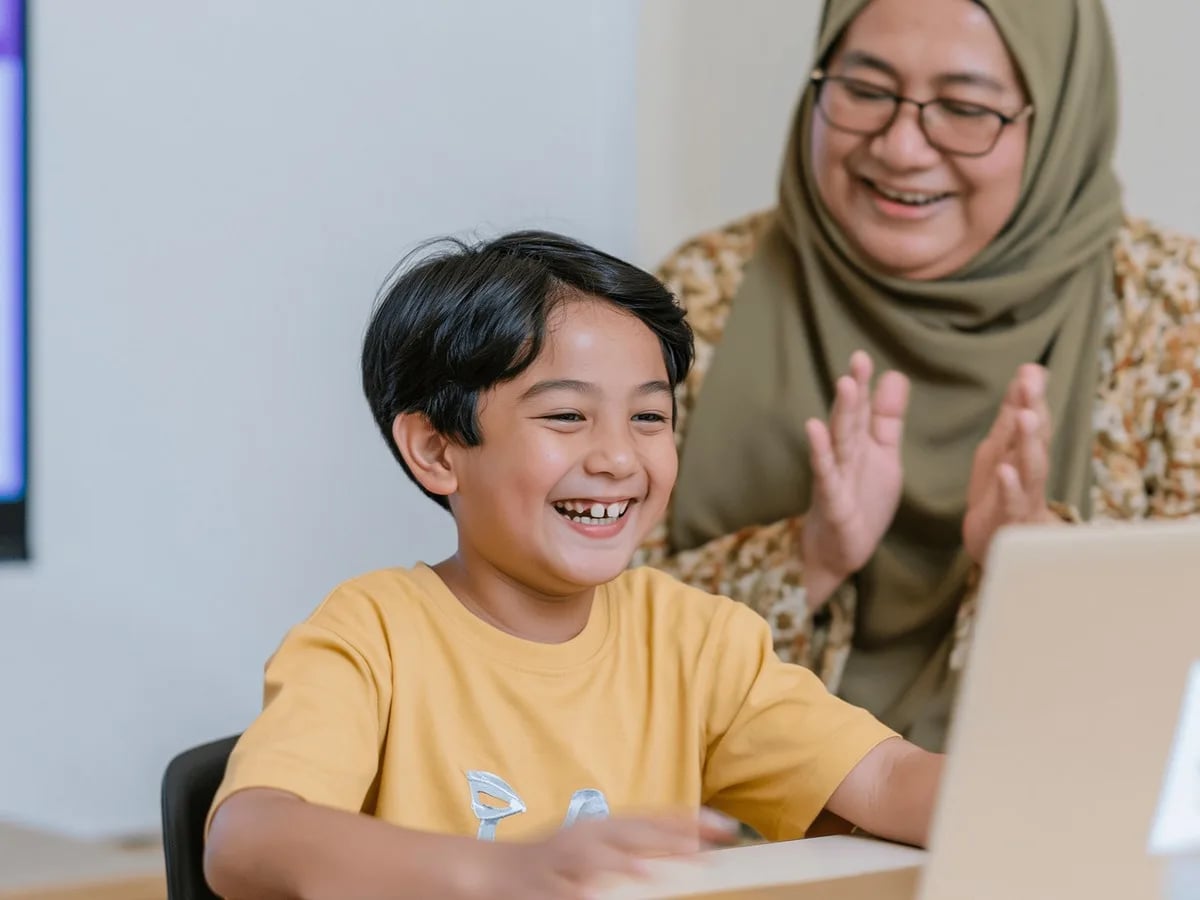
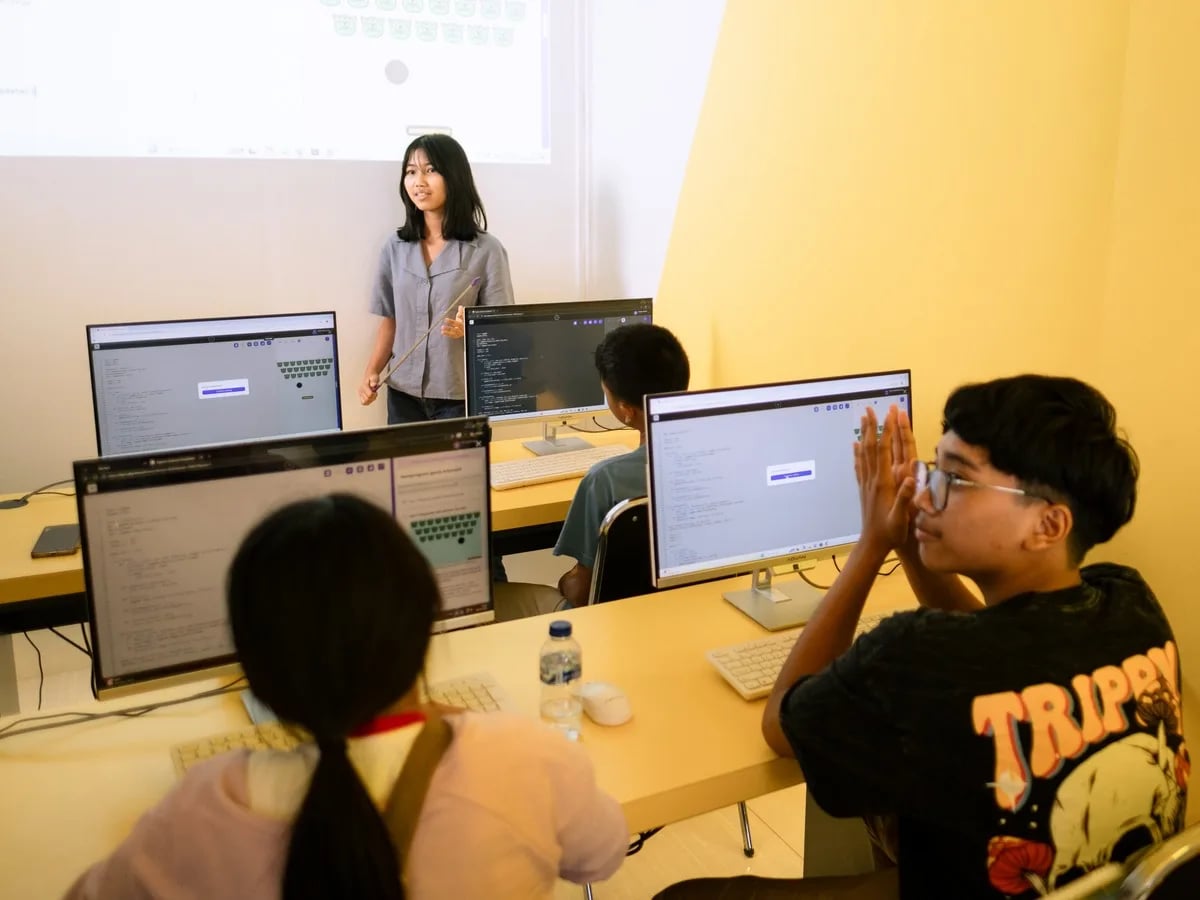
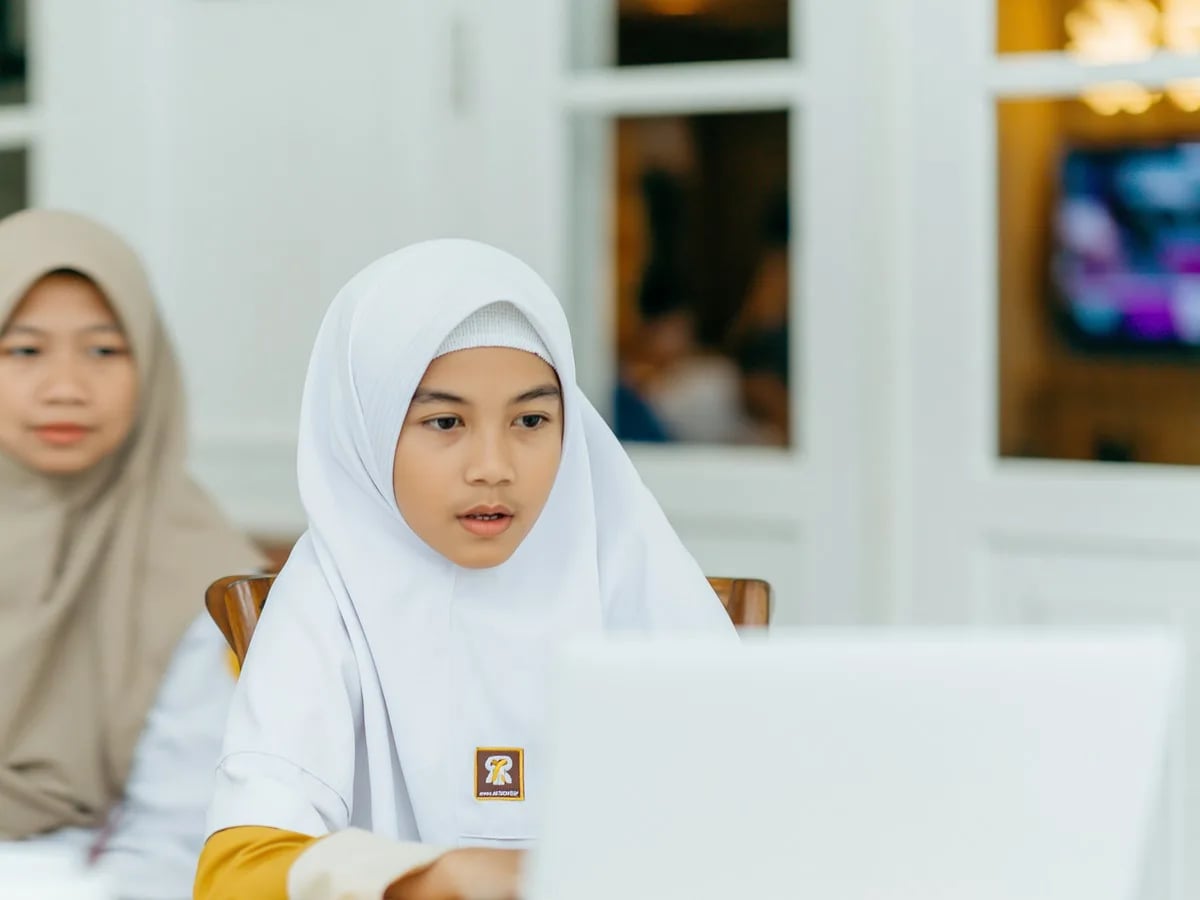
Coding Knight (5–6): ScratchJr foundation









Honest review — Aira didn't want to do it in the first class. By week 3 she was asking when the next one was. The teacher knew exactly how to handle a 6-year-old's mood swings.

Devi Halim
Mother of Aira, 6 · Surabaya
EARLY CODING CLASSES
Fun live online coding classes for young children aged 5–7. Learn through games and visual puzzles. No reading required. Certified teachers, small groups. From Rp 102,000 per lesson. 1,000,000+ alumni · 97 countries · since 2016 · 4.9★ · Bett MEA Awards winner
For parents who wonder
It's not about code
At this age
We're not teaching syntax. We're teaching how to break a task into steps, predict outcomes, and fix things that don't work. The medium is play — the skill is thinking.
The MIT logic
ScratchJr is designed for this age
Scratch was built at MIT for ages 5–7. Visual blocks, no text. Children build the same logical structures used in real programs — without ever touching a keyboard's letters.
Screen-time with purpose
If they're already on screens
Most kids this age already get hours of YouTube. 90 minutes a week of guided, active making is qualitatively different — and they often want it more than passive scrolling.
Two courses, full 5–7 coverage
Algonova · Coding Faculty for ages 5–7
Coding Knight (5–6): ScratchJr foundation
32 lessons, 8 modules: linear algorithms, loops, animation, conditions. Children build interactive cartoons and quest games using ScratchJr — no reading required.
Digital Literacy (7): rest of digital fluency
36 lessons across 8 modules: productivity (WPS Office), graphics (Sumopaint), and AI tools (Craiyon, Perplexity). The practical IT schools assume kids know.
Real programming concepts
Both courses teach the same building blocks adults use — algorithms, loops, conditions — but through games and visual stories age-appropriate to 5–7.
Real projects, real portfolio
By the end of each course, your child has interactive cartoons, animations, AI-generated art, and presentations — a portfolio they can show family and use in school.
How it works
01
Free Trial Class
Your child tries a real class. No commitment needed.
02
Skills Assessment
We find the right starting level for your child.
03
Weekly Live Classes
Live sessions with the same teacher — private, a mini-group of 2–4, or a group of up to 10.
04
Real Projects
Every few weeks, your child completes a real coding project.
Trial class always free · No card required
Algonova Teaching Team
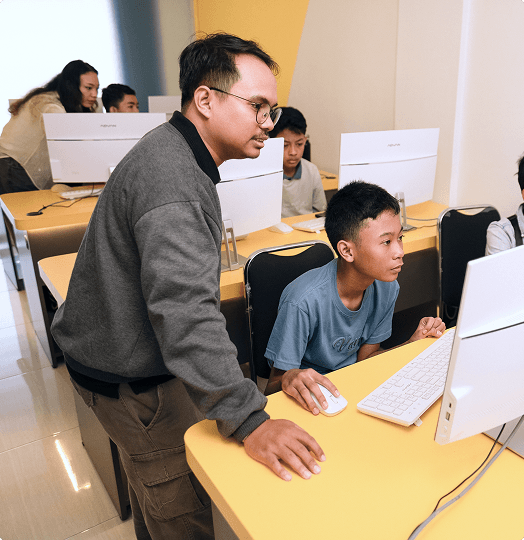
Dimas stayed with me even when I was struggling with my project. Without him, I wouldn’t have been able to finish it. I want to keep getting better with him.

Satria Wiguna
Python student
Parents of 5–7 year-olds
Honest review — Aira didn't want to do it in the first class. By week 3 she was asking when the next one was. The teacher knew exactly how to handle a 6-year-old's mood swings.
Devi Halim
Mother of Aira, 6 · Surabaya
I'm a teacher myself. The methodology is genuinely age-appropriate — not just adult coding shrunk down. They understand 5-year-olds.

Riska Pratama
Mother of Bima, 5 · Jakarta
Best decision was starting early. By the time he's 8 he'll have two years of structured logic thinking. Worth it.

Faisal Nugroho
Father of Reno, 7 · Bekasi
FAQ
Yes, children aged 5 can learn to code at Algonova Indonesia using ScratchJr — visual block-based coding designed specifically for children who cannot yet read. Kids don't write text code; instead they assemble colour blocks like puzzles to make characters move, make sounds, or interact. At age 5, children are still in the best learning stage for basic logic concepts: sequence, cause-and-effect, and problem-solving. Visual coding like ScratchJr provides a fun framework for these concepts, far more effective than formal lessons. The Algonova approach for ages 5-7 is play-based: kids don't feel like they are studying, they feel they are playing and creating. The results: animations, interactive stories, or mini-games that can be shown off to parents and friends.
No, children do not need to read to start coding at Algonova Indonesia. For ages 5-7, we use ScratchJr — a visual coding platform with colour blocks and picture icons that requires no reading ability whatsoever. Every command block in ScratchJr is represented by a clear visual icon: an arrow for move, a foot for walk, a music note for sound. Children assemble these blocks intuitively, like arranging a colour puzzle. Certified Algonova teachers guide children verbally during the online session, explaining what each block does. Kids learn real coding concepts (command sequence, loops, conditions) without ever writing a single letter. When the child later learns to read, the transition to text-based standard Scratch becomes very easy.
Algonova Indonesia uses ScratchJr as the primary platform for children aged 5-7. ScratchJr was developed by MIT in collaboration with Tufts University specifically for preschool and kindergarten kids. The platform is freely available and runs on tablets, smartphones, or computers. ScratchJr uses colour-blocked visuals with picture icons — no text. Children assemble blocks to control a character ("Scratch Cat", animals, or other objects), creating animations, interactive stories, and simple games. Concepts learned: command sequence, loops, conditions, and event handling — the foundation of every programming language. Beyond ScratchJr, for children aged 7 who are more mature, we can transition to standard Scratch (from MIT) which is slightly more complex. The transition is determined by the teacher based on each child's readiness.
For children aged 5-7, both tablet and laptop can be used for Algonova coding classes — each has advantages. A tablet (iPad or Android) is often more intuitive for young kids because the touchscreen matches how they interact naturally: tap, drag, swipe. A laptop or desktop computer suits a more "serious" experience and helps the child get used to keyboard and mouse — skills that will be useful when moving up to standard Scratch later. Many families choose a combination: tablet for kids just starting (more fun), laptop for kids who are comfortable. What matters: screen at least 8 inches so the child does not strain their eyes, and a working camera and microphone for online interaction with the teacher. Specs do not need to be high.
One coding session for children aged 5-7 at Algonova Indonesia lasts 45 minutes — a duration deliberately chosen to match the attention span of this age group. Longer sessions actually make the child tired and lose interest. Within 45 minutes, the session is divided into three parts: 10 minutes for warm-up and review of previous material, 25 minutes for introducing new concepts and working on a project with the teacher, and the final 10 minutes for presenting the work and Q&A. Optimal frequency: one session per week, on weekday evenings (after kindergarten hours) or weekends. Some families choose two sessions per week for very enthusiastic kids. The child can also continue independent practice at home with light guidance from parents.
For children aged 5-7, Algonova does not assign formal burdensome homework. Instead, we provide "light challenges" that are optional and fun, usually mini projects the child can work on at home with parents, lasting 10-15 minutes. Sample challenges: "Try making Scratch Cat dance with three different moves" or "Can you make a weather animation?". The goal is not repetitive practice, but reinforcing concepts learned in class while encouraging creativity. Children who do not complete the challenge will not fall behind because the next class always starts with full review. Our philosophy: at age 5-7, maintaining a love of coding is more important than productivity. Learning must still feel like play.
Algonova Indonesia is especially experienced with kids aged 5-7 who are shy or struggle to focus. We place every child in a mini-group of 2–4 students (smaller than primary school groups) so every child gets the teacher's attention without excessive social pressure. For shy kids, our teachers patiently build comfort gradually. The first lesson typically does not require the child to speak much — they can stay quiet and watch until ready. Many shy kids start showing enthusiasm within the first 3-4 sessions. For kids who struggle to focus, the session is designed with varied activities and short pauses. If needed, a parent can sit next to the child during the first 10 minutes. Our team can also recommend home tips to improve concentration.
Despite their young age, kids 5-7 in Algonova coding classes can create real, shareable work. At the first level, children create simple animations: characters that move, jump, or change colour according to commands the child assembles. After a few sessions, kids advance to interactive story projects — several scenes that change when the screen is tapped, with characters speaking via voice or text bubble. Many children create stories based on favourite fairy tales or personal experiences. At advanced stages, children build mini-games: simple mazes, catch-the-object games, or interactive quizzes. All works can be replayed and shared with parents, grandparents, or friends. Many Algonova kids aged 5-7 proudly demonstrate their work at family gatherings or school events.
Coding classes for children aged 5-7 at Algonova Indonesia start from Rp 102,000 per lesson. The price includes a live session with a certified teacher, digital learning materials, Algonova platform access, and an official certificate. Final pricing depends on the chosen program (ScratchJr or basic Scratch) and class format — a mini-group of 2–4 children is more affordable, while 1-on-1 private classes are more intensive. Payment can be arranged per package per level or monthly. Full pricing details are shared transparently after the free trial class, based on the track recommended for your child. No surprise fees.
Algonova is an online technology education platform for children and teens ages 5–17, teaching coding, mathematics, AI, and digital design. Coding classes are taught live by certified teachers in a 1-on-1 private format, a mini group of 2–4 kids, or a group of up to 10 students — not recorded videos. Children learn through real projects: building games with Scratch and Roblox, apps with Python, and websites. Algonova operates in 97 countries with 1,000,000+ alumni since 2016, industry-recognized through the BETT MEA Awards and EdTech Breakthrough Award. Starting from Rp 102,000 per lesson. A free 60-minute trial class is available with no commitment. Contact our team via WhatsApp to schedule.
No card · No commitment · 60 minutes
Book a free trial coding class for your child today.

Algonova worldwide
Contact
Whatsapp: +62 21 50996971
Email: info@algonova.id
Address
Coworking Area, Gedung IT 6 Lantai Dasar, Nongsa Digital Park, Jalan Hang Lekiu, Kelurahan Sambau, Kecamatan Nongsa, Batam, Indonesia Directorate General of Consumer Protection and Trade Compliance – Ministry of Trade of the Republic of Indonesia. WhatsApp Ditjen PKTN: 0853-1111-1010.
PT Algonova Indonesia Cerdas All rights reserved 2026