Coding Apps & Games for Elementary Kids: Top 10 Picks for 2026
Coding Education8 min read
Coding Education

Maya Putri
Early Childhood Education Specialist
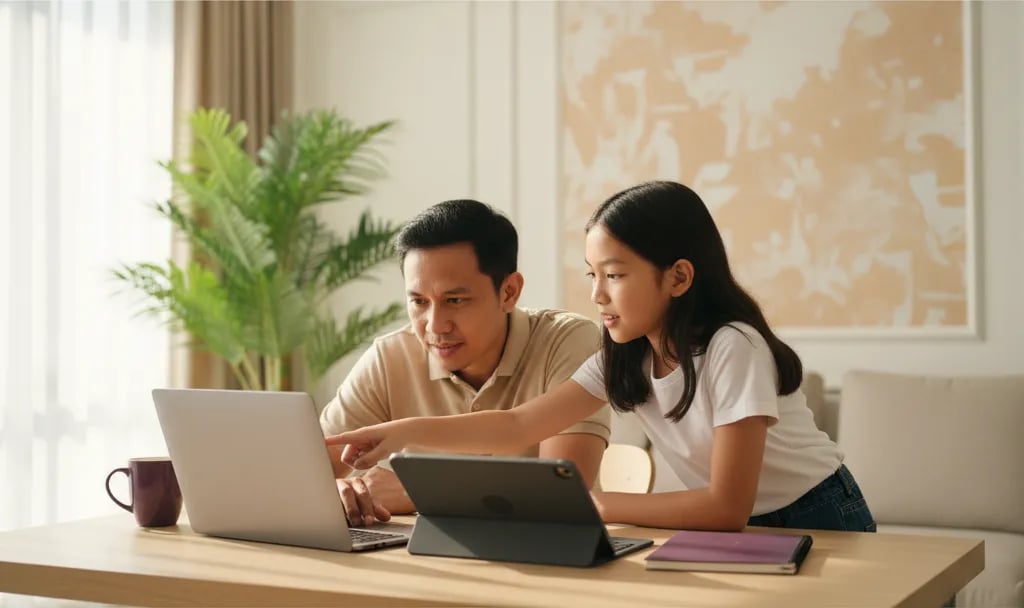
A laptop for primary school kids learning to code can be inexpensive: a dual-core 2 GHz processor, at least 4 GB of RAM (ideally 8 GB), a 128 GB SSD, an 11 to 14 inch screen, plus a camera and microphone. That handles Scratch and Python for ages 8 to 12. A tablet works for trying Scratch, but for Python, Roblox Studio and regular classes a laptop or PC is far more comfortable.
Algonova is an online coding, math and design school for kids with more than 1,000,000 students in 97 countries. Classes run live with a teacher, in groups of up to 10 children, from Rp 102,000 per session, and parents rate us 4.9. In our team's experience, device problems are the most common reason a child misses their first class.
For Scratch and Python an entry-level laptop is enough; Roblox Studio and graphic design need 8 GB of RAM and a roomier screen.
| Class type | Processor | RAM | Storage | Screen | Operating system |
|---|---|---|---|---|---|
| Scratch | Dual-core 2 GHz | 4 GB, 8 GB comfortable | 128 GB SSD | 11 to 14 inch | Windows, macOS, ChromeOS |
| Python | Dual-core 2 GHz, quad-core better | 8 GB | 128 GB SSD | 13 to 14 inch | Windows, macOS, ChromeOS (browser editor) |
| Roblox Studio | Quad-core | 8 GB | 256 GB SSD | 1600×900 or higher | Windows 10/11 or macOS 10.14 and up |
| Graphic design | Quad-core | 8 GB | 256 GB SSD | 14 inch Full HD | Windows or macOS |
The Scratch and Python baseline follows what Zoom needs, because during an online class your child runs a video call and an editor at the same time. According to Zoom's system requirements, the desktop app needs a dual-core 2 GHz processor and 4 GB of RAM. Scratch itself is light: the Scratch download page says the editor opens in most web browsers at scratch.mit.edu.
Roblox Studio is heavier. The official Roblox documentation lists Windows 10 or macOS 10.14, 3 GB of RAM and a 1600×900 resolution as the minimum, with 8 GB of RAM recommended. Studio is only available for Windows and Mac. If your child wants to make games, read our guide to game coding for kids. For Python there's the Python for kids guide, and for visual classes see the graphic design program for primary school kids.
A laptop or PC is the main choice, a Chromebook handles Scratch and browser-based Python, a tablet is for trying things out, and a phone can't be used to build Scratch projects.
| Device | Scratch | Python | Roblox Studio | Live online class |
|---|---|---|---|---|
| Laptop or PC (Windows, Mac) | Yes | Yes | Yes | Comfortable |
| Chromebook | Yes, in the browser | Yes, with an online editor | No | Yes, via the Zoom web app |
| Tablet | Possible, but dragging blocks is imprecise | Hard without a keyboard | No | Possible, cramped screen |
| Phone | Viewing projects only | Not practical | No | Not recommended |
About coding on a tablet: Scratch does open in a tablet browser, and the Scratch app for Android runs only on tablets, not on phones. The trouble starts in class. Dragging small blocks with a finger is imprecise, the screen has to be split between Zoom and the editor, and without a keyboard a child types variable names and Python code slowly.
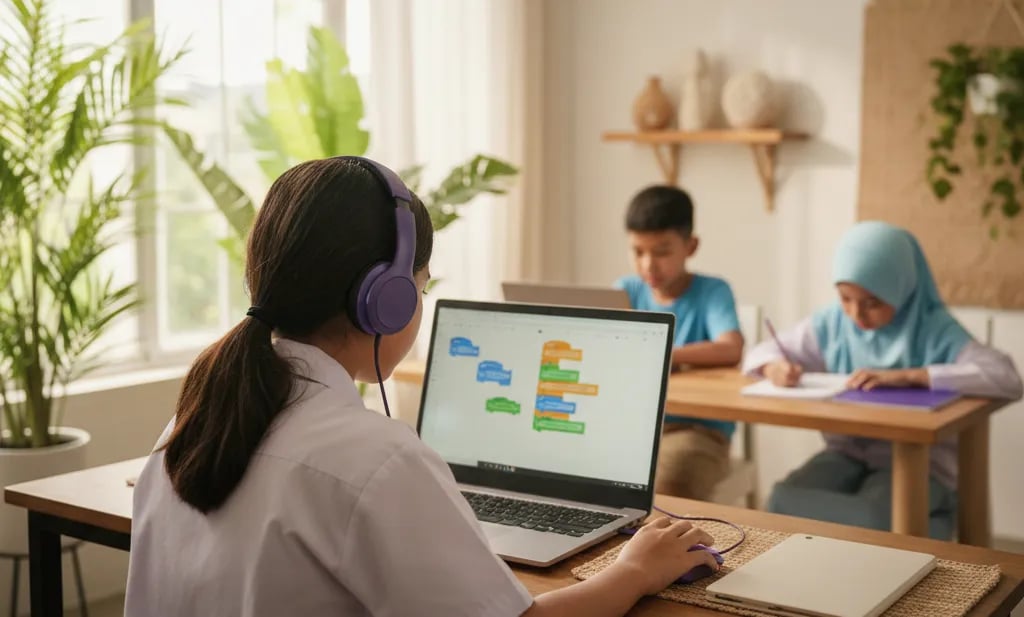
A phone still has its uses. Your child can play logic puzzle apps or browse other people's Scratch projects, which is a good warm-up. According to Scratch, projects can be viewed on phones but can't yet be created or edited there. So for attending class and building their own projects, have a laptop or PC ready.
Still unsure your home device is enough? Read how to sign up for a coding class and ask the team directly when you register.
Primary school kids don't need an expensive laptop. First classes usually go wrong because of small things: a muted microphone, an outdated browser, or a battery that dies in minute ten.
Maya Putri, Child Education Specialist
A decent new laptop for primary school coding usually costs Rp 4 million to Rp 7 million; Chromebooks and used laptops can be cheaper.
| Category | Estimated price | Good enough for |
|---|---|---|
| New Chromebook | Rp 3 million to Rp 5 million | Scratch, browser-based Python, online classes |
| Entry-level Windows laptop (8 GB RAM, SSD) | Rp 4 million to Rp 7 million | Scratch, Python, online classes |
| Mid-range laptop (quad-core, 8 to 16 GB RAM) | Rp 7 million to Rp 12 million | Roblox Studio, graphic design |
| Used laptop (8 GB RAM, SSD) | Rp 2.5 million to Rp 5 million | Scratch and Python, if in good condition |
| Entry-level Android tablet | Rp 2 million to Rp 4 million | Trying Scratch, not regular classes |
These are estimated market prices as of October 2026 and can shift with exchange rates and promotions, so compare a few stores before buying. A cheap laptop for a primary school child still makes sense as long as three things hold: 8 GB of RAM, an SSD (not an HDD), and a battery that lasts at least 2 hours.
For kids in grade 4 and grade 5 (ages 9 to 11), a 13 to 14 inch laptop usually fits best. It's light enough to carry, the screen fits Zoom and Scratch side by side, and it stays useful when your child moves on to Python. Our laptop recommendation for primary school kids is a spec baseline, not a brand. You can see the learning path from Scratch to Python in the coding program for primary school kids.
Check these seven things the day before class: camera, microphone, Zoom, browser, internet, headset and mouse.
Charge the battery fully, keep the charger near the desk, and pick a quiet room with light coming from the front.
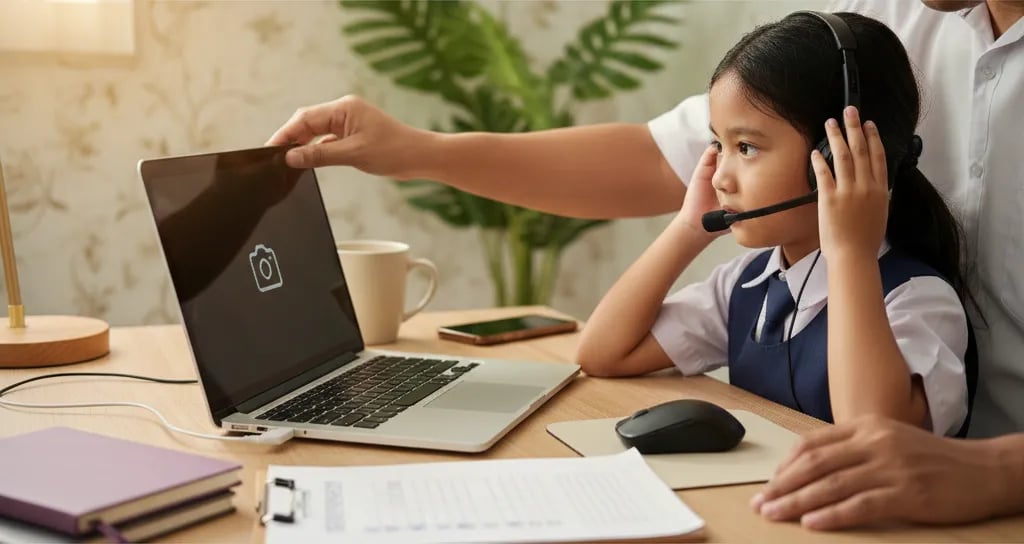
If anything fails, let the team know before class day, not five minutes before it starts. Not sure whether your home laptop runs Windows, macOS or ChromeOS? There's a short explanation in what is an operating system.
Five minutes spent checking the camera and microphone the day before saves an hour of class. A child who joins without technical hiccups goes straight into their first project.
Maya Putri, Child Education Specialist
The most common mistake isn't buying a laptop that's too cheap, it's not testing it before class.
If you're still weighing up learning formats, the article on online vs in-person coding classes covers when online classes work best.
Device ready? Try a free coding class: a 60-minute masterclass with a teacher, at no cost.
The minimum is 4 GB of RAM, but 8 GB is far more comfortable because your child runs Zoom and a coding editor at the same time. The Zoom desktop app itself requires 4 GB of RAM. Scratch runs in the browser and is fairly light, but every extra tab and app also uses memory. On a 4 GB laptop, Zoom, Scratch and a few browser tabs together often make the video stutter or the audio drop. Say a 9-year-old uses an old laptop with 4 GB of RAM. Every time they share their screen to show a project, the teacher's video freezes. Closing background apps makes class smoother. A laptop with 8 GB of RAM doesn't need tricks like that. For Roblox Studio, the official Roblox documentation lists 3 GB as the minimum and recommends 8 GB. If you're buying a new laptop, 8 GB is a safe baseline for the next 3 to 4 years.
Yes, a Chromebook handles Scratch, browser-based Python and online classes, but it can't run Roblox Studio. Scratch runs in the Chrome browser, and online Python editors open without any installation. Zoom on a Chromebook runs as a web app rather than the desktop app you get on Windows or Mac. For Scratch and beginner Python classes this combination usually works well, especially with 8 GB of RAM. For example, a grade 4 child just starting Scratch can learn comfortably on an 11 inch Chromebook. The limit shows up later: if your child wants to make games in Roblox Studio, that app is only available for Windows and Mac. So a Chromebook is a budget choice for the first year or two. Once your child is clearly into game development or graphic design, a Windows laptop or Mac gives more room to grow.
Kids can get a feel for coding logic through free phone apps, but a phone isn't enough for building projects or attending online classes. According to Scratch, projects can be viewed on phones but can't yet be created or edited there. The Scratch app for Android also runs only on tablets. A phone screen is too small to show the teacher's video and a workspace at once, and typing Python on a touch keyboard gets tiring fast. For example, an 8-year-old who loves logic puzzle games on a phone is already practising sequences and patterns. That's a good start. Once classes begin, move the activity to a laptop or PC so they can drag blocks, save projects and share their screen with the teacher. Free coding apps on a phone work as a 10 to 15 minute warm-up, not as a replacement for the main device in a live class.
A tablet is enough to try Scratch, but for regular classes a laptop or PC is more comfortable and stays useful for longer. Scratch supports tablet browsers, and the Scratch app for Android is built for tablets. The catch is how the work feels: dragging small blocks with a finger is imprecise, the screen has to be shared between Zoom and the editor, and without a physical keyboard typing is slow. Roblox Studio isn't available on tablets at all. For example, a 7-year-old new to coding can use a tablet with a Bluetooth keyboard for the first few sessions. Once lessons move on to Python or bigger game projects, the tablet's limits start to show. On a tight budget, a tablet with a keyboard and mouse can be a temporary bridge. For the next 2 to 3 years, an entry-level laptop with 8 GB of RAM lasts longer.
Both Scratch and Python are light on hardware; the difference is in the keyboard, the screen size and how comfortable typing is. Scratch uses visual blocks that you drag, so a mouse matters more than a keyboard. Python is written by typing lines of code, so a comfortable physical keyboard and a 13 to 14 inch screen help a child read code for longer without getting tired. In terms of processor and RAM, both run well on a dual-core laptop with 8 GB of RAM. For example, a 10-year-old moving from Scratch to Python doesn't need a new laptop. What changes is how they work: they start wanting a roomier screen to keep the code and the output window side by side. So if you're buying one laptop for a primary school child, pick one that's already comfortable for Python. It will automatically be enough for Scratch.
According to the official Roblox documentation, Roblox Studio needs at least Windows 10 or macOS 10.14, 3 GB of RAM and a 1600×900 screen, with 8 GB of RAM recommended. Roblox Studio is only available for Windows and Mac, so it can't be installed on a Chromebook, tablet or phone. Studio is also heavier than Scratch because it renders 3D worlds. Running alongside Zoom, a laptop with 8 GB of RAM and a quad-core processor feels much smoother. For example, an 11-year-old wants to build a first obby in Roblox Studio on an old laptop with a 1366×768 screen. The Studio tool panels get cramped and some buttons are hard to see. The 1600×900 minimum isn't a formality; it's what makes the interface usable. If your child is serious about game development, budget for a mid-range laptop with 8 GB of RAM or more and a Full HD screen.
As of October 2026, a new laptop that's good enough for primary school coding usually costs Rp 4 million to Rp 7 million, depending on brand and promotions. That range usually includes 8 GB of RAM and an SSD, the two things that matter most for smooth online classes. A new Chromebook can be cheaper, around Rp 3 million to Rp 5 million, and suits Scratch and browser-based Python. For Roblox Studio or graphic design, plan for about Rp 7 million to Rp 12 million. For example, a family with a Rp 5 million budget is better off with an entry-level laptop that has 8 GB of RAM and a 256 GB SSD than with a faster processor still paired with an HDD. These are estimated market prices and can shift with exchange rates and promotions. Compare a few stores, and set aside about Rp 200,000 to Rp 400,000 for a headset and mouse.
Yes, a mouse is strongly recommended, especially for Scratch, because dragging small blocks on a touchpad is hard for kids aged 8 to 10. Scratch works by clicking, dragging and dropping. On a touchpad a child has to hold a finger down while moving, and blocks often land in the wrong place. A small ordinary mouse is enough; there's no need for a gaming mouse. For graphic design and Roblox Studio, a mouse also makes the work more precise. For example, a grade 3 child on a touchpad can spend several minutes just placing one loop block in the right spot. With a mouse they can focus on the project's logic instead of finger movements. Wired and wireless mice work equally well. If you choose wireless, keep spare batteries handy before class starts.
Set up the laptop the day before class: check the camera, microphone, Zoom, browser, internet, headset and mouse, then charge the battery fully. Open the camera app to make sure your child's face is clearly visible. Test the microphone in Zoom's audio settings or the test meeting at zoom.us/test. Update Zoom and the browser, then open scratch.mit.edu to check the editor loads. Run Windows or macOS updates the day before, never during class. For example, a family checks everything on Sunday evening for a Monday afternoon class. They find the laptop microphone switched off in the system settings, something that would only have come to light when the teacher asked why they couldn't hear the child. For the free 60-minute masterclass at Algonova, the Zoom link is sent before class. Join 5 to 10 minutes early so there's time to fix small issues.
A used laptop is fine for learning to code as long as you check it: at least 8 GB of RAM, an SSD, a battery that still holds charge, and a working camera and microphone. For Scratch and Python, a used laptop 3 to 5 years old is often still enough. Check the battery health, hinges and keyboard, and make sure the operating system still gets security updates. Windows 10 no longer receives regular updates, so a laptop that can run Windows 11 is the safer pick. For example, a used office laptop with a quad-core processor, 8 GB of RAM and an SSD often feels better to use than the cheapest new laptop with 4 GB of RAM. After buying, do a factory reset, create a separate child account, then test Zoom and Scratch before the first class. If in doubt, use the free 60-minute masterclass to see whether everything runs smoothly.

Algonova worldwide
Contact
Whatsapp: +62 21 50996971
Email: info@algonova.id
Address
Coworking Area, Gedung IT 6 Lantai Dasar, Nongsa Digital Park, Jalan Hang Lekiu, Kelurahan Sambau, Kecamatan Nongsa, Batam, Indonesia Directorate General of Consumer Protection and Trade Compliance – Ministry of Trade of the Republic of Indonesia. WhatsApp Ditjen PKTN: 0853-1111-1010.
PT Algonova Indonesia Cerdas All rights reserved 2026