Child Phone Addiction: Signs, Effects and How to Cut Back Calmly
Parent Guides9 min
Learn Coding

Fajar Hidayat
Coding Curriculum Team, Algonova
coding classes
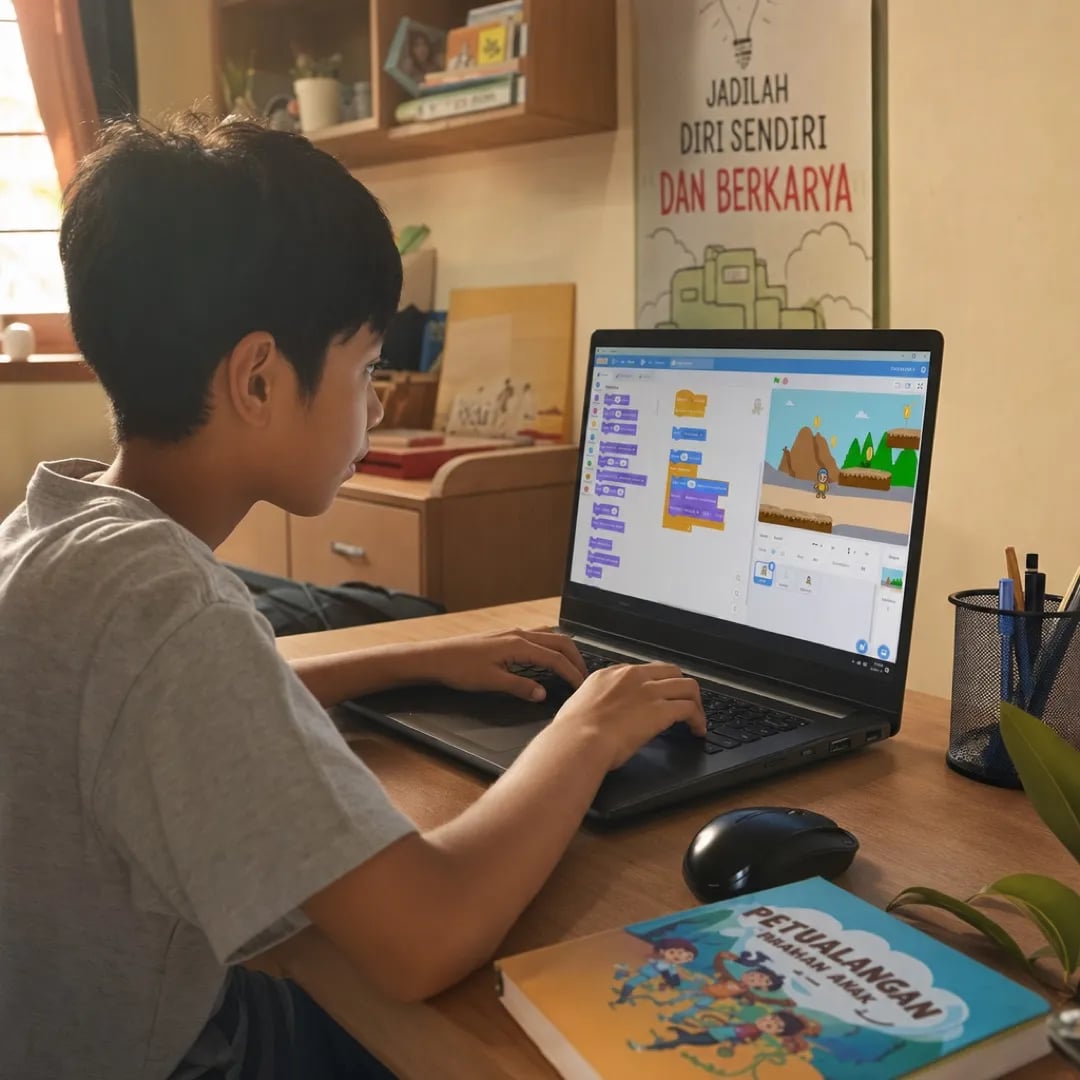
The coding games worth trying with primary school kids in 2026 are Scratch and ScratchJr (MIT, free), Code.org, Microsoft MakeCode Arcade, and Roblox Studio. Tynker, Kodable, and Lightbot Jr can be extras, but most of their content is paid. For middle school kids, Python can start with Thonny, which is free. Every app on this list uses visual blocks or simple language, so a primary school child does not have to type long code from day one.
This article covers the list of games and apps only. For a general guide on when kids should start coding and what they learn in each grade, read coding for primary school kids.
October 2026 update: Trinket shut down on 31 August 2026, so we replaced it with Thonny. We removed Repl.it (now Replit) because it now focuses on building apps with AI and fits primary school kids poorly. MakeCode Arcade joins the list as a game coding option that runs in the browser with nothing to download. Since December 2025, Code.org's yearly Hour of Code event has been renamed Hour of AI.
There are four things to check: no ads, the right age, project-based learning, and a clear educational developer behind it. Plenty of apps on the App Store and Google Play look educational while their real goal is to sell a subscription or show ads.
1. No ads and no in-app purchases aimed at children. Serious educational apps for kids do not run pop-up ads.
2. The right age. An app built for a 12-year-old does not suit a 5-year-old, and the other way round. Check the age rating on the App Store or Google Play.
3. Project-based, not tutorials to follow. A good app lets the child build something they picked, not just repeat steps the developer prepared.
4. From academic developers or education organisations. Examples are MIT Media Lab (Scratch), Code.org, and Microsoft (MakeCode). Avoid unknown developers promising "learn 10 coding languages at once" for primary kids.
Here are 10 coding games for primary and middle school kids that we rechecked in October 2026, ordered from the youngest age. The last column shows what you can use without paying.
| # | App | Age | Type | Device | Free version |
|---|---|---|---|---|---|
| 1 | ScratchJr | 5-7 | Picture blocks | Android tablet, iPad | Full |
| 2 | Lightbot Jr | 4-8 | Logic puzzles | iPad, Android | One-time purchase |
| 3 | Kodable | 5-10 | Visual blocks | iPad, browser | Limited |
| 4 | Code.org | 4-18 | Blocks and text | Browser | Full, complete curriculum |
| 5 | Scratch (MIT) | 8-16 | Visual blocks | Browser | Full |
| 6 | Tynker | 7-15 | Blocks, then text | iPad, browser | Limited |
| 7 | MakeCode Arcade (Microsoft) | 9-15 | Retro games, blocks to JavaScript/Python | Browser | Full |
| 8 | Minecraft Education | 8-17 | Blocks and Python | Multi-platform | Via school licence |
| 9 | Roblox Studio | 9-17 | Game engine, Lua | Windows, Mac | Full |
| 10 | Thonny (Python) | 12+ | Python text | Windows, Mac, Linux | Full |
Three important notes:
According to the Future of Jobs Report 2025 by the World Economic Forum, Python is the most in-demand language in the job market. That is why Thonny (#10) is worth setting up for middle and high school kids.
Six of the 10 apps on this list cost nothing at all: ScratchJr, Scratch, Code.org, MakeCode Arcade, Roblox Studio, and Thonny. Tynker and Kodable unlock only part of their levels before asking for a subscription. Lightbot Jr is a one-time purchase in the app store. Minecraft Education needs a school licence. For primary years 1 to 6, Scratch and Code.org alone cover a full year of learning.
Three things to check before downloading. First, fully free is not the same as a trial: ScratchJr and Scratch have no paid tier at all, while Tynker opens the first chapters and closes the rest. Second, free via licence means a school account rather than a personal one, and Minecraft Education sits in that category. Third, an app that shows ads is not really free, because the child pays with time and attention.
| App | Free version status | Age | Device |
|---|---|---|---|
| ScratchJr | Fully free, no paid tier | 5-7 | Android tablet, iPad |
| Scratch | Fully free, no paid tier | 8-16 | Browser |
| Code.org | Fully free, complete curriculum | 4-18 | Browser |
| MakeCode Arcade | Fully free | 9-15 | Browser |
| Roblox Studio | Fully free | 9-17 | Windows, Mac |
| Thonny | Fully free | 12+ | Windows, Mac, Linux |
| Lightbot Jr | One-time purchase | 4-8 | iPad, Android |
| Kodable | Limited, the rest by subscription | 5-10 | iPad, browser |
| Tynker | First chapters free, the rest by subscription | 7-15 | iPad, browser |
| Minecraft Education | Needs a school licence | 8-17 | Multi-platform |
Three coding games open straight in the browser with nothing to install: Scratch, Code.org, and MakeCode Arcade. Open the site and the child can start without an account. A free account helps if you want to save a project and continue tomorrow.
All of them open on a phone, but the small screen makes blocks hard to drag and kids get frustrated quickly. Short Code.org puzzles still work fine on a phone. For building games in Scratch or MakeCode Arcade, a tablet or laptop is much more comfortable. ScratchJr is a free app for Android tablets and iPad. A full list of apps made for phones is in our article on coding apps on a phone for kids.
Pick one main app per age group, not all of them at once. Kids who switch apps too quickly rarely get good at any of them.
Kindergarten (ages 4-6):
Start with ScratchJr on a tablet, 15 to 25 minutes per session. At this age a child does not need apps that require reading or typing. Game picks, session length, and readiness signs for kindergarten kids are covered separately in coding for kindergarten and PAUD kids. If you want a teacher to guide those first ScratchJr projects, see our coding classes for kids 5-7.
Primary grades 1-3 (ages 6-9):
Main: ScratchJr in grade 1, then move to Scratch (scratch.mit.edu) once the child reads short words fluently, usually in grade 2 or 3. Scratch is free, runs in the browser, and has a big community.
Optional extras: the beginner Code.org courses built from short puzzles, or Kodable for practising patterns and conditions.
Primary grades 4-6 (ages 9-12):
Main: Scratch for building their own games, good for 1 to 2 years. At this age kids can already make games with scores, levels, and enemies.
Optional extras: MakeCode Arcade (retro games and a bridge to JavaScript and Python), Roblox Studio (if the child already loves Roblox), Minecraft Education (if the school has a licence), Tynker (moving from blocks to text).
Middle and high school (ages 13-17):
Main: Python with Thonny, free and built for beginners. Good for 2 years or more. For a structured Python path with a live teacher, see our coding classes for teens.
Optional extras: Roblox Studio (Lua), MakeCode Arcade in Python mode, Minecraft Education (command blocks and Python).
For a step-by-step guide on choosing a platform that fits your child, see Learning to Code for Kids: Where to Start.
The best coding app isn't the one with the most features - it's the one that makes the child want to come back on day 2, day 3, day 10.
Bayu Nugraha, Children's Coding Specialist
For the first 6-12 months, free apps are more than enough - often better than paid ones. The best free apps (ScratchJr, Scratch, Code.org, MakeCode Arcade) are built by the world's largest academic teams.
When free is enough:
When paid adds value:
A sensible transition example: a primary student starts with free Scratch for 6 months, then moves to formal Algonova classes once they get serious and want to transition to Python. Algonova's free Master Class can be used for assessment before subscribing.
What's NOT recommended: subscribing to an expensive paid app in month 1 "just in case the child likes it". This almost always ends up unused.
Tablet is better for kindergarten kids (5-7), laptop is better for primary and up (8+). Each device has strengths for specific developmental stages.
Tablet strengths for kindergarten kids:
Laptop strengths for primary+ kids:
Ideal family combination: a used tablet for kindergarten kids, a second-hand laptop (IDR 3-5M) for primary-high school. No need for an expensive Mac - entry-level Windows laptop or Chromebook is enough for Scratch and basic Python.
Three types of apps frequently seen on the App Store that you should avoid, even if they look attractive with 5-star ratings.
Type 1: Apps with pop-up ads targeted at kids. Many free "kids coding apps" have aggressive ads - from other games to in-app purchase ads. Children aren't focused on learning; they're interrupted every 2-3 minutes.
Type 2: Apps promising "learn 10 coding languages at once". No primary kid needs to master 10 languages. Apps like this are usually superficial - touching many things without mastering any. Better one platform studied deeply.
Type 3: Apps from unknown developers asking excessive permissions. Apps requesting GPS location, contacts, or a child's email for "coding" features - big red flag. Check permissions on App Store before downloading.
Safe way to choose: prioritise apps from MIT (Scratch, ScratchJr), Code.org, Tynker, and other recognised educational organisations with proven track records. Also see What is Coding for Kids for broader context.
Coding games still need parental support - they shouldn't be used as a "digital babysitter". Coding games where a child is left unsupervised often become passive consumption like YouTube videos.
Five supportive practices that work:
1. Sit beside the child for the first 5-10 minutes of every session. Show interest. Ask: "what are you building today?" Once the child is focused, you can work nearby - but don't leave the room.
2. Ask, don't criticise. When the child is stuck: "what have you tried?" not "that's wrong, do it like this". The goal: the child learns problem-solving themselves.
3. Celebrate small wins. When the child finishes a project (no matter how small), have them show it to grandparents on a video call. This builds pride.
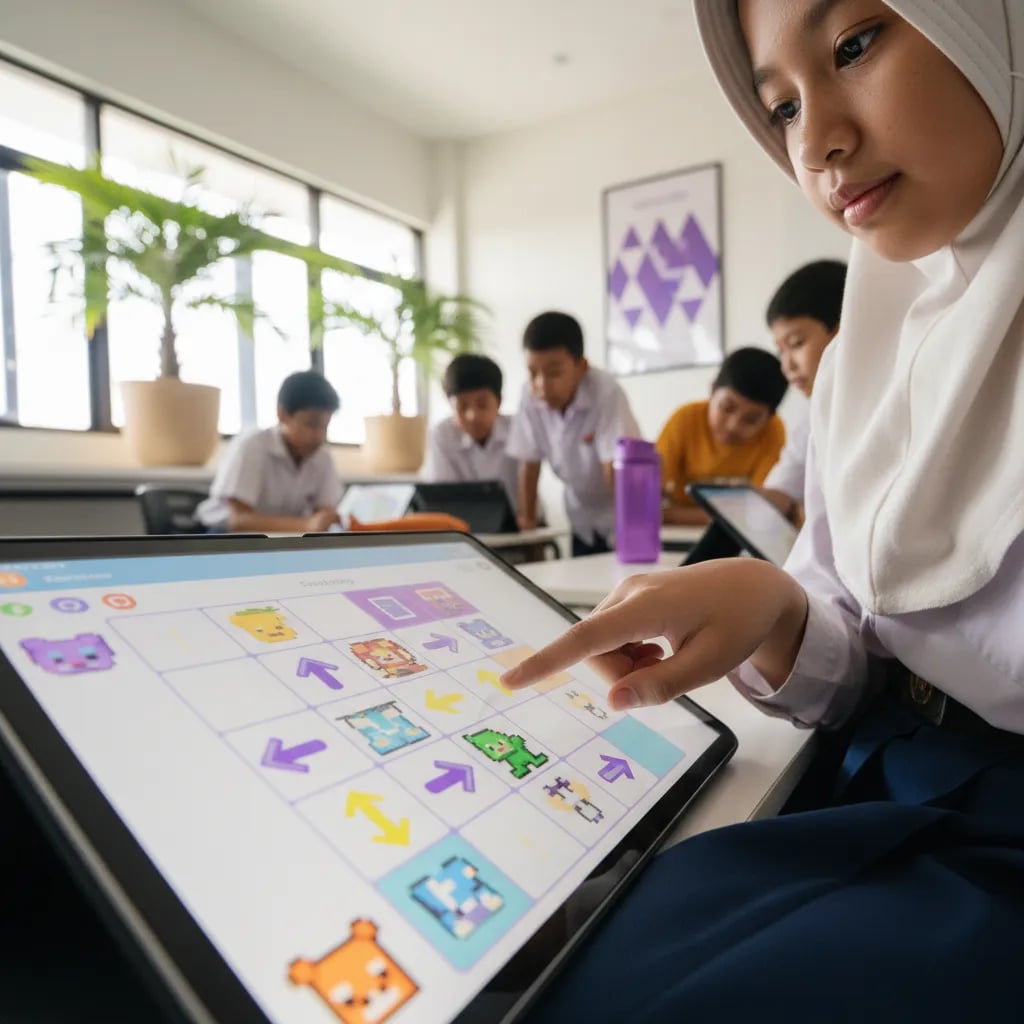
4. Manage duration. For kindergarten 15-25 minutes per session; primary 30-60 minutes; middle-high school 60-90 minutes. Use a timer for clarity. Sessions stretched too far usually end with a tired child who won't come back.
5. Provide a quiet space. A small desk in a corner away from the TV. Sufficient light. No siblings coming in and out during the session. Place consistency helps the child's brain enter focus mode faster.
Consider formal classes when the child shows 3 of 4 signs after 3-6 months of independent exploration with games/apps. Natural transition signs:
If 3 of 4 signs are present, formal classes provide structure, expert teachers, and a peer community that makes the child's progress leap forward much faster.
Algonova formal classes provide:
Start with a free Master Class - a 60-minute session to assess the child's level and recommend a fitting class. No credit card, no commitment.
For a step-by-step starting guide from zero, see Learning to Code for Kids: Where to Start.
The best coding games and apps for children are the ones that teach logic through play, match the child's age, and are free of harmful ads, from ScratchJr for the youngest to Roblox Studio and Python for teenagers. Apps are great for sparking interest, but children learn fastest when a teacher is there to correct and guide them. To pair independent play with structured learning, see the programme options on the kids coding course page, or try a free coding class to find the games and projects that best match your child's interests.
For a 6-year-old, ScratchJr is the best choice without competition. Reason: this app is designed specifically by MIT Media Lab for ages 5-7, free, ad-free, and uses picture icons (not text) so a child who can't read yet can still use it. In ScratchJr, the child drags colourful blocks to make characters move, talk, and change size. Example first project: move a cat from left to right, then make it say hello. Free download on App Store (iPad) or Google Play (Android tablet). Works on entry-level tablets from IDR 1.5M, doesn't need expensive devices. Alternative apps for age 6: Lightbot Jr (simple logic puzzles), Kodable (patterns and conditions), Code.org Pre-Reader Express. But ScratchJr is enough for the first 6-12 months - no need to use multiple at once.
Roblox (the game) doesn't automatically teach coding - the child only plays games others built. But Roblox Studio (the game engine) is an excellent coding platform for primary-middle school kids who already love Roblox. In Roblox Studio, the child learns Lua scripting (a real language) to build their own games. They can add logic, physics, multiplayer, and publish games to millions of global players. Strengths: high motivation because the child already loves Roblox, results can be played by thousands of real people, large community ecosystem. Weaknesses: Roblox Studio is somewhat complex for a coding beginner - the child should ideally have Scratch or basic Python foundations first. When to start Roblox Studio: after the child has been consistent 6-12 months with Scratch and shows interest in game development. Before that, Scratch fundamentals are stronger. For children who don't particularly love Roblox, better to focus on Scratch and Python which are more general purpose.
ScratchJr and Scratch are made by the same team (MIT Media Lab) but for different ages. Three main differences: 1. Target age. ScratchJr for 5-7 (pre-reader); full Scratch for 8-16 (can read). 2. Platform. ScratchJr only on iPad/Android tablet (touchscreen-based); full Scratch in browser on laptop/desktop (mouse-based). 3. Complexity. ScratchJr has 28 icon blocks with no words; full Scratch has 100+ blocks with short words (move, repeat, if). Full Scratch can build complex games, ScratchJr only simple animations and mini-stories. Natural sequence: a child starts ScratchJr at age 5-6, then transitions to full Scratch around age 7-8 once they can read short words fluently. Some children jump straight to full Scratch at age 7 if they read fluently - that's also OK. Both are free and ad-free - this is why Algonova families start here.
Regular Minecraft doesn't automatically teach coding - the child just plays. But Minecraft Education Edition has a dedicated coding curriculum very effective for primary-middle school kids. In Minecraft Education, the child learns: - Command blocks: controlling the Minecraft world with simple commands - Code Builder integration: direct connection to Scratch, MakeCode, or Python - Basic AI agents: the child programs a virtual "agent" to do tasks (build a house, mine resources) Strengths: a child who already loves Minecraft engages easily, curriculum designed by Microsoft for schools, free materials widely available in Indonesian. Weaknesses: Minecraft Education usually requires a school licence or extra cost, not all versions are free for individuals. When to start Minecraft Education: suitable for a primary student with Scratch fundamentals and a desire for more open-ended projects. For a child who really loves Minecraft, this can be a natural bridge to serious coding.
Six coding games and apps for primary school kids are fully free: ScratchJr, Scratch, Code.org, MakeCode Arcade, Roblox Studio, and Thonny. ScratchJr (ages 5 to 7) is MIT's tablet app with picture blocks, a good fit for grade 1. Scratch (ages 8 to 16) runs in the browser and is available in Indonesian, a good fit for grades 2 to 6. Code.org has complete grade-by-grade courses built from puzzles. Microsoft's MakeCode Arcade is for making retro games in the browser. Roblox Studio suits kids in grade 4 and up who already love Roblox. Thonny is a free Python editor for middle school kids. Tynker and Kodable are only partly free, Lightbot Jr is a one-time purchase, and Minecraft Education needs a school licence. For grades 1 to 6, Scratch and Code.org are enough for a year of learning with no app costs. If you want a teacher to guide your child, Algonova runs a free 60-minute coding masterclass for kids aged 8 to 12.
Tablet is enough for kindergarten kids (5-7); laptop is recommended for primary and up (8+). Each device has strengths for specific stages. For kindergarten kids, tablet (iPad or Android) is more suitable because: - ScratchJr is designed for touchscreen - Children haven't mastered the keyboard - More portable - can be used sitting on the sofa or floor - Cheaper (entry-level from IDR 1.5M) For primary kids and up, laptop is better because: - Full Scratch and Python need a keyboard - Bigger screen for complex projects - Browser access to Scratch.mit.edu, Code.org, MakeCode Arcade - Can multi-task (tutorial in one tab, code in another) Minimum laptop specs: 4 GB RAM, processor from the last 4 years, latest Chrome or Edge. A second-hand laptop for IDR 3-5M or entry-level Chromebook is enough. No need for an expensive Mac. Ideal combination: used tablet for kindergarten kids, laptop for primary+. No need to buy everything new.
Consider formal classes when the child shows 3 of 4 transition signs after 3-6 months of independent exploration with games/apps: 1. The child asks "can this be made?" about complex features they haven't mastered 2. The child searches YouTube tutorials on their own without being asked 3. The child draws or writes project ideas in a notebook 4. The child shows their project to friends and asks for feedback If 3 of 4 signs are present, formal classes provide: - A structured graduated curriculum level by level - Expert teachers who can answer complex questions instantly - Peer community for motivation and collaboration - Real projects that build the child's portfolio If the child shows only 1-2 signs, it may still be too early. Continue with free exploration until interest is clearer. For an honest assessment of when it's the right time for your child, take Algonova's free Master Class - a 60-minute session where the teacher assesses the child's level and interest, then recommends a fitting class (or suggests waiting if it isn't time yet).
Yes, but not all of them are comfortable on a phone screen. The best fit for a phone is the short Code.org puzzles in the browser, free and with nothing to download. Scratch and MakeCode Arcade also open in a phone browser, but small blocks are hard to drag with a finger, so for building a real game a tablet or laptop works better. ScratchJr is a free app designed for Android tablets and iPad. A practical approach: use the phone for 10 to 15 minutes of practice, such as one puzzle level on the way somewhere. Longer game projects go on a tablet or laptop so the child does not get frustrated. Avoid coding apps in the app stores that are full of ads or ask for contacts and location. For primary school kids, apps from MIT, Code.org, and Microsoft are the safest choice.
The three best options that run straight in the browser with no install are Scratch, Code.org, and MakeCode Arcade. Scratch (scratch.mit.edu) is for building games and animations with blocks and suits kids from grade 2 up. Code.org has step-by-step puzzle courses starting from age 4. Microsoft's MakeCode Arcade is for making retro 2D games, and kids can see their block code in JavaScript or Python. All three are free and can be tried without an account. A free account helps if the child wants to save a project and continue another day. All you need is an up-to-date browser such as Chrome or Edge and a stable internet connection. Roblox Studio and Thonny still have to be installed on a laptop, so they do not count as no-install options.
Learn the key terms from this article in our coding glossary:
Ready to try it live? Try a free coding class with a certified teacher, or see the coding course for primary school kids aged 8-12.

Algonova worldwide
Contact
Whatsapp: +62 21 50996971
Email: info@algonova.id
Address
Coworking Area, Gedung IT 6 Lantai Dasar, Nongsa Digital Park, Jalan Hang Lekiu, Kelurahan Sambau, Kecamatan Nongsa, Batam, Indonesia Directorate General of Consumer Protection and Trade Compliance – Ministry of Trade of the Republic of Indonesia. WhatsApp Ditjen PKTN: 0853-1111-1010.
PT Algonova Indonesia Cerdas All rights reserved 2026