Online vs In-Person Coding Classes for Kids: Which Fits Better? (2026)
Which Is Better?9 min read
Parent Guides

Maya Putri
Early Childhood Education Specialist
My child loves video games is a worry for many parents, but it can also point to a real interest worth building on. Behind each favorite game there is usually one strength: planning, quick reactions, teamwork, or creativity in building worlds. This guide shows how to read the strengths behind a child's favorite games at ages 8-14, then turn them into a skill by making a simple game of their own.
The strength behind a game usually shows in the part of the game that keeps your child engaged, not in how long they play. A child who enjoys planning moves tends to think ahead. A child who loves building tends to design. A child who always invites friends tends to lead a team.
This is everyday observation you can do yourself, not a test. The goal is simple: find the part of the game your child loves most, then give it another place to grow. For interests beyond games, see how to find your elementary schooler's talents.
The easiest way is to sit beside your child for 15 minutes and ask three things: which part is the most fun, what makes them upset when they lose, and what they tell their friends about. Their answers are more honest than our guesses.
The table maps what a child enjoys to the strength behind it and a next step:
| What the child enjoys | Strength behind it | Screen-free practice | Next step |
|---|---|---|---|
| Planning, managing resources | Thinking ahead, weighing options | Chess, card games, planning the weekend | Designing the rules of their own game |
| Winning fast, sharp reactions | Focus, hand-eye coordination | Sports, catch, reaction games | A simple game with a score and a timer |
| Playing together, organizing a team | Communication, leadership | Group work, projects with siblings or friends | A two-player game |
| Building worlds, decorating | Creativity, spatial design | Drawing floor plans, blocks, crafts | Designing a level in Roblox Studio |
| Trying again until it works | Persistence | Puzzles, riddles, long projects | Fixing bugs in a game they made |
One child often has more than one strength, so pick the one row that fits best instead of all of them at once.
The four strengths parents notice most are strategic thinking, persistence, teamwork, and creativity. Each can be practiced outside the game with cheap activities.
Strategic thinking. Children who love strategy games get used to thinking several steps ahead. Ask them to explain each move. A question like "why did you pick this first?" trains them to give reasons.
Persistence. A child who replays one level a dozen times is practicing how to face failure without quitting. The challenge is to carry that attitude to other tasks. Remind them of it when homework gets hard: "You kept going on that level until you won, remember?"
Teamwork. Games played in groups train role sharing and short, clear communication. Let your child lead a small project at home, such as planning a family picnic.
Creativity. Children who love Minecraft or Roblox often build houses, cities, or arenas. They think like designers. That interest points toward game design, covered in our guide to Roblox Studio for kids.
The most concrete way to turn a love of playing into a skill is to make a game, starting small. These four steps are enough for the first month:
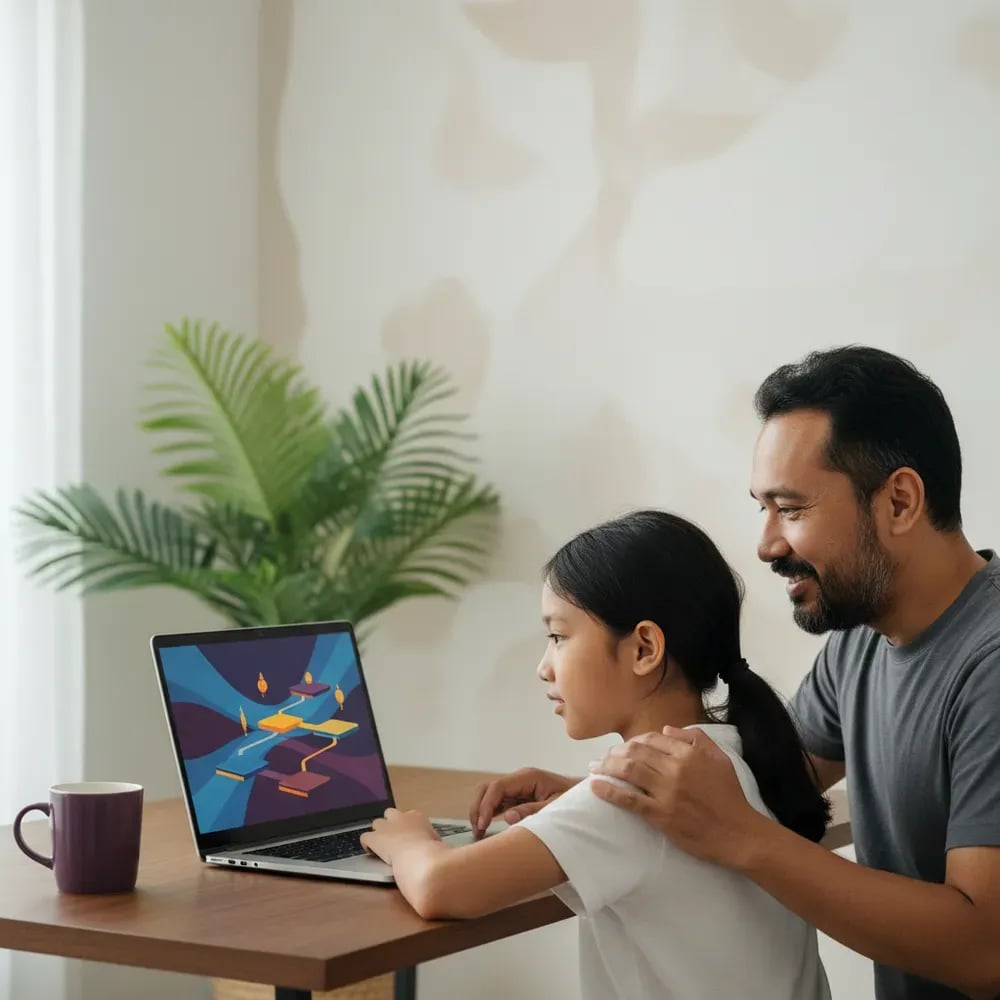
The last step matters most. When other people play their game, children feel their new role as a maker. A tutorial for step 2 is in how to make your first game in Scratch.
Children aged 8-9 can start with Scratch, while children aged 10-14 can go straight to Roblox Studio. Scratch uses visual blocks, so children build logic without typing code. Roblox Studio uses Lua scripts and runs only on a computer or laptop, not on a phone.
| Age | Tool | Realistic result in 1 month |
|---|---|---|
| 8-9 | Scratch | A ball-catching game or a simple maze |
| 10-12 | Advanced Scratch or Roblox Studio | An obstacle course with a score |
| 12-14 | Roblox Studio and Lua scripts | A level friends can play |
Algonova arranges the order in a game developer path for kids: Scratch, then Roblox Studio, then Python. The course for ages 10-14 is the Roblox and game design course for kids. For a wider comparison, read coding, robotics, and game design: which path fits.
A child needs a guide when a project stalls halfway or when they want to continue but do not know the next step. Signs to watch for:
In Algonova classes children learn online with a live teacher, in groups of up to 10, from Rp 102,000 per lesson. Coding and design classes start with a free 60-minute masterclass. Every class is online. A full tutorial for starting alone is in how to make a game in Roblox Studio as a beginner, and more ideas are in games and coding apps for kids.
If gaming already interferes with sleep, school, or family life, that is a different topic, covered separately in our guide to child gaming addiction. This article focuses on healthy interest and how to grow it.
A child who loves video games does not necessarily have a talent in one area, but the interest deserves attention. Strength is not measured by hours played. It shows in the part of the game that keeps them excited. Some children love strategy, some love building, some love playing together. A practical check is to notice what they talk about after playing and what they do when the game is off. If they often draw maps, invent rules, or get a younger sibling to play along, that is a stronger hint than a score. Treat it as a conversation starter, not a label. An interest can shift within months, so leave room to try other things.
Games can build several skills depending on the type: planning in strategy games, hand-eye coordination in action games, communication in team games, and design in building games. These skills appear because the child is actively thinking, not because of the screen itself. A child who only watches or repeats the same move may not grow. To keep the skills from staying inside the game, offer similar challenges in real life: a chess board for strategy, group projects for teamwork, and making their own game for design. That way the benefit carries over to schoolwork and other activities.
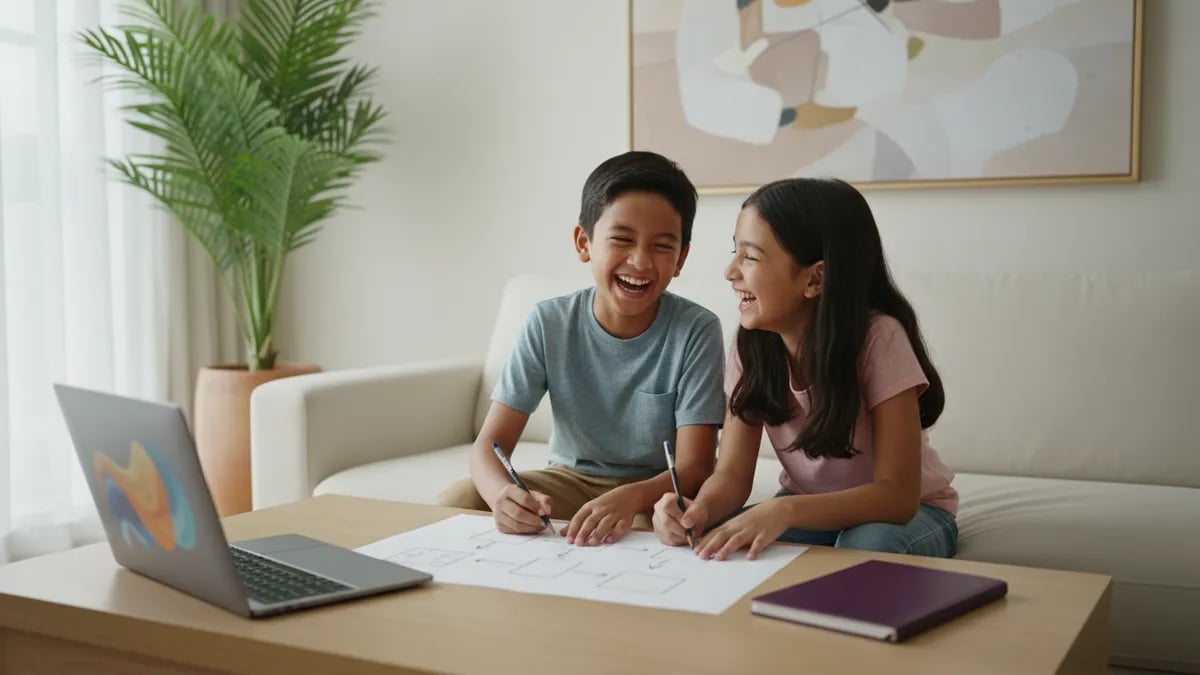
The most effective way is to invite your child to make a game of their own, starting as simple as possible. They sketch the idea on paper, then build one moving character and one goal in Scratch or Roblox Studio. Add one new rule per session, such as a score or a timer. When the game works, invite family to play it and ask your child to fix one thing. This small cycle teaches designing, testing, and improving. Two or three 30-minute sessions a week are enough to see results in a month. Parents do not need to know how to code; asking questions and giving time is enough.
Children can start making simple games from around age 8 with Scratch, because the visual blocks do not require typing code. Ages 5-7 can begin with interactive stories and animation as an introduction. Roblox Studio suits ages 10-14 better because it uses scripts and runs only on a computer. Algonova's Roblox and game design course is built for that age. Age is not the only guide: a child who reads fluently, can follow ordered steps, and likes finishing projects is usually ready. A free trial class helps the teacher pick the right starting point.
Playing Roblox means using worlds that other people built, while Roblox Studio is the tool for building those worlds yourself. In Studio a child designs the map, sets the rules, and writes Lua scripts so objects move or give points. Children who already know Roblox as players are often highly motivated, but they need patience because making a game takes longer than playing one. Studio runs on a computer or laptop, not a phone. Start with a small project such as a simple obstacle course so your child sees results quickly and does not lose heart.
It is not required, but it helps a lot, especially for children under 10. Scratch teaches basic logic such as sequence, loops, and conditions in block form, so the child does not face text code right away. Children aged 10 and up who are already comfortable with logic, for example from math, can sometimes jump straight into Roblox Studio. Algonova's path suggests Scratch first, then Roblox Studio, then Python, and the trial class helps the teacher decide the starting point. A comparison of Scratch and Python is in our blog.
Algonova group classes start from Rp 102,000 per lesson, with groups of up to 10 children and a live teacher online. Coding and design classes begin with a free 60-minute masterclass, so you can see whether your child enjoys it before paying. The final price depends on the program and the number of lessons, and the team explains it after the trial class. For comparison, self-study with free tutorials costs nothing, but children tend to stop when they get stuck and nobody can help. Choose what fits your family.
No. Parents only need to be the person who asks questions and tests the game. Questions like "what do you want this character to do?" and "which part is not working yet?" make children think for themselves. When your child gets stuck, resist taking over the mouse. Wait five minutes before helping, then give one small hint instead of the full answer. If you want to know what they are learning, ask them to explain the game to you. Explaining is also a good way to learn. If your child needs more guidance, a teacher in an online class can take over the hard parts.

Algonova worldwide
Contact
Whatsapp: +62 21 50996971
Email: info@algonova.id
Address
Coworking Area, Gedung IT 6 Lantai Dasar, Nongsa Digital Park, Jalan Hang Lekiu, Kelurahan Sambau, Kecamatan Nongsa, Batam, Indonesia Directorate General of Consumer Protection and Trade Compliance – Ministry of Trade of the Republic of Indonesia. WhatsApp Ditjen PKTN: 0853-1111-1010.
PT Algonova Indonesia Cerdas All rights reserved 2026