Scratch 3 at Home: Online, Offline and Kid Accounts (A Parent's Guide)
Learn Coding14 min read
Learn Coding

Fajar Hidayat
Coding Curriculum Team, Algonova
Roblox Studio for kids is Roblox's free, official tool for building games. It runs only on a laptop or PC with Windows 10 or macOS 10.14 or later and at least 3 GB of RAM, so it won't work on a phone. Children aged 8 to 9 can start from a template with a parent beside them. Writing Luau scripts suits ages 10 to 12 better.
In the Roblox app your child plays games other people made. In Roblox Studio they build their own. Both use the same account, but what your child actually does is very different. A short explanation of how Studio works is in our Roblox Studio glossary entry. This guide covers the decisions parents have to make.
| Playing Roblox | Roblox Studio | |
|---|---|---|
| Device | Phone, tablet, console, PC | Laptop or PC only (Windows, Mac) |
| Cost | Free, with Robux purchases | Free, no Robux needed |
| What your child does | Plays other people's games | Builds worlds, writes scripts, tests |
| What it trains | Reflexes, teamwork | Logic, reading errors, designing rules |
| Contact with strangers | Depends on account settings | Almost none when working alone |
Example: Dika, 10, in Surabaya played Roblox for about 2 hours a day on his phone. When he moved to Studio on his dad's laptop, he spent a whole afternoon getting a single door to open. The screen time was about the same. The difference was that he spent it reading errors and trying again.
Roblox doesn't set a separate age limit for Studio, because Studio uses an ordinary Roblox account. What changes with age is the account type. Since May 2026, following Indonesia's PP Tunas regulation (Government Regulation No. 17 of 2025), Roblox accounts in Indonesia come in three tiers (detikInet, 21 May 2026):
In our teachers' experience, reading ability and patience matter more than the age on the account.
| Age | What's realistic in Roblox Studio |
|---|---|
| Under 8 | Not yet. Start with blocks in Scratch |
| 8 to 9 | Building a map from a template, with a parent |
| 10 to 12 | Short Luau scripts: doors, coins, a score |
| 13 to 14 | Games with several levels and a menu |
If your child is under 8, our guide to making a first game in Scratch is a gentler way in.
No. Roblox's official Studio system requirements list only Windows and Mac, and there's no Studio for Android, iPhone, iPad or Chromebook.
| Component | Minimum | Recommended |
|---|---|---|
| Operating system | Windows 10 or macOS 10.14 | Windows 11 or macOS 14 |
| RAM | 3 GB | 8 GB |
| Screen resolution | 1600×900 | Higher is more comfortable |
| Other | Mouse and a stable connection | Mouse with a scroll wheel |
Searches for "Roblox Studio Android" are common in Indonesia, around 1,000 a month. They often lead to unofficial APK sites. Those files aren't made by Roblox and can carry malware or steal your child's account. Don't install them.
In July 2026 Roblox announced Build, an AI prompt-based game creation tab inside the Roblox app. When it was announced, the alpha test opened only in New Zealand, for age-checked users aged 9 and up. Build doesn't replace Studio, and children don't write code in it.
An older family laptop is often enough. Our guide to choosing a laptop for coding shows how to check. If all you have right now is a phone, see free coding apps for kids on a phone as a first step.
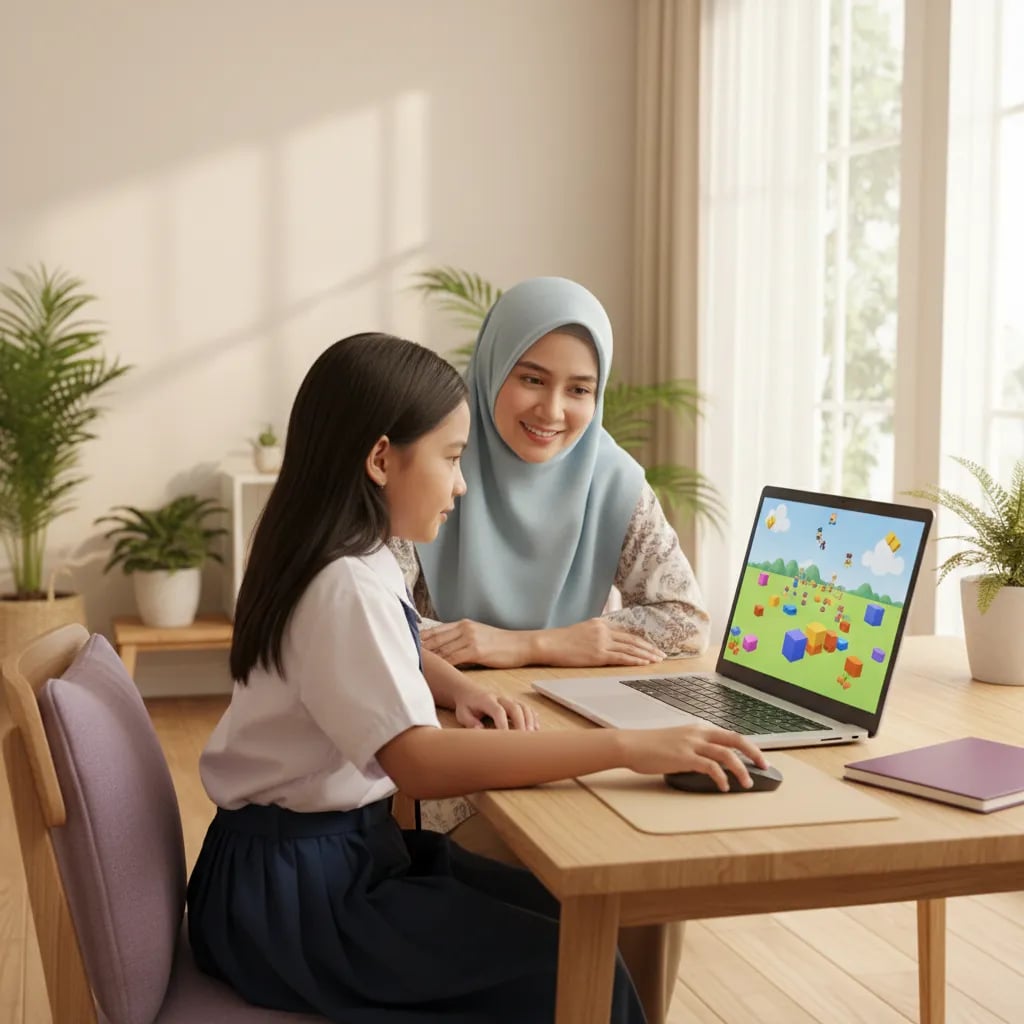
Set up the account and laptop together before your child opens Studio alone. It takes about 30 minutes.
The risks of playing Roblox, mainly chat and Robux spending, are covered in is Roblox safe for kids.
A first playable game usually takes 2 to 3 sessions, as long as the project is small. Kids who want to build something as busy as their favourite game on day one usually give up within a week.
| Project | What it teaches | Rough time |
|---|---|---|
| Obby with 5 obstacles from a template | Move, Scale, colours, playtesting | 2 to 3 sessions × 45 min |
| A block that vanishes when touched | First script, the Touched event | 1 session |
| Coins and a scoreboard | Variables, adding to a number | 2 to 3 sessions |
| A secret door with a button | if conditions, several objects | 2 sessions |
A sensible pace is 2 sessions a week, 45 to 60 minutes each. At that pace a small game of their own is usually done in 4 to 6 weeks. The technical steps from installation to publishing are in our guide to making a game in Roblox Studio for beginners.
One thing that often surprises kids: according to Roblox's creator documentation, a newly published public game is first shown only to age-checked users aged 16 and over. Accounts under 16 can see it only after the game passes Roblox's evaluation. So the first playtests work best with family, on the same laptop.
Roblox Studio becomes a coding lesson when your child writes and fixes their own scripts. If they only copy, it stays entertainment. The language is Luau, which Roblox built on top of Lua. There's an explainer in our glossary entry on Lua.
The concepts kids pick up in Luau are the same ones Python uses: variables, conditions, loops, functions and events. When they move to Python later, only the way of writing it is new. The full comparison is in the first programming language for kids.
Signs your child is really learning:
A child who quits at the first error usually isn't less clever. Nobody has told them yet that programmers read error messages every day.
Fajar Hidayat, Coding Curriculum Team, Algonova
If your child is 10 to 14 and wants to get serious about making games, our Roblox and game design course for kids teaches game design and scripting with a live teacher. For 8 and 9 year olds who aren't ready to write scripts yet, coding classes for primary school kids build the logic first.
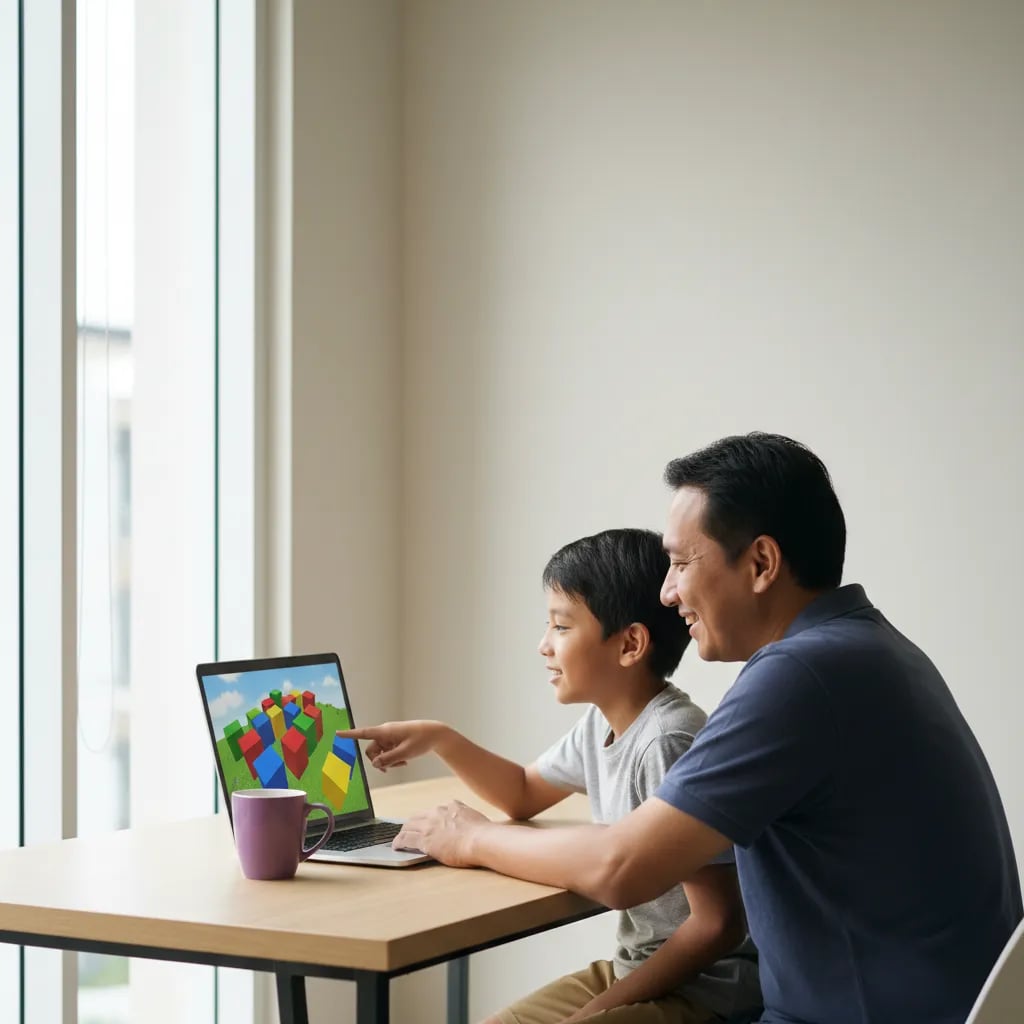
Yes, Roblox Studio is free to download and use, with no subscription and no Robux. Your child only needs a Roblox account and a laptop or PC. Players spend Robux on items inside games; building games doesn't require any. Costs appear only at a stage beginners rarely reach. For example, a creator who wants their game shown to players under 16 has to meet extra conditions, including a refundable publishing fee or a subscription. Everything you need for learning is already there: templates, the toolbox, the Output window for reading errors, and the official documentation. An 11 year old can build an obby with coins and a scoreboard without spending a single rupiah. Free 3D models in the toolbox are also available, but it's better to pick them together. If a site or a person asks for money to "activate" Roblox Studio, it's a scam. Download only from create.roblox.com, and keep the account password with a parent.
No. Roblox Studio isn't available for Android, iPhone, iPad or Chromebook. The official requirements are Windows 10 or macOS 10.14 and later. On a phone, your child can only play games, not build them in Studio. Sites offering a "Roblox Studio APK" don't belong to Roblox. The file may contain malware or a fake app that asks for the account password. In July 2026 Roblox announced Build, a feature for making games with AI prompts inside the Roblox app. When it was announced, it was only being tested in New Zealand, and children don't write code in it. If you only have a phone at home, your child can start with logic puzzle apps or Pocket Code. Once they want to build their own Roblox game, get a laptop with at least 3 GB of RAM and a mouse. A second-hand laptop running Windows 10 or 11 is usually enough for first projects.
Roblox has no separate minimum age for Studio. Your child uses a normal Roblox account, and in Indonesia accounts for ages 5 to 12 automatically become Roblox Kids accounts. In terms of readiness, 8 to 9 year olds can build a map from a template with a parent. Luau scripts suit ages 10 to 12 better, because kids need to read English terms and follow "if this, then that" logic. Most 13 to 14 year olds can finish a game with several levels. Under 8, block coding such as Scratch or ScratchJr is a better fit, and that experience makes the later move to Roblox easier. A 9 year old who has already made two games in Scratch usually picks up the Touched event in Studio faster. Go by reading ability and patience, not just the number. A child who can sit with one small problem for 30 minutes is usually ready to start.
Go to create.roblox.com, log in with a Roblox account and click the button to download Studio. On Windows the installer is RobloxStudio.exe, on Mac it's RobloxStudio.dmg. Run it, wait for the installation to finish, and log in with the same account. Before downloading, check that the laptop runs Windows 10 or macOS 10.14 or later, has at least 3 GB of RAM and a screen of at least 1600×900. Install it together with your child rather than letting them search for a link, because there are many fake download sites. On a Windows laptop with 4 GB of RAM, Studio handles small projects but gets slow with lots of browser tabs open. Once it's installed, open the Obby template first so your child sees something working straight away. Save the project with a clear name such as "first-obby" so it's easy to find next week. If the installer refuses to run, check the Windows version under Settings, System, About.
Roblox Studio is fairly safe, because a child working alone barely interacts with strangers. The risks come from three places: fake downloads, free toolbox models that can hide scripts, and "let's work together" invitations from strangers outside Roblox. Deal with them by downloading only from the official site, linking your child's account to a parent account, and asking your child to check with you before using models made by others. In Indonesia, chat on Roblox Kids accounts is off by default, and on Roblox Select accounts chat is limited to trusted friends with parental approval. A simple house rule helps: Studio is only opened in the living room, and your child never shares a phone number or social media account with anyone they met through a game. If someone offers free Robux or asks for the password "to help", your child just closes the conversation and tells you. Most problems start outside Roblox, on other chat apps.
Roblox Studio uses Luau, a scripting language Roblox developed from Lua. Kids type it as text instead of snapping blocks together as in Scratch. A first game needs only a few lines, for example a script that makes a block vanish when a player touches it. Ten lines like that already contain a variable, an event, a function and a sequence of commands. Python and JavaScript use the same ideas, so time spent in Roblox isn't wasted when your child switches languages. Only the way of writing changes. A child who understands "if score >= 10 then" in Luau usually gets "if score >= 10:" in Python quickly. If your child doesn't yet read simple English comfortably, sit with them for the first month or start with a block language. Words like local, function, then and end appear in almost every script, so learning those few first goes a long way.
A newly published public game is first available only to age-checked users aged 16 and over. Roblox Kids and Select accounts can see it only after the game passes Roblox's evaluation. That evaluation asks the creator for more, including account verification and a number of engaged players within the last 60 days. For a first game, those conditions are almost impossible for a primary school child to meet, and they don't need to. The easiest option is to play the game with family straight from Studio using the Play button, or to show it to friends on the same laptop. Kirana, 11, recorded her screen while her younger brother tried her obby and used the recording to find the obstacles that were too hard. At this stage what matters is a game that's finished and playable. Player numbers can wait. Your child can try the publishing requirements later, after making 3 or 4 small games.
It is, if your child writes and fixes their own scripts. In Roblox Studio kids learn programming logic, how to read error messages and how to break a big idea into small steps. Those skills carry over to languages like Python and to maths lessons. Kids also learn design: why one level is fun and why another makes players bored. The value drops if your child only copies scripts from videos without understanding them. There's a simple test: ask your child to explain one of their scripts in 2 minutes. A child who can say "this line adds to the score when a coin is touched" understands events and variables. If a 10 to 14 year old wants to go further, a game design class with a live teacher helps them finish projects. Algonova teaches 1,000,000+ students in 97 countries in groups of up to 10, from Rp 102,000 per lesson. The first class is a free 60-minute master class.
Blog

Algonova worldwide
Contact
Whatsapp: +62 21 50996971
Email: info@algonova.id
Address
Coworking Area, Gedung IT 6 Lantai Dasar, Nongsa Digital Park, Jalan Hang Lekiu, Kelurahan Sambau, Kecamatan Nongsa, Batam, Indonesia Directorate General of Consumer Protection and Trade Compliance – Ministry of Trade of the Republic of Indonesia. WhatsApp Ditjen PKTN: 0853-1111-1010.
PT Algonova Indonesia Cerdas All rights reserved 2026