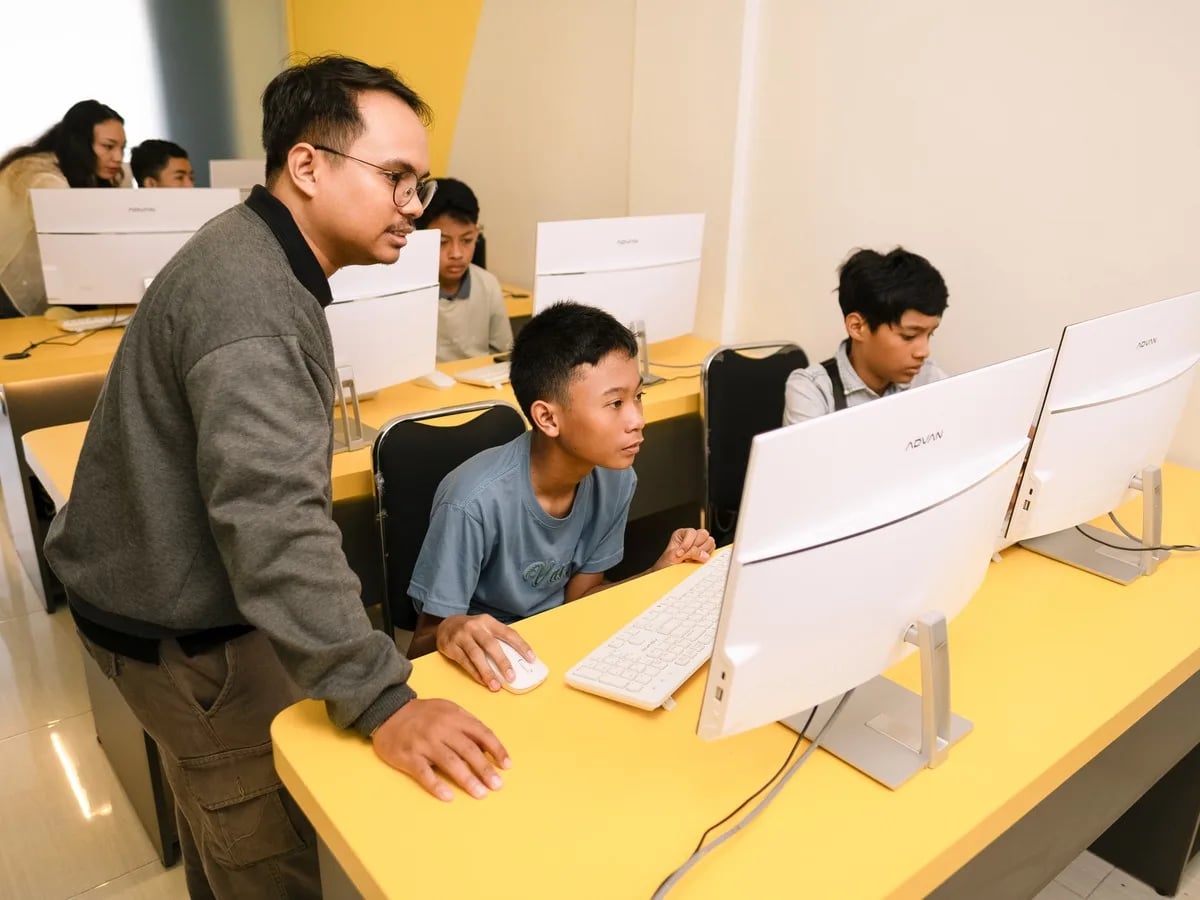
Online vs In-Person Coding Classes for Kids: Which Fits Better? (2026)
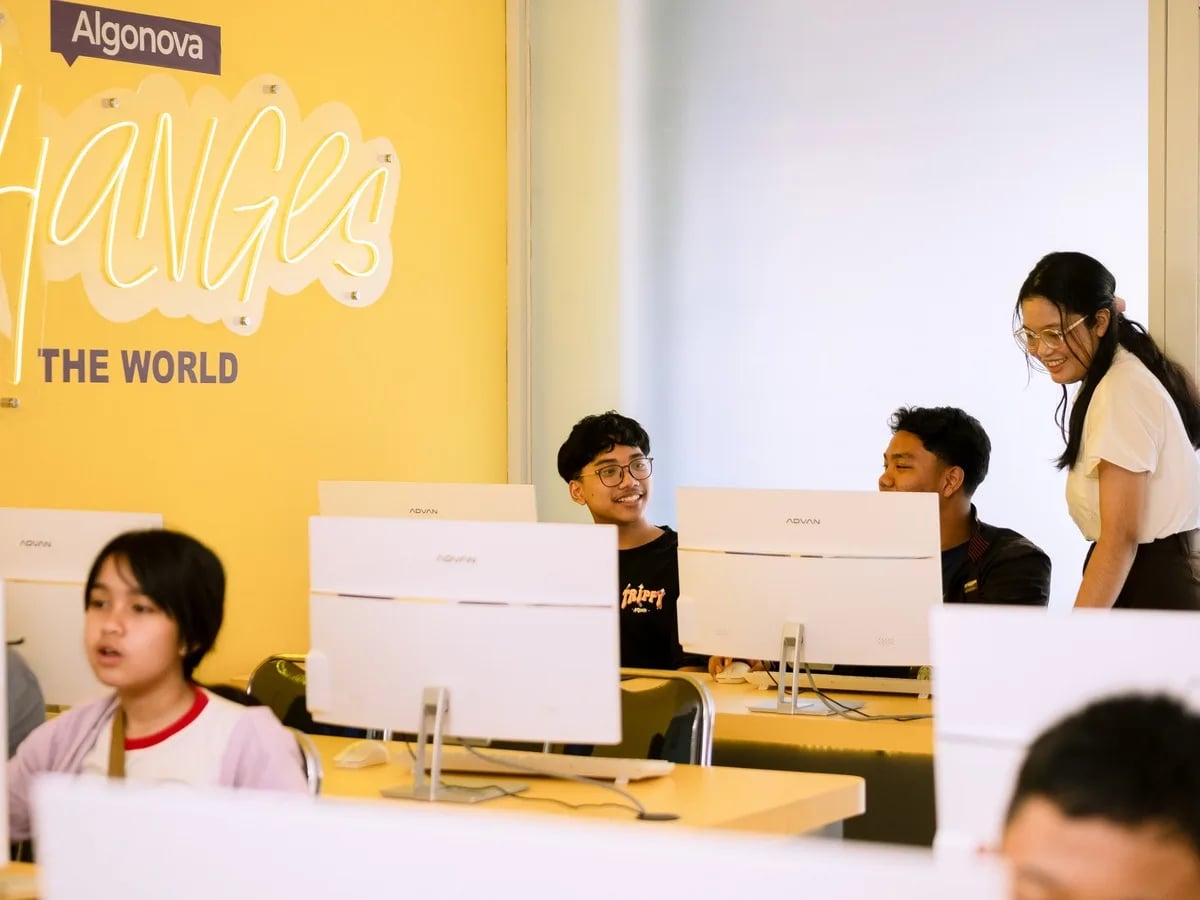
Which Is Better?9 min read
Parent Guides

Maya Putri
Early Childhood Education Specialist
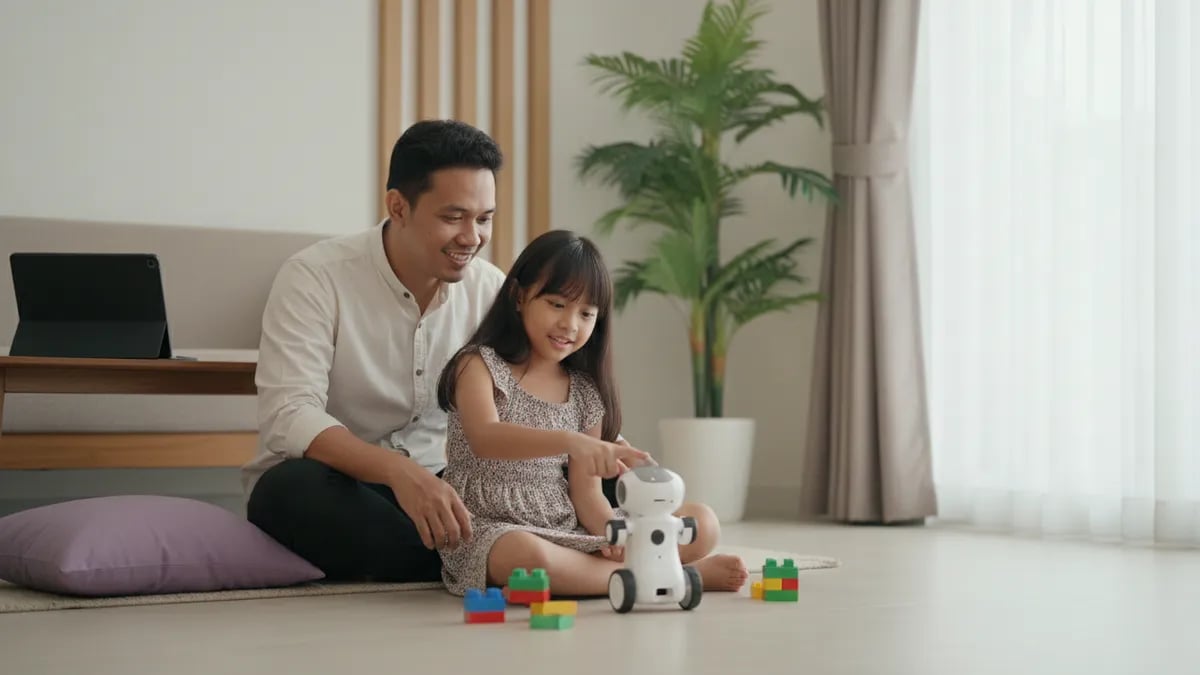
Coding robot toys for kids should match the child's age and the way the child gives commands. Ages 5 to 7 suit screen-free robots driven by cards or buttons, ages 8 to 10 suit buildable kits with block-based apps, and ages 11 to 12 suit microcontroller kits. Run the 8 checks in this guide before you buy. A kit trains the hands and the logic, but direction and feedback still come from a teacher.
Choose by how your child gives commands, not by the number of sensors or features on the box. A child who is not yet a fluent reader needs commands they can touch, and a fluent reader can move to screens and blocks.
| Age | Type that usually fits | How it is programmed | What it trains |
|---|---|---|---|
| 5 to 7 | Screen-free robot driven by direction cards or buttons | Arranging a sequence of arrows | Order of steps, cause and effect |
| 8 to 10 | Buildable kit with a block app | Dragging blocks on a tablet or laptop | Loops, conditions, finding mistakes |
| 11 to 12 | Microcontroller board and sensor kit | Blocks, then text | Sensor logic, wiring circuits |
The ages are typical ranges, not limits. A 7-year-old who reads well can start with a block kit, and a 10-year-old who has never touched a robot can spend a few days on the first type. If your child is under 8, our page on coding for ages 5 to 7 explains what is realistic at that age.
Parents mostly meet three types: screen-free robots, buildable kits with an app, and microcontroller kits. The main difference is who does more of the work, the child or the box.
Robots sold with an artificial intelligence label are a different topic, including questions about children's data. See AI robots for kids. If you want to know what children do in school robotics clubs, read robotics club in primary school.
Check the age on the box, the language of the instructions, screen needs, the number of projects, repairability, battery, small-part safety, and whether the product can grow with the child. These eight matter more than comparing feature lists.
If you buy from an online seller, read reviews that mention the child's age and how long the kit was used, not only the star count.
Kids stop when the challenge runs out and nobody shows the next step. Parents often describe this pattern, and it is an observation rather than research, but the cause is usually simple.
Take an 8-year-old with a buildable robot. In week one the child finishes three projects from the manual. In week two the projects are gone, the child tries to change the program, it does not run, and nobody can explain why. The robot goes into a cupboard.
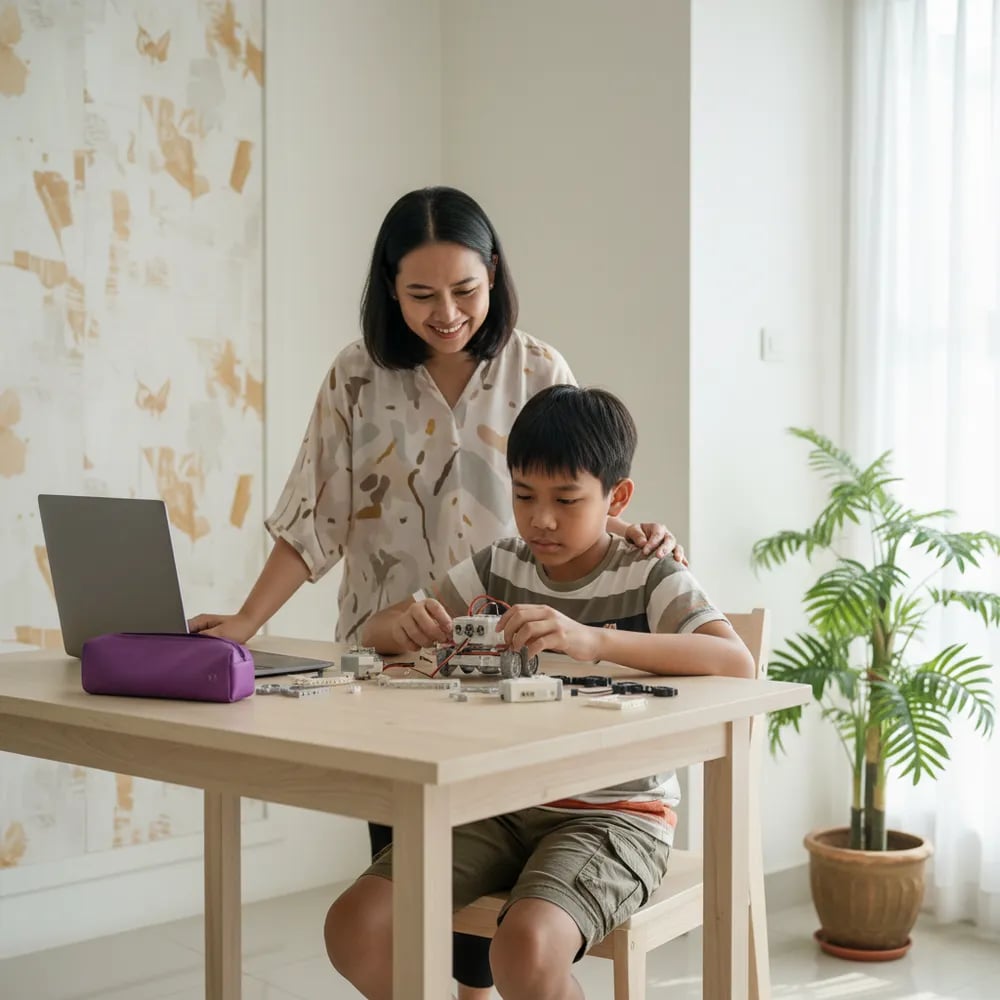
Three things keep a kit alive:
A kit gives tools and the fun of building, but not a learning order, correction of mistakes, or a measure of progress. Those three usually come from a teacher or a class.
A learning order means the child knows what they are studying now and why. Correction means someone looks at the child's program and points out what to fix. Progress measurement means you know whether your child is advancing or only repeating the same project.
Children with basic logic skills usually understand robots faster. That is why many parents start with a first programming language. The choice is covered in first programming language for kids, and the difference between Scratch and Python in Scratch vs Python for kids. For a comparison of robotics, coding, and game design, see coding vs robotics vs game design.
A robot toy suits building curiosity at home, while a coding course suits families who want a learning order and a teacher who checks the work. The two can run side by side.
| What to compare | Robot toy or kit | Online coding course |
|---|---|---|
| Upfront cost | One purchase, price depends on type | Paid per lesson or per package |
| Learning order | Follows the manual in the box | Step-by-step curriculum |
| Feedback | From a parent, or none | From a teacher each lesson |
| Device | The kit, sometimes a tablet | Computer or laptop |
| Best for | Kids who like building | Kids who need direction and goals |
Algonova does not sell robots. Our online classes run on a computer with Scratch, Roblox Studio, then Python, in groups of up to 10 children, and more than 1 million students in 97 countries have studied with us. For kids curious about artificial intelligence there is also an AI class for kids. If you are comparing several courses, read how to choose an online coding course for kids.
Consider screen time too. If devices worry you, coding apps on your child's phone covers what is worth trying and what to limit.
Start with what is free or cheap, and buy a kit only after you know what your child enjoys.
For a 5-year-old, pick a screen-free robot driven by direction cards or large buttons. Children this age learn by touch, so the result of a command must show on the floor right away. Start with a short route, such as from the sofa to the door, then add one turn. Ten to 15 minutes per session is enough, because 5-year-olds tire quickly. Avoid kits with open battery covers or small parts. If your child cannot read yet, choose a product that does not rely on written instructions, and sit with them for the first few sessions.
Usually from about 8, when a child reads instructions fluently and has the patience to hunt for mistakes. Some 7-year-olds are ready and some 9-year-olds are not, so watch habits, not the number. Signs of readiness: the child can finish a 30 to 50 piece puzzle without giving up and tries again after failing. If in doubt, start with a screen-free robot for a few weeks, then move up to a buildable kit.
No, a child can learn coding entirely on a computer without a robot. The core ideas, sequence, loops, and conditions, are the same in Scratch and in a robot. A robot adds a physical side some children love, but it is not required. Many children actually progress faster starting on screen because mistakes can be fixed in seconds. If your child is fluent on screen and curious about the real world, that is when a robot kit makes sense.
Prices vary widely by type, brand, and shop, so no single number is fair. We do not quote prices because they change quickly and differ between sellers. A safer method: set a budget first, compare three products with the 8-point checklist, and work out cost per project rather than price per box. A kit with 20 projects that can be rebuilt often costs less in the end than a cheap robot with 2 projects.
An ordinary robot toy is driven by a remote, and the child just presses buttons. A coding robot makes the child arrange commands first and then watch the robot carry them out. The difference is who decides: with an ordinary toy the remote decides each movement in the moment, while with a coding robot the child designs the sequence ahead of time. Check whether the product has a "build the commands" stage before the robot moves. If it does not, it is an ordinary toy.
They are safe when the age on the box fits and a parent keeps an eye on use. Watch small parts, batteries, and cables. Children under 8 should not handle kits whose batteries can be removed without a tool. With microcontroller kits, an adult should be present when wiring and charging. Check the product's safety label and keep the box until your child has finished with the kit. If any part gets hot or smells odd, stop using it and contact the seller.
No, they do different jobs. A robot toy builds curiosity and building practice. A coding course gives a learning order, a teacher who checks the child's program, and progress reports. A child who only uses a kit tends to repeat the same projects without levelling up. The most practical route is a trial master class to see your child's interest, then deciding whether a kit is also needed. Our coding master class lasts 60 minutes and is free.
About 20 to 30 minutes a day is enough for a primary school child, and short sessions work better. A child who plays for 2 hours in one sitting usually gets tired and frustrated when the program fails. Set a fixed schedule, such as 3 times a week, and stop while the child is still curious, not after boredom sets in. If your child asks for longer, that is fine as long as homework and rest are not affected.
The cheapest way is free Scratch on a laptop for one week, 20 minutes a day. Watch whether your child enjoys arranging sequences and fixing mistakes. If yes, a buildable kit will likely appeal. If your child prefers making stories or games, a coding course with game projects may suit better than a robot. You can also join the 60-minute Algonova trial master class to see how your child reacts with a teacher.

Algonova worldwide
Contact
Whatsapp: +62 21 50996971
Email: info@algonova.id
Address
Coworking Area, Gedung IT 6 Lantai Dasar, Nongsa Digital Park, Jalan Hang Lekiu, Kelurahan Sambau, Kecamatan Nongsa, Batam, Indonesia Directorate General of Consumer Protection and Trade Compliance – Ministry of Trade of the Republic of Indonesia. WhatsApp Ditjen PKTN: 0853-1111-1010.
PT Algonova Indonesia Cerdas All rights reserved 2026