How Many Lessons a Week Does a Primary School Child Need?
Q&A13 min
Learn Coding

Fajar Hidayat
Coding Curriculum Team, Algonova
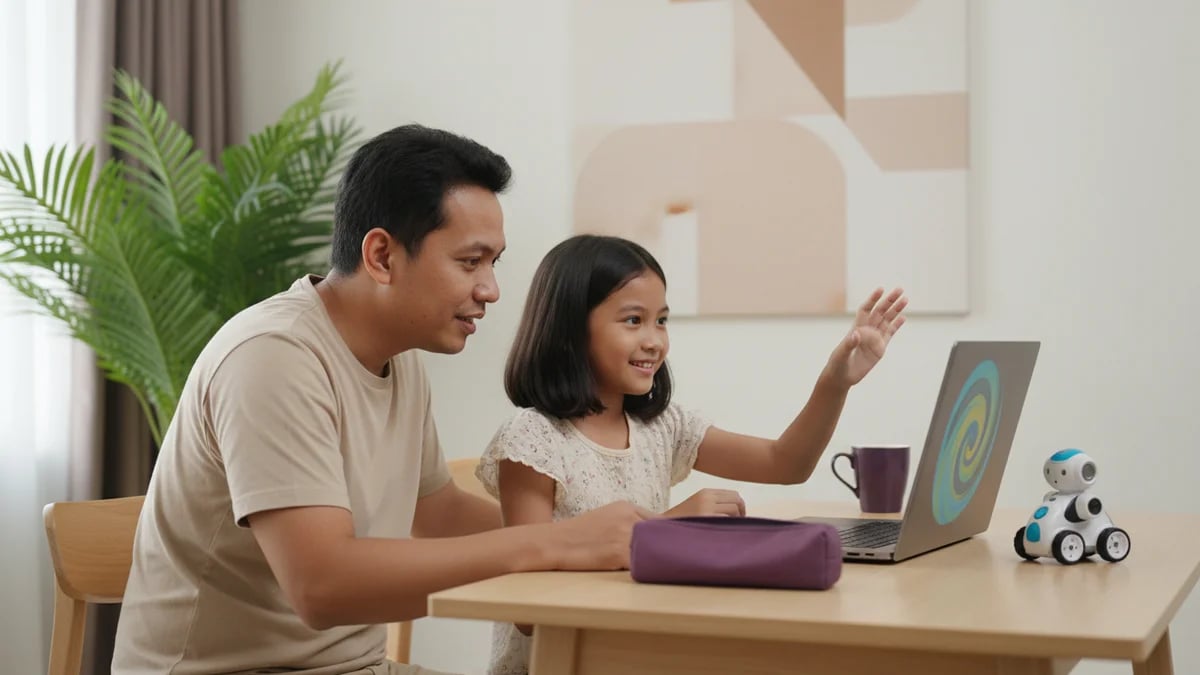
An AI robot for kids usually means one of three things: a talking companion toy, a robot kit your child builds and programs with blocks, or an AI project made on a laptop with no robot at all. For children aged 4-7, a toy or a simple kit is a fine first contact. From around age 8, kids can train their own small AI model with free tools such as Google's Teachable Machine, and that is where real understanding begins.
An AI robot for kids is a device or program that uses artificial intelligence to recognise voices, faces, movement, or images and then respond. Online shops in Indonesia use the label for three very different products:
All three are sold with the same two words, yet the child's role is completely different in each. For a plain-language definition of AI, see what is artificial intelligence, and for robotics, see what is robotics.
A smart toy entertains and sparks questions, a robot kit trains logic and patience, and a self-made AI project shows how AI works from the inside. Side by side, the differences are easy to see:
| AI robot toy | Robot kit + code | Self-built AI project | |
|---|---|---|---|
| Examples | Miko, EMO | mBot (Makeblock), LEGO Education SPIKE | Teachable Machine, Machine Learning for Kids, Scratch |
| Sensible age | 4-8, with a parent nearby | 8-12 | 8+ with help; 10+ more independently |
| Child's role | User: asks and listens | Builder and programmer | AI trainer and project maker |
| What it trains | Vocabulary, curiosity | Sequencing, sensors, debugging | Collecting data, testing, improving a model |
| Camera and mic | Often on while the robot is on | Depends on the kit's sensors | Webcam only while recording examples |
| Accounts and internet | Usually Wi-Fi plus a parent app | Coding app, some work offline | Browser; an account only to save work |
| Main risk | Boredom once every feature is tried | Kit gathers dust without a guide | Needs a laptop and some parent time at first |
Here is a pattern parents describe to us often. A 9-year-old gets a companion robot for his birthday. In week one he asks it dozens of questions. By week three it sits silent on a shelf, because he has heard every answer. His 5-year-old sister, meanwhile, still loves its colour quiz.
When you choose an AI robot, ask one question: who is doing the thinking here, the robot or my child?
An AI robot toy can be safe if you know what it records, where the data goes, and how to delete it. A toy that listens to and watches your child is, by design, collecting your child's data.
The best-known warning came from Germany. In February 2017, the telecoms regulator Bundesnetzagentur banned the My Friend Cayla doll as a concealed surveillance device, because it recorded children's speech and sent it to a voice recognition company (NPR, 2017). In Indonesia, Article 25 of Law No. 27 of 2022 on Personal Data Protection requires parental or guardian consent before a child's personal data is processed.
Before you buy or switch on a companion robot, check these seven points:
For choosing chatbots and other AI apps, see our guide to safe AI tools for kids.
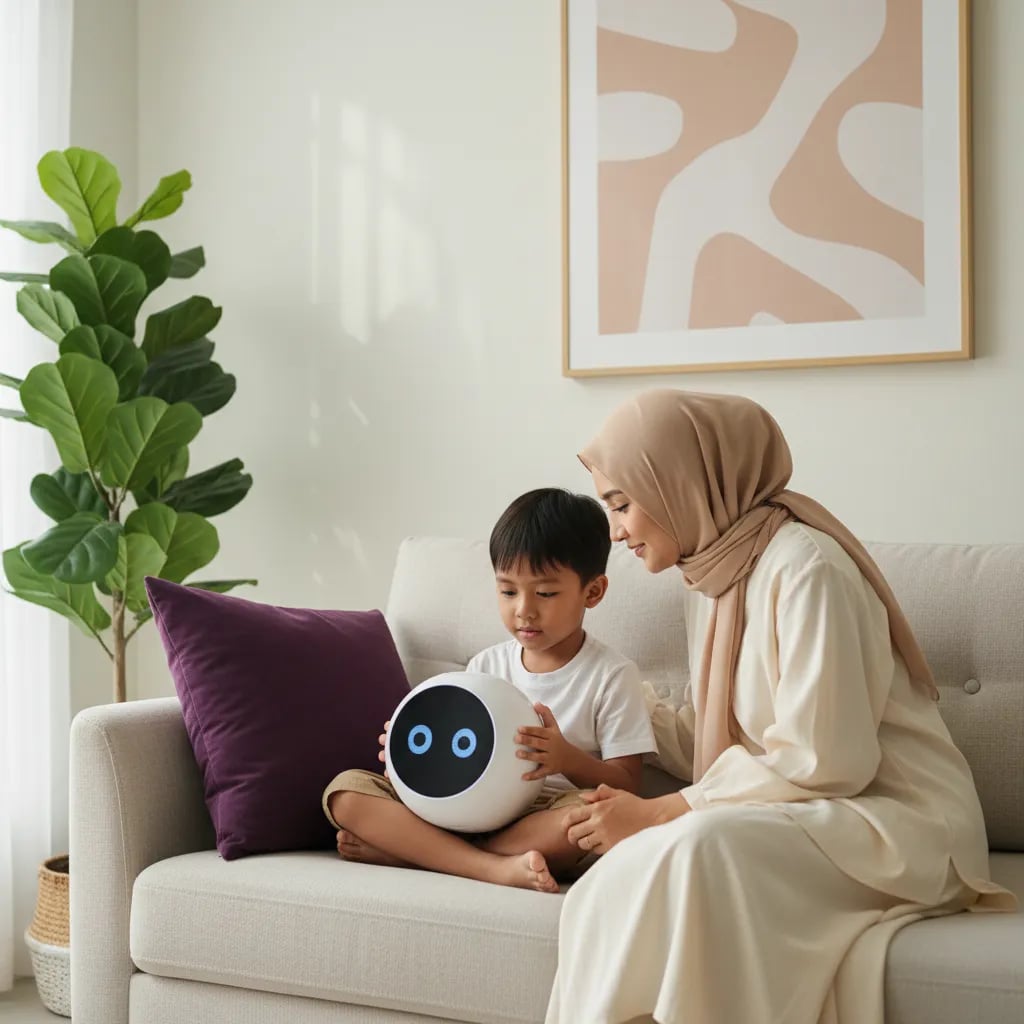
A robot kit pays off once your child can read instructions and has the patience to hunt for mistakes, usually from Grade 3. Here the child gives the orders instead of just hearing answers.
Most of a kit robot's "intelligence" is rules the child writes. A distance sensor reads a number, and the program decides: if it is under 10 cm, turn left. That is not machine learning yet, and that is exactly the useful lesson. Your child learns the difference between a program that follows rules and an AI that learns from examples.
Many children first meet robot kits at school. We cover what happens there in school robotics clubs, and how robotics compares with coding and game design in coding vs robotics vs game design. Kids who already know Scratch tend to pick up robot programming quickly, since many robot apps use similar blocks.
Your child gives the computer lots of examples, say 40 photos of an open hand and 40 of a fist, and the computer learns to tell them apart. That is machine learning in its simplest form, and no robot is needed to try it.
Three free tools work well at home:
A good first project is an AI version of rock, paper, scissors:
Picture a 10-year-old who trains her model in her bedroom at night. The next afternoon on the porch, it keeps guessing wrong. She adds 20 photos taken outside, and now it is right almost every time. Without noticing, she has learned what AI engineers learn: a model is only as good as the data it was trained on.
An AI robot toy shows what AI can do. A project your child builds shows why AI gets things wrong.
The older the child, the more time should go to making rather than using. A rough guide:
At school, Coding and Artificial Intelligence (KKA) is now an elective subject from Grade 5, under Permendikdasmen No. 13 of 2025. Children who have already trained a model of their own usually feel more confident when that subject arrives.
If the goal is fun for a young child, an AI robot toy is enough. If the goal is for your child to understand AI and make it, build together. The second path can even start at zero cost with the laptop and webcam you already own.
Our view: smart toys are fine as long as the data settings are checked and your child is not only a spectator. After rock, paper, scissors, a natural next step is a game of their own, as in our guide on how to make a game with AI for kids. For kids aged 8-17 who want a structured path, the AI class for kids at Algonova starts with how AI works, moves on to projects with AI tools, and continues to Python.
Yes, as a toy, as long as a parent is nearby and play time is limited. A 5-year-old cannot yet grasp how AI works, but can enjoy a robot that tells stories, sings, or runs a colour and number quiz. Pick a model whose camera and microphone can be switched off, and set up the account in your own name. Keep sessions to roughly 15-20 minutes, then ask your child what they asked the robot. For learning to give instructions in order, the ScratchJr app, designed for ages 5-7, is a good companion because the child arranges the character's moves personally. Do not expect a smart toy to teach coding. It works more like a picture book that talks back. When your child starts asking "how does the robot know?", that is a good moment to introduce the idea of commands and simple rules.
A regular robot follows rules someone wrote, while an AI robot recognises patterns learned from data, such as voices or faces. Most school robot kits are regular robots: a sensor reads distance and the program turns when an obstacle is too close. Every decision comes from rules the child wrote. An AI robot, such as a companion toy that understands speech, uses a model trained on many recordings. That model can make mistakes with accents or voices that were rare in its training data. Both ideas matter for children. Rules train logic and precision, while AI models teach that data shapes the result. A short Teachable Machine project can show the difference in one afternoon, without buying any robot at all.
Most toys you can talk to process your child's voice, and many send it to a server for recognition. What you need to check is whether recordings are stored, for how long, and whether you can delete them. That information is usually in the privacy policy and in the maker's parent app. The My Friend Cayla doll was banned in Germany in 2017 because it sent children's speech to a voice recognition company without many parents realising it. In Indonesia, the 2022 Personal Data Protection Law requires a parent's or guardian's consent to process a child's personal data. If a manufacturer does not clearly explain where your child's voice goes, treat that as a reason to choose another product or to switch voice features off when not in use.
For self-built AI projects, a laptop or desktop with a webcam is the most comfortable option, but it does not have to be expensive. Teachable Machine, Machine Learning for Kids, and Scratch all run in the browser, so a school laptop or a parent's work laptop is usually enough. A tablet can handle some activities, but building projects and training models is easier with a bigger screen, a keyboard, and a mouse. Stable internet and a well-lit desk matter more than specs, because webcam photo quality affects how well the model learns. If your family only has a phone, your child can start with block-based coding apps and move to a laptop when ready for AI projects. For online classes, check the device requirements before you enrol.
Teachable Machine is free, runs in the browser, and according to its official FAQ, recorded examples are not sent to a server unless the project is saved to Google Drive. Kids can train a model without creating an account. A Google account is only needed to save projects, and a child's account is best created and managed by a parent. There are still things to watch. When recording with the webcam, make sure the background does not show anything private, such as documents or family members who are not taking part. For children under 10, sit beside them for the first few sessions, since the interface is in English. Once your child understands the flow, a simple project like rock, paper, scissors is easy to repeat alone with new ideas.
Not necessarily. Training a model in Teachable Machine needs no code at all: the child records examples and presses the train button. Coding, however, makes AI projects far more exciting. With Scratch, a trained model can move a game character, keep score, or play sounds. Without coding, a child stops at "the computer can guess". With coding, they can build something from that guess. For ages 8-12, a sensible order is a few weeks of Scratch basics, then a small AI project, then combining the two. Teenagers from 13 can move on to Python, the language widely used for machine learning. Most new students in Algonova's AI class have never coded before either, so starting from zero is normal.
It depends on what your child enjoys. Kids who like taking toys apart usually love robot kits, while kids who play games and ask about ChatGPT often fit an AI class better. Robot kits train logic through physical objects, but the kits often belong to the school and are shared in groups. An online AI class gives each child their own project on a laptop, and the material can continue all the way to Python. The two do not compete. Many children join a robotics club at school while learning coding or AI at home, since the core logic is the same: sequence, loops, and conditions. The easiest way to decide is to try one free class and see whether your child is still talking about it the next day.
Limit play time through the parent app, then swap part of that time for making something. Young children naturally treat a companion robot as a friend, because it answers, remembers their name, and shows expressions. The concern starts when a child prefers the robot to friends or family. Explain in simple words that the robot answers from programs and data, not from feelings. For children aged 8 and up, the best antidote is building a small AI themselves, for example a model that recognises facial expressions. After seeing their own model guess wrong, kids usually view the robot more realistically. Keep the robot in the family room, switch it off at bedtime, and apply the same rules to every screen in the house.

Algonova worldwide
Contact
Whatsapp: +62 21 50996971
Email: info@algonova.id
Address
Coworking Area, Gedung IT 6 Lantai Dasar, Nongsa Digital Park, Jalan Hang Lekiu, Kelurahan Sambau, Kecamatan Nongsa, Batam, Indonesia Directorate General of Consumer Protection and Trade Compliance – Ministry of Trade of the Republic of Indonesia. WhatsApp Ditjen PKTN: 0853-1111-1010.
PT Algonova Indonesia Cerdas All rights reserved 2026