Roblox Studio for Kids: How to Start Making Their Own Games (Age, Phone or Laptop)
Learn Coding14 min read
Learn Coding

Fajar Hidayat
Coding Curriculum Team, Algonova
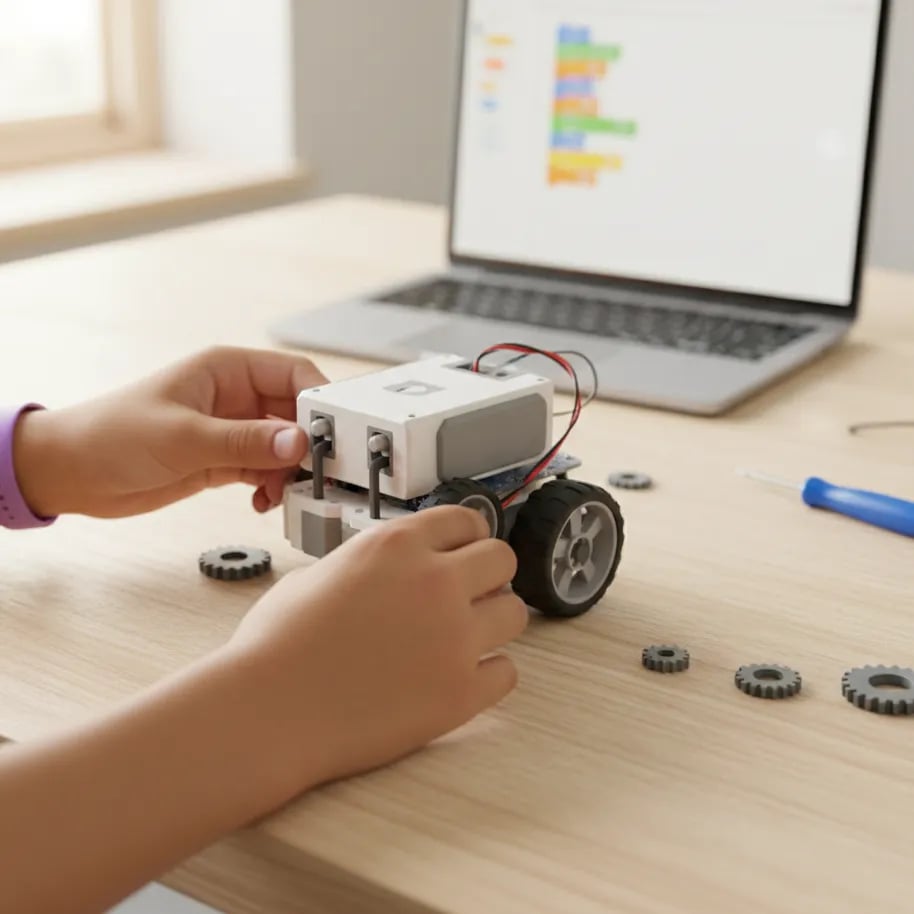
A robotics extracurricular for kids at an Indonesian primary school (SD) is an after-school club, usually once a week for 60-90 minutes, where children aged 8-12 build small robots and program them to move on their own. Most of the time goes into building and testing. The programming uses Scratch-style visual blocks. A coding class takes only that programming part and goes deeper, without a robot kit.
In Indonesia it's called ekskul robotik: an extracurricular where kids build a robot from a kit, then write a program so it can do a task. At SD level the work is almost always in groups, with two or three children sharing one kit and one coach running the whole class.
The coach might be a school teacher or an outside provider the school has hired. That matters more than parents expect, because who teaches the club usually decides both the fee and the quality. If you want the basic meaning of the word first, see our glossary entry on robotics.
A club is not the same as a school subject. From the 2025/2026 school year, Coding and Artificial Intelligence (KKA) became an elective subject starting in grade 5, under Ministerial Regulation (Permendikdasmen) No. 13 of 2025 (detikNews). KKA is taught during school hours and doesn't require robots. The robotics club stays an optional extra. You can check where your school stands in our guide is coding and AI compulsory or optional.
Kids learn to build, attach motors and sensors, and then program the robot with blocks. In most SD clubs the sequence looks roughly like this:
Take Bima, a grade 4 student. He needed three sessions to get his robot to follow a line. Building it took 20 minutes. The rest went on figuring out why it kept leaving the track on corners, and the answer was a colour sensor set too sensitive. Hunting down that kind of mistake is called debugging, and it's the skill kids actually take home.
Something clubs rarely mention: in a group of three, the fastest child often keeps the laptop while the other two just build. Ask your child who wrote the program this week.
The kit decides what your child actually learns. Schools in Indonesia generally use one of three types:
| Kit type | Example | Typical age | How it's programmed | What parents should know |
|---|---|---|---|---|
| Brick sets with a hub | LEGO Education | 6-12 | Block app on a tablet or laptop | Easy to rebuild, expensive, usually owned by the school |
| Ready-to-build robot | mBot by Makeblock | 8+ | mBlock, built on Scratch 3.0 | Python is possible at a later stage |
| Microcontroller board | Arduino | 11+ | Blocks first, then C/C++ | Needs wiring and light soldering, better for grade 6 or junior high |
The official mBlock 5 guide says the software is built on Scratch 3.0, MIT's visual programming language. So a child who is already comfortable in Scratch usually picks up robot programming quickly. The basics are covered in what is Scratch.
If the club asks parents to buy a kit, check first whether it will be used for more than one semester.
A robotics club trains building and programming physical objects in a big group. A coding class goes deeper into programming, with a project that belongs to each child. Both rely on the same logic of sequences, loops and conditions.
| School robotics club | Online coding class | |
|---|---|---|
| Focus | Building and programming robots | Making games, animations, apps |
| Programming time per session | Part of it, taking turns in the group | Almost the whole session, each child on their own device |
| Class size | Whole class, 2-3 kids per kit | Small group, at Algonova up to 10 kids |
| Equipment | School-owned kit | Laptop, computer or tablet at home |
| What kids take home | Team experience, sometimes a trophy | Their own projects they can reopen any time |
| Next step | Arduino, robot competitions | Scratch, Roblox, then Python |
Our view: for a child who loves taking toys apart, a robotics club is a great way in. But if the goal is for your child to really program, one hour a week sharing a laptop is rarely enough. We compare the paths in more detail in coding vs robotics vs game design.
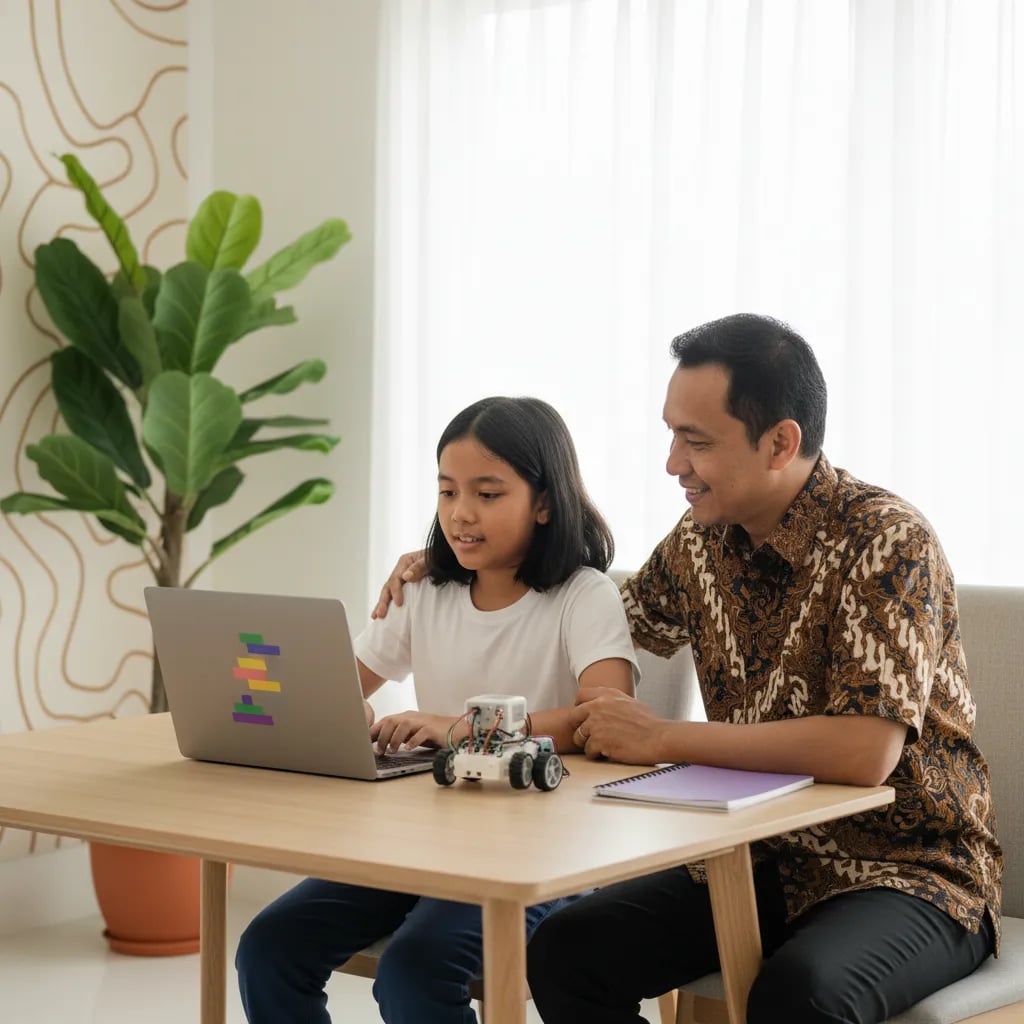
Ages 8-12, or grades 3-6, is the most common range. By then children are patient enough to build and read well enough to follow program blocks.
The international World Robot Olympiad uses the same range: its Elementary category is for ages 8-12, with teams of 2-3 children and robots no bigger than 25 x 25 x 25 cm (WRO Association).
For children aged 5-7, a full robotics club is usually too much. The instructions are long and the parts are small. The same logic can be introduced through games and picture stories, as in our coding classes for ages 5-7 with ScratchJr. A grade 6 child who is already fluent is usually ready for Arduino or a text language like Python.
Club flyers rarely answer what matters most. Robotics club fees also vary a lot between schools, so compare what you get, not just the price. Ask the school or coach:
We think question four is the most important. If the answer is "when there's time", your child will mostly be building, not programming.
Your child can still learn the most important part of robotics: how to give a machine clear, logical instructions. That part needs no kit, just a laptop or tablet.
Take Nadia, 9. Her school only offers scouts and dance. She started Scratch at home and made a game where a cat chases a ball. The program behind the cat's movement is the same one a robot uses to avoid walls: check the position, and if it's too close, turn.
For kids aged 8-12, Algonova's coding classes for primary school kids go from Scratch to Roblox, then Python. Classes are live with a teacher, in groups of up to 10. If your child joins a robotics club in junior high later, this foundation makes them faster. For devices, read choosing a laptop for coding first. Blocks versus text is covered in Scratch or Python for kids.
"A robot that won't turn is a good teacher. Kids learn that a machine does exactly what they wrote, not what they meant." Fajar Hidayat, Coding Curriculum Team, Algonova
The main benefit is that children learn to break a problem into small steps and test their own ideas. When a robot doesn't move as planned, they have to find out why: a loose part, a wrong cable or a command in the wrong order. That habit of testing and fixing carries over into maths and science. Teamwork is the other benefit, since the robot is built with two or three classmates. A group whose robot can't climb a ramp, for example, first has to agree whether to change the wheels or the motor speed. Kids also get used to words like sensor, motor and program, which come back in the grade 5 KKA subject. Results are best when your child stays at least a full semester and takes turns with the program instead of only building. Ask the coach how roles are rotated each week, and ask for a change if your child is always on building duty.
The cost depends heavily on the school and on who teaches the club. A club run by a school teacher with school-owned kits is usually the cheapest. Clubs run by outside providers tend to cost more, because the coach and the kits are built into the fee. Check three things: the monthly fee, the registration fee, and the kit price if parents have to buy their own. A fair way to compare is to work out the cost per session and divide it by the minutes your child actually spends programming. A cheap club where your child mostly watches a classmate type can cost more per minute of learning. For comparison, Algonova's online group coding classes start from Rp 102,000 per lesson, with no kit needed and a free first class. Get the fee breakdown in writing before your child starts, so there are no extra bills halfway through the semester.
No, but they are closely linked. Coding means writing instructions for a computer. Robotics uses coding to move physical things: motors, lights and sensors. So every robotics club involves coding, but not all coding involves robots. In a club, the coding share is often small, because time is split with building and one laptop is passed around. In a coding class, almost the whole session is programming, for example building a game in Scratch or Roblox. The command "if the sensor detects a wall, turn right" in mBlock looks just like the "if on edge, bounce" block in Scratch. The only difference is what moves: a robot on the table or a character on the screen. That's why kids who are fluent in Scratch usually master robot programming fastest. If your child has to pick one first, coding gives a foundation that works for robots, games and apps. Robots can come later, when the school or junior high offers them.
Most Indonesian primary schools open robotics clubs to grades 3 to 6, or ages 8-12. At that age children read assembly instructions easily and are patient enough to try again. Some schools run an intro class for grades 1-2 with bigger brick kits and picture-based programs. For kids aged 5-7, full robotics is usually too hard, because the parts are small and the instructions are long. The same logic can be introduced with ScratchJr, an MIT-made app for ages 5-7 that doesn't require reading. A grade 1 child who has already made a moving cartoon in ScratchJr usually grasps command order faster when joining a robotics club in grade 3. The World Robot Olympiad also starts its Elementary category at age 8. So grade 3 is a sensible starting point, and grades 1-2 are better spent on simple logic games. If your child is curious earlier, a short ScratchJr session at home is a gentle way to test it.
A school robotics club runs at school, usually once a week, with a large class and school-owned kits. A private robotics course is run by a company, with smaller groups, a schedule you choose and a step-by-step curriculum. Courses usually cost more, often with a registration fee and a kit of your own. The upside is that your child spends more time with the robot and the program. The downside is that someone has to drive them there, and if they quit, the kit you bought often sits unused. A child who has done two semesters at the club and wants to enter a competition usually needs extra practice, either at a course or at home. A third option is an online coding class. Your child doesn't handle a robot but goes deeper into programming from home on a laptop or tablet, which pairs well with a school robotics club.
A robotics club won't raise report card grades directly, but it trains skills used across many subjects. Children get used to measuring, timing, judging distance and testing guesses, which sit close to maths and science. From grade 5, schools that offer the elective Coding and AI (KKA) subject let kids use this experience right away in class. Working out how many seconds a motor must spin for the robot to move exactly 50 cm is a real ratio problem. Kids who have done it usually find speed and distance word problems easier. This only happens when your child actually programs and calculates, not only builds. A club can also add to your child's record of achievements if they compete. Still, don't pick a club just for grades. Pick it because your child is interested, then follow up with a simple question at dinner: "Where did your robot fail today, and how did you fix it?"
At a school club, laptops or tablets are usually provided by the school and shared within the group. Your child doesn't need to bring their own. A laptop at home only becomes necessary if your child wants to keep working after school, or if the coach sets homework. Software like mBlock runs on Windows and Mac, and some kits have tablet apps. A phone usually isn't enough, because the small screen makes blocks hard to drag. A child who wants to practise a line follower at home without a robot can use a simulation in Scratch or mBlock on a laptop. The specs don't need to be high: Scratch and mBlock run on a simple laptop that opens a browser smoothly. Algonova's online coding classes also need a laptop, computer or tablet, not a phone. If you don't have a device yet, ask the school whether club laptops can be borrowed for homework.
No, your child doesn't need to be good at maths to start a robotics club at primary school. What matters at the start is reading instructions, knowing left from right and being willing to try again. Maths often grows out of robotics, not the other way around. Kids start using numbers to set speed, turning angles and how long a motor runs. A grade 4 child who is confused by angles often gets it after programming a 90-degree turn and watching the robot miss. In upper grades and competitions, maths matters more, especially ratios, measurement and angles. If your child gets frustrated by the numbers, treat it as a chance to practise together, not a reason to quit. We look at how the two subjects relate in our article on robotics or maths on the Algonova blog. What you want to protect is curiosity, so don't make a maths grade the condition for joining the club.
Blog

Algonova worldwide
Contact
Whatsapp: +62 21 50996971
Email: info@algonova.id
Address
Coworking Area, Gedung IT 6 Lantai Dasar, Nongsa Digital Park, Jalan Hang Lekiu, Kelurahan Sambau, Kecamatan Nongsa, Batam, Indonesia Directorate General of Consumer Protection and Trade Compliance – Ministry of Trade of the Republic of Indonesia. WhatsApp Ditjen PKTN: 0853-1111-1010.
PT Algonova Indonesia Cerdas All rights reserved 2026