Online vs In-Person Coding Classes for Kids: Which Fits Better? (2026)
Which Is Better?9 min read
Parent Guides

Maya Putri
Early Childhood Education Specialist
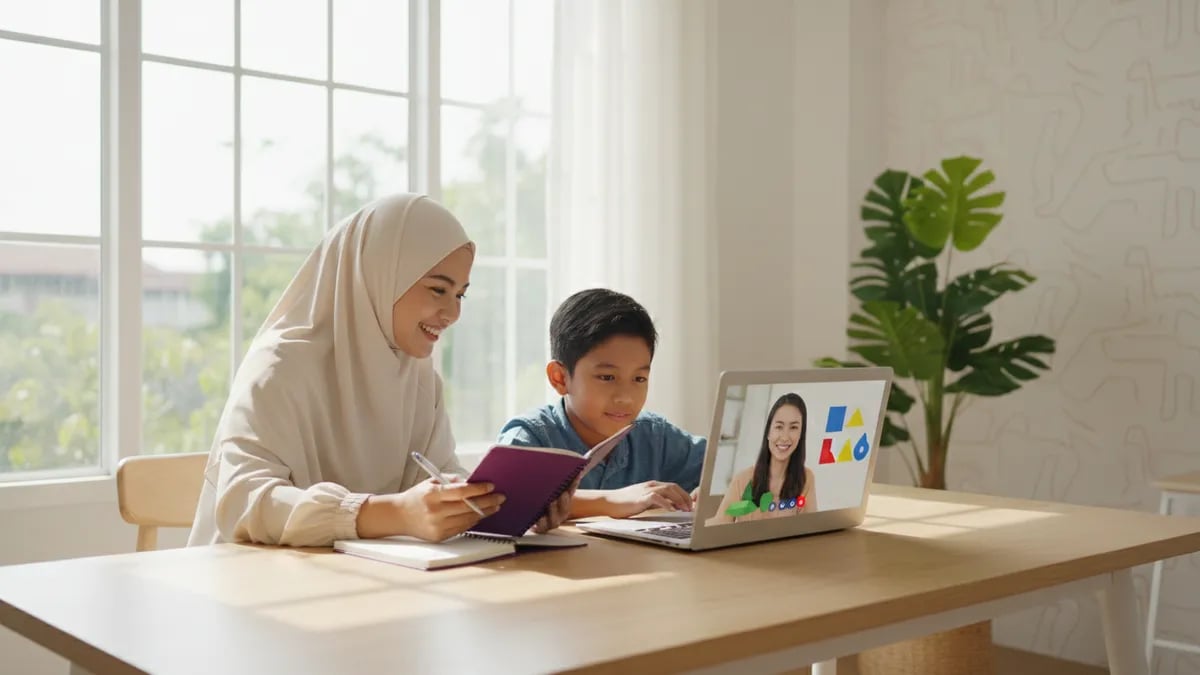
An online coding class for kids in Indonesia is worth paying for when it has four things: a live teacher, no more than 10 children per class, lessons matched to your child's age, and a free trial. The open prices we checked in October 2026 (online and in person) run from about Rp 100,000 to Rp 250,000 per lesson. Use the checklist below before you pay for the first package.
You are paying for teacher time, a sensible order of lessons, and projects that get finished. The price and the programming language's name are just packaging. If those three things are solid, an online class can work as well as a classroom one, without the drive across Jakarta, Bandung, or Surabaya traffic.
Parents search for this as a coding course for kids online, online coding classes for kids, or kids coding classes. All mean a child learning to build programs on a screen. What differs is the format: some classes are live, with a teacher who sees the child's screen, and others are videos the child watches alone. Both get called "courses."
Our comparison of online coding lessons and in-person classes covers the trade-offs: online wins on schedule and reach, while in-person can suit a child who struggles to focus on a screen.
Most parents choose by price and language name, not by how the child learns. That causes these five mistakes.
1. Comparing monthly prices without counting lessons. Two packages at "Rp 800,000 a month" can differ by a factor of two per hour of learning: one has 4 lessons, the other 8. Always ask how many lessons and how long each is.
2. Starting with a language that is too hard. Python at age 7 often ends with a child who is bored of typing brackets. Start with visual blocks, then step up. The thinking carries over to every language.
3. Treating video tutorials as a course. A video explains, but it cannot see the child's screen when the code breaks. Without a teacher to answer, a stuck child usually quits within a week.
4. Paying for a long package up front. Six months looks like a saving until the teaching style turns out to be wrong for your child. Take the trial class first, then decide.
5. Judging progress by certificates. Ask what your child can build after the first module. One game they can play with their little brother says more than a certificate. Before you enroll, check the signs a child is ready to learn coding.
A good class shows itself in specific answers, not the brochure. Take this table to your call with the school.
| Ask this | A reasonable answer | Red flag |
|---|---|---|
| Is the class live or video only? | Live teacher, child can ask questions right away | Videos only, nobody watches the child's screen |
| How many children per class? | Up to 10 per teacher, or one-on-one | 20 or more, answered with "it depends" |
| Who teaches? | A regular teacher with an IT background and a visible profile | A different teacher each week, no profile |
| How is the material ordered? | Step by step by age, for example Scratch first, then Python | One package for a 6-year-old and a 15-year-old |
| What does the child finish at the end of a module? |
Open prices for kids' coding classes, online and in person, run from about Rp 100,000 to Rp 250,000 per lesson, and the monthly figure depends heavily on how many lessons it covers. This is a small sample of publicly listed prices, not a market survey. We leave school names out because prices change.
| Package type | Range we saw | Source and date |
|---|---|---|
| 4 lessons per month (mid-size city, mostly in person) | Rp 500,000-800,000 per month, about Rp 125,000-200,000 per lesson | industry.co.id report on courses in Bogor, 26.06.2026 |
| Private lesson | Rp 150,000-250,000 per lesson | Same report, 26.06.2026 |
| Online 60-minute lessons, 28-lesson monthly plan | From Rp 111,000 per lesson, higher per lesson on a 4-lesson plan | Price page of one private tutoring provider, checked 28.10.2026 |
| Algonova, live online class | From Rp 102,000 per lesson, groups up to 10 |

Algonova worldwide
Contact
Whatsapp: +62 21 50996971
Email: info@algonova.id
Address
| A real project they can reopen: a game, an animation, a site |
| A certificate or a quiz score only |
| Is there a trial class? | Free, no card, before any payment | Deposit required before the child has seen a class |
| What is the price per lesson? | A clear number, with the total worked out before you pay | Only "Rp X per month," number of lessons not stated |
| What equipment is needed? | Laptop or computer, camera, stable internet, explained up front | You find out after paying |
If more than two rows land in the red-flag column, look elsewhere. Our guide to choosing an online tutoring center for primary school uses a similar approach for other subjects.
Age decides the language and the class format. Children aged 5-7 are still learning to read fluently, so they start with visual blocks and play. Ages 8-12 fit Scratch and game projects, then move toward Python. Teens aged 13-17 can go straight to typing code.
The order we suggest:
Example: Dimas, 9, loves Roblox and does not need Python yet. The coding track for primary school kids starts with Scratch, moves to Roblox Studio, and brings in Python once the basics are solid. If you are unsure about age, read what age kids can start learning to code, and for what is actually taught, see coding topics for primary school kids.
Scratch itself is free, and the Scratch Foundation reports more than 200 million kids creating projects on it (Scratch Foundation, checked 28.10.2026). So the first language does not have to cost anything: you pay for the teacher and the path. In school, coding is only an elective from grade 5 (Antara, 17.03.2025).
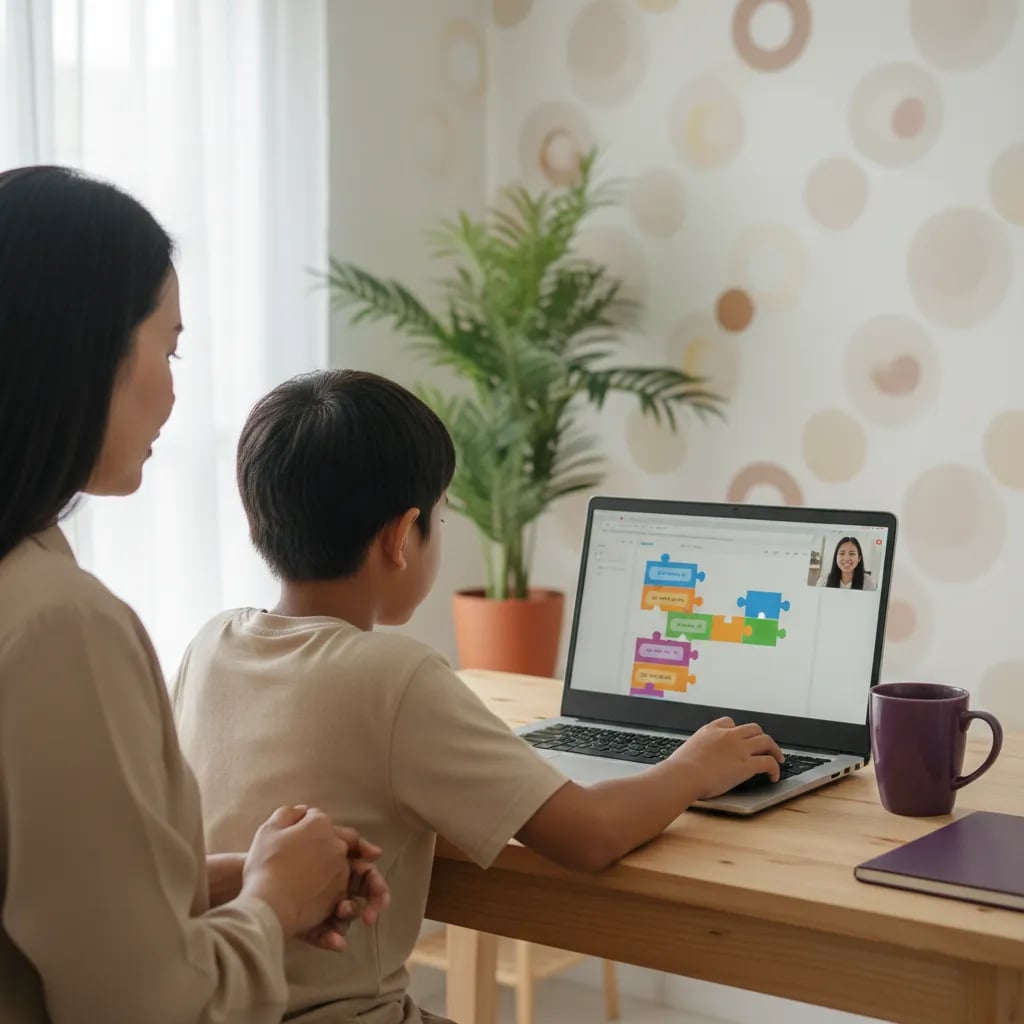
Always compare per lesson. Worked example: package A costs Rp 600,000 a month and sounds cheap, but it covers only 4 lessons, so Rp 150,000 each. Package B costs Rp 900,000 for 8 lessons, which is Rp 112,500 each. B is the bigger bill and the cheaper hour of learning.
For Algonova, one lesson a week is about 4 a month. At a starting price of Rp 102,000, that is about Rp 408,000 a month. The final figure depends on the format (private, mini, or group) and the level, and the team works it out with you after the trial. The formats are explained on the online coding classes for kids page. For city-by-city numbers, see coding class prices by city.
The cheapest class is not always the cheapest in the end. Work out the price per lesson, then divide by the number of projects your child actually finishes.
Cost depends mostly on how many lessons the plan includes. In our sample of open prices, a 4-lesson package (mostly in person) ran Rp 500,000 to Rp 800,000, or about Rp 100,000 to Rp 250,000 per lesson. One private tutoring provider listed lessons from Rp 111,000 for a 60-minute online session, but only on a 28-lesson monthly plan, with a 4-lesson plan costing more per lesson (checked 28.10.2026). At Algonova, prices start at Rp 102,000 per lesson, so one lesson a week comes to roughly Rp 408,000 a month before format and level adjustments. Monthly totals are not directly comparable between schools because lesson counts and lengths differ. Ask for the price per lesson, the number of lessons, and the total in writing before you pay. These figures come from a small sample, not a survey, so confirm them with the school.
They are effective when the class is live, small, and ends in finished projects. A video-only course is much weaker. A primary school child needs a teacher who can see the screen when the code breaks, because a small mistake like one misplaced block often makes them stop. In a live class of up to 10, a teacher can keep track of each child more easily. At Algonova, the Scratch course for ages 8-10 runs 36 lessons at 90 minutes a week, and each module ends with a project. You can test effectiveness yourself: after 4 lessons, can your child show and explain one thing they made? If yes, the course is working. If not, ask the teacher what is getting in the way before you renew. Comparing the online and in-person formats side by side also helps you judge whether the screen itself is the problem.
A child can start at age 5 if the lessons are games and visual blocks rather than typed code. At Algonova, the tracks are Little Coders for ages 5-7, Junior Coders for 8-12, and Teen Coders for 13-17. Age is not the only factor, since readiness matters too: the child should be able to listen to an explanation for a few minutes, follow two-step instructions, and feel comfortable asking a teacher questions through a screen. A child who is not ready is better off waiting a few months than being pushed. Our guide on what age to start coding goes into the details. If you are unsure, a free trial class lets a teacher see your child's level and suggest a starting point, so you do not have to guess which track fits. For ages 5 to 7, a parent should sit in on the first few lessons, mostly for technical help.
The difference is feedback: a video explains, while a live teacher fixes the child's mistake on the spot. Free videos are useful for a motivated child who can work alone, and Scratch itself costs nothing. The trouble starts when the child gets stuck. With nobody watching the screen, they tend to rewatch, copy without understanding, and then drop it. A good course adds three things a video lacks: a sequence of lessons built for the child's age, a teacher who knows where the child struggles, and a project target for each module. If your goal is only a first taste of coding, start with free videos and apps. If you want your child to keep building things week after week, a class with a teacher makes more sense. We cover home practice in our guide on teaching kids coding at home, including free apps for extra practice between classes.
You need a laptop or computer with a camera, a microphone, and a stable internet connection. For Scratch and Roblox Studio classes a phone is usually not enough, and Algonova's primary school course page says the class cannot be followed from a phone, only from a laptop, computer, or tablet. The device does not have to be expensive, since Scratch runs in a browser. For Roblox Studio and advanced courses, ask the school for minimum specs before buying a new device. Set up a quiet desk and a headset if the house is noisy. One thing parents often miss: ask whether the learning platform runs in the browser or needs software installed, because installation can be a problem on a shared family computer. A good admin answers this with a clear list. If the answer is vague, count it as one more red flag from the table above, and ask for it in writing.
You can usually see a first small project within 1 to 2 months, while deeper skills take a full course. A Scratch course in Algonova's primary school track has 36 lessons, which is about 9 months at one lesson a week. Do not judge by speed. Look at consistency, and at whether your child can explain what they built. Good early signs: the child talks about their game at dinner, asks how to add a feature, or changes the project on their own outside class hours. If after 6 to 8 lessons your child still shows no interest at all, talk to the teacher. The track may need to move from games to animation, or the class time may be too late in the day, when your child is already tired. Small changes like that often help more than quitting.
Take a free trial class. At Algonova the coding trial is a 60-minute master class with a live teacher, no card and no commitment. In the session your child builds a small project, the teacher sees their level and interests, and you get a course recommendation for their age. Use that hour to watch for concrete things: does the teacher use your child's name, can the child ask questions, does it feel like a conversation or a lecture, and does your child leave with something made? Afterward, ask about the price per lesson and the formats on offer. Do not accept pressure to pay the same day. A school confident in its classes will give you time to decide. If you want to look at tracks first, the Algonova coding page lists every course by age, from 5 to 17, so you can compare before booking.
Coding and Artificial Intelligence is being introduced as an elective subject, not a required one, starting in grade 5 of primary school. This was said by Ma'ruf El Rumi, Special Staff to the Minister of Primary and Secondary Education, and confirmed by Minister Abdul Mu'ti, as reported by Antara on 17 March 2025. Because it is elective, schools offer it only if they have the teachers and facilities, so your child's school may have no coding hours yet, or very few. Ask the homeroom teacher or principal whether the subject is offered this year. Outside courses fill that gap: a child can start earlier than grade 5 and build more projects. Rollout can differ from school to school, so do not assume. The report we cite is from 2025, so check the latest policy with Kemendikdasmen.
A class fits when, after 3 or 4 lessons, your child joins without being nagged and can show you one thing they made. Watch for three signals. First, they are excited and ask questions on their own instead of only following orders. Second, they can explain in their own words what they built, for example "the character jumps when I press the space bar." Third, the teacher gives you specific feedback, not just "your child is doing well." The warning signs are just as clear: your child looks for excuses to skip, the finished project is identical to every classmate's, or the teacher keeps changing. If a warning sign appears, talk to the teacher or admin first, then consider changing the track or format, for example from group to private. Do not wait until the package runs out to ask. Jot down these three points after each lesson, and after a month you will have an objective picture.
Coworking Area, Gedung IT 6 Lantai Dasar, Nongsa Digital Park, Jalan Hang Lekiu, Kelurahan Sambau, Kecamatan Nongsa, Batam, Indonesia Directorate General of Consumer Protection and Trade Compliance – Ministry of Trade of the Republic of Indonesia. WhatsApp Ditjen PKTN: 0853-1111-1010.
PT Algonova Indonesia Cerdas All rights reserved 2026