Kumon Fees in Indonesia 2026: Monthly Cost, How the Method Works, and Online Alternatives
Parent Guides12 min
Q&A

Fajar Hidayat
Coding Curriculum Team, Algonova
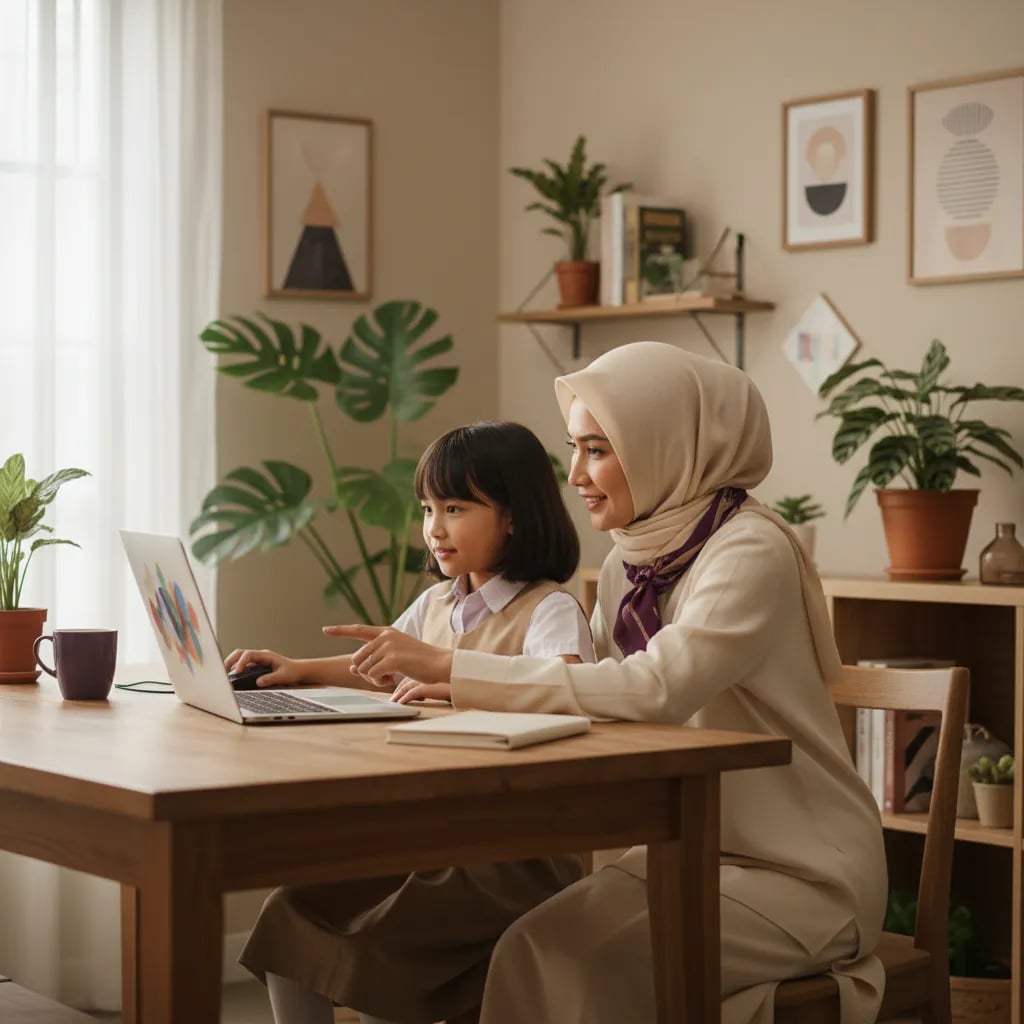
A computer class for kids in Indonesia is not a required first step before coding. A computer class teaches typing, Word, Excel, PowerPoint and safe internet use. A coding class teaches how to give a computer instructions by building projects, such as a game in Scratch. Children aged 8-12 who can use a mouse and open a program are usually ready to code right away. Algonova's trial class is free and lasts 60 minutes.
A computer class teaches a child to use a computer, while a coding class teaches a child to tell a computer what to do.
Parents often treat the two as the same because the child sits in front of a screen either way. The result differs. After a computer class, a child comes home with a neat letter, a table of grades or a slide presentation. After a coding class, a child comes home with a game or an animation they built themselves.
| Aspect | Computer class | Coding class |
|---|---|---|
| What is learned | Typing, Word, Excel, PowerPoint, internet | Sequences, loops, conditions, variables |
| Sample task | Type a letter and make a grade table | Build a ball-catching game with a score in Scratch |
| What the child gains | Confidence with everyday software | A project of their own and a habit of step-by-step thinking |
| Starting requirement | Reads and writes fluently | Can use a mouse and open a program |
Take a grade 4 student whose teacher asks for a presentation about an endangered animal. That child needs computer-class skills: inserting a picture, arranging text, saving a file. In a coding class, the same child builds a cat that chases a mouse across the screen. The two sets of skills complement each other, but they do not have to come in order.
A computer class for elementary kids usually covers four things: typing, office software, the internet and file management.
Content differs from one provider to the next. Some teach only Office, others add design. Ask for a written syllabus before you sign up so you know exactly what you are paying for.
The benefit is clearest once schoolwork demands typed reports and presentations. For safety, our guide to digital literacy for kids covers the basic rules you can set at home yourself.
A coding class for elementary kids teaches step-by-step thinking: putting instructions in order, repeating them and fixing mistakes, rather than memorizing which button does what.
In grade 3, children start with sequences and loops using picture blocks in Scratch, with no typed code. MIT Media Lab released Scratch in 2007. In grades 4 and 5, children learn "if-then" conditions and score variables to build games. In grade 6, children who are ready move on to text-based code with Python.
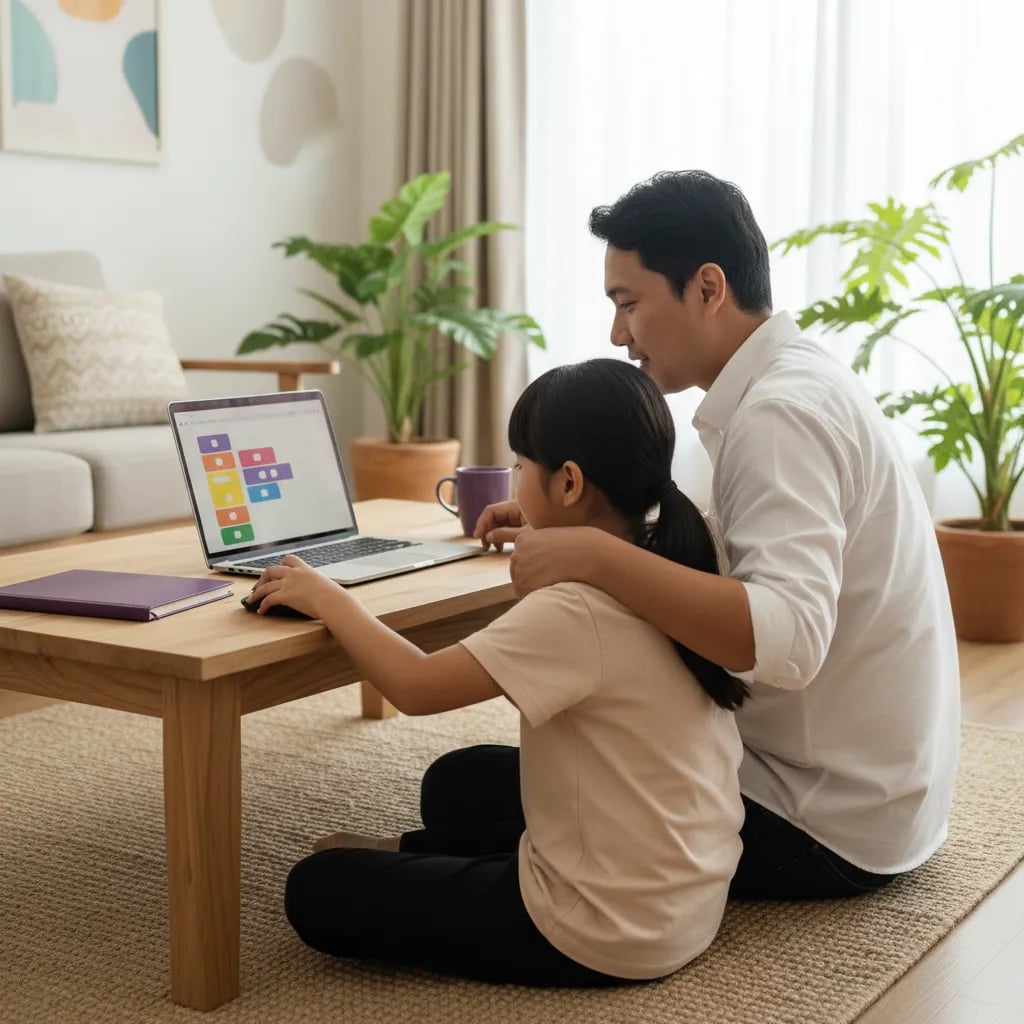
The elementary coding program at Algonova for ages 8-12 has three tracks: Scratch, Roblox Studio with Lua, and Python Junior. Lessons run 90 minutes a week in groups of up to 10 children, from Rp 102,000 per lesson. Younger children aged 5-7 have their own track under coding for ages 5-7.
A child does not need fast typing to build a first Scratch game. Dragging blocks and pressing the green flag is enough.
For a grade-by-grade picture of the material, see coding topics for elementary kids, which goes from grade 1 to grade 6.
An elementary child does not need a computer class first. Coding and computer classes can start according to age and need, not in a fixed order.
| Age (grade) | Typical computer skills | Computer class | Coding |
|---|---|---|---|
| 6-7 (grades 1-2) | Click, drag, touchscreen | Not yet needed | Light visual coding or logic games without a screen |
| 8 (grade 3) | Comfortable with a mouse, types letter by letter | Optional | Start Scratch |
| 9-10 (grades 4-5) | Types with two hands, slowly | Useful once schoolwork needs Word or PowerPoint | Advanced Scratch and Roblox Studio |
| 11-12 (grade 6) | Types fairly fluently, manages files alone | Useful preparation for junior high | Basic Python |
The table is a rough guide, not a rule. A child used to tablets may swipe a screen with ease and still feel clumsy with a mouse. Schools differ too. Coding and Artificial Intelligence in the national curriculum is an elective that starts in grade 5, according to the official Kemendikdasmen page. Our parent guide to KKA explains it. That means children in grades 1 to 4 do not get this material at school.
Before a coding class, a child needs only five basic skills, and all of them can be practiced at home in a few weeks.
Try a simple test at home. Ask your child to open a browser, type their name in the search bar and save one picture into a folder they create. If they manage without help, they are ready. If not, 15 minutes a day for two weeks is usually enough.
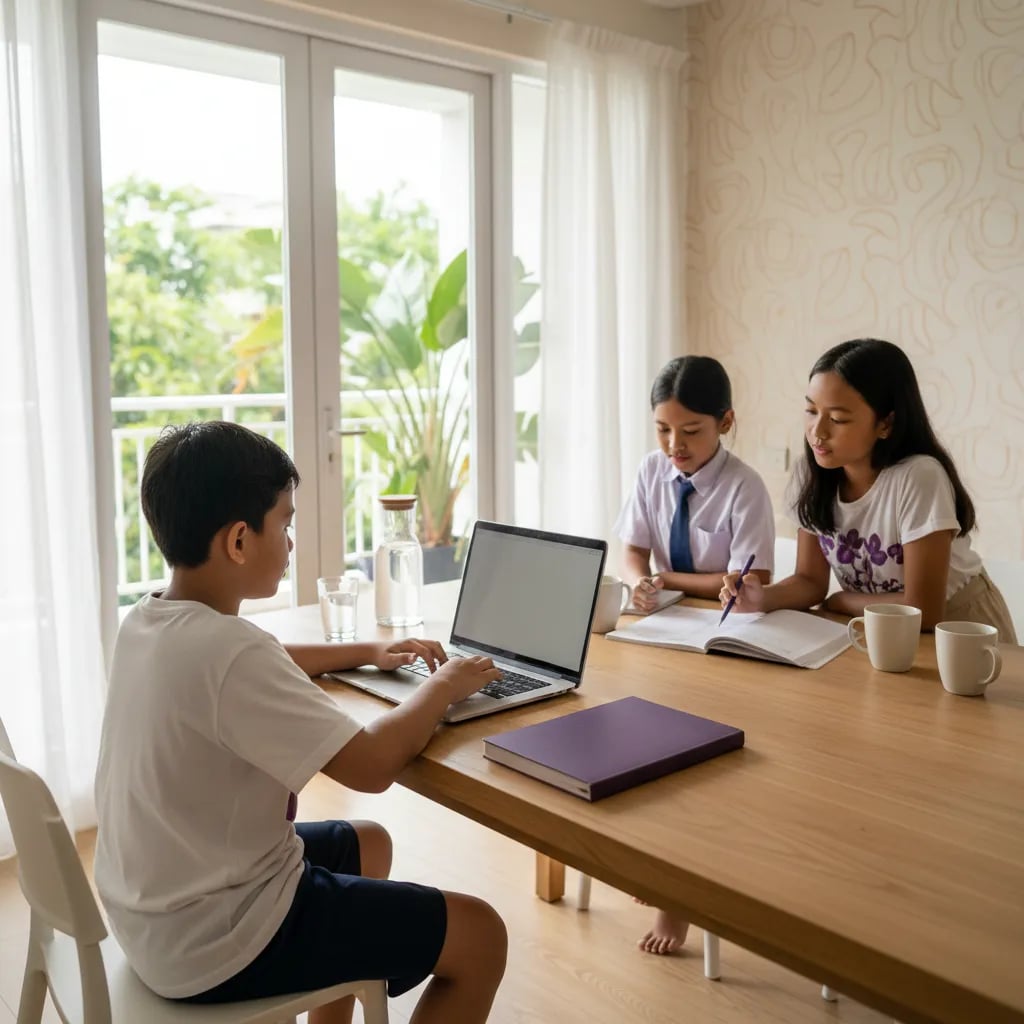
One more thing: Algonova's coding classes run on a laptop, a computer or a tablet. They cannot be followed from a phone. Safe specifications are in our guide to laptops for coding for elementary kids.
Choose by your child's goal, not by distance. A class that is close but teaches what you do not need only costs time and fares.
Six questions to ask any provider:
As for location, count the round-trip travel time. A tired child has trouble focusing. An online class removes the trip. A full comparison is in online or in-person coding classes, and coding courses near you explains how to judge options around you.
At Algonova, online coding classes run with a live teacher in groups of up to 10 children, and the first trial class is free.
Our order is this: basic skills at home first, then one trial class, then decide whether a computer class is also needed.
Still unsure about age? What age to start learning coding covers it.
No. An elementary child can start coding right away as long as they can use a mouse or trackpad, open a program and read short instructions. Scratch, the visual language used in early classes, works by dragging blocks, so it does not demand typing speed. What a coding class trains is logic: sequences, loops and conditions. That differs from a computer class, which focuses on applications like Word and PowerPoint. If your child is still awkward with a mouse, practice at home for two weeks, 15 minutes a day. The clearest way to learn whether they are ready is a trial class, because the teacher sees directly how the child handles the device and instructions. In Algonova's trial class, a child builds a first game in 60 minutes with a live teacher, at no cost and with no commitment to enroll.
Children usually start to benefit from a computer class around grade 3 or 4, ages 8-10. Before that, small hands often struggle with a standard keyboard, and schoolwork does not yet ask for typed documents. Children in grades 1-2 only need an introduction to the mouse, the touchscreen and basic device rules with a parent. The best timing depends on need. If the teacher starts asking for typed homework or presentations, that is the sign your child needs Word and PowerPoint. Do not push a computer course just because a child can already sit in front of a screen. Some providers accept younger children with game-based lessons, but the benefit shows once a child reads fluently. For younger kids, screen-free activities such as writing the steps for making a sandwich already build the thinking used later in coding. Our article on unplugged coding has ideas.
Fees vary widely by city, class size and content, so there is no single figure to rely on. Do not compare monthly prices alone. Ask for the price per lesson, the length of a lesson, the number of lessons a month and whether registration, materials or a certificate cost extra. Then divide the total by the real hours of teaching to compare providers fairly. For reference, Algonova's online coding classes start from Rp 102,000 per lesson, with 90-minute lessons and groups of up to 10 children. Full pricing is on the coding class fees page. Ask for a written quote, and try a single lesson before paying for a full package so you can be sure the class suits your child. A cheap course that your child abandons after three lessons costs more than a pricier one that holds their attention for a year.
No. Ten-finger typing is not a requirement for coding at elementary level. In Scratch and Roblox Studio, most of the work is dragging blocks and arranging objects with a mouse. Typing matters more when a child reaches Python, around grade 6, and even then only in small amounts. A child who types slowly with two fingers can still follow a class well. Accuracy matters more: capital letters, punctuation and spelling of commands have to be exact, and that habit of care gets trained as the child writes code. If you still want your child to practice typing, keep it relaxed with 10 minutes a day and no speed target. Speed arrives on its own as the child uses a keyboard more. So do not delay a coding class until typing is perfect. The two can run side by side.
They help in different ways, so the choice depends on what your child needs now. A computer class helps directly with tasks that ask for typed documents, tables or presentations. Coding builds step-by-step thinking, breaking a big problem into small steps and finding errors, habits that also show up in math. Coding and Artificial Intelligence at school is an elective for grades 5-6, and each school applies it differently, so ask your child's school whether and how it is taught. If you can only pick one, look at the homework. If a lot of it is typed, start with a computer class. If your child loves games and wants to make their own, start with coding. The choice is not permanent either. Many families start with one, watch how the child responds over two or three months, and add the other if needed.
Not for Algonova's coding classes. Classes run on a laptop, a computer or a tablet, because a phone screen is too small for arranging blocks and seeing the result at once. A child can use a laptop you already own, and it does not need high specifications. A browser that runs smoothly, a stable internet connection and a mouse for laptops help, since dragging blocks is easier with one. Roblox Studio needs a more powerful computer than Scratch, so check the specifications before a Roblox class begins. If you are unsure whether your device is enough, take a trial class first, since it shows whether the device can run the program. If your home has only a phone, you can postpone enrolling until you have a laptop or tablet and build logic with screen-free activities in the meantime. More detail is in our laptop for coding guide.
It is effective when the teacher teaches live and the child can ask questions on the spot. Elementary children learn best through interaction: the teacher sees the child's screen, points at the mistake and shows an example at once. A class with no teacher responding in real time suits this age poorly. Sit with your child for the first two or three lessons to check that sound and device work, then step back gradually. The main advantage is the travel time you save. A child who is easily distracted also needs a quiet corner, away from the television. Before enrolling, ask how many children are in a class, whether the same teacher teaches the whole course and whether there is a trial class. The same questions apply to a class close to home.
Start with simple house rules: use the computer in a shared room, do not share a full name, address or school, and ask before downloading anything or registering on a site. A good class teaches these habits too, so ask whether internet safety is in the syllabus. Teach your child to spot suspicious sites, such as requests for personal data or prizes that look too good. Tell your child they will not be scolded for reporting something that made them uncomfortable. Limit screen time by age as well. Repeat these rules from time to time, because children forget them once they are absorbed in a screen. That way safe habits are in place before they have an account of their own. Our guide on digital literacy for kids goes deeper, including conversations to have about digital footprints and contact with strangers.
Blog

Algonova worldwide
Contact
Whatsapp: +62 21 50996971
Email: info@algonova.id
Address
Coworking Area, Gedung IT 6 Lantai Dasar, Nongsa Digital Park, Jalan Hang Lekiu, Kelurahan Sambau, Kecamatan Nongsa, Batam, Indonesia Directorate General of Consumer Protection and Trade Compliance – Ministry of Trade of the Republic of Indonesia. WhatsApp Ditjen PKTN: 0853-1111-1010.
PT Algonova Indonesia Cerdas All rights reserved 2026