Updated: October 2026
Roblox Studio is Roblox's free program for making games. It runs on Windows or Mac computers, not on phones or tablets, and with a template an 8 or 9 year old can finish a first game in a few afternoons.
Does your child play Roblox for hours and just asked how to make their own game? They can, it's free, and getting started is easier than most parents think.
This guide walks through six steps, from an empty project to a game someone else can play. It's written so a child can follow it alone and so you understand what they're doing, including the part where most kids give up.
What Is Roblox Studio
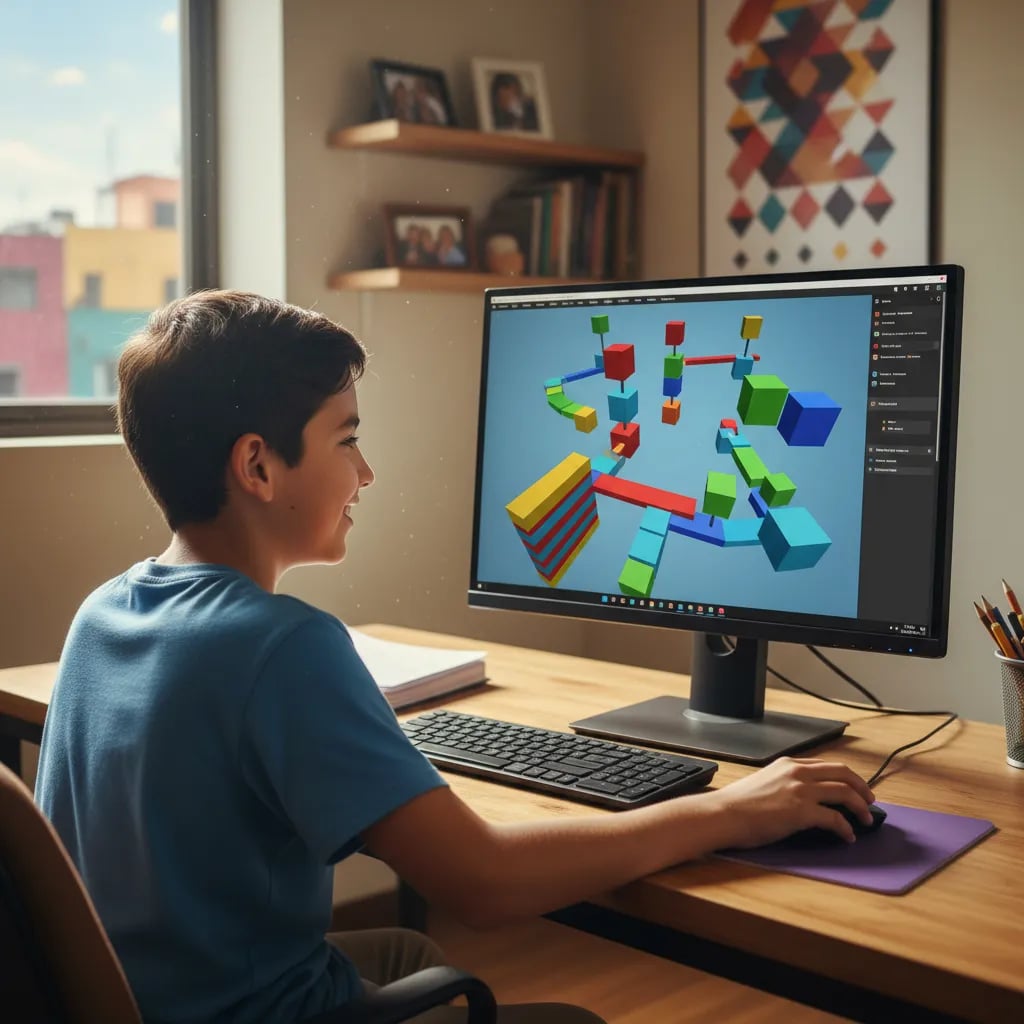
Roblox Studio is Roblox's official program for building games, not playing them. In it, a child builds a world (map), places objects, then brings them to life with scripts.
Three things to know before starting:
- It's free. Roblox Studio can be downloaded and used at no cost. Making a game doesn't require buying Robux: Robux is spent by players, not builders.
- It only runs on a computer. A Windows PC or a Mac. Phones and tablets can't be used to build, and we explain why below.
- The language is Lua. Specifically Luau, the version of Lua that Roblox developed. It's a real text language, not blocks, but a first game needs only a few lines.
Is Roblox Studio Safe for Kids?
Yes, the editor itself is safe: a child builds alone or with people they invite. The risks are in chat and online play, and those are controlled from the account.
Here is what Roblox announced about its platform between 2024 and 2026:
- Chat only after an age check. Since January 2026 Roblox requires an age check to use chat in every country where chat is available. Each user is then placed in one of six groups (under 9, 9 to 12, 13 to 15, 16 to 17, 18 to 20, and 21 or older) and by default can only chat with neighboring groups.
- Default limits for under 13s. They can't send messages outside of games, and direct messages are off by default. Parents can change this in Parental Controls.
- Controls from the parent's phone. After linking their account, a parent can see the friends list and set spending and screen time limits without touching the child's device.
Chat isn't needed to learn how to build games. If your child is under 13, you can leave it off while they learn to build, and review the game together before publishing.
What Age Is Roblox Studio Recommended For?
Ages 8 to 9 for building maps with templates, and 10 to 12 for writing Lua scripts on a regular basis.
By 8, a child handles a mouse well and follows multi-step instructions. Scripts ask for more: reading an error, finding the broken line, and trying again. That usually comes around 10. Under 8, starting with blocks makes more sense.
| Age | Where to start | What comes next |
|---|---|---|
| 6 to 7 | Block coding in Scratch or ScratchJr | Move to Roblox Studio with a template around 8 |
| 8 to 9 | Obby template: move, scale and color blocks | A first short script, explained line by line |
| 10 to 12 | Lua scripts: events, variables and functions | An original game with levels, points and friends testing it |
| 13 to 14 | Several connected scripts and player interface | Python or bigger game projects |
Can You Use Roblox Studio on a Phone or Tablet?
No. Roblox Studio only installs on Windows or Mac computers. Games made with it can be played on phones and tablets, but not built there.
Requirements from Roblox's official creator page:
- System: Windows 10 or macOS 10.14 at minimum. Roblox recommends Windows 11 or macOS 14 and newer.
- Memory: 3 GB of RAM minimum, 8 GB recommended.
- Screen: a resolution of 1600×900 or higher.
If the family only has a phone or tablet, a child can practice logic with Scratch in the browser until they get access to a computer, for example at school. A game built on a computer can then be tested on a phone with the same account.