Digital Literacy (6–7): first digital steps


Me encanto la clase muestra impartida por Aldo Cobarruvias , muy practica mi hijo quedo encantado lo recomiendo al 100
Y
Yesy Moreno
Facebook recommendation for Algonova Latinoamérica · March 7 (original in Spanish)
Coding Courses for Kids · Ages 6 to 9
Two sequential courses for kids ages 6 to 9: Digital Literacy (6 to 7) and Scratch (8 to 9), the block-based language from the MIT Media Lab. They learn by building video games and real projects. No prior experience. Free trial class, no card, no commitment.
+1M
graduates worldwide
97
countries
10+ years
of experience
4.9
parent rating
For parents who wonder
It's not about code
At this age
We don't teach syntax. We teach how to break a task into steps, predict outcomes, and fix what doesn't work. The medium is play, the skill is thinking.
Logic from the MIT Media Lab
Scratch was built for this age
Scratch was created at the MIT Media Lab by a team led by Mitchel Resnick and released in 2007, with more than 90 million registered users today. Visual blocks and sprites, no complex text. Kids build the same logical structures real programmers use.
Screen time with a purpose
If they're already on screens
Most kids already spend hours on YouTube. 90 guided minutes per week building things is qualitatively different, and many want it more than passive scrolling.
Two courses, full 6–9 coverage
Algonova · Coding for kids ages 6 to 9
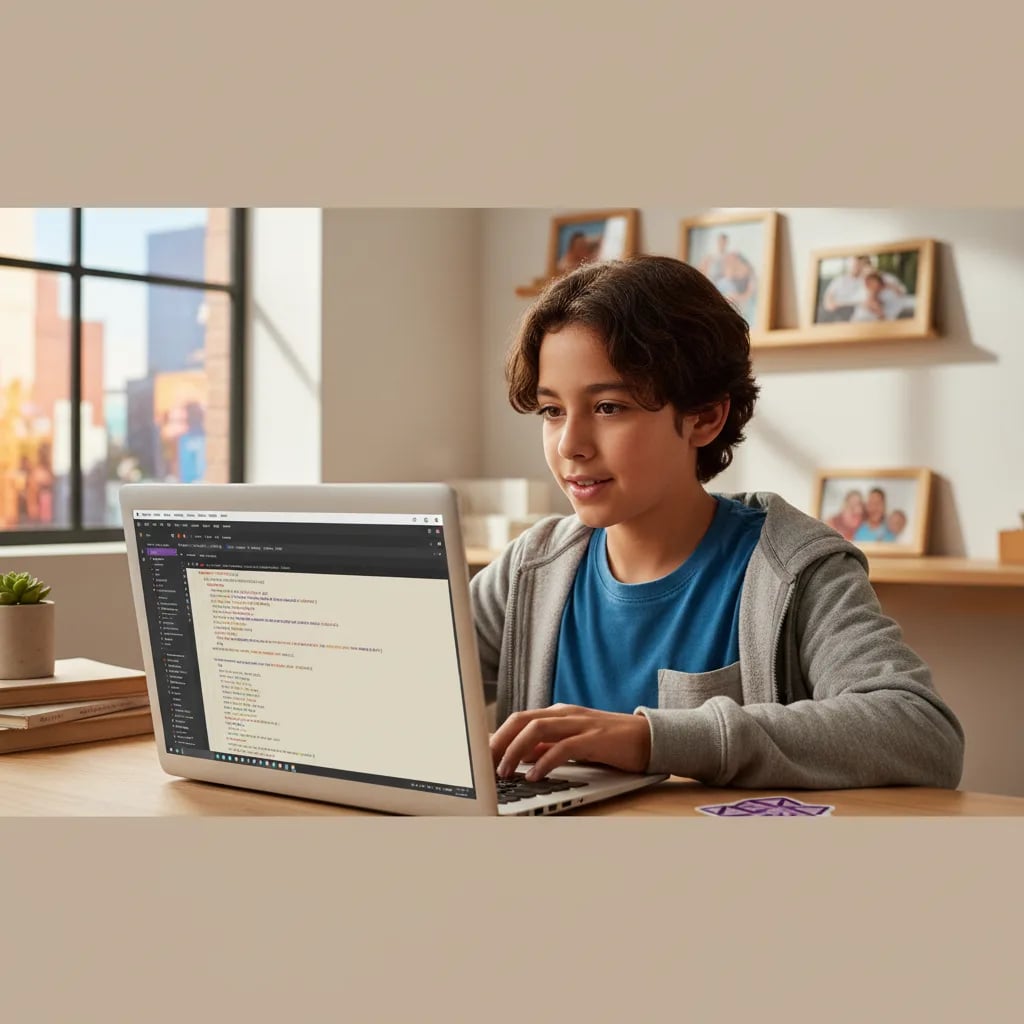
Digital Literacy (6–7): first digital steps
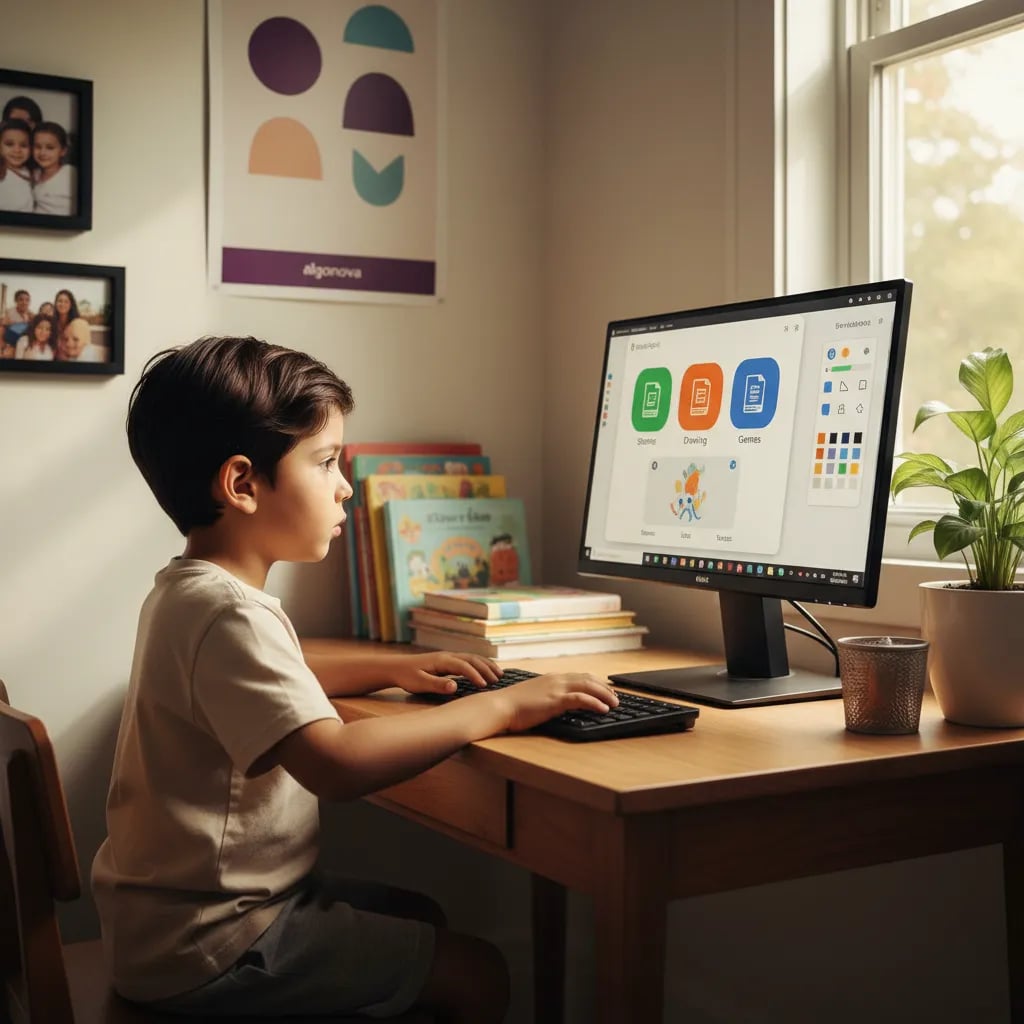
32 classes, 8 modules: computer, keyboard, files, safe internet, WPS Office, Sumopaint, and first AI tools (Craiyon, Perplexity). No prior experience needed.
Scratch (8–9): first algorithms
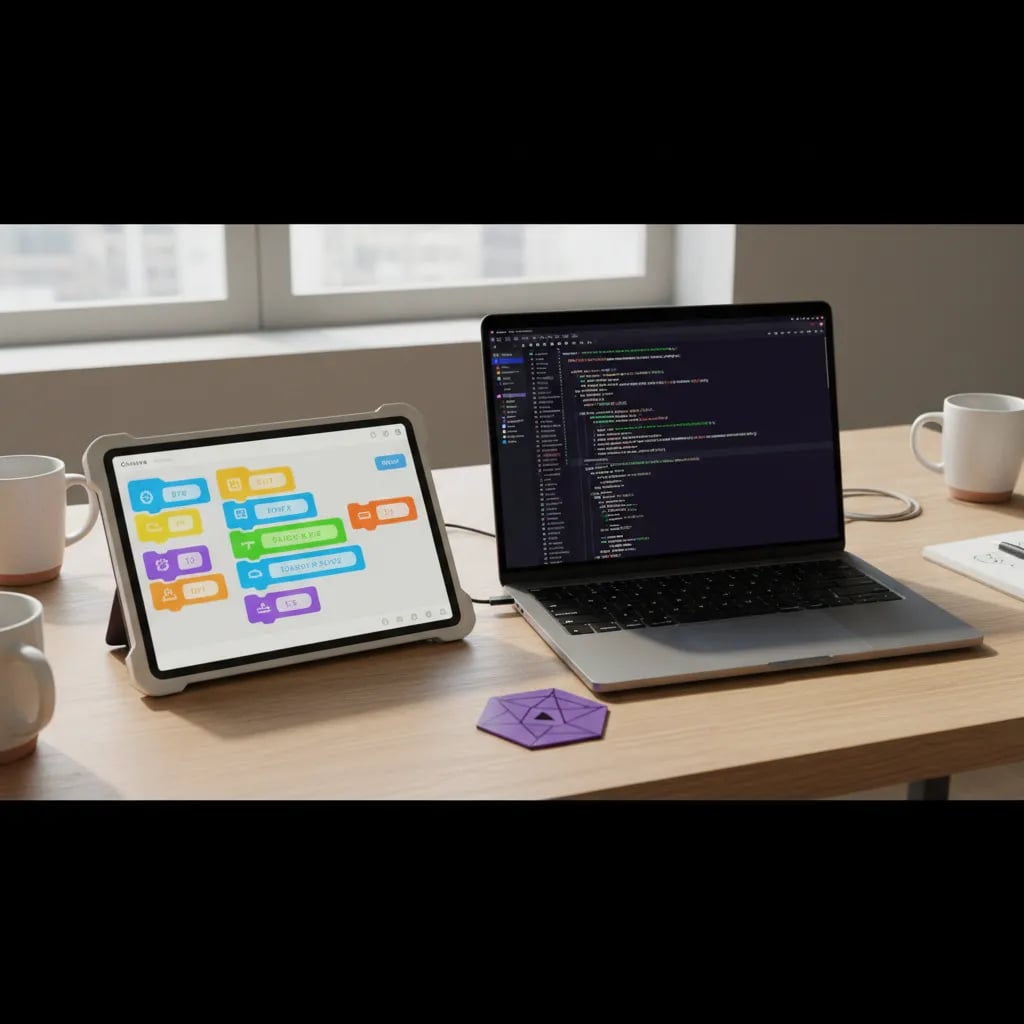
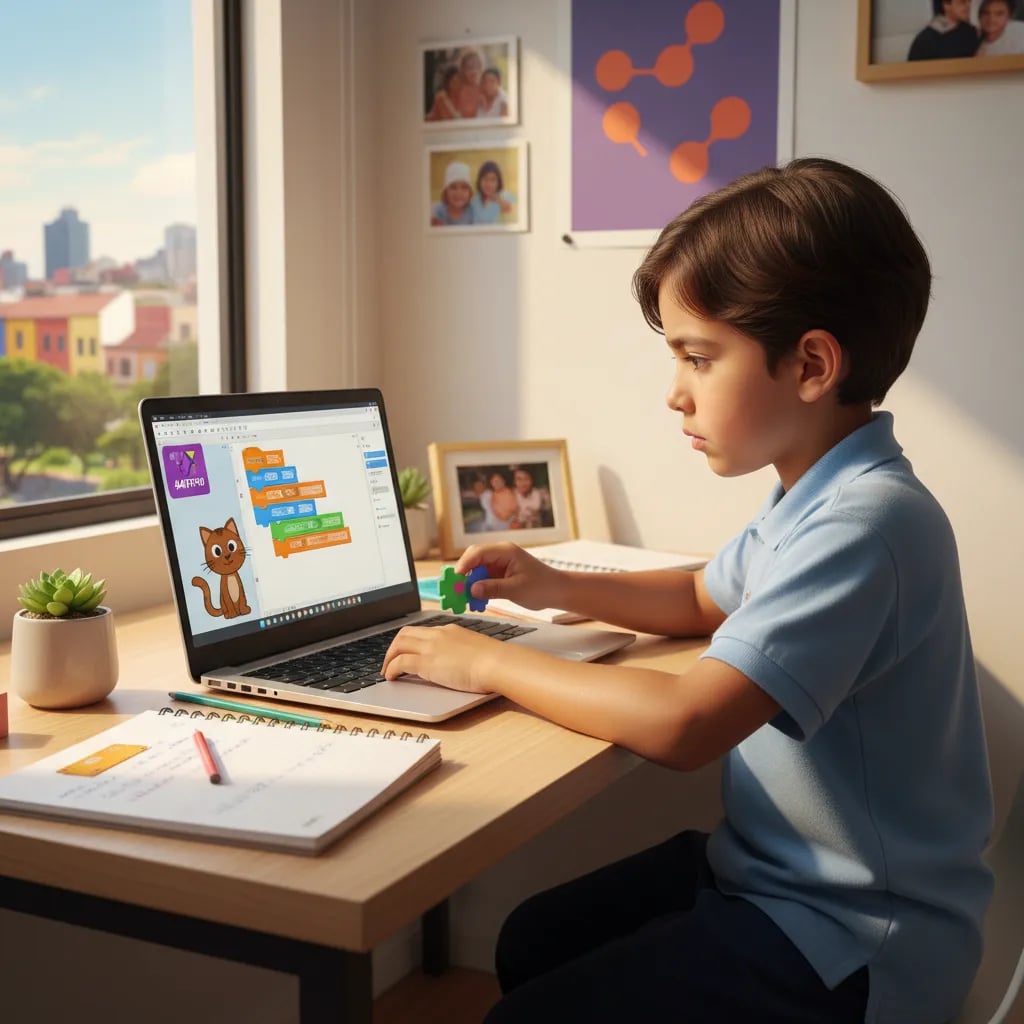
32 classes, 8 modules: visual block coding, loops, conditions, and events. Kids build their own video games and animations in Scratch.
Real programming concepts
Both courses teach the same logic blocks adult programmers use — algorithms, loops, conditions — through games and visual stories suited to ages 6–9.
Real projects, real portfolio
At the end of each course your child has their own games, animations, and digital creations — a portfolio they can show family and use at school.
Algonova Teaching Team
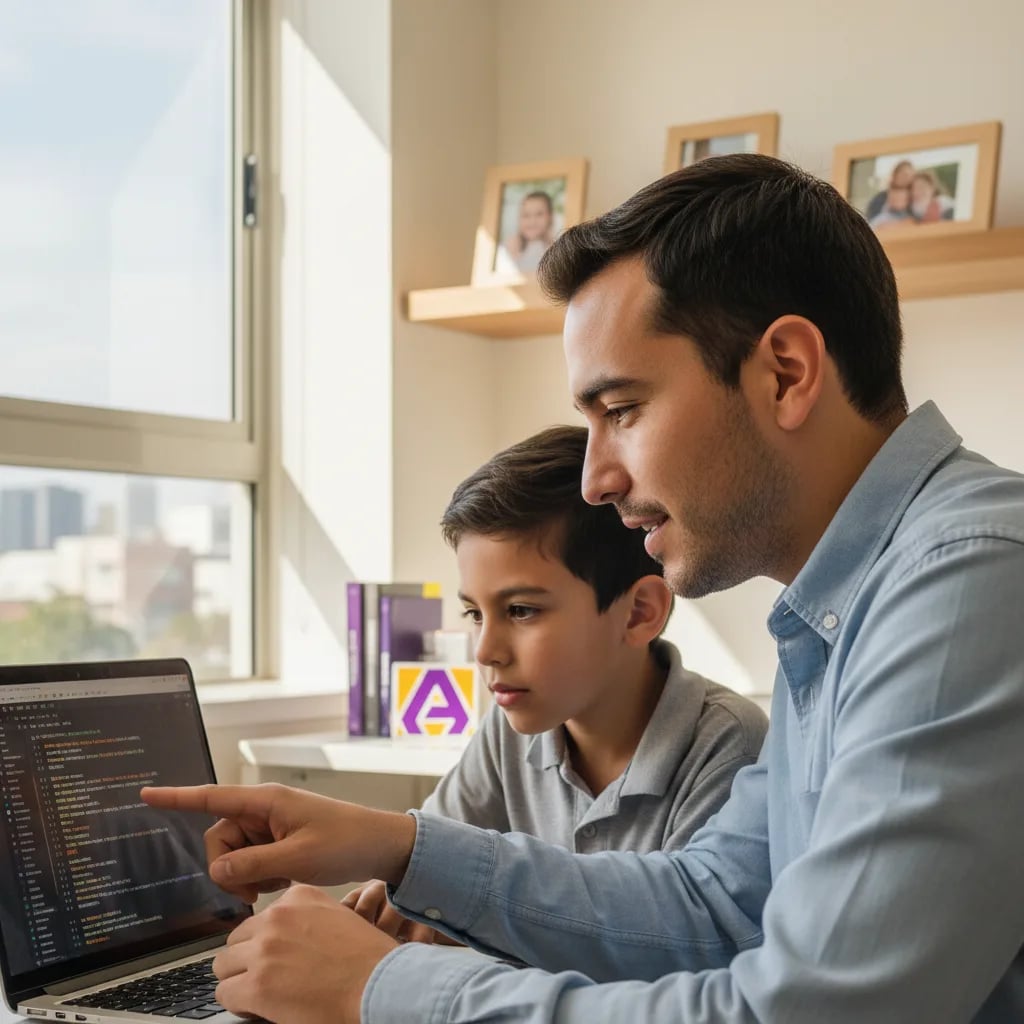
The teacher has incredible patience. Mateo started knowing nothing and in 2 months built his first video game in Scratch. Best of all, he asks for the next class himself.

Mateo's mom
Scratch student's mom · CDMX

Leonardo Cárdenas

Neftalí Cázares

Aimée Pineda

Harold Cruz

Sofía Ramos

Carlos Vega

Valeria Morales

Andrés Gutiérrez
Inside a class
Designed for how a young child's attention actually works.
01
Warm-up (10 min)
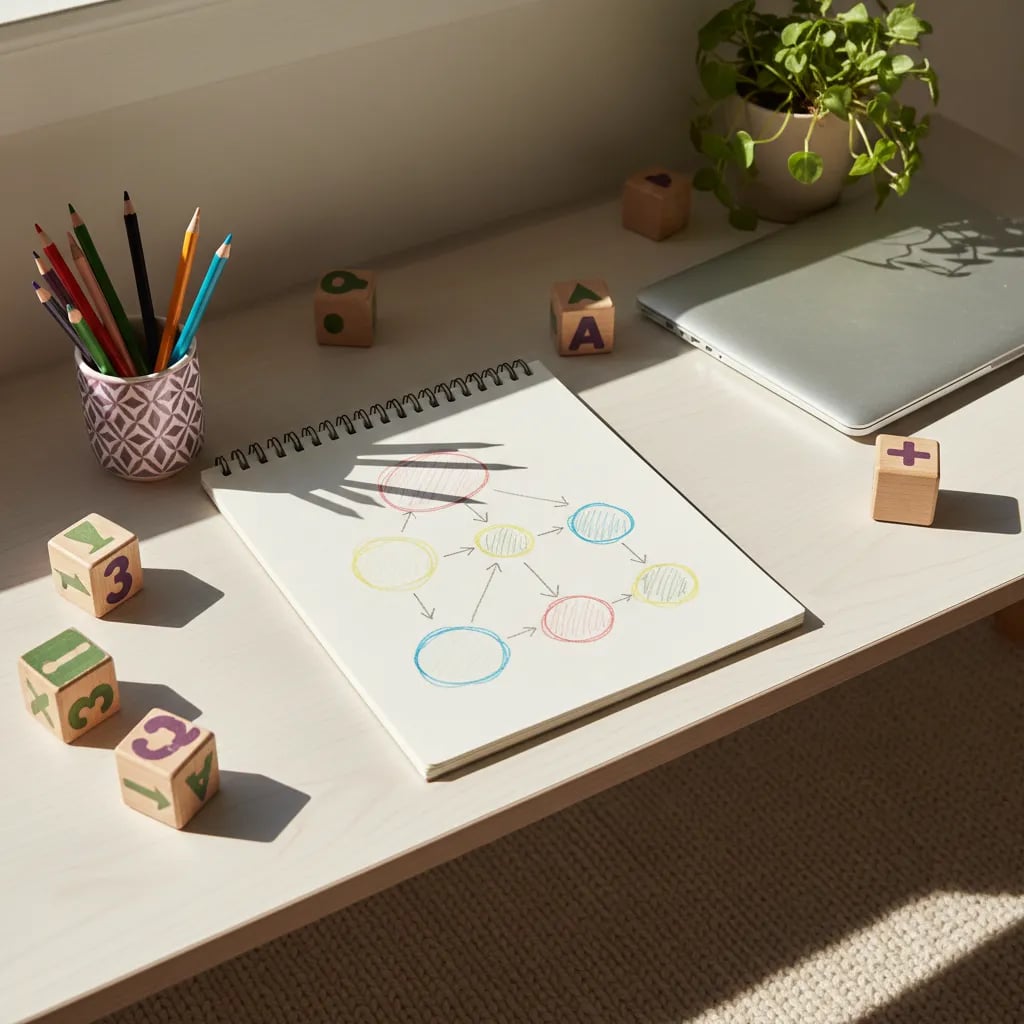
An unplugged activity — physical or drawing — that introduces the day's logical concept: sequence, loop, or condition.
02
Mission of the day (15 min)
Today's mission: help a character reach the moon, find a lost pet, organize a party. The teacher introduces it as a story.
03
We build together (50 min)
The child works in Scratch or Digital Literacy tools, guided by the teacher. Breaks are built in.
04
Show and tell (15 min)
Each kid briefly shows what they made. Spoken expression starts here — with kindness, encouragement, and real projects.
Free class · 60 min · Tablet or computer
Little Coders curriculum, ages 6 to 9
Facebook recommendations
Me encanto la clase muestra impartida por Aldo Cobarruvias , muy practica mi hijo quedo encantado lo recomiendo al 100
Yesy Moreno
Facebook recommendation for Algonova Latinoamérica · March 7 (original in Spanish)
Mi hijo le encantó la clase muestra y el curso. Desde el inicio la atención fue muy buena y el seguimiento a sido muy satisfactorio, están atentos a las necesidades de los alumnos y se acoplan al horario familiar. En lo personal me gusta mucho la dinámica que tiene el curso y la instructora que tiene mi hijo es muy atenta y entusiasta, observó que esta desarrollando muchas habilidades que le servirán en su futuro académico. Muchas gracias!
SinnUhe GaLindo
Facebook recommendation for Algonova Latinoamérica · March 15 (original in Spanish)
todo excelente y muy buena comunicación, además de dar la clase super claras y muy exactas , el maestro siempre se porto ala altura del alumno y del padre de familia, excelente servicio,podría recomendarlo.
Richard Hernandez
Facebook recommendation for Algonova Latinoamérica · March 8 (original in Spanish)
FAQ
From age 6, with the Digital Literacy course. Kids don't need to know how to read to start — the first module teaches through visual games. For ages 8–9 we offer Scratch, where they learn visual block coding by building their own video games. Both paths run as live online classes with a real teacher, and the free trial class helps us place your child at the right starting point.
In Digital Literacy (ages 6–7), kids learn the practical computer skills they'll build on later. They get comfortable with the computer and keyboard, organize files, search the internet safely, and use tools like WPS Office and Craiyon AI. The course runs across 32 classes, all in the browser — nothing to install. Lessons are live and online with a real Algonova teacher who stays with your child throughout.
In Scratch (ages 8–9), kids build their own video games using visual block coding. Along the way they learn real programming concepts — algorithms, loops, conditions, and events — without writing text-based code yet. By the end of the course they have their first portfolio of games to show. Classes are live and online with the same teacher throughout, so progress builds naturally from one session to the next.
No, no prior computer experience is needed. Both courses are designed for complete beginners and start from the basics. If your child already has some experience, the free trial class lets us see their level and place them at the right point within the learning path. Classes are live and online with a real teacher, so the pace adapts to your child either way.
They're live online classes with a real teacher. There are two formats: individual 1-on-1 sessions of 60 minutes, 1–3 times per week, or a mini-group of 4 students for 90 minutes once a week. The same teacher is assigned for the whole course, so your child builds a real relationship and steady progress. Everything happens on the Algonova platform, so you always know where your child is learning.
Just a computer or tablet, an internet connection, and about 60 quiet minutes for the class. There's no software to install to get started — we work entirely in the browser. Classes are live and online with a real teacher, so all your child needs is to show up ready to build. The free trial class is a good way to check that your setup works before committing.
Yes, you can pause the course for up to 3 months without losing your spot or your paid classes. This makes it easy to keep going around travel or busy stretches. For 1-on-1 classes cancellation is free up to 24 hours before the lesson, and in every format you get a full refund for any classes you haven't used. Because the same teacher stays with your child, picking back up after a pause is smooth and familiar.
Scratch is a free visual programming language in which children build programs by dragging blocks instead of typing code. It was created at the MIT Media Lab by the Lifelong Kindergarten group led by Mitchel Resnick and released publicly in 2007, and it now has more than 90 million registered users worldwide. Kids control characters called sprites and can share finished projects with the Scratch community.
Yes. Children who do not read fluently start with ScratchJr, a simplified tablet version released in 2014 by Tufts University together with MIT for ages 5 to 7, where the blocks use pictures instead of words. In our program, ages 6 to 7 begin with Digital Literacy and move to full Scratch at 8 to 9, once reading is comfortable.
After Digital Literacy and Scratch (ages 6 to 9), the next step is Coding 10 to 13: Roblox Studio and Python Start, where kids build video games and their first GitHub portfolio. Then comes Python Pro (14 to 17) with Machine Learning and apps. It's a continuous path from age 6 to 17, always with a real teacher.
Algonova is an international school with 1M+ graduates across 97 countries and over 10 years of experience, rated 4.9★ by families. Classes are live with real teachers, the same teacher throughout the course, and your child finishes with real projects to show, not just theory.
Free trial class · 60 minutes · Online
A free 60-minute online class. Your child creates their first Scratch or Digital Literacy project with a teacher. No card, no commitment.

Algonova worldwide
Contact
Customer support: algonova@alg.team
Legal/data protection enquiries: legal@algonova.com
HR enquiries: hr@alg.team
Address
Suite 8634, 1021 E Lincolnway, Cheyenne, WY, Laramie, US, 82001
Algonova online LLC Copyright 2014–2026