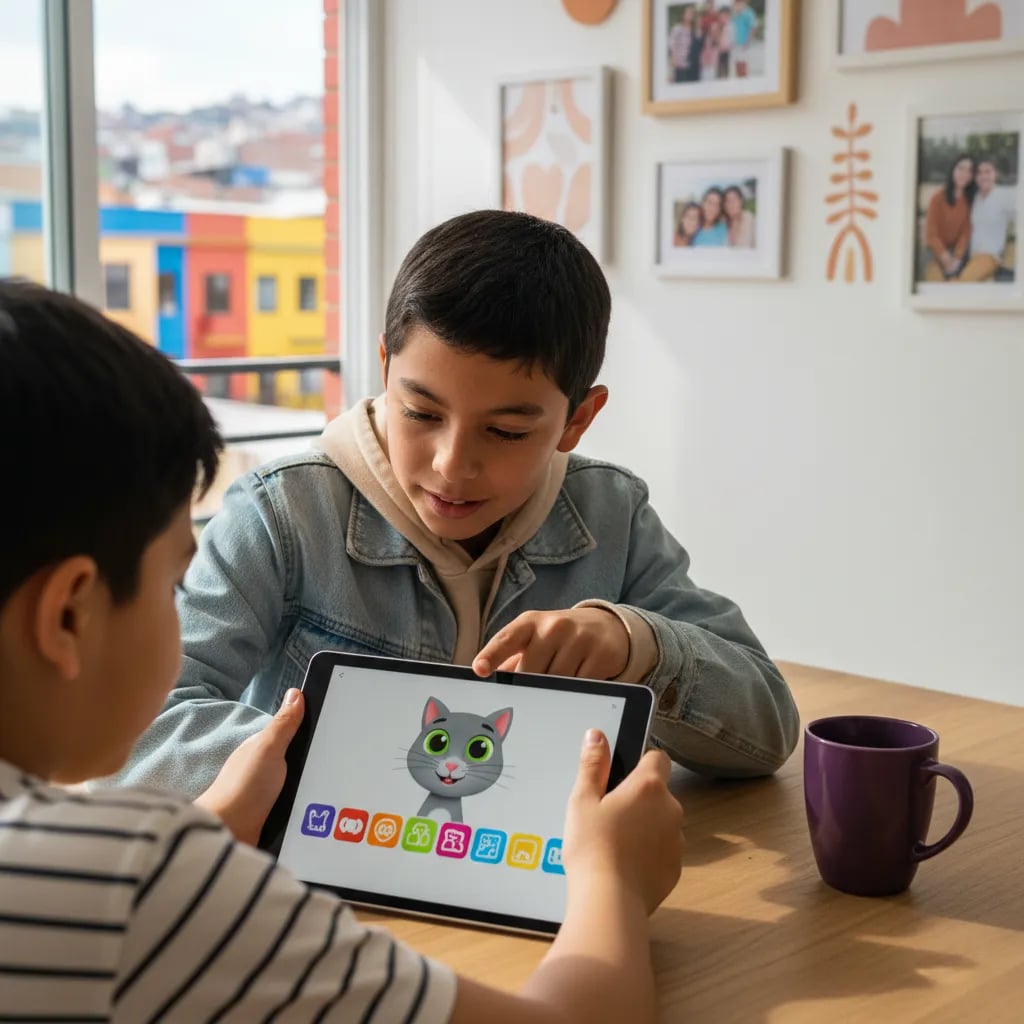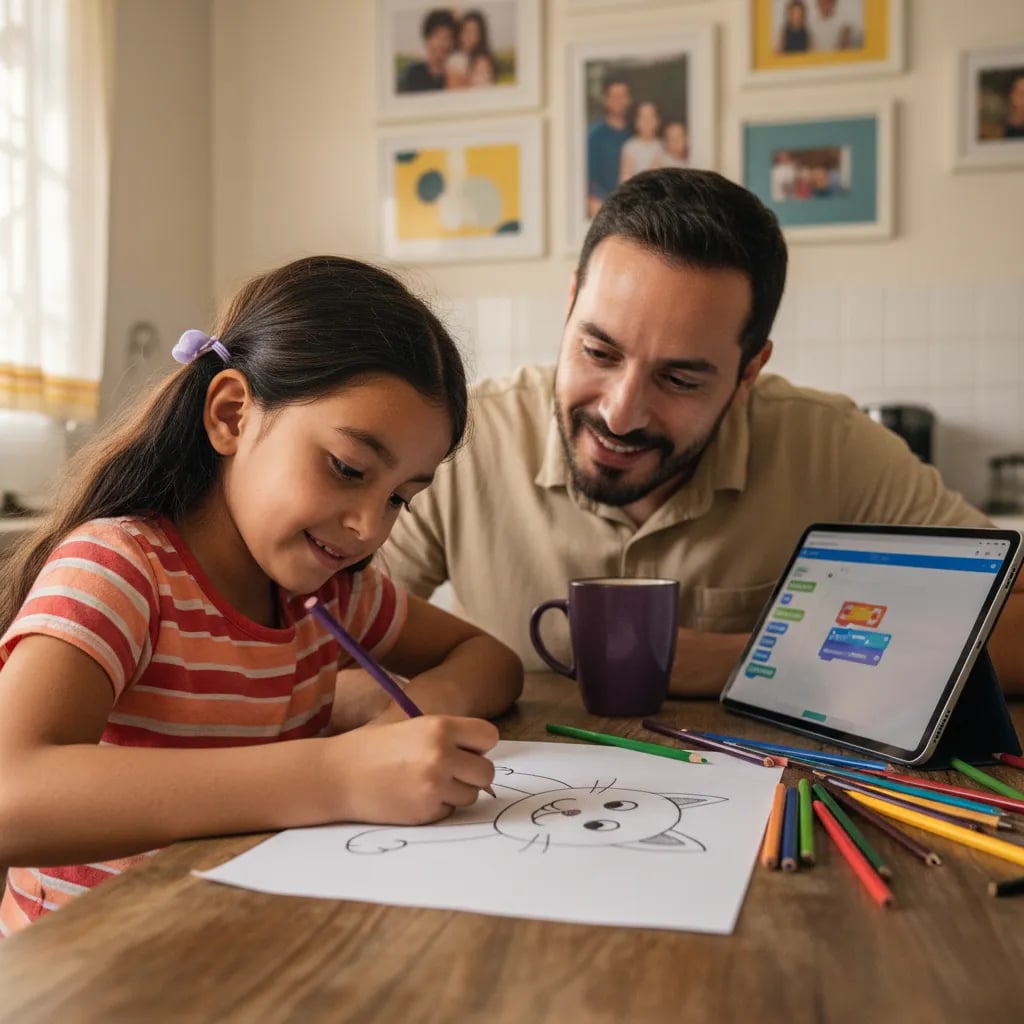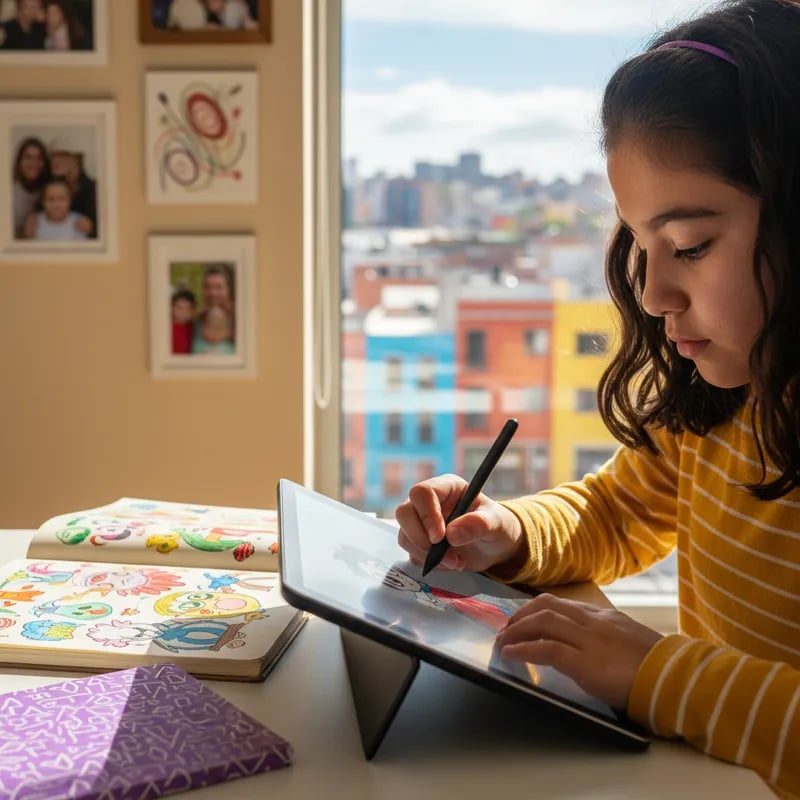
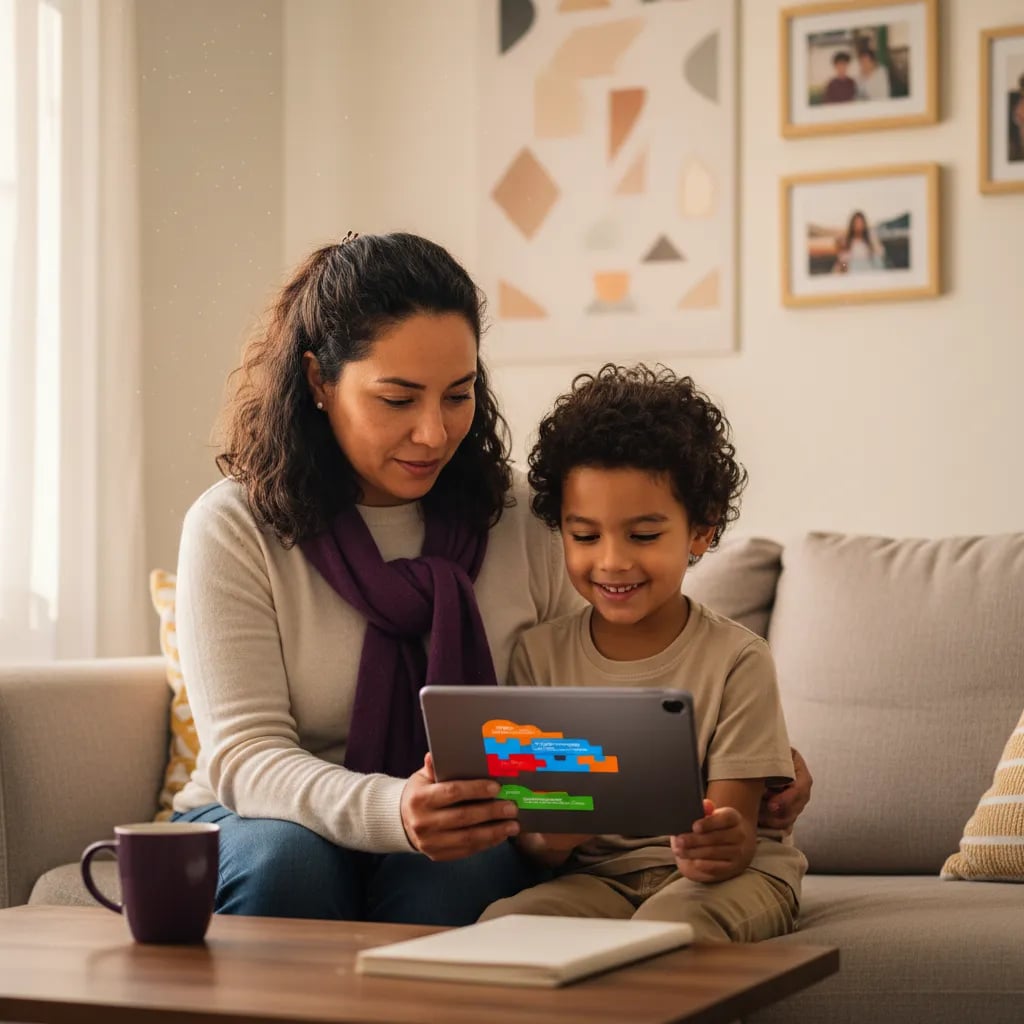
ScratchJr for kids aged 5 to 7 is a free app from the MIT Media Lab and Tufts DevTech group where children build stories and games by snapping together picture blocks, with no reading needed. At home it runs on a tablet (iPad, Android or Chromebook), in 15 to 25 minute sessions with an adult beside the child. Below you get the setup steps, 5 projects and the path to Scratch and Python.
What ScratchJr is and which age it fits
ScratchJr is a free visual programming app for children aged 5 to 7. It was designed by Mitchel Resnick at the MIT Media Lab and Marina Bers, who leads the DevTech group (started at Tufts University, now at Boston College), together with Playful Invention Company. It launched in July 2014 for iPad and is now maintained by the Scratch Foundation, which offers it on iPad, Android tablets, Amazon devices and Chromebook.
A child does not type code. They drag colored blocks with pictures on them, join them left to right like words, and watch a character walk, jump or talk. The MIT Media Lab project page describes it as a first programming language for children who do not yet read fluently.
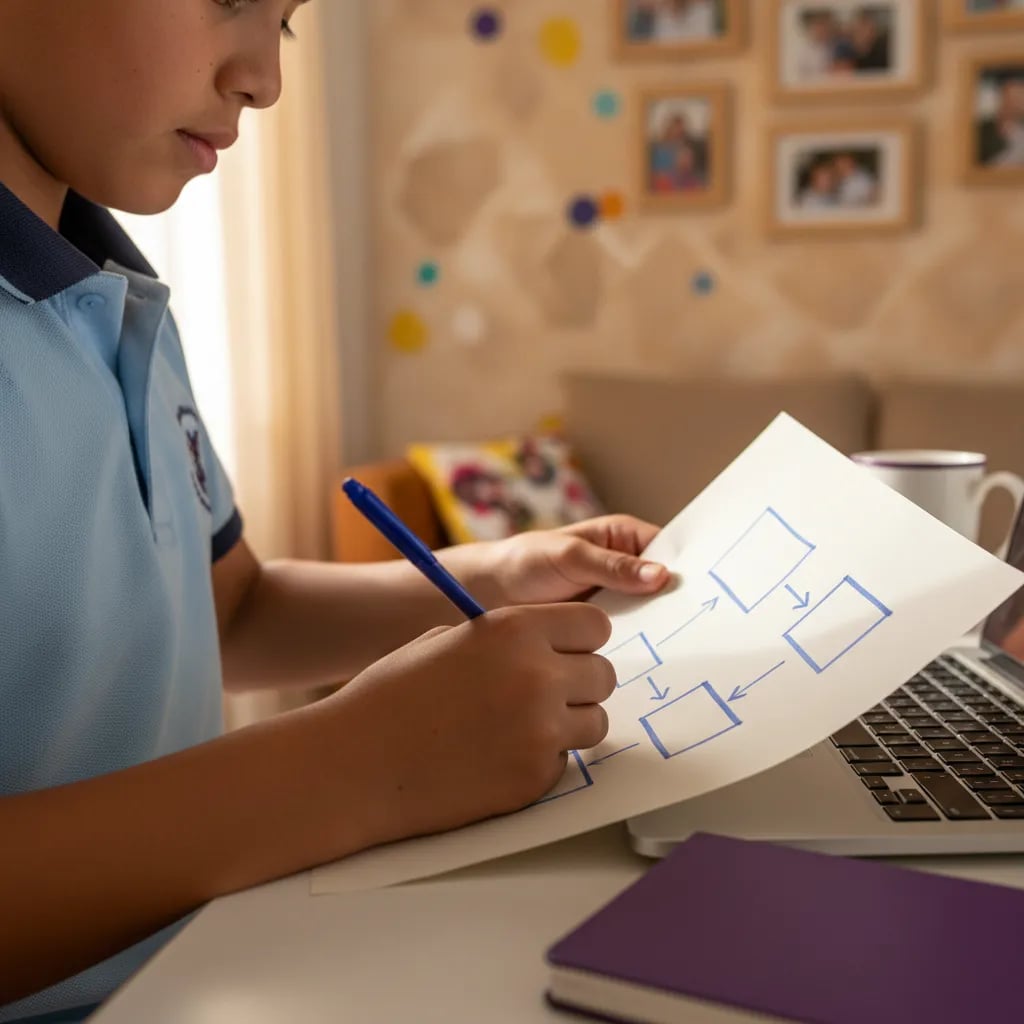
Before anyone writes code, they have to learn to put ideas in order, and that is what a child practices in ScratchJr.
Do not mix it up with Scratch, which is for ages 8 to 13 and up and does require reading. If your child already reads well and is 8 or older, start with our guide to what Scratch is instead. There is also no official web version of ScratchJr. Sites advertising "scratch junior online" are unofficial copies, so install the app from your device's store.