Me encanto la clase muestra impartida por Aldo Cobarruvias , muy practica mi hijo quedo encantado lo recomiendo al 100
Y
Yesy Moreno
Facebook recommendation for Algonova Latinoamérica · March 7 (original in Spanish)
GIMP + Inkscape + Tinkercad + Wick · Ages 9–12
Your child tries 4 digital design disciplines: raster illustration (GIMP), vectors (Inkscape), 3D modeling (Tinkercad) and 2D animation (Wick Editor). 5 modules + final project, with their own digital portfolio at the end.
+1M
graduates worldwide
97
countries
10+ years
of experience
4.9
parent rating
For parents who wonder
It's not just drawing
At this age
At 9–12, design is composition, color, vectors, and 3D — structured visual thinking. Your child learns to create with intention, not just to draw nicely.
Free software, professional level
GIMP · Inkscape · Tinkercad
The same logic as Photoshop and Illustrator, with no licenses or costs. What they learn transfers straight to industry tools.
Screen time with a purpose
If they're already on screens
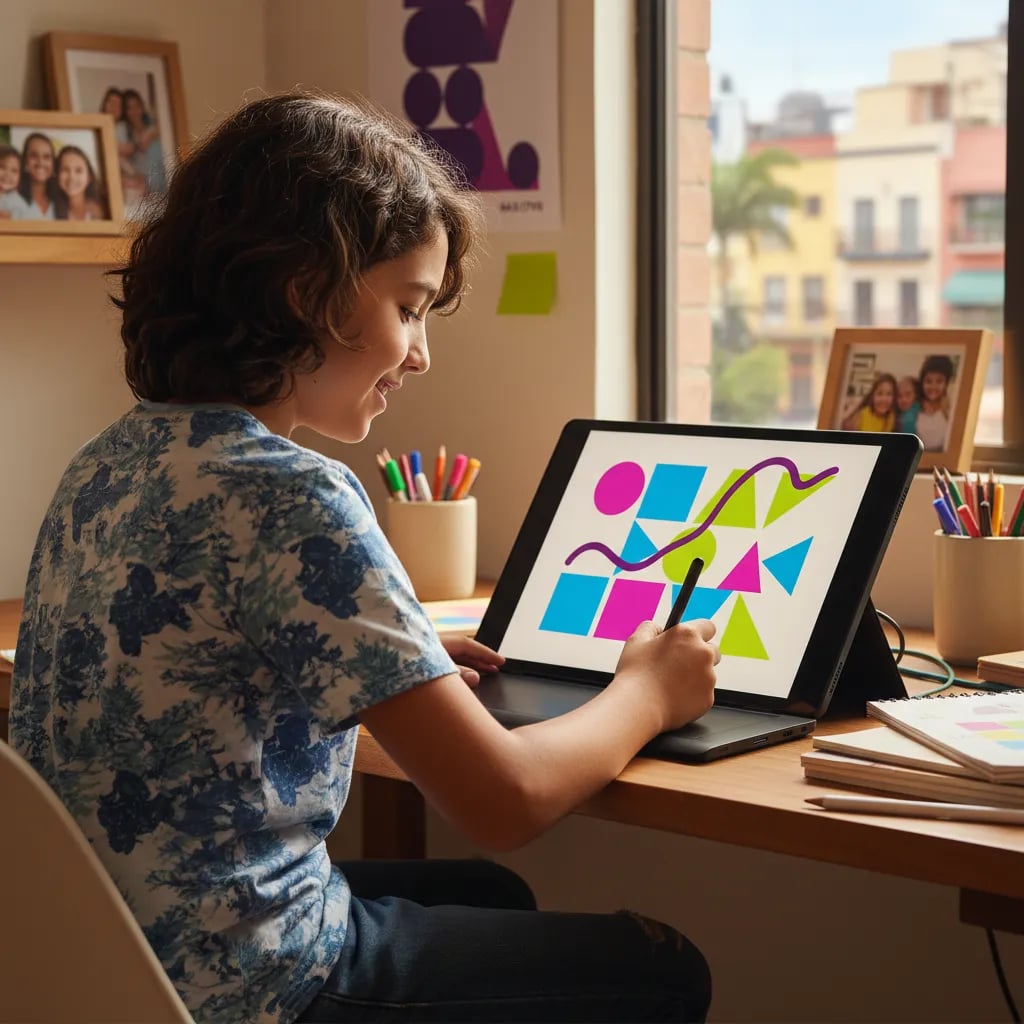
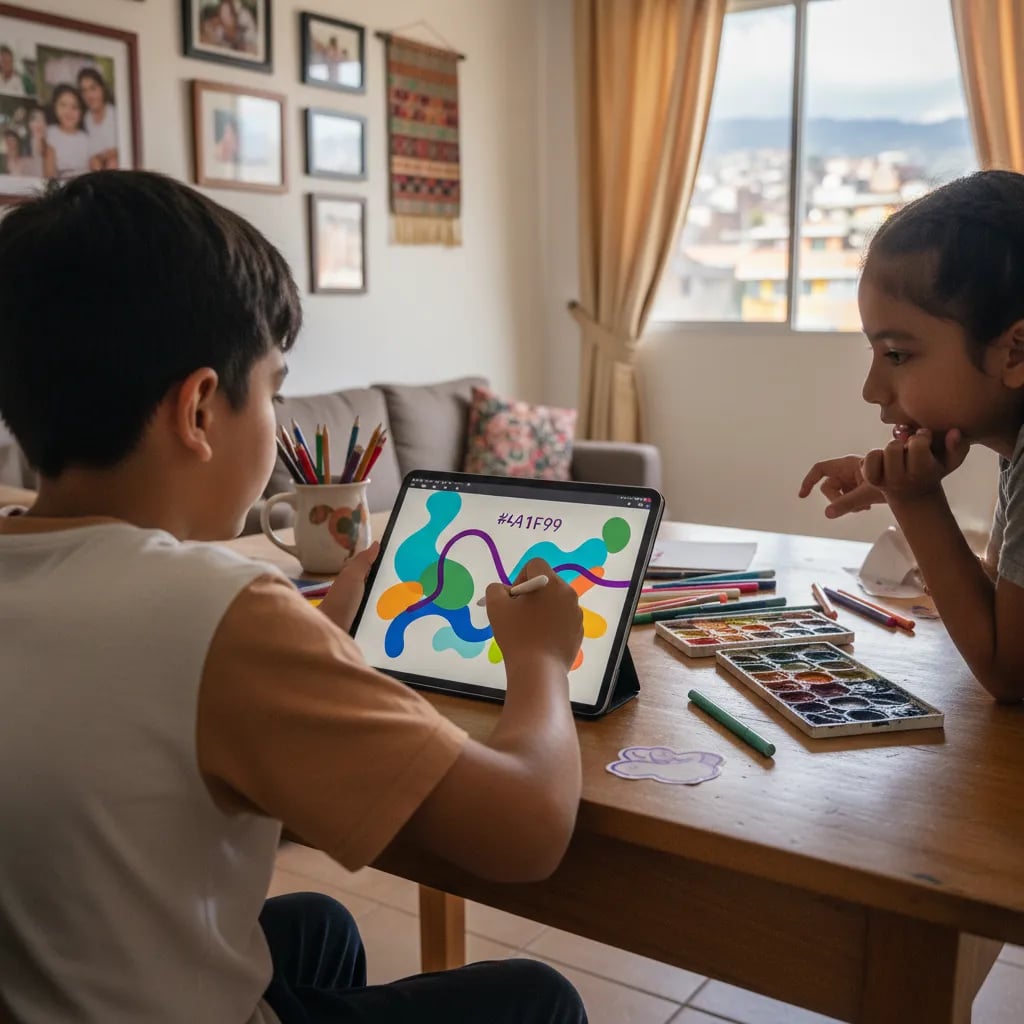
Instead of consuming, they create: every module ends with a finished piece — a logo, an animation, a 3D object — they can show.
Junior 9–12 curriculum
What they learn in Junior
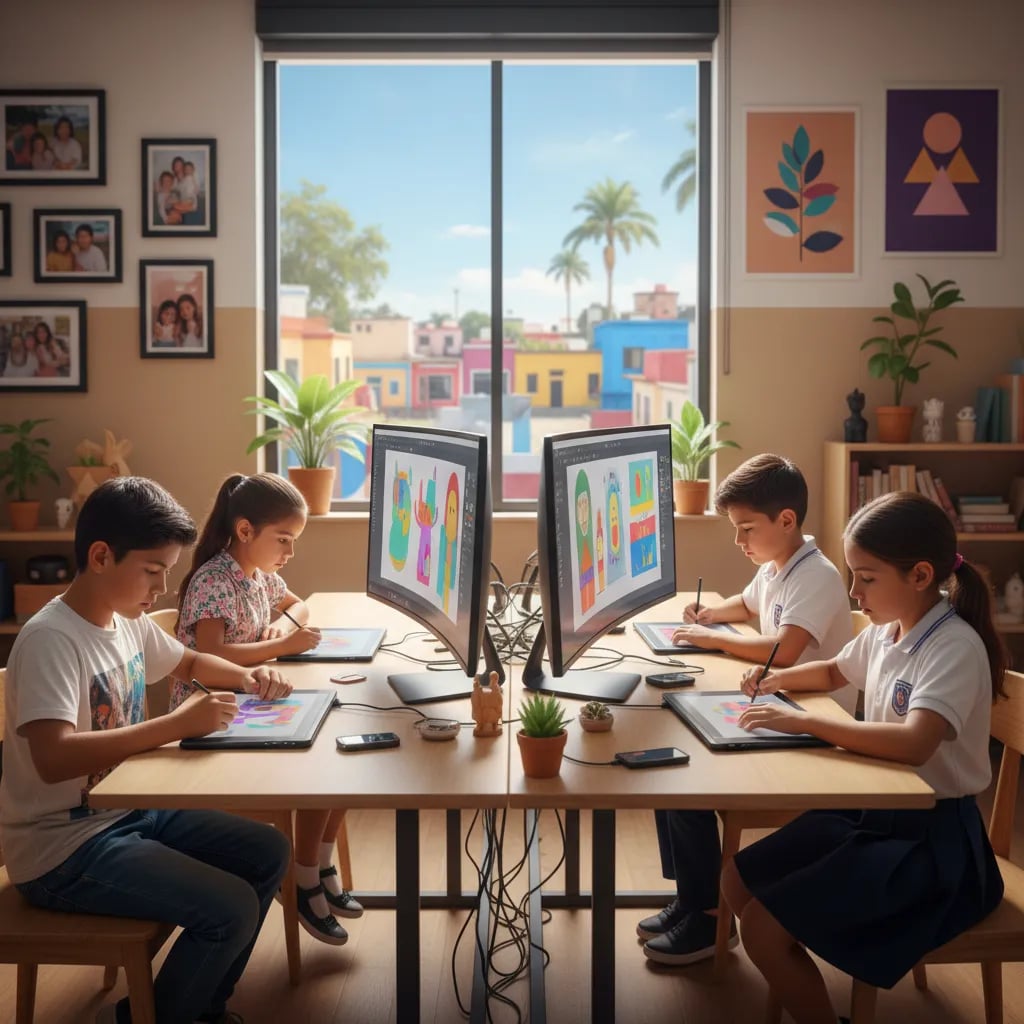
Each level covers the four key digital design disciplines with increasing depth by age — raster, vector, 3D, and animation.
Digital illustration with GIMP
Photo editing, layers, masks, composition, retouching. The same techniques pro illustrators use — a free and complete alternative to Photoshop. Your child creates their first digital illustration with light, shadow, and atmosphere.
Vector design with Inkscape
Logos, icons, posters, and scalable vector graphics. Same quality as Illustrator, no cost. They learn shapes, paths, typography, and color palettes. Output: a personal logo ready for print and digital.
3D + Animation with Tinkercad and Wick
3D modeling in Tinkercad: printable figures, scenes, characters. 2D animation in Wick Editor: 15–20-second animated shorts, motion graphics. Each discipline finishes with a real project.
Junior program structure

Mariana Ortiz · Junior teacher · CENTRO
Module 1 — Digital illustration with GIMP
Digital image fundamentals, layers, masks, retouching, and composition. Your child creates their first digital illustration of a character or scene.
Module 2 — Vector design with Inkscape
Logos, icons, vector posters. Learn to work with shapes, paths, and typography. Output: a personal logo or one for an imaginary brand.
Module 3 — 3D modeling with Tinkercad
Build 3D figures by combining primitives. Output: a printable object (crown, keychain, character) ready for a 3D printer.
Modules 4–5 — Animation + Final project
2D animation in Wick Editor: 15-second animated short. Final project combines 2 disciplines of choice — ready for the portfolio.
Algonova Teaching Team

The teacher explains with incredible patience. My daughter arrived with no design experience and within a couple of months created her first logo in Inkscape. Best of all, she asks for more classes herself.

Camila's mom
Junior Design student's mom · CDMX

Leonardo Cárdenas

Neftalí Cázares

Aimée Pineda

Harold Cruz

Sofía Ramos

Carlos Vega

Valeria Morales

Andrés Gutiérrez
Facebook recommendations
Me encanto la clase muestra impartida por Aldo Cobarruvias , muy practica mi hijo quedo encantado lo recomiendo al 100
Yesy Moreno
Facebook recommendation for Algonova Latinoamérica · March 7 (original in Spanish)
Mi hijo le encantó la clase muestra y el curso. Desde el inicio la atención fue muy buena y el seguimiento a sido muy satisfactorio, están atentos a las necesidades de los alumnos y se acoplan al horario familiar. En lo personal me gusta mucho la dinámica que tiene el curso y la instructora que tiene mi hijo es muy atenta y entusiasta, observó que esta desarrollando muchas habilidades que le servirán en su futuro académico. Muchas gracias!
SinnUhe GaLindo
Facebook recommendation for Algonova Latinoamérica · March 15 (original in Spanish)
todo excelente y muy buena comunicación, además de dar la clase super claras y muy exactas , el maestro siempre se porto ala altura del alumno y del padre de familia, excelente servicio,podría recomendarlo.
Richard Hernandez
Facebook recommendation for Algonova Latinoamérica · March 8 (original in Spanish)
How to start Junior
No card, no commitment. Cancel free up to 24 hours before any class.
01
1. Book in 1 minute
Child's name, age, and your WhatsApp. No card, no long forms. We confirm by WhatsApp within an hour.
02
2. Free class with Mariana (60 min)
Your child tries GIMP or Inkscape and creates their first digital piece with the teacher. Level diagnostic and group connection.
03
3. Personalized Junior plan
We recommend where to start (illustration, vectors, 3D, or animation) based on interest and level. No sales pressure.
04
4. Weekly classes + portfolio
One class per week, same teacher all year. Every module ends with a finished portfolio piece. 8–9 months for the full program.
Free 60-min class · No card
FAQ
No. Most kids arrive with no prior design software experience, and that's completely fine. The classes teach composition, color, and tool use step by step, so there's no need to draw well by hand to start. Your child builds the skills gradually through guided practice with a real teacher. The free trial class is a good first look at how this works before committing.
The Junior level runs 5 modules plus a final project, about 8–9 months with one class per week. Each module covers one discipline: illustration (GIMP), vectors (Inkscape), 3D (Tinkercad), animation (Wick), and then the integrated final project. This way your child explores a different creative area each module and ends the level with a complete finished project to show.
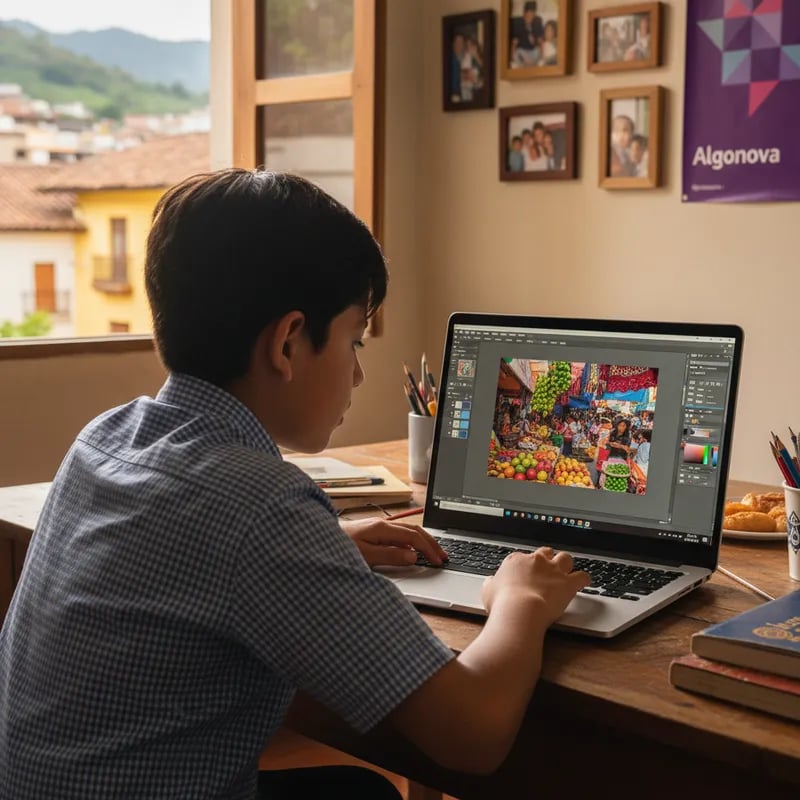
We use GIMP as a free Photoshop alternative, Inkscape as a free Illustrator alternative, Tinkercad for 3D modeling, and Wick Editor for 2D animation. All of these tools are professional and completely free, so there are no Adobe fees to worry about. Your child learns real, industry-relevant software from the start, without any extra cost for licenses.
After Junior, the natural next step is Senior Design (13–17): 10 modules that go deep into advanced illustration, visual identity, 3D modeling, and professional animation. The portfolio keeps growing across those modules until it's ready for design university. So Junior builds the foundations, and Senior takes your child toward a portfolio strong enough for admissions to top design schools.
No, a graphic tablet isn't required at this age. A laptop or computer with internet is all your child needs to start. For Inkscape and GIMP, a mouse actually works better than a touchpad. If your child later decides to specialize, a basic tablet around $1,500 MXN is enough, but there's no need to buy one now to begin the Junior level.
Classes are live online with a real teacher. There are two formats to choose from: one-on-one of 60 minutes (1–3 times per week) or a mini-group of 4 students for 90 minutes (once per week). Your child keeps the same teacher throughout the course, which means consistent guidance and feedback. You can pick whichever format best fits your child's pace and your family's schedule.
Yes. You can pause the course for up to 3 months without losing your spot or your paid classes, so travel won't cost you progress. For 1-on-1 classes, cancellation is free as long as it's at least 24 hours before the lesson, and in every format you get a full refund for any classes you haven't taken yet. Your child can simply pick up where they left off once you're back.
At Algonova design starts from age 6: ages 6–8 as a module within Digital Literacy, ages 9–12 in Junior Design, and ages 13–17 in Senior Design. So your child enters at the right level and follows a continuous path toward a professional portfolio.
Algonova is an international school with 1M+ graduates across 97 countries and over 10 years of experience, rated 4.9★ by families. Classes are live with real teachers, the same teacher throughout the course, and your child finishes with real creations to show — not just theory.
Junior Design · 60 minutes · No card
Free trial class. Your child tries GIMP or Inkscape and takes home their first digital piece.

Algonova worldwide
Contact
Customer support: algonova@alg.team
Legal/data protection enquiries: legal@algonova.com
HR enquiries: hr@alg.team
Address
Suite 8634, 1021 E Lincolnway, Cheyenne, WY, Laramie, US, 82001
Algonova online LLC Copyright 2014–2026