

Me encanto la clase muestra impartida por Aldo Cobarruvias , muy practica mi hijo quedo encantado lo recomiendo al 100
Y
Yesy Moreno
Facebook recommendation for Algonova Latinoamérica · March 7 (original in Spanish)
Graphic Design Courses for Kids · Ages 6–17
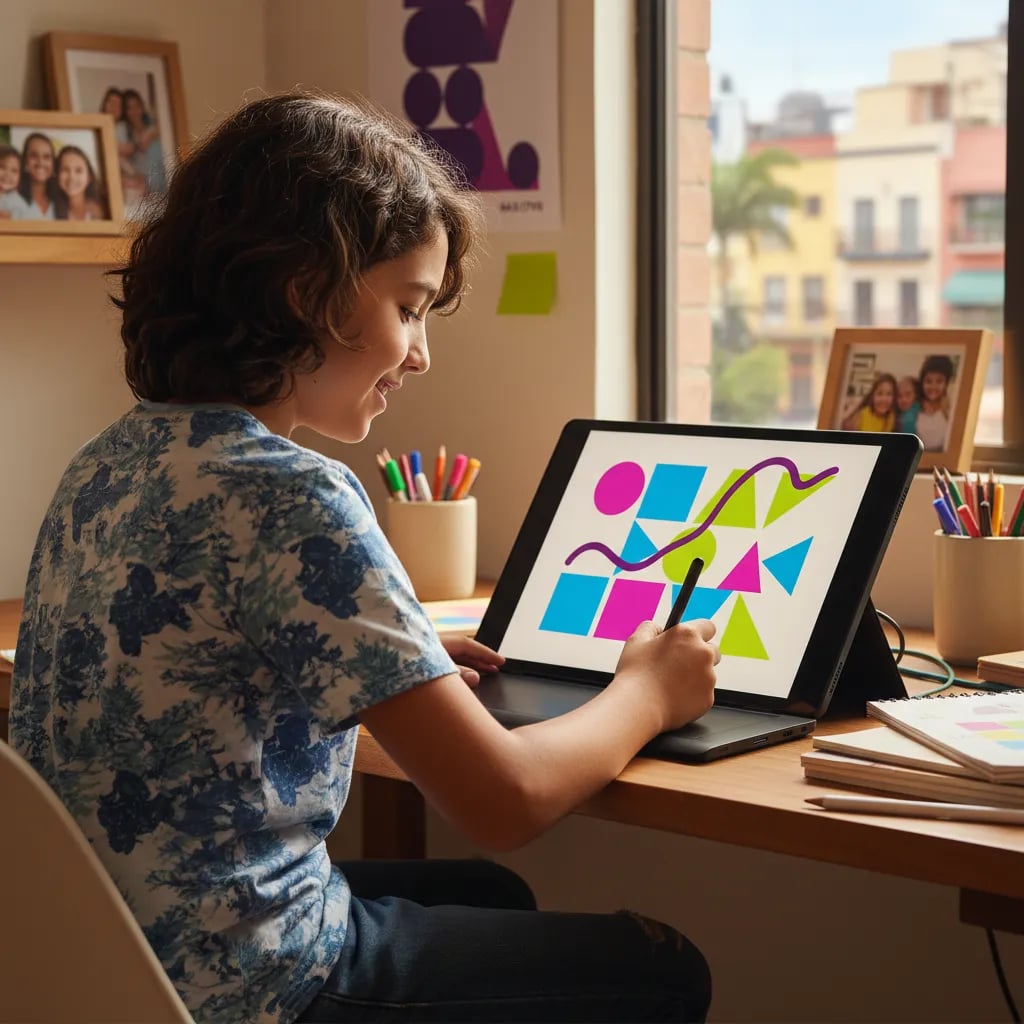
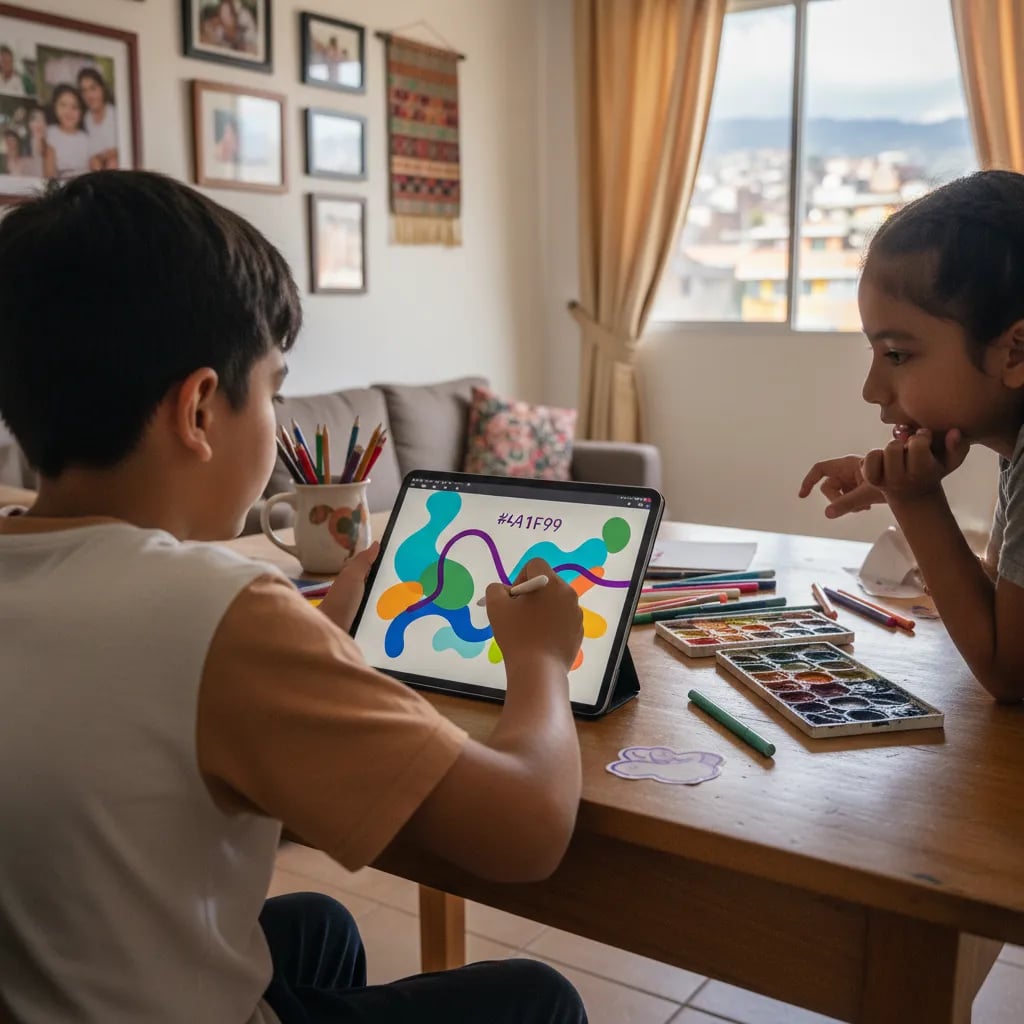
Digital graphic design classes for kids and teens ages 6 to 17 at Algonova Mexico. Your child creates real illustrations, logos, 3D models, and animations — learning digital illustration, vector design, 3D modeling, and 2D animation with GIMP, Inkscape, Tinkercad, and Wick Editor, no Adobe required. Three levels: Little Ones (6–8), Junior (9–12) and Senior (13–17). Over 1 million graduates in 97 countries trust our method.
1M+
graduates worldwide
97
countries
4.9
Trustpilot rating
6–17
years old
Why Algonova
80% practice
From the first class
No theory memorization. From day one your child creates real designs — logos, illustrations, 3D models, animations. Theory shows up only when needed.
Selected teachers
CENTRO · UAM · La Esmeralda
Our teachers pass a 3-stage selection process. Professional designers and graduates of Mexico's top art and design schools, with real studio experience.
Personalized path
From beginner to pro level
From ages 9 to 17: Junior and Senior levels. Every kid moves at their own pace with an individual plan and constant feedback for parents.
Programs by age
4 simple steps
All online and live. No card, no commitment.
01
Free trial class (60 min)
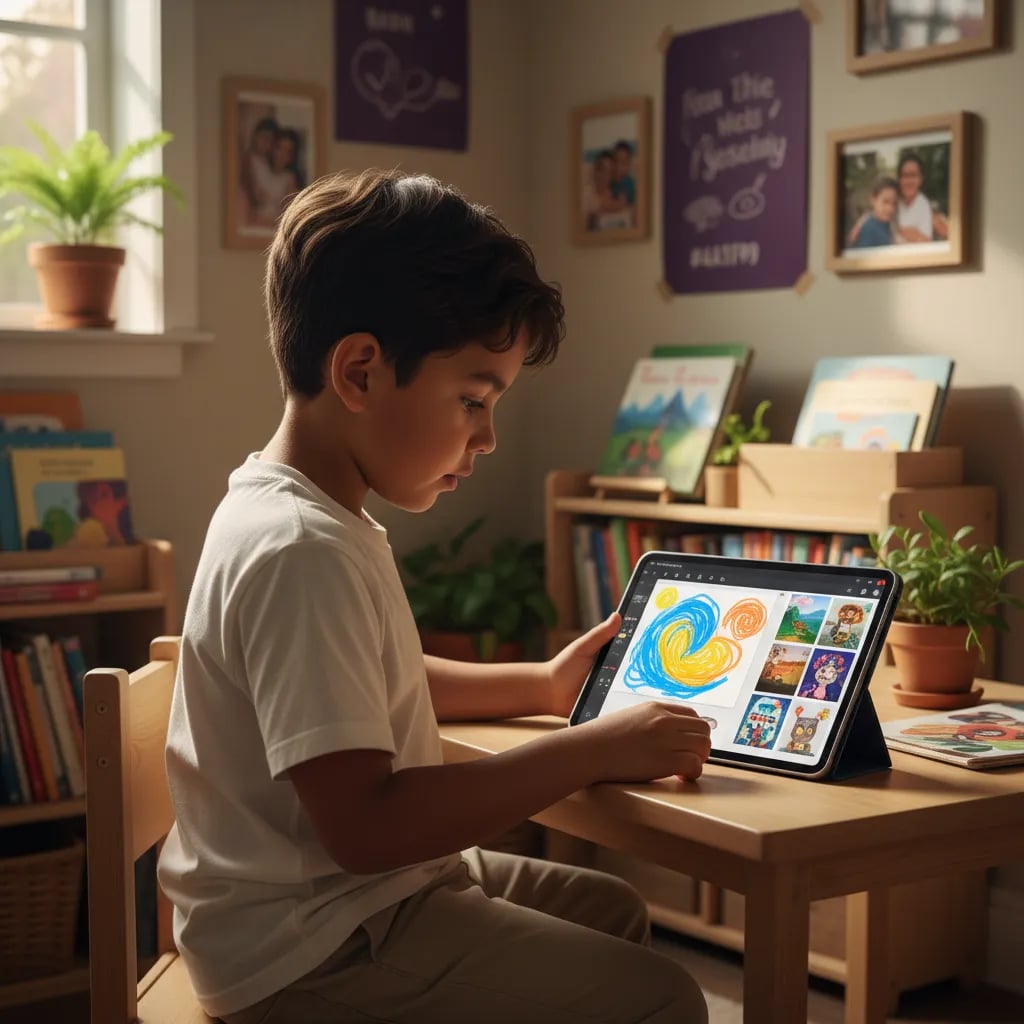
Your child meets the teacher, creates their first digital design, and discovers which path fits them best. No card, no commitment.
02
Diagnosis and personal plan
After the class we share which level and format best fit your child's age, experience, and interests: 1-on-1 individual or mini-group of 4.
03
Learn on your path
Your child moves through the modules at their own pace. The Algonova platform offers 24/7 access, feedback, and real portfolio pieces.
04
Real projects and portfolio
At the end of each module your child presents a finished piece. By the end of the course they have a real digital portfolio — ready for design universities.
Free 60-min class · No card
Compare options
What your child learns
Each level covers the three key disciplines of digital graphic design — with increasing depth by age.
Digital illustration
Learn to edit photos, create characters, and compose scenes in GIMP. The same techniques pro illustrators use — from retouching to layered digital drawing with masks.
Vector design
Create logos, icons, posters, and scalable vector graphics in Inkscape. A free, professional alternative to Illustrator — same output quality for print and digital.
3D and animation
3D modeling in Tinkercad: characters, printable objects, scenes. 2D animation in Wick Editor: animated shorts, motion graphics, interactive web banners.
About the program

Mariana Ortiz · Junior Design Teacher · CENTRO
No Adobe — free professional tools
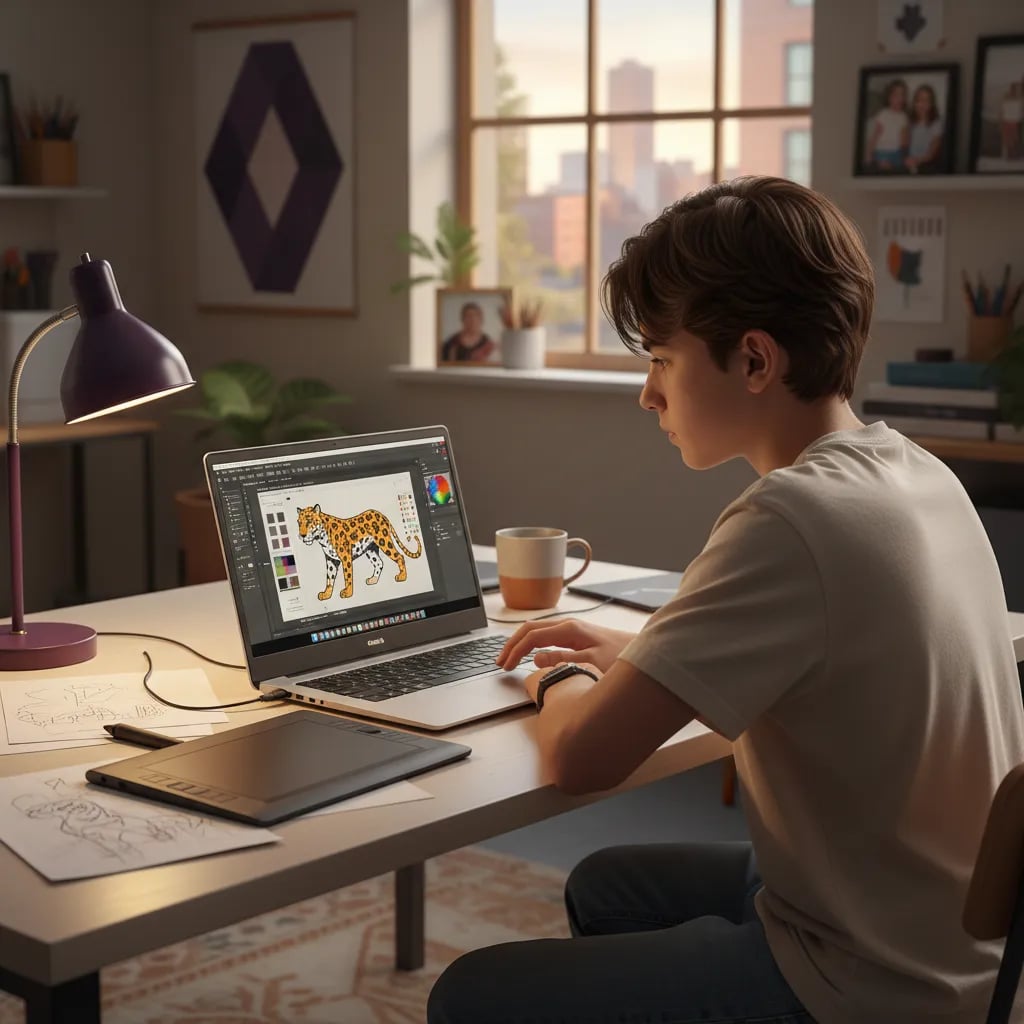
We work only with GIMP, Inkscape, Tinkercad, and Wick Editor — the same tools used by designers in Mexican agencies. No Adobe licenses, no monthly fees. Your child can practice freely at home.
Real portfolio from module 1
Every class ends with a finished piece — logo, illustration, 3D model, or animation. By the end of Junior: 5–6 pieces. By the end of Senior: 10–12 pro pieces on GitHub or Behance.
Direct path to design universities
UAM-Xochimilco, CENTRO, La Esmeralda, Anahuac — all require a portfolio for admission. Our Senior program is built exactly to cover what these schools evaluate at admission.
Same teacher all year
Your child works with the same professional designer for the whole year. No rotation between modules. Continuity builds creative confidence and personal style.
Algonova Teaching Team

The teacher explains with incredible patience. My daughter arrived with no design experience and within a couple of months created her first logo in Inkscape. Best of all, she asks for more classes herself.

Camila's mom
Design student's mom · CDMX

Leonardo Cárdenas

Neftalí Cázares

Aimée Pineda

Harold Cruz

Sofía Ramos

Carlos Vega

Valeria Morales

Andrés Gutiérrez
Free trial class · 60 minutes · No card
Your child meets a real teacher and creates their first digital design in 60 minutes online. No card, no commitment — you decide afterwards.
Facebook recommendations
Me encanto la clase muestra impartida por Aldo Cobarruvias , muy practica mi hijo quedo encantado lo recomiendo al 100
Yesy Moreno
Facebook recommendation for Algonova Latinoamérica · March 7 (original in Spanish)
Mi hijo le encantó la clase muestra y el curso. Desde el inicio la atención fue muy buena y el seguimiento a sido muy satisfactorio, están atentos a las necesidades de los alumnos y se acoplan al horario familiar. En lo personal me gusta mucho la dinámica que tiene el curso y la instructora que tiene mi hijo es muy atenta y entusiasta, observó que esta desarrollando muchas habilidades que le servirán en su futuro académico. Muchas gracias!
SinnUhe GaLindo
Facebook recommendation for Algonova Latinoamérica · March 15 (original in Spanish)
todo excelente y muy buena comunicación, además de dar la clase super claras y muy exactas , el maestro siempre se porto ala altura del alumno y del padre de familia, excelente servicio,podría recomendarlo.
Richard Hernandez
Facebook recommendation for Algonova Latinoamérica · March 8 (original in Spanish)
AWARD WINNING TECH EDUCATION






FAQ
No, your child doesn't need to know how to draw. Most kids arrive with no prior drawing experience, and that's perfectly fine. The digital design classes teach composition, color, visual hierarchy, and the tools, so it's not a manual drawing class. What matters most is the desire to create. Classes are live online with a real teacher, who guides your child from the basics, so beginners can start with confidence and build skills step by step.
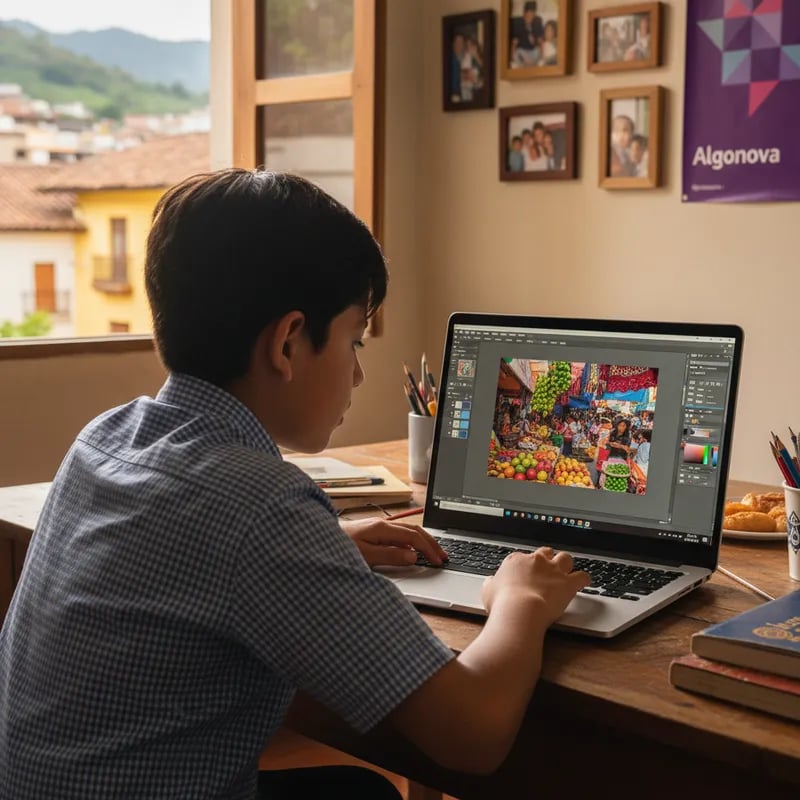
We use free professional tools instead of Adobe: GIMP as a free alternative to Photoshop, Inkscape as a free alternative to Illustrator, Tinkercad for 3D modeling, and Wick Editor for 2D animation. These are professional-grade tools that run on any modest laptop, with no Adobe licenses to pay for. This keeps the course accessible while still teaching real, transferable design skills your child can carry into more advanced work later on.
It depends on the level. The Junior level (ages 9 to 12) has 5 modules plus a final project, taking around 8 to 9 months. The Senior level (ages 13 to 17) has 10 modules plus a final project, taking around 2 years. There's one live online class per week, and your child keeps the same teacher throughout. Each module ends with a finished project, so progress is visible the whole way through.
Yes, and that's exactly the goal. Every module ends with a finished piece, so the work adds up over time. By the end of the Senior level, your child has a full digital portfolio they can use to apply to design universities such as CENTRO, UAM-Xochimilco, La Esmeralda, or others. Because the course is built around real projects on the closed Algonova platform, the portfolio reflects genuine, completed work rather than just exercises.
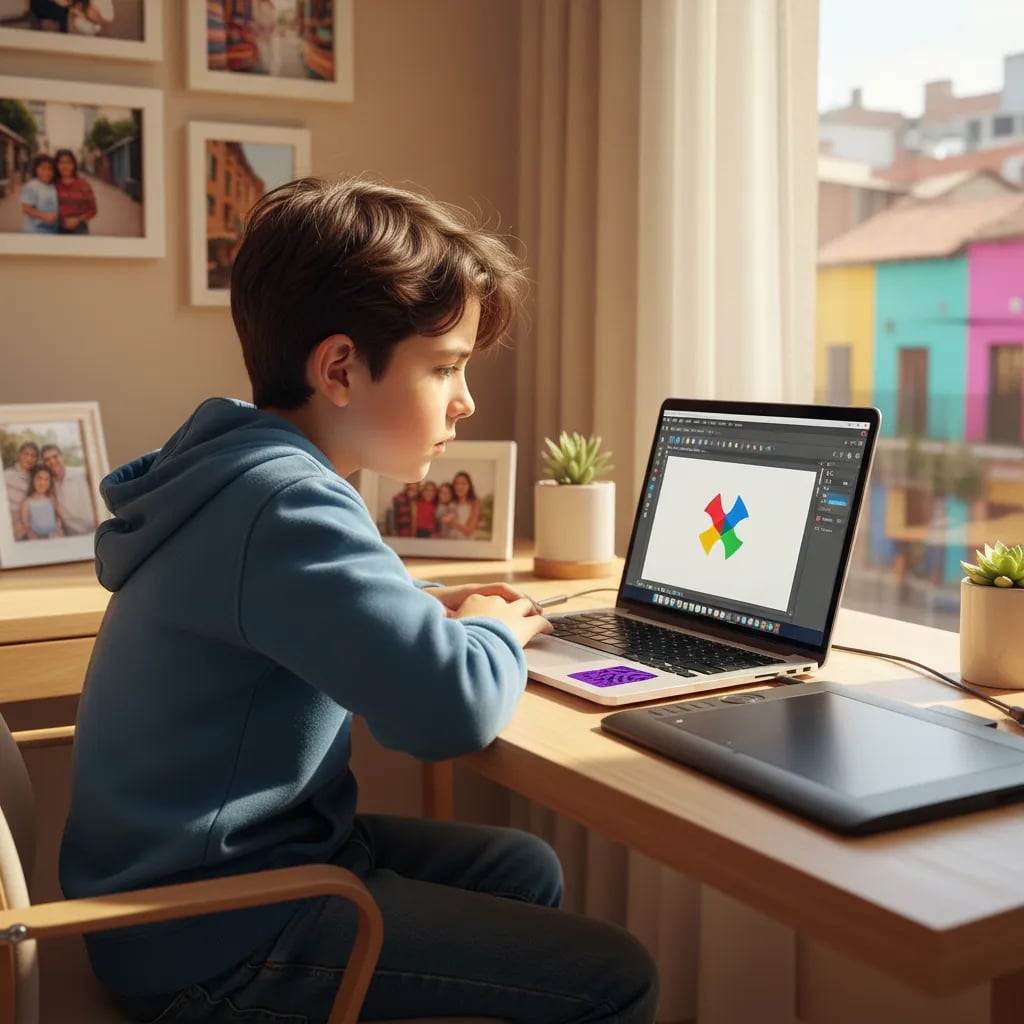
A laptop or computer with internet is all your child needs to start. Tinkercad and GIMP don't require a graphic tablet, so there's no extra purchase to begin. If your child later chooses to specialize in illustration, a basic tablet at around $1,500 to 2,000 MXN is enough. Classes are live online with a real teacher, so the main requirement is a working device and a stable connection for the free trial class.
Classes are live online with a real teacher. There are two formats: 1-on-1 individual sessions of 60 minutes, held 1 to 3 times per week, or a mini-group of 4 students for 90 minutes once a week. Your child keeps the same teacher throughout the course, which gives consistent feedback and a steady learning relationship. You can try a free trial class first to see which format suits your child best before deciding.
Yes, you can pause if you travel. You can pause the course for up to 3 months without losing your spot or your paid classes, so a trip won't interrupt your child's progress. For 1-on-1 classes, cancellation is free when made 24 hours before the lesson, and in every format you receive a full refund for unused classes. This gives families real flexibility while keeping your child's place in the course secure.
Digital Graphic Design · 60 minutes · No card
Free class where your child tries GIMP, Inkscape, or Tinkercad with a real teacher. Takes home their first digital design.

Algonova worldwide
Contact
Customer support: algonova@alg.team
Legal/data protection enquiries: legal@algonova.com
HR enquiries: hr@alg.team
Address
Suite 8634, 1021 E Lincolnway, Cheyenne, WY, Laramie, US, 82001
Algonova online LLC Copyright 2014–2026