Roblox Studio for Kids: How to Start Making Their Own Games (Age, Phone or Laptop)
Learn Coding14 min read
Learn Coding

Fajar Hidayat
Coding Curriculum Team, Algonova
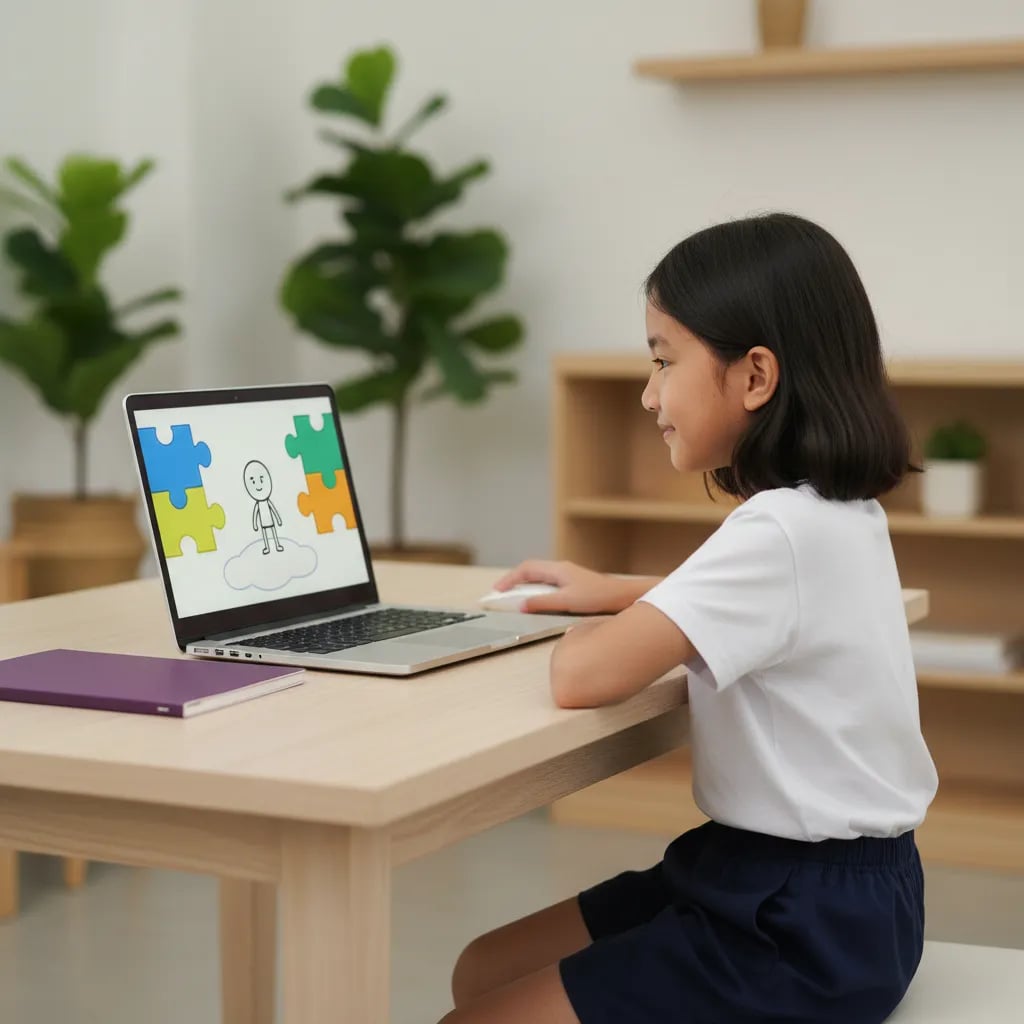
Scratch 3 runs online for free at scratch.mit.edu: click "Create" and the editor opens in the browser, with no account and nothing to install. If your home internet drops often, the free offline Scratch app works on Windows 10+, macOS 10.13+, ChromeOS and Android 6.0+ tablets. Scratch is built for kids aged 8 to 16. Children aged 5 to 7 do better with ScratchJr.
Scratch 3 online is the Scratch editor running straight in your browser. Version 3.0 came out in January 2019 and has been the main version on the official site ever since.
Without an account, the project isn't saved on the site. Use File > Save to your computer, and Scratch creates a file ending in .sb3. Your child can open it again later with File > Load from your computer.
Scratch was created by the Lifelong Kindergarten group at the MIT Media Lab, led by Mitchel Resnick, and opened to the public in 2007. Today it is run by the Scratch Foundation, a nonprofit. If your child has never heard of Scratch, start with our explainer what is Scratch.
Go online if your internet is stable. Pick the offline app if the connection keeps cutting out or your data is limited. The editor is the same in both; what changes is how projects are saved and shared.
| Scratch online | Offline Scratch app | |
|---|---|---|
| How to open | scratch.mit.edu, click Create | Download from scratch.mit.edu/download |
| Devices | Browser on a laptop, PC, Chromebook or tablet | Windows 10+, macOS 10.13+, ChromeOS, Android 6.0+ tablets |
| Not supported | Internet Explorer | Linux, Android phones, iPad |
| Saving | To the account, or as an .sb3 file | As a file on the device |
| Sharing with the community | Straight from the editor | Export the file, then upload it on the website |
| Cost | Free | Free |
On Windows the app usually installs through the Microsoft Store. The only official download page is scratch.mit.edu/download, so skip "Scratch installers" from other sites.
Example: Mrs Rina's family in Kupang uses the offline app on a laptop because the signal at home comes and goes. Her daughter Nadia, 9, works on projects all week without internet. On Saturdays, at her grandmother's house with wifi, she uploads the .sb3 files to her account.
A Scratch account is free, and it is best set up once, together with your child. Your child needs one to save projects on the site, share them and post comments.
New accounts start as "New Scratcher", with a few limits, such as no access to cloud data. The status moves up to "Scratcher" once your child has been active for a while and shared some projects.
Teacher accounts are requested on the For Educators page. The Scratch Team checks that the applicant is an educator, which usually takes up to a day. A teacher can then set up a class, invite students with a link and reset their passwords. For one child at home, a regular account is all you need.
Scratch is fairly safe for kids. The Scratch Foundation team moderates the community every day and runs a profanity filter, but the community is open to anyone, so set a few house rules.
How the community works:
House rules you can use today: no full name, school, address, WhatsApp number or face photos in projects or on the profile. Once a week, open your child's profile together and read the latest comments. For kids aged 8 or 9, switch comments off until they get used to the site.
Example: Bima, 10, got a comment asking for his Instagram handle. He and his mum had already agreed on what to do, so he didn't reply. He clicked Report and turned comments off on that project for a week.
A laptop or PC with a mouse works best for Scratch 3, because kids drag lots of small blocks and need to drop them precisely. Chromebooks and tablets of 8 inches or more are fine. Phones aren't supported.
| Device | Good fit? | Notes |
|---|---|---|
| Laptop or PC | Best | Online or offline app, a mouse speeds things up |
| Chromebook | Good | Online, or the app from Google Play |
| Android tablet, 8 inches+ | OK | Offline app or browser, 10 inches is more comfortable |
| iPad | OK | Through Safari, no offline app |
| Phone | Not recommended | The Android Scratch app runs only on tablets |
The laptop doesn't have to be new. We cover the minimum specs for primary school kids in our guide to a laptop for kids' coding. If your home only has phones, pick from our list of coding apps for kids on a phone. For ages 5 to 7, ScratchJr on a tablet is the better match, and the options are in our guide to coding games and apps for preschoolers.
A child aged 8 to 10 can finish each of these in 20 to 40 minutes. They go from easiest to hardest on purpose.
After these three, your child can pick the next challenge from 12 Scratch project ideas for primary school kids.
Kids don't need to memorise every block. At home, what matters most is finishing one small project until it can be played, then showing it to you.
Fajar Hidayat, Coding Curriculum Team, Algonova
Learning Scratch alone at home works for the first 2 to 4 weeks. A class with a teacher starts to pay off when your child keeps getting stuck on the same idea or gets bored because they don't know what to build next.
Signs parents usually notice:
At Algonova, Scratch is the core of the Visual Programming course for primary school kids from grade 3 up, with a live teacher and groups of up to 10. The full path from Scratch to Roblox and Python for ages 8 to 12 is on our page on coding classes for primary school kids. To see how lessons work first, book a free coding class: a 60-minute master class.
The official Scratch website is scratch.mit.edu, and everything on it is free. Type the address straight into the browser, because searches like "scratch online" or "scratch download" often show ads and copycat sites first. On the official site your child can open the editor, create an account, browse community projects and download the offline app. The mit.edu domain points to the Massachusetts Institute of Technology in the United States, where Scratch was developed from 2003 before its public launch in 2007. If a site asks for payment or card details, or offers an .exe file from outside the Microsoft Store, close it. Bookmark scratch.mit.edu in your child's browser so they don't have to Google it each time. The site also comes in Bahasa Indonesia, which you can pick at the bottom of the page, and scratch.mit.edu/projects/editor opens the same editor directly.
Yes, Scratch 3 works without an account through the Create button at scratch.mit.edu. Your child can stack blocks, draw characters, add sounds and run projects straight away. The catch is that nothing is saved on the site, so if the browser tab closes before saving, the work is gone. Teach your child to use File, then Save to your computer, every 10 to 15 minutes. The .sb3 file can be opened again any time and uploaded to an account later. Without an account, your child also can't share projects with the community or post comments. For a 7 or 8 year old who is just trying things out, working without an account is enough. Once your child has finished 2 or 3 projects and wants to show friends, set up an account together and upload the saved files. Keep all .sb3 files in one "Scratch" folder so they don't get mixed up with homework.
Go to scratch.mit.edu/download on the laptop, choose the operating system and follow the steps. On Windows 10 or newer, the app installs through the Microsoft Store. On a Mac you need macOS 10.13 or newer, and the app comes from the Mac App Store or as a .dmg file. Chromebooks and Android 6.0+ tablets install it from Google Play. Once installed, the app runs without internet and saves projects on the device. Linux isn't officially supported, so Linux laptops should use the browser version. The download is a few hundred megabytes, so use wifi rather than mobile data. The offline app can't share projects to the community directly: your child exports the file, logs in on the website and uploads it there. That gives you a chance to look at the project first. Updates come through the same store you installed from, and on school-managed Windows laptops the school admin usually handles them.
The scratch.mit.edu site does open in a phone browser, but the editor is too cramped to use comfortably. The Android Scratch app runs only on tablets, and the official download page says plainly that Android phones aren't supported. On a 6-inch screen the block menu covers the work area and fingers keep dropping blocks in the wrong place. A phone is fine for watching other people's projects or reading ideas, but for building, switch to a laptop, Chromebook or a tablet of at least 8 inches. If your home only has phones, start with coding apps designed for small screens. For ages 5 to 7, ScratchJr on a tablet fits better than Scratch 3. Algonova's online coding classes are also taken from a laptop, computer or tablet, not a phone. An older family laptop is often enough, as long as the browser is up to date and your child has a simple mouse.
According to the Scratch team, Scratch 3 is designed for kids aged 8 to 16, and children aged 5 to 7 are better served by ScratchJr. By 8, most kids can read the block labels and use a mouse accurately. Without those two skills, Scratch quickly becomes frustrating. A 7 year old who reads well can often start with a parent nearby, for example a 15-minute animation. Kids of 11 or 12 usually move fast into games with variables and scores, and are then ready to try a text language such as Python. There's no upper limit: plenty of teenagers and teachers still use Scratch to prototype games. Reading ability and curiosity are better guides than age. If you're unsure, a free 60-minute master class can show where your child stands. After that class, the teacher usually suggests whether to start with Scratch, Roblox or Python, based on your child's age and skills.
Parents can keep an eye on a child's Scratch account, even though Scratch has no dedicated parent dashboard. For children under 16, the account is registered with a parent's email, so important notices and password reset links reach you. The simplest habit is to open your child's profile at scratch.mit.edu/users/username once a week. You'll see shared projects, studios they follow and the latest comments. Keep a copy of the password too, and read new comments together. Your child can turn off comments on their own projects, and every comment has a Report button. If your child uses a class account at school, the teacher can also see student activity and reset passwords. Ten minutes every weekend is usually enough for a primary school child. If a comment makes your child uncomfortable, ask them to tell you about it, then report it together without replying to it.
Scratch 3.0 is the current version, released in January 2019, and it runs in modern browsers without Flash. Scratch 2.0 from 2013 relied on Adobe Flash, which has been discontinued, so its old online editor no longer works. Older projects still open in Scratch 3. Compared with Scratch 2, version 3 adds extensions such as Translate and Text to Speech, support for micro:bit and LEGO, and it works on tablets. ScratchJr is a separate app for ages 5 to 7, released in 2014 for tablets. Its blocks use pictures rather than words, so kids who can't read well yet can still make moving stories. ScratchJr projects can't be moved into Scratch 3, but the ideas carry over: sequence, loops and events. Many kids move from ScratchJr to Scratch 3 at around 8. The usual sign they're ready is boredom with picture blocks plus the ability to read short commands on their own.
For primary school kids, 30 to 45 minutes per session, 3 or 4 times a week, is enough to see real progress. That's long enough to finish a small project or add one feature to a game without wearing your child out in front of a screen. Count Scratch time as part of total screen time, not as a free extra. A short session with a clear goal, such as "today the cat learns to jump", gets more done than two aimless hours. At the end, ask your child to show you what they built in 2 minutes. That short demo tells you how they're getting on. If your child stays stuck on the same idea for 2 or 3 weeks, for example a score variable, consider learning with a teacher in a small group of up to 10 children. A teacher sees where your child trips up and sets tasks that fit.
Blog

Algonova worldwide
Contact
Whatsapp: +62 21 50996971
Email: info@algonova.id
Address
Coworking Area, Gedung IT 6 Lantai Dasar, Nongsa Digital Park, Jalan Hang Lekiu, Kelurahan Sambau, Kecamatan Nongsa, Batam, Indonesia Directorate General of Consumer Protection and Trade Compliance – Ministry of Trade of the Republic of Indonesia. WhatsApp Ditjen PKTN: 0853-1111-1010.
PT Algonova Indonesia Cerdas All rights reserved 2026