Canva Projects for Kids: 5 First Projects for Primary School (and How to Start)
Learn Design9 min read
Learn Coding

Fajar Hidayat
Coding Curriculum Team, Algonova
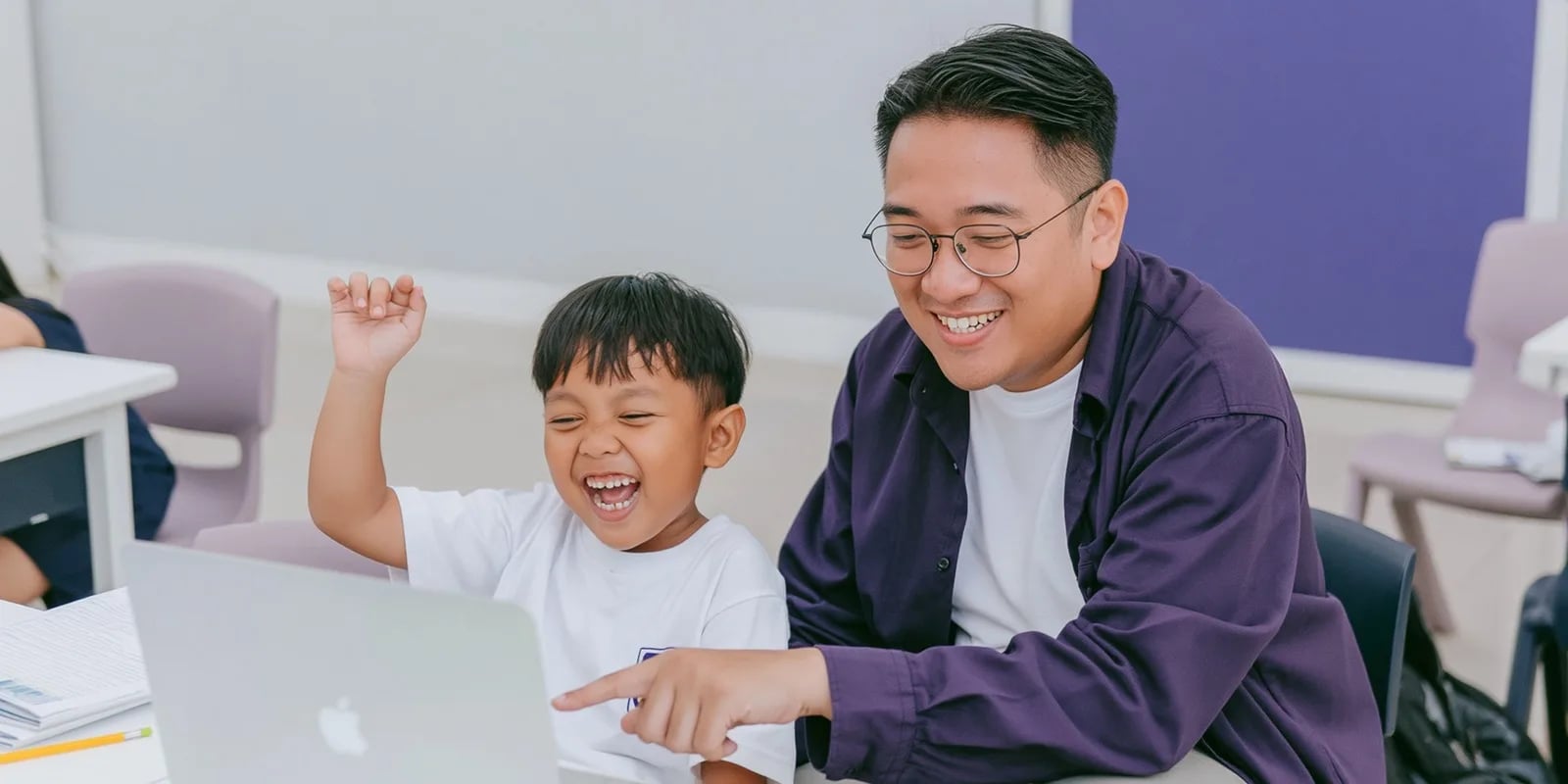
Does your child love watching cartoons and ask how to make one themselves? In Scratch, a first animation can be finished in under an hour, with no drawing skill required.
This guide covers five steps from a still character to a moving animation with dialogue and music.
Scratch is a free block-based tool developed at the MIT Media Lab and released in 2007, used to build both games and animations. It came from the Lifelong Kindergarten group led by Mitchel Resnick and now has more than 90 million registered users worldwide. The difference between the two project types is control: an animation runs automatically once the green flag is clicked, with no viewer input needed.
That makes animation an easier starting point than a game for a child trying Scratch for the first time. The characters being animated are called sprites, and each sprite can hold several costumes, which is exactly what creates the illusion of movement.
For children aged 5 to 7 who cannot read yet, ScratchJr covers the same ground with picture blocks. It was released in 2014 by Tufts University together with MIT.
Click Create, then choose a character from the sprite gallery. Pick one with several different costumes (check the Costumes panel) so it can be animated to move.
Snap together: "when green flag clicked" → "forever" → "next costume" → "wait 0.2 seconds". The character will look like it's moving as its costume switches quickly.
Add a "move 10 steps" block inside the same loop, then "if on edge, bounce". The character now moves while walking across the screen.
The "say [text] for 2 seconds" block in the Looks category makes a character seem to talk. Chain a few of these blocks in sequence to create a short conversation.
The Sound category has ready-made background music — the "start sound [name]" block just needs to sit at the start of the script. Once done, click Share to get a link that can be sent to friends.
A beginner starts by picking a sprite with multiple costumes, switching costumes in a loop to create movement, adding movement across the screen, then layering in dialogue and background music before sharing the finished animation. Keep the first attempt to one short scene rather than a long story that never gets finished. For guided, step-by-step learning with a teacher, see the Scratch course for ages 5-12, or try a free coding class so your child builds a first animation in a diagnostic session.
Use more than one sprite. An animation with two characters responding to each other feels far more like a story than a single character moving on its own.
Change the backdrop. The Backdrops category in the bottom-left corner has plenty of free options, and switching backdrops between scenes makes the animation feel like it is developing.
Don't use too many scenes on the first attempt. One short scene that actually gets finished is far more satisfying than a long story that never gets completed.
ScratchJr for ages 5 to 7 already lets kids build simple animations with no text at all. Released in 2014 by Tufts University together with MIT, it uses picture blocks so a child can animate before they can read.

Algonova worldwide
Contact
Whatsapp: +62 21 50996971
Email: info@algonova.id
Address
After the first animation, the natural next step is adding interaction, turning the animation into a simple game. In the Algonova Scratch classes, certified teachers guide children from animation to more complex projects, in Private (1 student), Mini (2-4 students), and Group (up to 10 students) formats. The first trial class is free.
Kids who prefer telling stories with still pictures can start with a simple four-panel comic, then bring the characters to life in Scratch.
Animation in Scratch does not require drawing skills. It is enough to switch costumes and add movement, dialogue, and music. A short animation finished in one session is far more valuable than an ambitious story that never gets completed.
No. Scratch has a gallery of ready-made costumes and sprites. A child can build a complete animation without drawing a single character themselves; drawing is only an extra option.
A simple animation with movement and dialogue can be finished in 30-45 minutes. Adding music and a few scenes can extend it to one or two hours.
An animation runs automatically once the green flag is clicked, with no player control needed. A game needs player input (keys, clicks) to run. Both use the same Scratch blocks, just arranged differently.
Yes. Click the Share button after creating a free account, and the animation instantly gets a link that can be sent or watched by anyone.
ScratchJr for ages 5-6 can already make simple animations with no text. Full Scratch for age 7 and up allows more complex animations with dialogue and music.
Coworking Area, Gedung IT 6 Lantai Dasar, Nongsa Digital Park, Jalan Hang Lekiu, Kelurahan Sambau, Kecamatan Nongsa, Batam, Indonesia Directorate General of Consumer Protection and Trade Compliance – Ministry of Trade of the Republic of Indonesia. WhatsApp Ditjen PKTN: 0853-1111-1010.
PT Algonova Indonesia Cerdas All rights reserved 2026