
Abacus vs Kumon vs Conceptual Math: Which Is Right for Your Child?
Which Is Better?6 min read
Learn Coding

Hafiz Rahman
Coding Curriculum Team, Algonova Malaysia
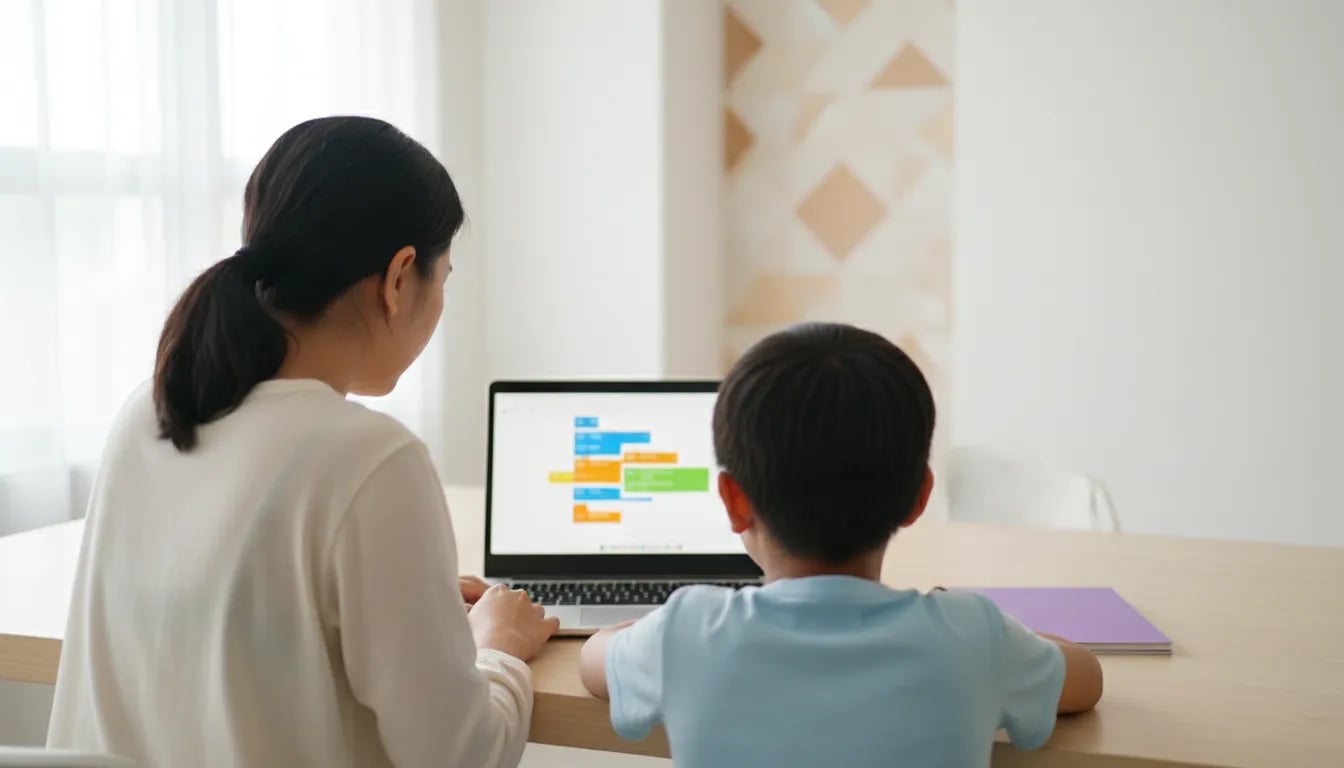
A December school holiday 2026 coding plan for kids 7 to 12 fits into 16 sessions of 30 minutes, Monday to Thursday from 7 to 31 December: two weeks of Scratch, one week to finish a game and one week of Roblox Studio for ages 10 to 12. That is 8 hours in total, with ScratchJr for a 7 year old. Group A and Group B states follow the same dates.
Algonova is an online platform for coding, maths, AI and design courses for children aged 5 to 17, with 1,000,000+ students in 97 countries since 2016. Classes are live with a certified teacher in groups of up to 10 students.
Sixteen. The year-end holiday runs from 5 to 31 December 2026 for Group B states and from 4 to 31 December for Group A (Kedah, Kelantan and Terengganu), according to the Ministry of Education's Kalendar Akademik 2026. Count Monday to Thursday from 7 December and you get 4 weeks of 4 days.
| Group A | Group B | |
|---|---|---|
| Last school day | 3 December | 4 December |
| Holiday | 4 to 31 December | 5 to 31 December |
| Coding days, Monday to Thursday, 7 to 31 December | 16 | 16 |
| Time per day | 30 minutes | 30 minutes |
| Total | 8 hours | 8 hours |
Fridays and weekends stay free, and so does Christmas Day on Friday 25 December. All 2026 breaks are on our school holidays 2026 Malaysia page.
This article is the coding calendar. If you are still choosing between camps, tuition and home plans, start with our guide to choosing an online holiday programme. For a maths plan, use the December maths plan for Year 1 and 2.
Start with ScratchJr at 7, Scratch at 8 or 9, and Scratch first and Roblox Studio second at 10 to 12. Scratch is made for ages 8 to 16 and ScratchJr for ages 5 to 7, according to the Scratch team at MIT. Both are free.
| Age | Tool | Device | Weeks 3 and 4 |
|---|---|---|---|
| 7 | ScratchJr | Tablet | A second small story or game |
| 8 to 9 | Scratch | Laptop or tablet | A second Scratch game |
| 10 to 12 | Scratch, then Roblox Studio | Windows or Mac laptop | A 3D obstacle course in Roblox Studio |
Roblox Studio is free, but it needs a Windows 10 or macOS 10.14 computer with at least 3 GB of RAM and a Roblox account, according to the Roblox Studio setup page. A tablet or Chromebook is not enough for Studio. Our guide to Roblox Studio or Scratch explains the choice in full, and the ScratchJr guide covers the 7 year old.
A child of 10 who has never coded should still spend weeks 1 and 2 in Scratch. Blocks teach events, loops and variables without spelling mistakes, and Roblox Studio uses the same ideas in typed code.
Weeks 1 and 2 are the same for every age: learn the Scratch blocks in week 1 and build a catch game in week 2. Each session is 30 minutes, and your child works alone for the first 20 and shows you the result in the last 10. Follow our Scratch guide for first-time users for the first screen.
| Date | Task |
|---|---|
| Mon 7 Dec | Open Scratch, find the blocks and make the cat move 10 steps and say hello |
| Tue 8 Dec | Loops: make the cat walk across the stage and back with a "repeat" block |
| Wed 9 Dec | Events: change what happens when a key is pressed or a sprite is clicked |
| Thu 10 Dec | Mini project: a short dance or story with 3 sprites |
| Mon 14 Dec | Variables: make a score that goes up by 1 |
| Tue 15 Dec | Catch game, part 1: an object falls from the top and a basket moves with the arrow keys |
| Wed 16 Dec | Catch game, part 2: add a score when the object touches the basket |
| Thu 17 Dec | Catch game, part 3: add 3 lives and a "Game over" message, then play and fix bugs |
Scratch on a tablet has no "key pressed" blocks, so a child on a tablet uses "when sprite clicked" for the Wednesday and Tuesday tasks. A 7 year old on ScratchJr does the same ideas with the orange and blue blocks: move, repeat and start on tap.

For a step-by-step version of the Scratch game, see how to make your first Scratch game.
Week 3 turns the catch game into a finished project, and week 4 splits by age: a second Scratch game for ages 7 to 9 and Roblox Studio for ages 10 to 12.
| Date | Ages 7 to 9 | Ages 10 to 12 |
|---|---|---|
| Mon 21 Dec | Add sound and a start screen | Add sound and a start screen |
| Tue 22 Dec | Add a second, faster level | Add a second, faster level |
| Wed 23 Dec | Family demo: your child explains the game and lists 3 improvements | Same |
| Thu 24 Dec | Free build day: remix a favourite project | Install Roblox Studio, link the account to yours, open a template |
| Mon 28 Dec | Plan a new game on paper | Build a 3D obstacle course with 10 parts |
| Tue 29 Dec | New game, part 1: sprites and movement | Add a "lava" part that sends the player back, using a Touched script |
| Wed 30 Dec | New game, part 2: score and win | Add a checkpoint and a finish part |
| Thu 31 Dec | Show day: everyone plays the games | Show day: everyone plays the course |
On Thursday 24 December the older child does the Roblox setup with a parent. Studio always needs a Roblox account. Link it to yours in Parental Controls and set chat and spending limits first, as in our Roblox guide for parents. The first Luau script, the "lava" part, is shown step by step in how to make a Roblox game.
You need a charged laptop or tablet, a browser, a quiet 30-minute slot and one adult within calling distance. Check the list the week before.
Scratch has no parental switch for comments, so the safest start is to use it without confirming an email or to use the offline app. The Roblox Studio or Scratch guide lists the three options.
The plan worked if your child can show a game, explain one block and say what to build next. Do not grade the game. Look for three signs on Thursday 31 December:
| Sign | What it shows |
|---|---|
| The game runs from start to finish | Your child can finish a project |
| Your child explains one block in their own words | They understand, not copy |
| Your child names the next idea | The interest will carry into January |
A child who loses interest by week 2 usually needs a smaller task or a live teacher, not more screen time. A child who finishes early can move on to our guide to what to learn after Scratch.
Book a class when your child asks for help every five minutes, loses interest after the first week or finishes the whole plan in two days. A home plan keeps skills warm, but a teacher spots the exact block a child misunderstands.
Algonova's coding course for ages 8 to 12 has two tracks: Visual Programming in Scratch for ages 8 to 11 and Game Design with Roblox Studio and Lua for ages 10 to 12. Each has 36 live sessions, and a laptop is needed. The first step is a free 60-minute master class, where a teacher watches how your child works and says where to start.
Thirty minutes a day is enough for a child aged 7 to 12. Short sessions keep a child fresh, and 16 sessions across four weeks add up to 8 hours, enough to build two small projects. A session can run a little longer when a child is absorbed, but stopping at 30 leaves them wanting to return the next day. Keep Fridays and weekends free so the holiday still feels like a holiday. If your child wants more, let them redo yesterday's project with a change of their own instead of starting a new task.
Yes, Scratch is free for everyone, including children in Malaysia. It was built by the Lifelong Kindergarten group at the MIT Media Lab and is made for ages 8 to 16, with ScratchJr for ages 5 to 7. It runs in a browser on a laptop or tablet, and an offline app exists for Windows, macOS and Android tablets. A child can start without an account, though an account is needed to save projects online. Check the Scratch Help Center for the current rules on parent consent before your child signs up.
Yes. A 7 year old can start with ScratchJr, a free app for ages 5 to 7 where the child snaps picture blocks together to make characters move, jump and talk. The plan in this article uses the same ideas as Scratch: sequence, loops and events. Keep sessions to 20 or 30 minutes and sit beside your child for the first week. Expect a story or a short animation, not a full game, and praise the child for finishing something, however small.
Roblox Studio needs a Windows 10 or macOS 10.14 computer with at least 3 GB of RAM, and Roblox recommends Windows 11 or macOS 14 with 8 GB. The screen should be 1600 by 900 pixels or larger, and your child needs a Roblox account to sign in. The official setup page lists only Windows and macOS, so a tablet or Chromebook is not enough for building. If your home has only a tablet, spend all four weeks in Scratch and move to Studio later.
Roblox Studio itself is a building tool, and most of the risk sits in the Roblox account and its chat. Link your child's account to yours in Parental Controls and set chat and spending limits before the first session. Roblox requires age checks for chat since early January 2026, and in-game chat is off by default for children under 9 unless a parent agrees. Sit with your child for the first two sessions, and agree that projects are shared only with family at first.
A child who loses interest in week 2 usually needs a smaller task, not more pressure. Cut the session to 15 minutes, let your child choose the topic of the game, or swap the catch game for an animation of their favourite character. Interest often returns when the child sees something move on screen within five minutes. If the loss of interest comes with frustration, a free class with a live teacher can show whether the problem is the task, the tool or the support your child needs.
This plan costs nothing, takes 30 minutes a day and runs at home, while a holiday camp runs for hours, usually on set dates and at a set place. A camp gives a teacher and other children, and the home plan gives flexibility and low cost. Our guide to choosing an online holiday programme compares both. Many families combine them: the home plan for the first two weeks and a class once the child knows what they enjoy.
After Scratch and Roblox Studio, a child aged 11 or 12 can move to a text language, and Python is the usual first choice. Python is widely used in data and AI, and it builds on the loops, variables and conditions the child already knows from blocks. Our guide to Scratch vs Python explains when to switch. A child who still enjoys games can stay in Roblox Studio and learn more Luau scripting, which is also text code.
Yes. Algonova has Visual Programming in Scratch for ages 8 to 11 and Game Design with Roblox Studio and Lua for ages 10 to 12, each with 36 live online sessions. Classes run in groups of up to 10 children with a certified teacher, and a laptop is needed at home. The first step is a free 60-minute coding master class, where your child builds a small project live and the teacher says which course fits.
Blog

Start your child's tech journey
Book your free 60-minute trial class with an Algonova certified tutor. No payment, no obligation, just discover what your child can build.

Algonova worldwide
Contact us
Email: int_legal@alg.team
Visit us
Suite 8634, 1021 E Lincolnway, Cheyenne, WY, Laramie, US, 82001
Algonova online LLC International tech school for kids and teens

