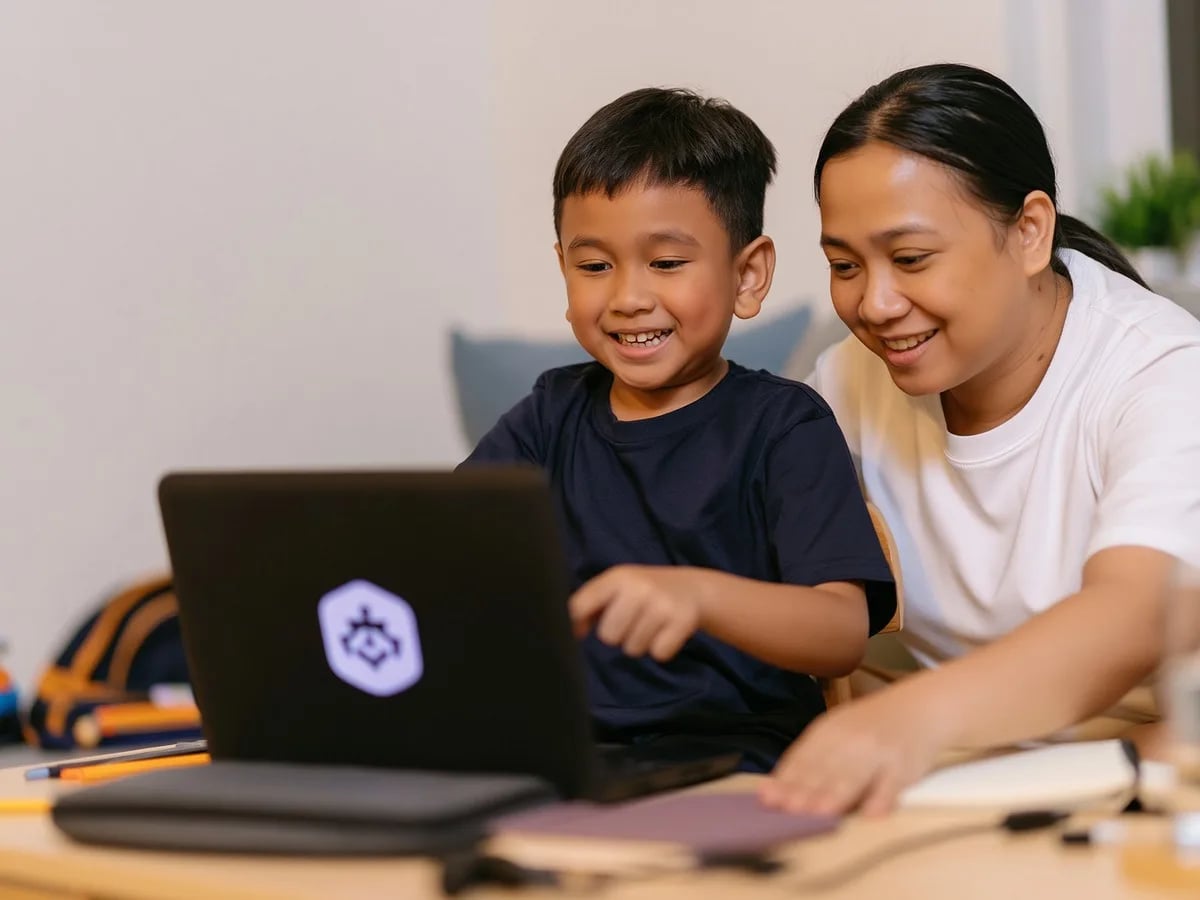
My daughter finished her first poster in week two and printed it for her room. Algonova made design feel achievable, not intimidating.

Farah binti Ahmad
Mother of Aisyah, 9 · Kuala Lumpur
Graphic Design Classes for Kids in Malaysia
Graphic design for kids is a structured course where children aged 8-14 learn to create logos, illustrations, patterns and simple games using free professional tools, no Adobe needed. At Algonova, every child works one-on-one or in a small group with a live teacher, building a real portfolio of digital work from the very first lessons. Classes run online or at our studio in Seremban.
1,000,000+
students worldwide
97
countries
10+ years
teaching kids to create
4.9★
average parent rating
Who it's for
Kids who love to draw and create
Ages 8–14
If your child fills notebooks with doodles, edits photos for fun, or asks how cartoons and game characters are made, graphic design turns that curiosity into a real skill. They learn to bring their own ideas to the screen — characters, posters, logos — instead of only copying others.
Beginners with no design experience
No prior skills needed
Children do not need to draw well or know any software to start. Lessons begin with simple shapes, dots and lines, then build step by step toward full illustrations. A child who has never opened a design tool can complete their first finished artwork within the first few lessons.
Kids who want to build, not just consume
From screen-time to skill
Instead of only watching videos and playing games, your child learns to make their own. By the end of the course they have a portfolio of digital illustrations, patterns, a logo, a 3D model and even a small animation or game they created themselves.
One creative path, two levels
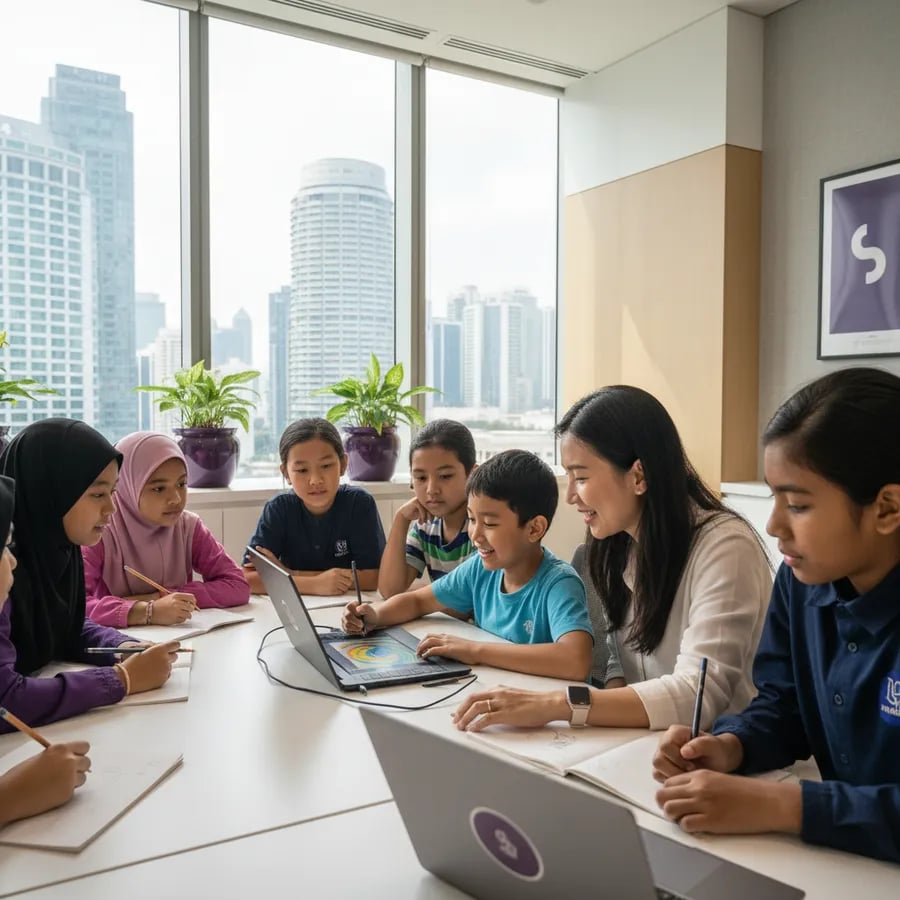
How learning works
All online and live, or in person at our Seremban studio. No card, no commitment.
01
Free trial lesson
Your child meets a teacher for a free 60-minute trial — no card, no commitment. The teacher gets to know your child's interests and shows how the classes work.
02
Personal learning plan
We set the level and pace based on your child's age and experience. Beginners start from the basics; kids who already create move faster into illustration and design.
03
Live lessons, real projects
In every lesson your child creates something real with a live teacher — an illustration, a pattern, a logo or a game element — using free professional tools.
04
A portfolio to be proud of
Lesson by lesson the work adds up into a real portfolio of digital art, 3D models, animation and a game your child built themselves.
Free 60-min class · No card
Compare options
What your child learns
Every course covers the three core disciplines of digital graphic design — with increasing depth as your child grows from ages 8 to 14.
Digital illustration
Editing photos, creating characters, and composing scenes in GIMP — the same layered techniques pro illustrators use, from retouching to drawing with masks. All with free software, no Adobe.
Vector design
Logos, icons, posters, and scalable vector graphics in Inkscape — a free, professional alternative to Illustrator with the same output quality for print and screen.
3D and animation
3D modelling in Tinkercad (characters, printable objects, scenes) and 2D animation in Wick Editor (animated shorts, motion graphics) — plus the first steps into game design.
Why it matters

Farah A. · Design Teacher · Algonova
A skill the future rewards
Visual and digital design is becoming part of almost every career — from marketing and apps to film and games. A child who learns to think visually and work with design tools early carries an advantage into school projects and, later, the job market.
Creativity with structure
Design blends imagination with real rules — composition, colour, layout. Children learn to take a vague idea and shape it into something clear and finished, a way of thinking that helps far beyond art class.
Confidence through making
Finishing a real logo, illustration or game teaches a child that effort turns into results. That sense of "I made this" builds quiet confidence that carries into school and everyday challenges.
Healthy, creative screen time
Instead of only scrolling and watching, your child uses the screen to create. The same device becomes a tool for making illustrations, models and games — turning passive screen time into a productive skill.
Algonova Teaching Team
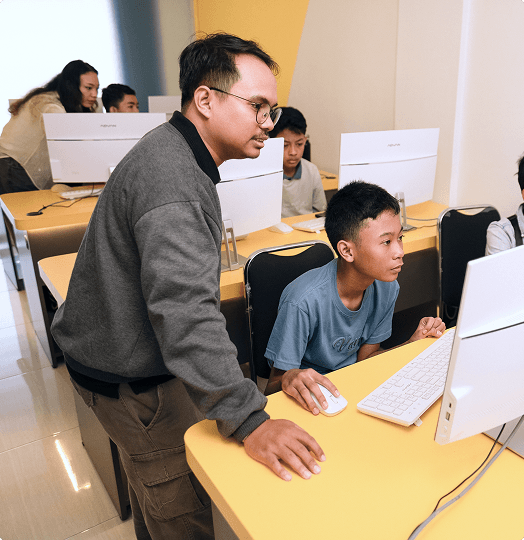
Dimas stayed with me even when I was struggling with my project. Without him, I wouldn’t have been able to finish it. I want to keep getting better with him.

Satria Wiguna
Python student

Farah A.

Reza F.

Ibnu S.

Friska M.

Muhammad S.

Esti H.

Dimas F.
Not sure design is the right fit?
Book a free 60-minute trial with a live teacher. Your child designs something real, and you decide if Algonova fits — no card, no commitment. Message us on WhatsApp at +60 11 6453 2084 or book online.
What parents say
My daughter finished her first poster in week two and printed it for her room. Algonova made design feel achievable, not intimidating.
Farah binti Ahmad
Mother of Aisyah, 9 · Kuala Lumpur
We loved that there is no Adobe cost. He uses GIMP and Inkscape at home now, and his school project slides look genuinely professional.

Daniel Wong
Father of Ethan, 11 · Petaling Jaya
The same teacher every week made a huge difference. My son actually looks forward to class and keeps adding pieces to his portfolio.

Nurul Huda
Mother of Iman, 10 · Shah Alam
AWARD WINNING TECH EDUCATION






FAQ
Our graphic design course is designed for children aged 8 to 14. Design Junior is best for ages 8-12, while Design Senior takes on deeper projects for ages 11-14. We match the level to each child, so younger beginners and older kids who already create both have a place. During the free trial, the teacher confirms the right course and pace for your child.
The first lesson is a completely free 60-minute trial, no card and no commitment required. After the trial, you choose a plan based on the format you prefer: a small group, a mini group, or one to one private lessons. Pricing depends on the format and number of lessons, and our team explains all options clearly before you decide, so there are no surprises.
Children learn on free professional tools: GIMP for raster art, Inkscape for vector graphics and logos, Tinkercad for 3D modelling and Wick Editor for animation. None require a paid Adobe subscription. Everything is free to install at home, so your child can keep creating between lessons without any extra cost.
No drawing skill is needed to start. Lessons begin with the simplest building blocks, dots, lines, shapes and colour, and build up step by step toward full illustrations. Many children join with no experience at all and finish their first complete digital artwork within the first few lessons, which gives them confidence quickly.
Design Junior runs for 32 lessons. Every lesson is 90 minutes, whether your child studies one to one private, in a mini group or in a small group. Most families schedule one or two lessons per week. The pace is flexible: we set a schedule that fits your child's age, energy and other activities, so learning stays steady and enjoyable.
Private lessons are 90 minutes, one to one, with the teacher's full attention and the fastest personal pace. Group lessons are 90 minutes too, in a mini group or a small group, where kids create alongside peers and learn from each other. Both formats use the same curriculum and a live teacher. The right choice depends on whether your child prefers focused attention or a social setting.
Yes. Every project your child completes becomes part of a real portfolio. By the end of the course they have layered digital illustrations, photo collages, patterns, a logo, a 3D model and a short animation or game they created themselves. This gives your child tangible work to show family, friends and teachers, plus a real sense of accomplishment.
We teach on free professional tools because they cover everything a child needs to learn real design, and because skills should not depend on an expensive subscription. GIMP, Inkscape, Tinkercad and Wick Editor teach the same core principles as paid software: layers, vectors, colour and composition. Your child learns transferable design thinking and can keep practising at home at no cost.
Yes. Lessons run live online with a real teacher, so your child can learn from anywhere in Malaysia. Families in Negeri Sembilan can also attend in person at our studio in Seremban. Both options use the same curriculum, the same free tools and the same live small group, mini group or one to one format, so you simply choose what works best for your family.
Start for free
Give your child a free 60-minute lesson with a live teacher — no card, no commitment. They'll create their first digital artwork and you'll see exactly how Algonova works. Message us on WhatsApp at +60 11 6453 2084 or book online today.

Algonova worldwide
Contact us
Email: int_legal@alg.team
Visit us
Suite 8634, 1021 E Lincolnway, Cheyenne, WY, Laramie, US, 82001
Algonova online LLC International tech school for kids and teens