Digital Literacy (7+): the digital fluency starter


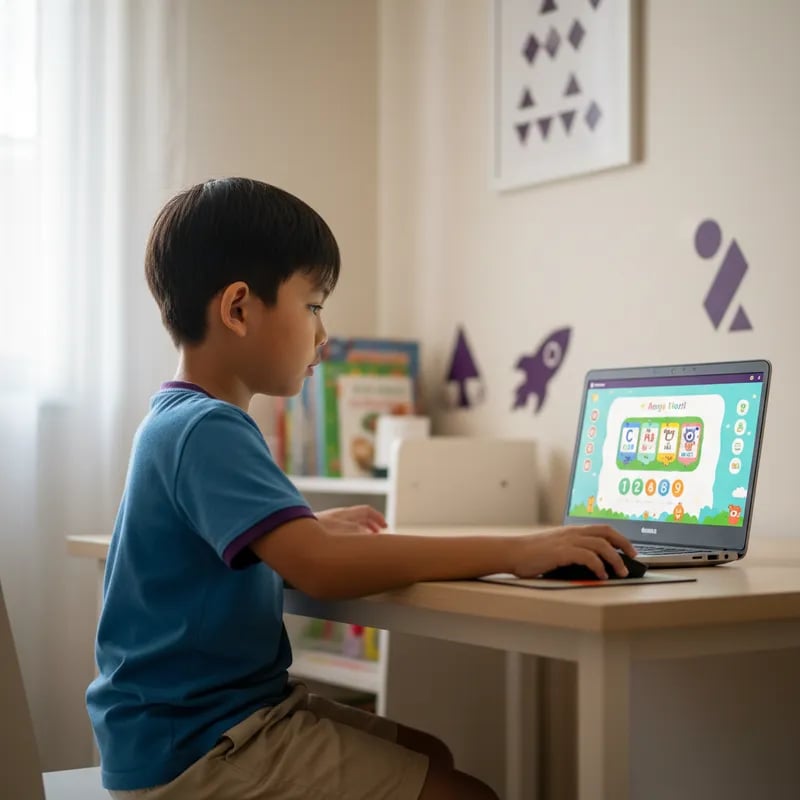
Honest review — Sofea didn't want to do it in the first class. By week 3 she was asking when the next one was. The teacher knew exactly how to handle a 6-year-old's mood swings.

Aminah Ibrahim
Mother of Sofea, 6 · Shah Alam
Little Coders · Ages 6-7
Coding for kids 6-7 in Malaysia, the gentle STEM start. At Algonova, Digital Literacy is our entry point at age 7, with productivity tools, graphics and AI tools designed for early readers. For age 6, Math Junior builds the logical foundation so coding clicks later. Trusted by families across Kuala Lumpur, Selangor, Penang and Johor Bahru. Live online classes, no prior experience needed.
1,000,000+
students worldwide
97
countries
10+ years
teaching kids to code
4.9★
average parent rating
For parents who wonder
It's not about code
At this age
We're not teaching syntax. We're teaching how to break a task into steps, predict outcomes, and fix things that don't work. The medium is play — the skill is thinking.
Build the foundation first
Math at 6, coding at 7
Math Junior strengthens logic and pattern recognition at 6. Digital Literacy at 7 turns that thinking into hands-on creation — graphics, presentations, simple AI tools.
Screen-time with purpose
If they're already on screens
Most kids this age already get hours of YouTube. 60 minutes a week of guided, active making is qualitatively different — and they often want it more than passive scrolling.
One course, ages 7+
Algonova · Coding Faculty for ages 6–7
Digital Literacy (7+): the digital fluency starter
36 lessons across 8 modules: productivity (WPS Office), graphics (Sumopaint), and AI tools (Craiyon, Perplexity). The practical IT skills schools now assume kids know.
Math Junior (6–8): logic foundation
64 sessions of visual math — numbers, geometry, problem solving. Strengthens the thinking patterns that make coding feel natural at age 7.
Real digital skills, age-appropriate
Same productivity and creation tools adults use — introduced through games, stories and visual projects designed for 6–7 year-olds.
Real projects, real portfolio
By the end of Digital Literacy, your child has graphic art, presentations and AI-generated stories — a portfolio they can show family and use in school.
Algonova Teaching Team
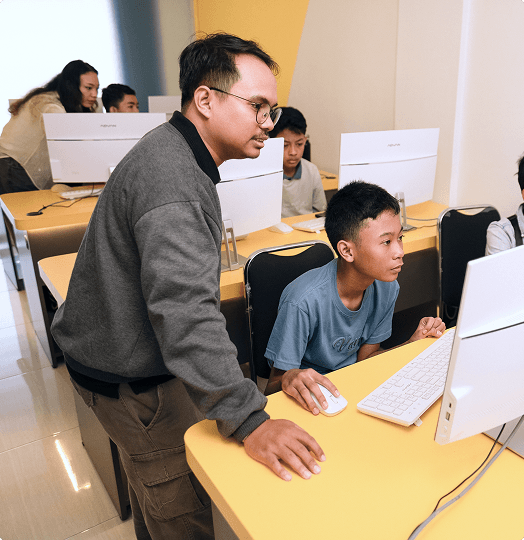
Dimas stayed with me even when I was struggling with my project. Without him, I wouldn’t have been able to finish it. I want to keep getting better with him.

Satria Wiguna
Python student

Farah A.

Reza F.

Ibnu S.

Friska M.

Muhammad S.

Esti H.

Dimas F.
Inside one lesson
Designed around how a young child's attention actually works.
01
1. Warm-up game (10 min)
Unplugged activity — physical or drawing — that introduces today's idea (sequence, pattern, condition).
02
2. Story setup (10 min)
Today's mission: design a poster, make a card for grandma, build a presentation about a favourite animal. The teacher introduces it like a story.
03
3. Build it together (30 min)
Child works in WPS Office, Sumopaint or AI tools, guided step-by-step. Breaks built in.
04
4. Show and tell (10 min)
Each child briefly shows what they made. Public speaking starts here — gentle, encouraging, real.
Free trial · 60 min · Laptop
Program
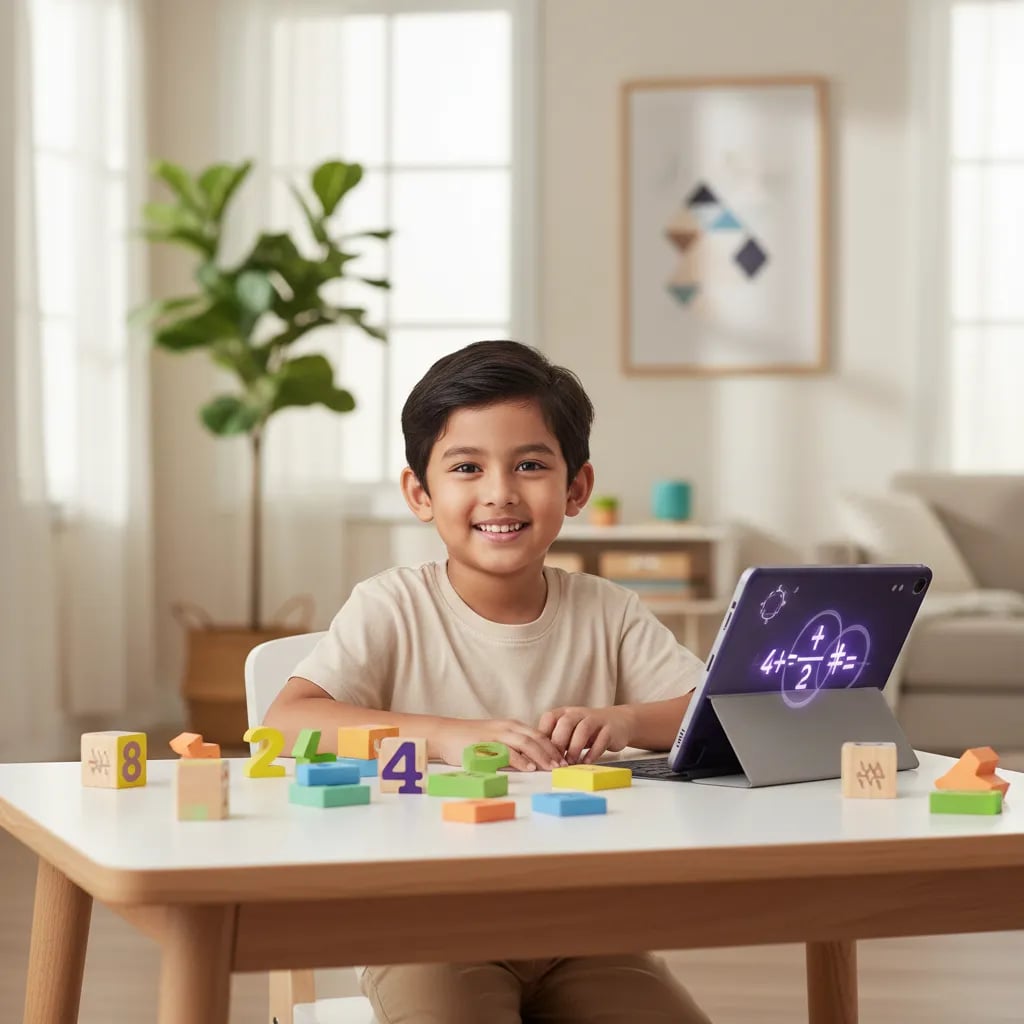
Unstructured screen time vs Algonova
Parents of 6–7 year-olds
Honest review — Sofea didn't want to do it in the first class. By week 3 she was asking when the next one was. The teacher knew exactly how to handle a 6-year-old's mood swings.
Aminah Ibrahim
Mother of Sofea, 6 · Shah Alam
I'm a teacher myself. The methodology is genuinely age-appropriate — not just adult coding shrunk down. They understand 6-year-olds.

Steven Yap
Father of Ethan, 7 · Subang Jaya
Best decision was starting early. By the time he's 8 he'll have a year of structured digital making behind him. Worth it.

Vimala Krishnan
Mother of Arjun, 7 · Cheras
FAQ
At 6, we focus on Math Junior — logical thinking, patterns, problem-solving — which is the real foundation of coding. Digital Literacy starts at 7 with practical tools (graphics, presentations, AI). This gives a stronger foundation than rushing into syntax too early.
Light reading helps from age 7, since Digital Literacy uses tools like WPS and Sumopaint that involve some on-screen text. At age 6, Math Junior relies on mostly visual content — shapes, patterns and pictures — so reading is not required at all. Either way, classes are live online with a real teacher in small groups, so the teacher reads instructions aloud and guides each child directly. Nothing depends on a child reading independently before they are ready.
Math Junior (ages 6–8) builds logic and number sense through visual math — shapes, patterns and pictures rather than formulas. Digital Literacy (7+) introduces practical digital creation: productivity tools (WPS), graphics (Sumopaint) and AI tools (Craiyon, Perplexity). They serve different goals, so many families take Math Junior first, then move on to Digital Literacy. Both run as live online classes with a real teacher in small groups, so each child is guided directly. The free trial class helps you see which fits your child best right now.
A laptop. Digital Literacy uses WPS Office and Sumopaint, which work best on a laptop or desktop with a proper keyboard and mouse, and Math Junior also runs comfortably on a laptop. A tablet can work in a pinch, but the creative tools are easier to use with a real keyboard. You will also need a stable internet connection, since classes are live online with a real teacher. The free trial class is a good way to check your setup before starting.
Each session runs 90 minutes, for both Math Junior and Digital Literacy, held once a week — long enough for a child to build a real project with the teacher from start to finish. Classes are live online with a real teacher in small groups, so the time is hands-on rather than passive watching. The weekly rhythm makes it easy to fit around school and family routines.
Yes, but it is optional, light and fun — usually a small 'continue your project' task rather than worksheets, and it is never required. The aim is to keep the spark from class alive at home, not to add pressure on a young child. Because lessons are live online with a real teacher in small groups, most of the real learning happens in class. Parents can support as much or as little as they like; nothing is graded.
Most young children are shy or restless at first, especially in week 1 — our early-childhood teachers fully expect it and are trained for it. Small live online groups help: with only a few children and one real teacher, no one gets lost or overwhelmed. By around week 3, most kids are comfortable enough to lead their own little projects. The free trial class is a low-pressure way to see how your child responds before committing.
Quite a lot, even at this age. In Digital Literacy, kids make graphic art, animated greeting cards, simple presentations and AI-generated stories using tools like Sumopaint and WPS. In Math Junior, they build visual problem-solving notebooks, geometric patterns and simple data charts. Everything is age-appropriate and creative rather than abstract. Because classes are live online with a real teacher in small groups, each child finishes real, sharable work they can show family.
Free trial · 60 minutes · No card
If it doesn't fit, no obligation. If it does, we'll show you what comes next.

Algonova worldwide
Contact us
Email: int_legal@alg.team
Visit us
Suite 8634, 1021 E Lincolnway, Cheyenne, WY, Laramie, US, 82001
Algonova online LLC International tech school for kids and teens