Exam Stress Before UASA: Signs in Your Child and How to Help
Parent Guides12 min read
Learn Coding

Hafiz Rahman
Coding Curriculum Team, Algonova Malaysia
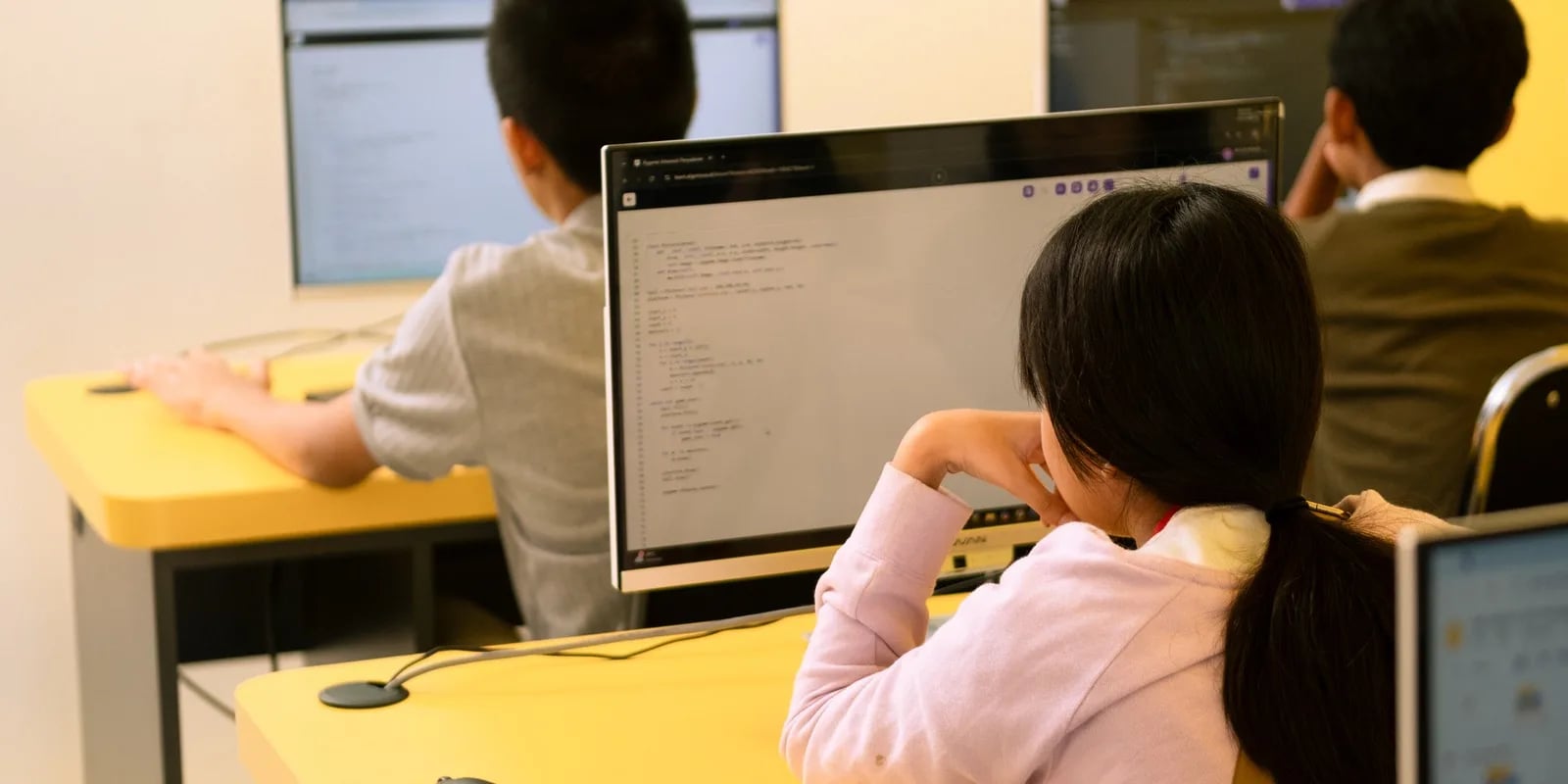
Your child plays Roblox for hours and just asked: "How do I make my own game?" The answer is yes, it's free, and easier to start than most parents think.
This guide covers six steps from empty to a game someone else can actually play. Written so a child can follow it alone, and so you understand what they're actually doing — including the part that most often makes kids quit halfway.
Roblox Studio is Roblox's official program for building games, not playing them. In it, a child builds a world (map), places objects, then brings it to life with scripts.
Three things to know before starting:
For a wider look at whether Roblox is safe and what kids actually learn from it, see Roblox for Kids in Malaysia.
Sign in to a Roblox account on the computer, open the Create page, and download Roblox Studio. It installs like any regular app. Log in with the same Roblox account.
When opening a new project, Roblox Studio offers ready-made templates: Baseplate (empty board), Obby (obstacle course), Racing, and more.
For a first game, pick Obby. The basic structure is already there, and the child sees something running right away instead of a blank screen. Starting from Baseplate is the number-one reason kids quit on day one.
This is the most fun part. The child places Parts (blocks), resizes them, rotates them, colors them via the Properties panel, and arranges obstacles.
Two tools to master first: Move and Scale. Everything else can be learned along the way.
Practical tip: build just five obstacles for the first game. Not fifty. A short game that gets finished is far more useful than a big one that never does.
Right-click a Part → Insert Object → Script. The simplest script with an immediately visible effect — a block that disappears when touched:
1. Starting with a project that's too big. "I want to make a game like Brookhaven." That kind of game takes a team years to build. Kids who start there quit within a week.
2. Copying scripts without understanding them. Copy-pasting from YouTube gives fast results, but the moment something errors, the child is stuck, because they don't know which part does what.
3. Stopping at the first error. Errors are a normal part of the process, but feel like a verdict when no one explains that this is how every programmer works, every day.
The third mistake ends the story most often — and it's the easiest to fix once someone explains it.
Around 8-9 years old to build maps and use templates. Around 10-12 to write Lua scripts seriously, since by that age a child can handle branching logic and finish a project across several sessions.
Under 8, starting with block-based coding makes more sense, then moving to Roblox later.
Some kids figure it out with YouTube, and that's great. Some stop at step four or five — not because they can't do it, but because no one answered "why is my script erroring" right when it mattered.

Algonova worldwide
Contact us
Email: int_legal@alg.team
local part = script.Parent

part.Touched:Connect(function()
    part.Transparency = 1
    part.CanCollide = false
    wait(2)
    part.Transparency = 0
    part.CanCollide = true
end)
Four concepts at once in these ten lines: a variable (local part), an event (Touched), a function, and sequence. This is the same foundation used in Python and any other language — only the syntax differs.
Hit Play and try it. Something almost certainly won't work: a block doesn't disappear, a character falls through the floor, a script errors.
This isn't failure, it's the job. Open the Output window — that's where Roblox Studio writes the error message along with its line number. Reading and fixing errors is the real skill being trained here, far more important than memorizing syntax.
File → Publish to Roblox. Give it a name, set it to public, and the game instantly gets a link that can be shared with friends.
This moment matters psychologically: the child shifts from player to creator, and the result is something to show off.
The first class is free: 60 minutes with a teacher, the child builds something that runs, and you see for yourself whether the format fits. No obligation to continue.
Roblox Studio is free, runs on a computer, and a first game can be finished in a few afternoons. The key isn't talent, but three things: start with a template, build something small all the way to finished, and don't stop at the first error.
Yes, completely free to download and use on PC or Mac. Kids can build and publish games at no cost. Roblox only takes a cut if the published game earns Robux.
No. Roblox Studio only runs on a computer — PC or Mac. Building the world and writing scripts needs a large screen and a mouse. Playing Roblox works on a phone, but making games doesn't.
No. A child can start with a ready-made template, place objects, and build a map without a single line of code. Lua scripts get added gradually once the child is ready — and the building process itself teaches the logic.
Lua — a text-based language, not blocks. A first game only needs a few lines. The concepts used (variables, events, functions, sequence) are the same as in Python and other languages.
Around 8-9 years old for building maps and using templates, and around 10-12 for writing Lua scripts seriously with guidance. Under 8, starting with block-based coding makes more sense.
A simple Obby-type game with five obstacles can be finished in a few afternoons. What usually makes it take longer isn't technical difficulty, but starting with an idea that's too ambitious — a kid aiming to build something as big as Brookhaven usually quits within a week.
Errors are a normal part of making a game, not a sign of failure. Roblox Studio writes the error message and its line number in the Output window — reading and fixing it is actually the main skill being practiced. Kids most often quit not because they can't do it, but because no one explained this.
Visit us
Suite 8634, 1021 E Lincolnway, Cheyenne, WY, Laramie, US, 82001
Algonova online LLC International tech school for kids and teens