Abacus vs Kumon vs Conceptual Math: Which Is Right for Your Child?
Which Is Better?6 min read
Learn Coding

Hafiz Rahman
Coding Curriculum Team, Algonova Malaysia
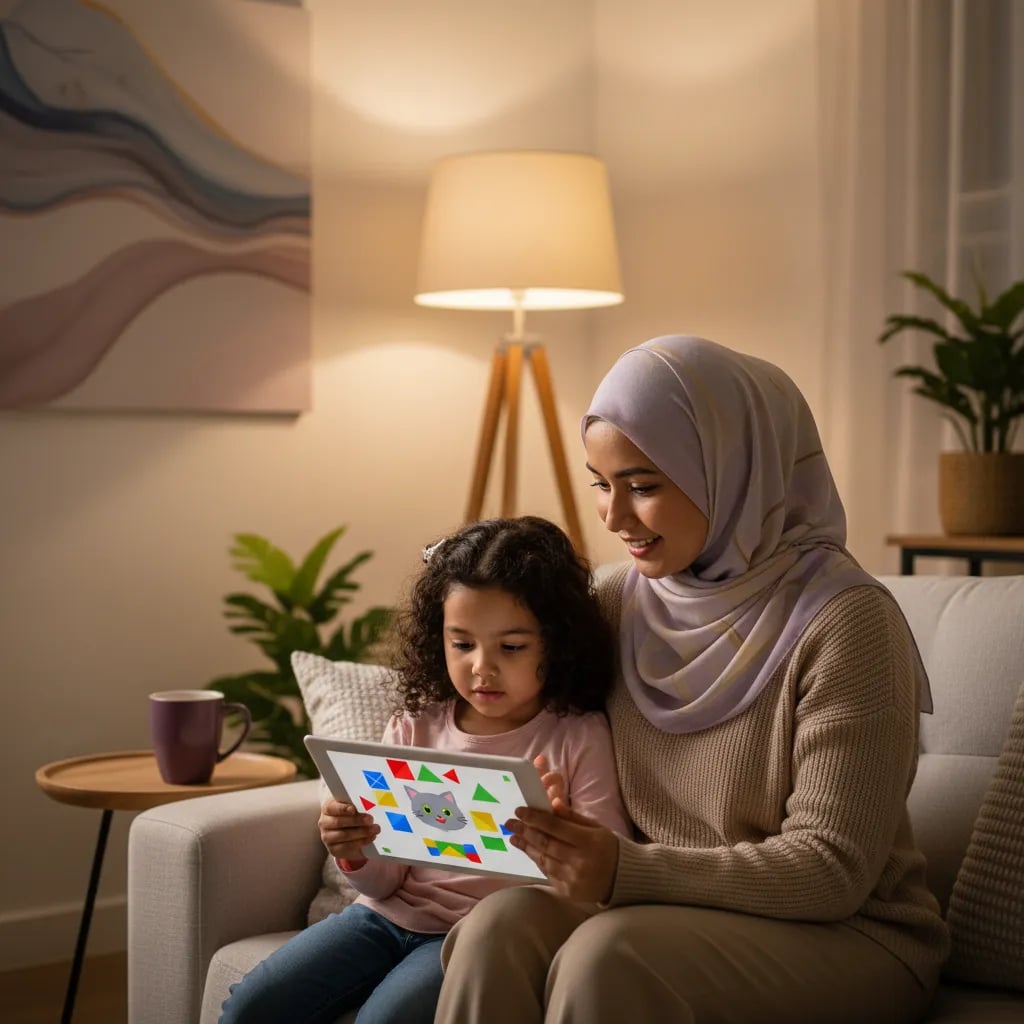
ScratchJr for kids aged 5 to 7 is a free tablet app from MIT and Tufts University researchers, where a child snaps picture blocks together to make a character walk, jump and talk, with no reading needed. At home you need a tablet or Chromebook, a parent sitting alongside and about 15 minutes. Most children build their first working program in one sitting.
ScratchJr is a free programming app for children aged 5 to 7. Mitchel Resnick's team at the MIT Media Lab and Marina Bers's DevTech group at Tufts University built it with the Playful Invention Company, and the Scratch Foundation now looks after it, according to the MIT Media Lab project page. It launched on the iPad in July 2014, reached Android in March 2015 and Chromebooks in 2016.
Your child doesn't type code. Each block is a small picture, such as a green flag, an arrow or a speech bubble, and blocks click together from left to right like train carriages. The character on the screen then does exactly what the blocks say.
A five year old who can say "first the cat walks, then it jumps" has already understood what a program is.
ScratchJr is not the same as Scratch. Scratch uses written block labels and suits children from about 8, so a child who reads well at 8 or 9 is better served by our guide to what Scratch is.
Start your child's tech journey
Book your free 60-minute trial class with an Algonova certified tutor. No payment, no obligation, just discover what your child can build.
You need a tablet or a Chromebook that can install apps. There is no account to create and nothing to subscribe to. The DevTech Research Group at Boston College, one of the app's creators, publishes the device requirements, and the table below follows its list.
| Device | Works? | What to check |
|---|---|---|
| iPad | Yes | iOS 10 or newer, install from the App Store |
| Android tablet | Yes | Android 5.0 or newer, install from Google Play |
| Chromebook | Yes | Must be able to install apps from Google Play |
| Amazon Fire tablet | Yes | Made after 2014, install from the Amazon Appstore |
| Mac (M1 or M2 chip) or Windows 11 PC | With limits |
Good first projects are short, finish in one sitting and use a story your child already knows. The five below go from 10 minutes to about 25 minutes, and you can do one a day for a week.
| # | Project | Blocks to use | Time | What your child practises |
|---|---|---|---|---|
| 1 | The cat walks to school | Flag, move right, say | 10 min | Putting steps in order |
| 2 | A Hari Raya, Deepavali or Chinese New Year greeting card | Flag, say, sound, paint editor | 15 min | Making a message appear in sequence |
| 3 | A fish that swims across two pages | Move right, repeat, go to page | 20 min |
Move on when your child finishes projects alone and starts asking for things you cannot explain, such as how to make two characters react to each other. Other signs are repeating the same project over and over, or getting frustrated at the limits of the app. ScratchJr has no variables or conditions, by design, so a keen 7 year old can reach the ceiling quickly.
At that point a live teacher helps more than another app. Algonova runs live online classes with a certified teacher, in groups of up to 10, and the first class is free. For coding it is a 60-minute masterclass open from age 5, and for maths a diagnostic of about 60 minutes. Lessons after that cost from RM 48. After the trial a teacher recommends a course by age:
| Age | Next step at Algonova | What it builds |
|---|---|---|
| 5 | Keep using ScratchJr at home, book the free masterclass | Sequencing and confidence |
| 6 to 8 | Maths course for ages 6 to 8 | Logic and number patterns |
| 7+ | Digital Literacy | Mouse, keyboard, graphics and safe first use of AI tools |

Algonova worldwide
Contact us
Email: int_legal@alg.team
| Runs through an app store, but exporting projects is restricted, so a tablet is easier |
A hand-me-down family tablet is fine. DevTech recommends a screen of 7 inches or larger on either iPad or Android. The app runs without an internet connection once installed and saves projects on the device. Search for "ScratchJr" in your store and check that the developer is the Scratch Foundation, because many unofficial copies and "online" versions turn up in search results.
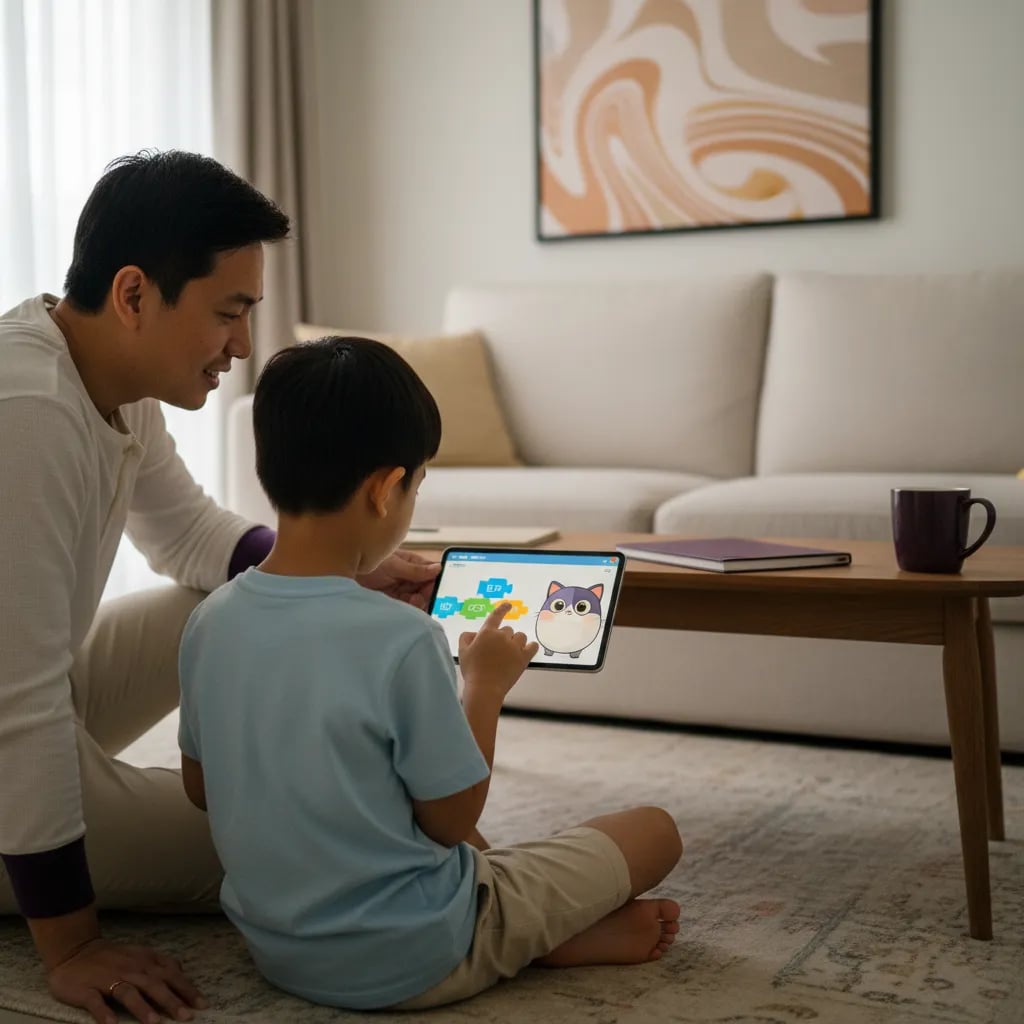
The first session takes about 15 minutes and four taps to a moving character. Sit next to your child, let them hold the tablet and follow these steps.
Blocks come in six colours: yellow starts a program, blue moves, purple changes looks, green plays sound, orange controls timing and red ends it. Programs always begin with yellow and finish with red. If your child cannot guess what a block does, a tap and hold shows its written name.
| 4 | A rainy day with a falling raindrop | Move down, grow, shrink | 15 min | Changing size and position |
| 5 | A two-character conversation | Say, wait, start on message | 25 min | Making two characters take turns |
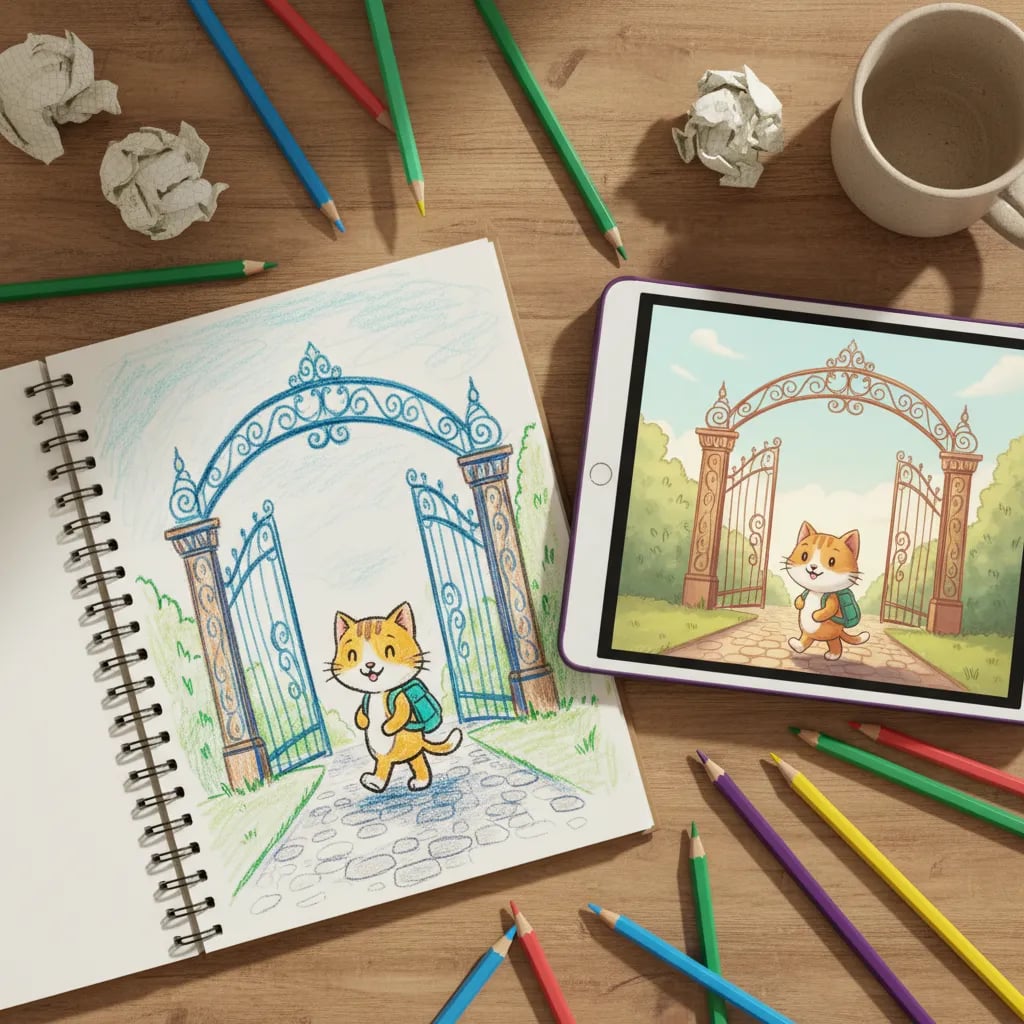
Take Aisyah, aged 6. She draws a school gate with the paint editor, makes the cat walk to it, then adds a second page called "classroom" using the go to page block. That one afternoon covers putting steps in order and changing scenes, and it ends with a small story. A project can have up to four pages, so she has room to keep building.
Let your child choose the story. A project built around their own cousin, pet or favourite mamak stall holds attention far longer than one you picked.
ScratchJr is a home activity that sits next to school and doesn't replace any subject. The usual path is preschool (prasekolah) from age 4 and Tahun 1 at age 7. From the 2027 session the Ministry of Education also allows a voluntary start at 6 for children who have attended preschool, according to a Malaysia MADANI report from January 2026, so a 6 year old in Tahun 1 and a 7 year old can both use the same app.
At school, Tahap 1 pupils will take a new subject called Alam dan Manusia from 2027 under Kurikulum Persekolahan 2027, and it includes digital learning. ScratchJr gives your child practice in the same habits at home. Your child follows steps in order, spots what went wrong and tries again. Our guide to coding and STEM under KSSR explains where programming appears in the primary curriculum, and the Tahun 1 and 2 maths guide covers the numeracy side.
If you are unsure whether now is the right time, what age to start coding in Malaysia sets out the signs of readiness by age.
Start with 15 to 20 minutes, three or four times a week, and stop while your child still wants more. At 5 and 6, attention runs out quickly, and a short session that ends on a finished project beats a long one that ends in tears.
A simple routine works well:
ScratchJr is active screen time, because your child is making something rather than watching. It still counts toward the daily total, so see screen time limits by age in Malaysia when you set the weekly plan.
| 8 to 12 |
| Visual Programming in Scratch |
| Games and animations with real projects |
You can see every course for this age on our page for coding for kids aged 6 to 7, the full coding course list and class prices. Algonova has taught more than 1 million students in 97 countries. When your child is ready for Scratch itself, make your first Scratch game is a good first project, and what to learn after Scratch maps the years ahead.
Yes, ScratchJr is free, with no account and no adverts, and it runs without internet once installed. You only need a connection to download or update it. It is handy on a long drive to your kampung or a wait at the clinic, as long as you open the app once at home to check it loads. Projects are saved on the tablet itself, so they do not follow your child to another device, and a project made on the family iPad will not appear on a Chromebook. The MIT Media Lab lists the app as free, and the DevTech Research Group at Boston College says the same in its parent guide. Be careful with look-alike apps in the store that use "junior" in the name, because some contain adverts or in-app purchases. Check that the developer is the Scratch Foundation before you tap install.
Not comfortably. The app was developed for iPads and Android tablets, and DevTech recommends a screen of 7 inches or larger. An iPhone can install it from the App Store, but the stage is tiny for small fingers and blocks are hard to drag. On a laptop it is only partly supported: Macs with an M1 or M2 chip can install it from the App Store, and Windows 11 PCs can use it through the Amazon Appstore, with limits on exporting projects. Sites that offer a "ScratchJr online" version are copies you cannot verify. A Chromebook that supports Google Play works well, since it installs the same Android app and gives a bigger screen. If your family only owns a laptop, the practical answer is to borrow or buy a basic tablet, or to ask your child's school whether tablets are available in class.
The app is not offered in Malay as far as the published language list shows. Wikipedia lists 18 languages, including English, Chinese, Spanish and Thai, and Malay is not among them. This matters less than it sounds, because the blocks are pictures and your child does not read them. The one place where words appear is the "say" block, and your child can type any word there, including Malay, Chinese or Tamil, so a cat can greet the class with "Selamat pagi". If you want to know what a block is called, tap and hold it to see its written name, then explain it in whichever language you use at home. Families that mix English, Malay, Mandarin or Tamil at home can do the same here, because your child's own words go into the speech bubbles. A good first exercise is to let your child pick the greeting, for example "Selamat pagi, cikgu", and watch the cat say it.
ScratchJr is designed for ages 5 to 7. Most children can follow a three-block program at 5, and a 7 year old can link several pages into a story. At 4, some children enjoy moving the cat around but cannot hold a sequence in mind, and that is perfectly normal. At 5 and 6, expect short programs of three to five blocks with you beside them. At 7, many children plan a story with two characters and a background they drew themselves. By 8, a child who reads well often wants more control, and Scratch becomes the natural next step. Age on the calendar matters less than the signals: does your child follow the order of blocks, and ask for one more thing to add? If yes, they are ready for the next project, whatever the birthday says. Slow progress at 5 is not a warning sign either, because ScratchJr is built to be revisited many times.
Start with ScratchJr at 5 to 7 and Scratch from about 8. Scratch uses written labels and a larger toolbox, so it suits children who read fluently. Parents often start Scratch too early. A 6 year old who meets 100 labelled blocks and a crowded screen often gives up, while the same child enjoys ScratchJr's six colours. If your child already reads confidently at 7, you can try both for a week and watch which one they ask to open again. The skills carry over directly: sequences, loops, events and sprites work almost the same way in both programs. A child who finishes several ScratchJr projects usually settles into Scratch within one or two sessions. If you want a teacher to judge readiness, the free 60-minute masterclass shows how your child handles a project with guidance and gives you a recommendation by age and level, with no obligation to continue.
Yes. ScratchJr has no accounts, no chat and no public gallery, so your child cannot meet strangers or see other people's projects inside the app. The main risks are the same as with any tablet: screen time and the other apps on the device. Common Sense Media notes that young children still need an adult beside them while they learn. Set up a separate profile or use guided access on an iPad so your child stays inside ScratchJr for the session. Check that the official app, not a copy, is installed, since that is where adverts and purchases can appear. Keep the tablet in a shared space such as the living room, and agree on when the session ends before it starts. A visible timer helps many children stop without a fuss. When the session ends, ask your child to explain the project to you.
No. You only need to ask questions. The most useful ones are "What will happen when you press the flag?" and "What would you change?" You do not have to know the answer, which is the point: your child explains the project and you listen. If something does not work, tap the blocks one by one together and watch where the character stops. Programmers fix mistakes the same way, and your child sees that a mistake shows where to look. Resist the urge to take over the tablet, even when you can see the fix, because trying again is where most of the learning happens. If you are curious, spend five minutes with the app yourself first so you know where the blocks live. Most parents learn the basics within one session, often faster than their child.
ScratchJr practises habits that help in maths, such as counting steps, ordering actions and spotting patterns, but it does not replace the school syllabus or practice at numbers. No study we can point to shows that an hour of ScratchJr raises a maths grade, so treat it as a thinking game, not as tuition. What parents do see is a child who counts the steps a character moves, compares 4 steps with 8, and notices when a pattern repeats. These are small but real links to early number sense. For actual maths progress in Tahun 1 and 2, a structured course or regular practice with a teacher works better. Algonova's maths course for ages 6 to 8 starts with a free diagnostic of about 60 minutes so you can see where your child stands before choosing anything. Use ScratchJr next to that work, as a creative break.
Visit us
Suite 8634, 1021 E Lincolnway, Cheyenne, WY, Laramie, US, 82001
Algonova online LLC International tech school for kids and teens