
Abacus vs Kumon vs Conceptual Math: Which Is Right for Your Child?
Which Is Better?6 min read
Learn Coding

Hafiz Rahman
Coding Curriculum Team, Algonova Malaysia
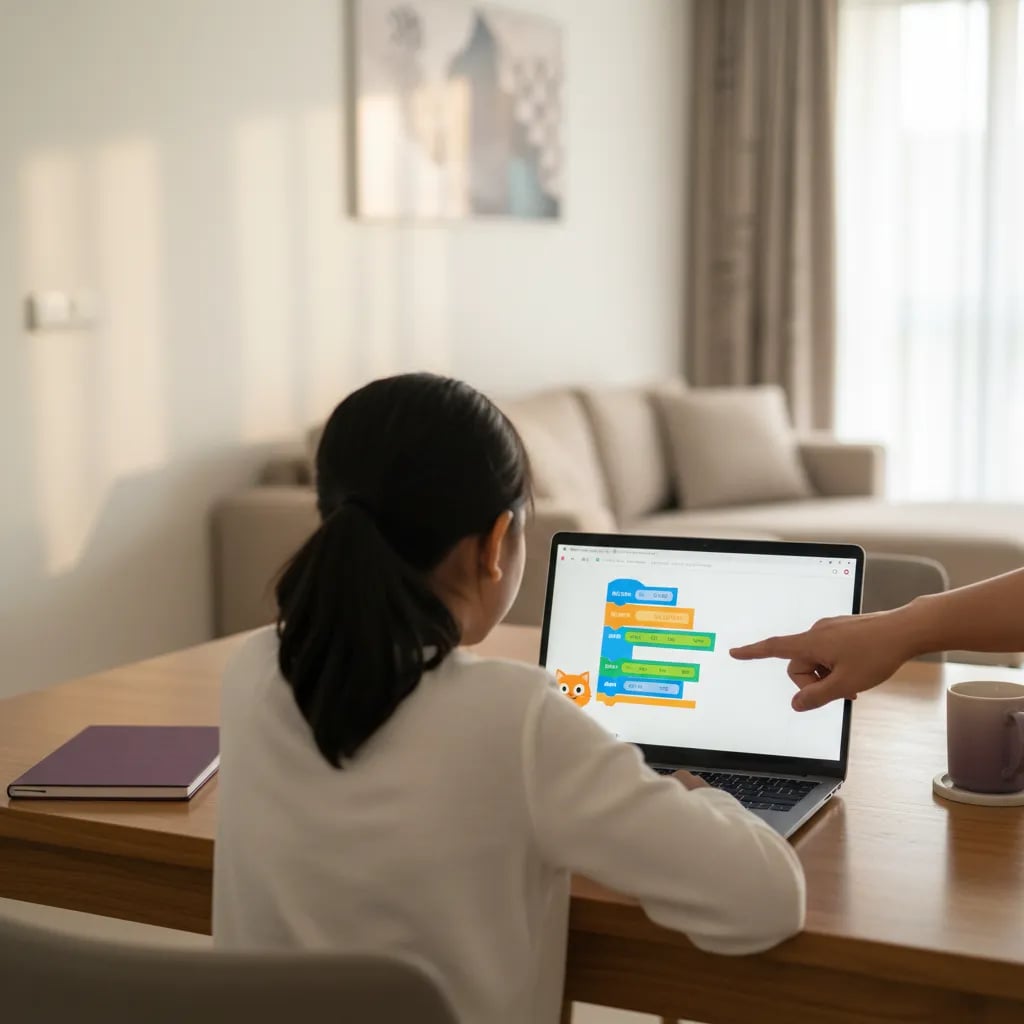
Scratch online is free: go to scratch.mit.edu, press Create, and your child can start building in the browser without an account. For offline use, download the free Scratch app for Windows 10 or later, macOS 10.13 or later, Chromebooks or Android 6.0 tablets. Scratch is made for ages 8 to 16, and most Malaysian children first meet it in RBT in Year 4.
You can use Scratch in two ways: in the browser at scratch.mit.edu, or as the free Scratch app that works without internet. Both run Scratch 3, the version released in January 2019, so projects look and behave the same.
| Scratch online | Scratch app (offline) | |
|---|---|---|
| Where to get it | scratch.mit.edu, button Create | scratch.mit.edu/download, Microsoft Store, Mac App Store or Google Play |
| Works on | Most browsers on laptops, Chromebooks and tablets | Windows 10+, macOS 10.13+, ChromeOS, Android 6.0+ tablets |
| Needs internet | Yes | No, after install |
| Where projects are saved | Your Scratch account, or an SB3 file on your computer | Inside the app or as a file |
| Sharing with the community | Yes, with an account | Upload the file to the website first |
To open Scratch online for the first time:
Take the offline app only from the official download page or from your device's app store, where the developer is listed as the Scratch Foundation. Android phones are not supported, and there is no iPad app, so on an iPad your child uses the browser version.
Scratch is designed for children and teens aged 8 to 16, according to the Scratch page for parents. For ages 5 to 7 the simpler tablet app is a better fit, as our ScratchJr guide for ages 5 to 7 explains.
Scratch comes from the Lifelong Kindergarten group at the MIT Media Lab, led by Mitchel Resnick, and went public in 2007. Today the nonprofit Scratch Foundation runs it. In 2024 the platform passed its one billionth project created.
A child is ready for Scratch when they read short English instructions alone and can drag with a mouse. If you want a plain explanation of how the blocks work before you start, read what Scratch is.
A child who can explain why the cat stopped moving has already started to think like a programmer.
No account is needed to make projects. Your child needs one only to save work online and to share it. Without one, your child saves each project to the computer as an SB3 file and opens it later through File, then Load from your computer.
When a child under 16 signs up, Scratch asks for a parent's email. Depending on local privacy rules, the child either waits for your permission or can make and save projects but cannot share or comment until you confirm by email.
Set up the first account together:
Scratch is one of the safer places for a child to build online, because the nonprofit Scratch Foundation moderates it. The Scratch Team reviews reports every day and uses a profanity filter, and its privacy policy says account information is not sold or rented to anyone.
The risks are the usual ones for any community: comments from strangers and projects that copy content your child should not see. Five habits keep it calm:
Building in Scratch is active screen time, but it still counts toward the daily total. Our guide to screen time limits by age in Malaysia helps you plan the week.
A laptop or desktop with a mouse works best, because the editor needs space for blocks, stage and sprites at the same time. A Chromebook also works well. Tablets are fine for short sessions, and phones are not a good choice.
| Device | Works? | Tip |
|---|---|---|
| Windows laptop or PC | Yes, online or app | Windows 10 or later for the app |
| MacBook | Yes, online or app | macOS 10.13 or later |
| Chromebook | Yes | App from Google Play, or the browser |
| Android tablet | Yes | Android 6.0 or later, tablets only |
| iPad | Browser only | No official iPad app |
| Phone | Not recommended | Screen is too small, the Android app does not install on phones |
Take Wei Jie, aged 9, from Ipoh. He started on his mum's phone, gave up after ten minutes and moved to the family laptop with a cheap mouse. The same project took 20 minutes and he finished it.
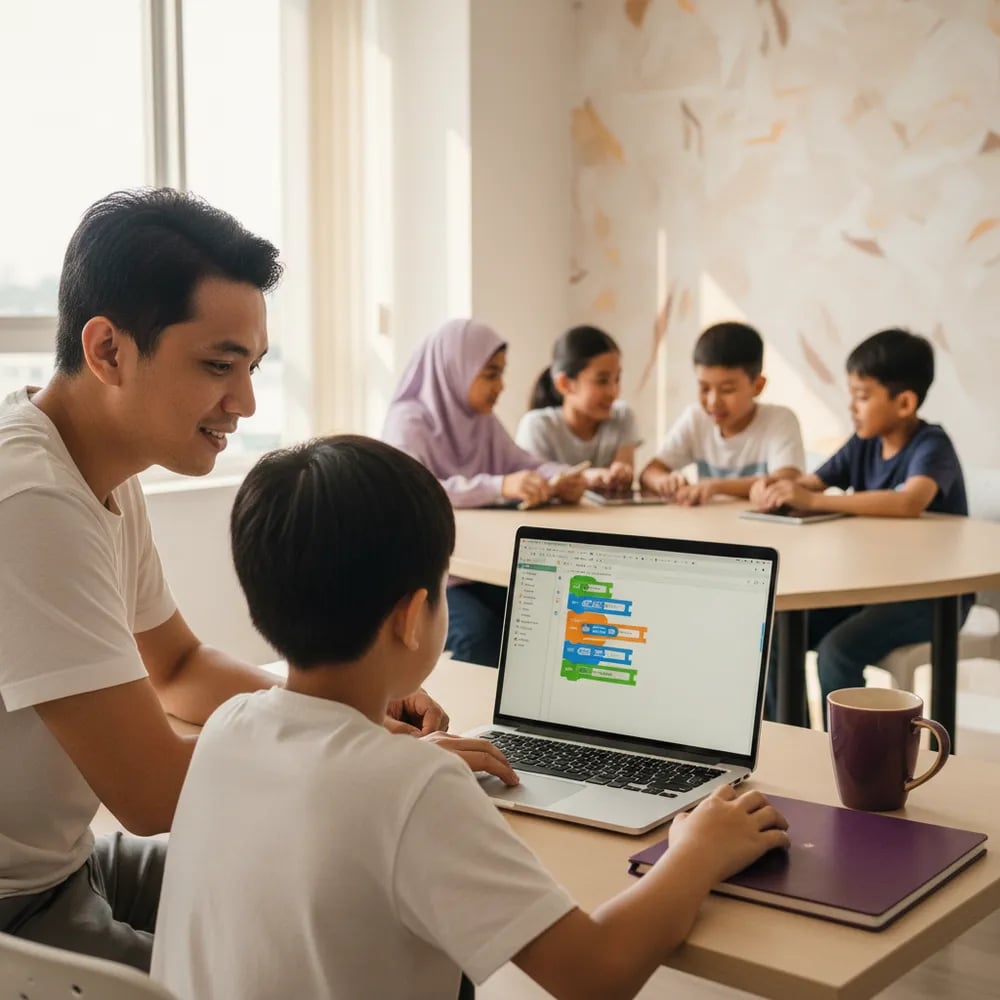
Good first Scratch projects finish in one sitting. The three below take 15 to 30 minutes each, and each one adds a new idea.
| # | Project | Blocks to use | Time | What your child practises |
|---|---|---|---|---|
| 1 | The cat introduces itself in English and BM | When flag clicked, say, wait, play sound | 15 min | Putting steps in order |
| 2 | Catch the falling rambutan | Forever, go to random position, if touching, score variable | 30 min | Loops, conditions, keeping score |
| 3 | A sifir quiz for a younger sibling | Ask and wait, answer, if then else | 25 min | Input and decisions |
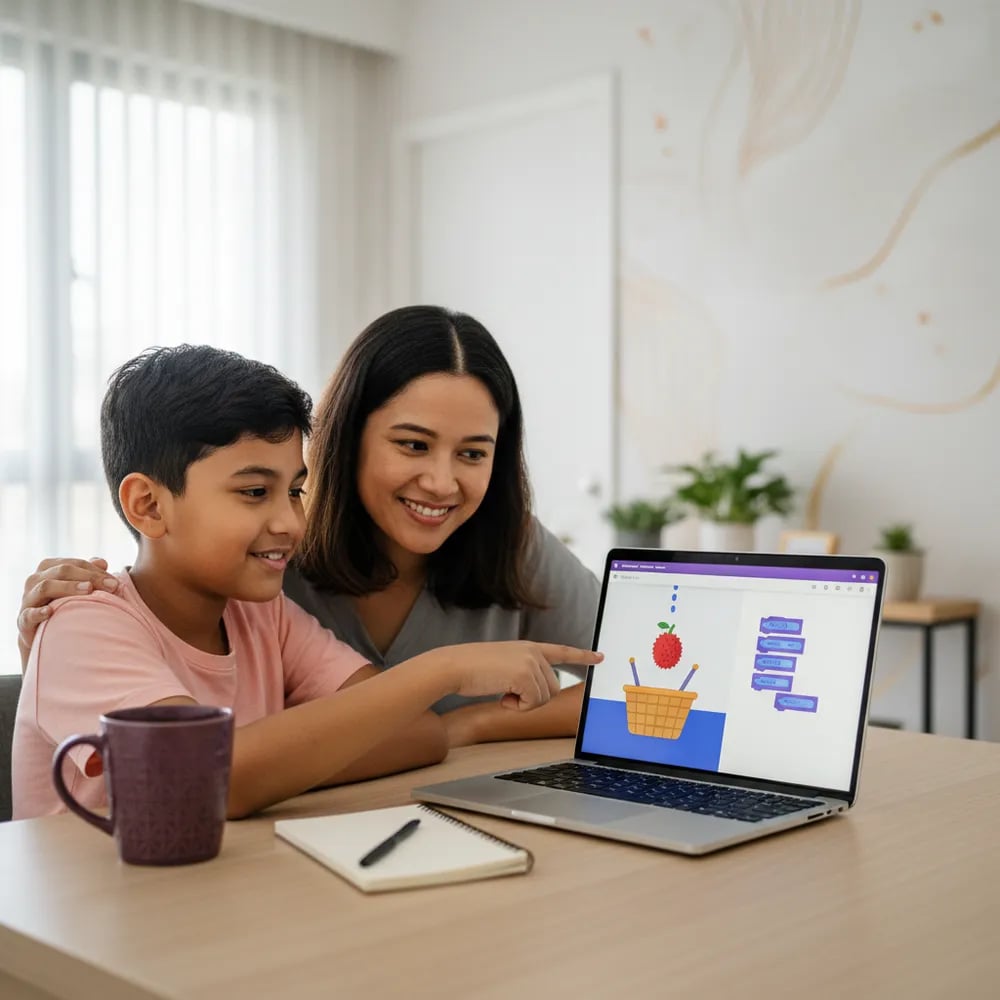
In project 2, the rambutan falls from the top, a basket follows the mouse, and the score goes up by 1 each time the basket touches the fruit. Your child changes one number, such as the falling speed, and tests again. Most of early coding is exactly this: try a number, run it, look again.
Project 3 ties coding to maths homework: the program asks "7 x 8?" and replies "Betul!" or "Cuba lagi". When your child is ready for a full game with levels, follow our step-by-step guide to make your first Scratch game.
Scratch is the tool Malaysian schools use to introduce programming. Reka Bentuk dan Teknologi (RBT) is a compulsory subject in Years 4 to 6 under KSSR (Semakan 2017), first taught to Year 4 pupils in 2020. In Year 4, pupils use Scratch to move characters, add dialogue and sound, and switch backdrops.
Year 5 moves the same logic onto a microcontroller, and Year 6 adds simple robotics. In secondary school, Asas Sains Komputer starts in Form 1 under KSSM, introduced in 2017, and Form 1 textbooks include a chapter on Scratch coding. Our guide to RBT Year 4 to 6 programming lists the topics for each year, and coding and STEM under KSSR shows the bigger picture.
The Scratch editor is translated into many languages, including Bahasa Indonesia and Chinese, but Bahasa Melayu is not on its language list. Children in SK schools usually work with the English interface, which is one more reason the projects above mix English and BM.
Move to lessons when your child keeps starting projects but stops finishing them, copies tutorials without understanding them, or asks questions you cannot answer, such as how variables or clones work.
Algonova's Visual Programming course for ages 8 to 11 is built on Scratch: 36 live online lessons with a certified teacher, in a group of up to 10, a mini group of 2 to 4, or one to one. Lessons start from RM 48, and the first 60-minute class is free. Algonova has taught more than 1 million students in 97 countries.
| Age | Next step | What it builds |
|---|---|---|
| 8 to 11 | Visual Programming with Scratch | Games and animations, first coding logic |
| 10 to 12 | Game Design with Roblox Studio and Lua | Typed code, real game development |
| 12 to 17 | Python Year I and Year II | A text language for school and beyond |
See the full course line-up for coding for kids aged 8 to 12 or browse all online coding classes for kids. If your child has already mastered Scratch, read what to learn after Scratch or compare Scratch vs Python.
Yes, Scratch is completely free, both online at scratch.mit.edu and as the downloadable app, with no paid version or subscription. It is run by the Scratch Foundation, a nonprofit organisation. There is nothing to unlock later. Every block, sprite, sound and extension is available from the first day, and you can create an account for free. Be careful with websites and apps that use the Scratch name and ask for payment, because these are not official. The safe sources are scratch.mit.edu, the official download page and the Microsoft Store, Mac App Store or Google Play listings from the Scratch Foundation. For example, a family in Johor Bahru can install it on an old school laptop and pay nothing at all. The only cost you might choose is lessons. At Algonova, a live Scratch class starts from RM 48, and the first 60-minute class is free.
Yes, the free Scratch app lets your child create and save projects without an internet connection. It runs on Windows 10 or later, macOS 10.13 or later, Chromebooks and Android tablets with Android 6.0 or later. You need the internet only once, to download and install it. After that, projects are saved inside the app or exported as files. The app is useful for long drives back to the kampung, for homes with patchy Wi-Fi, or for parents who prefer that a younger child stays away from comments and sharing for now. Sharing to the online community is possible later: export the project, log in on the website and upload it there. Older offline editors, Scratch 2.0 and Scratch 1.4, still exist, but Scratch 3 is the current version and the one schools use.
Not really. The Scratch app does not install on Android phones, only on tablets, and the browser version on a phone screen is too small to drag blocks comfortably. The editor shows three areas at once: the block palette, the coding area and the stage. On a 6-inch screen these overlap, and children make mistakes that have nothing to do with coding. A phone is fine for watching a finished project or showing it to grandparents at Hari Raya. For building, a laptop, Chromebook or tablet works much better. If the only option is a tablet, add a cheap Bluetooth mouse. Many Malaysian families already have an older laptop at home, and it runs Scratch online without trouble, because the editor works in the browser and needs no strong hardware.
Yes, in the browser. There is no official Scratch app for iPad, so your child opens scratch.mit.edu in Safari or Chrome and presses Create. Scratch 3 was built to work on tablets, so blocks can be dragged with a finger. Saving works the same way as on a computer: with an account, projects save online, and without one, your child can download the project file to the iPad. An iPad of 10 inches or more is far more comfortable than the mini models, and a stylus helps with drawing sprites. Skip App Store apps that have "Scratch" in the name. They are made by other developers, and some charge money or show adverts. For children aged 5 to 7, the official ScratchJr app is available on iPad and is a better start than full Scratch.
Scratch is for ages 8 to 16 and uses blocks with written labels, while ScratchJr is a simpler tablet app for ages 5 to 7 that uses picture blocks and needs no reading. Scratch has variables, conditions, loops, sounds and extensions, so a child can build real games with scores and levels. ScratchJr focuses on putting steps in order and telling short stories with characters. Both come from the same research tradition at the MIT Media Lab. A practical rule: if your child reads short English sentences alone and can use a mouse, start with Scratch. If not, ScratchJr is the better step. A 7-year-old who reads well can try both and choose. Plan the switch for the point when school reading gets easier, not for a birthday.
Yes, Scratch 3 is the current version, released in January 2019, and it is what runs at scratch.mit.edu and in the official app. There is no Scratch 4 for the public. Searches for "Scratch 4" or "Scratch 5" usually lead to unofficial sites or video titles, not new versions. Scratch 3 replaced Scratch 2, which needed Adobe Flash, and it added tablet support and extensions such as Pen, Music, Text to Speech and micro:bit. If your child's school uses an older offline editor, projects from Scratch 2 open in Scratch 3 without trouble, but not always the other way round. Keep the app updated through the store or by downloading the latest version from the official page. That way your child sees the same blocks the teacher shows in class.
Use File, then Save to your computer. Scratch downloads the project as an SB3 file, which your child can open later through File, then Load from your computer. This works in the browser and in the app, and it is a good choice for children under 10 whose parents do not want an account yet. Create one folder on the laptop, for example "Scratch projects", and name every file with the date and the project name, such as "rambutan-catch-2026-10-26". Without a clear name, projects get lost in Downloads. The file is small, usually under a few megabytes, so it is easy to email to a teacher or copy to a USB stick for school. When you later create an account, you can upload the old files and continue from where your child stopped.
No, Bahasa Melayu is not on Scratch's list of interface languages, although Bahasa Indonesia and Chinese are. Most Malaysian children use Scratch in English. The language menu is the globe icon at the top of the editor. Indonesian is close enough for many words, but school terms differ, so most SK teachers keep the English interface. This is not a barrier: Scratch blocks use short words such as "move", "say" and "repeat", and children learn them fast. Your child can still type BM text inside projects, so a character can say "Selamat datang" or "Cuba lagi". For a Year 4 child preparing for RBT, working in English also builds the vocabulary used in Python later. If English is a struggle, a teacher who explains in BM helps more than a different interface.
Blog
Start your child's tech journey
Book your free 60-minute trial class with an Algonova certified tutor. No payment, no obligation, just discover what your child can build.

Algonova worldwide
Contact us
Email: int_legal@alg.team
Visit us
Suite 8634, 1021 E Lincolnway, Cheyenne, WY, Laramie, US, 82001
Algonova online LLC International tech school for kids and teens

