Child Behind in Math in Grades 3-6: How to Check and an 8-Week Catch-Up Plan

Parent Guides8 min
Learn Design

Salsabila Maharani
Design Curriculum Team, Algonova
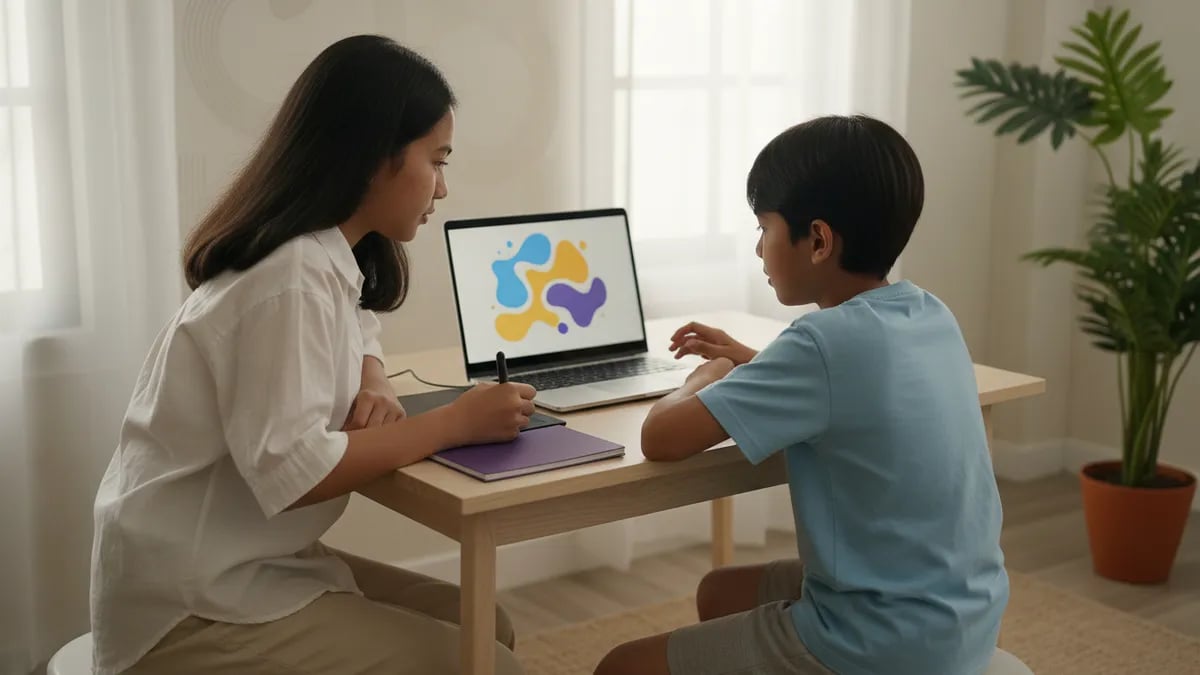
A graphic design course for kids aged 8-11 covers digital drawing, simple 3D objects, and short animations. For teens aged 12-15 it moves on to composition, typography, colour theory, character design, and a portfolio. A child does not need to draw well or own a drawing tablet to start. The safest way to choose is to take one trial class before paying.
A child can start a graphic design course from about 8 years old, once they use a mouse and keyboard comfortably. Below that age, drawing on paper is usually more useful than a screen.
At Algonova the design programme has two tracks: Design Junior for ages 8-11 (primary school) and Design Senior for ages 12-15 (junior high). The split exists because the goals differ. A primary-school child wants to make something fun today. A teen starts wanting work they can show to others. If you are unsure about your child's interests, our guide on how to spot your child's talents is a good first step.
A simple example: Rani, 9, draws cats in her school notebook, so Junior fits. Dimas, 13, edits photos of his friends and wonders how logos are made, so Senior fits better.
The safest way is a free 60-minute design masterclass: your child meets a mentor, makes one small piece, and you see whether they enjoy it. No credit card and no commitment afterwards.
After the class, ask your child three things: what was most fun, what was hard, and whether they want to continue. Their answers matter more than any brochure. If they come out excited and show you their piece straight away, that is a good sign. If they were bored, that is fine too: you found out before spending money.
You can read the programme summary on the kids' graphic design course page or go straight to Design Junior or Design Senior. The basic definition is in what is graphic design.
A kids' graphic design class teaches tools and principles, not only drawing: layers, colour, shapes, and then projects finished by the end of each class. The content depends on age.
| Design Junior (ages 8-11) | Design Senior (ages 12-15) | |
|---|---|---|
| Focus | digital drawing and colouring | graphic design and illustration |
| Topics | drawing with layers and textures, 3D objects in Tinkercad, animation in Wick Editor | composition, typography, colour theory, character design |
| Result | a first digital piece | a visual identity for a brand or small business, an original character, a digital portfolio |
| Pace | relaxed, something made every class | one project per module with mentor feedback |
Self-teaching suits a disciplined child who already knows what to make. A course suits a child who needs direction, feedback, and a clear order of topics.
| Criterion | Course with a mentor | Self-teaching (YouTube, apps) |
|---|---|---|
| Order of topics | step by step from basics to projects | random, depends on the next video |
| Feedback | mentor corrects each piece | almost none |
| End result | digital portfolio | loose pieces |
| Cost | paid, see our guide to graphic design course prices for kids | free or cheap |
| Risk |

Algonova worldwide
Contact
Whatsapp: +62 21 50996971
Email: info@algonova.id
Address
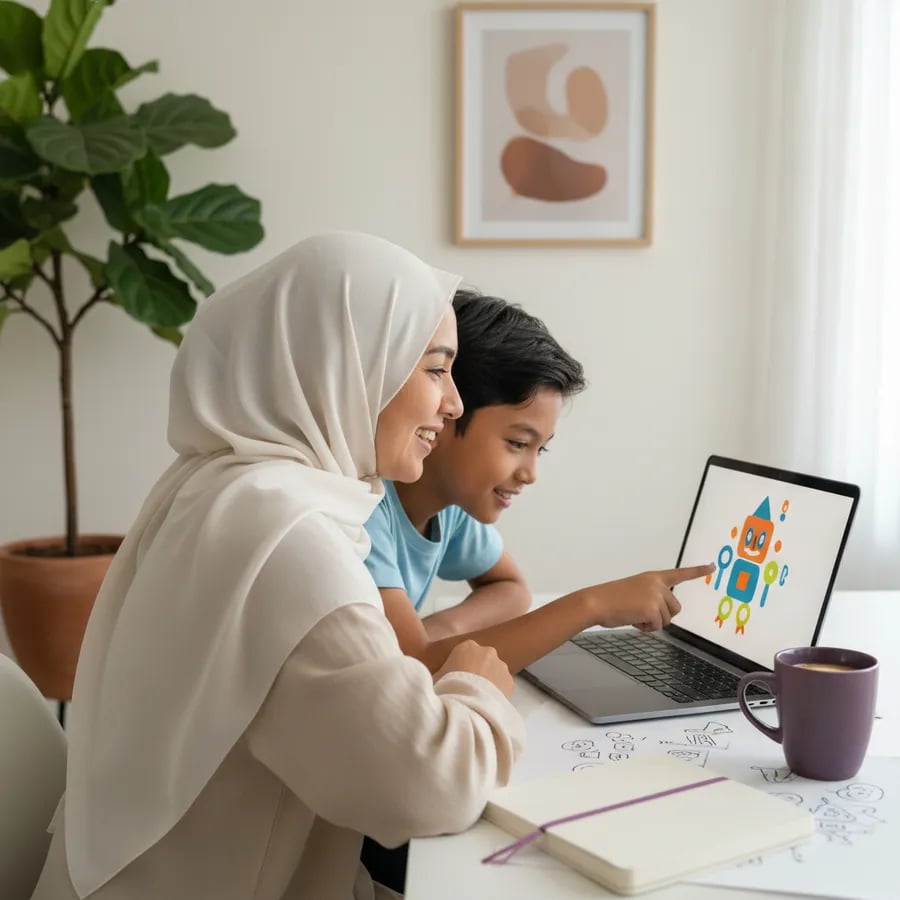
For design basics, free software is enough, and it is what we use in class: GIMP, Inkscape, Tinkercad, and Wick Editor. GIMP, for example, is free software developed by a community and can be used without a licence fee (GIMP, about the project).
Canva and Photoshop play different roles. Canva uses templates, so it is quick for cards, posters, and school tasks. Photoshop is a professional program for photos and illustration with a steeper learning curve. Age rules and pricing for both change over time, so check the official sites before creating an account for your child.
A sensible order: start with template projects in Canva (see 5 first Canva projects for primary schoolers), then move to software that teaches layers, vectors, and colour. The goal is not to master one app but to learn design principles that apply in any app.
No. A child can start from zero, and a drawing tablet is not required for the Junior track: an ordinary computer or laptop is enough, according to the programme page.
Drawing on paper helps, but digital design trains something else: choosing colours, arranging objects, and deciding what to leave out. Children who say they "cannot draw" often feel at home in graphic design because they can arrange shapes and letters. If your child prefers pencil and paper, see drawing courses for kids or our list of digital drawing apps for kids.
A drawing tablet makes sense once a teen is serious about illustration and characters. Until then, do not buy one.
| the child quits halfway |
Many families combine both: one class a week, then the child experiments alone between lessons. If you are still comparing prices, see also drawing class prices for kids.
Before paying for a design class, make sure these seven points are clear, in order of importance.
Ask for all of it in writing, not as verbal promises. For a teen curious about a career, see the path to becoming a digital designer.
A graphic design course suits children from about 8 years old, when they are comfortable with a mouse and keyboard. Algonova splits it into Design Junior for ages 8-11 and Design Senior for ages 12-15. Younger children usually benefit more from paper drawing, colouring, and shape games, because their hand control is still developing. There is no magic number: what matters more is whether the child is interested and can sit for about an hour in front of a screen. A trial class is the way to test it. If your child stays focused and wants to continue, they are ready. If they lose interest quickly, wait a few months and try again. As a guide, a Grade 3 child who already types their own homework titles is usually ready, while a Grade 1 child still learning to read is better off waiting. A teen in junior high who has just discovered design is not late: the Senior track is built for beginners aged 12-15.
No. In the Junior track a child can start from zero because the mentor guides every step. Graphic design trains different skills from drawing on paper: choosing colours, arranging objects, setting type, and deciding what to remove. Many children who feel they cannot draw enjoy digital design because results can be redone, deleted, and fixed without ruining paper. Drawing skill grows over time. A child who can only draw a simple house and tree can still make a colourful poster or a character from basic shapes. The mentor looks at willingness to try, not at how neat the first line is. What a child needs at the start is curiosity.
Not for the Junior track. According to the programme page, the software is free and runs on an ordinary computer. A drawing tablet becomes useful once a teen is serious about illustration or character design, because hand-drawn lines feel more natural. To decide, wait two to three months and see whether your child regularly makes their own pieces. If yes, a tablet makes sense, and you can pick an affordable one rather than the most expensive. Check the laptop you already have first. Free software such as GIMP and Tinkercad does not demand high specs, so you usually do not need new hardware just for a trial class.
A drawing class usually focuses on physical media such as pencils, crayons, and paint, building hand control and imagination. A graphic design class uses a computer and software and teaches principles used in real work: layers, vectors, typography, composition, and colour. The two complement each other. A child who draws well often picks up digital illustration faster, and a child who learns design becomes more sensitive to layout. For example, in a drawing class a child colours a flower with crayons, while in a design class they colour the same flower on screen, put it on its own layer, and change its colour without redrawing. If you are unsure, start with what your child enjoys now. Prices for both types are covered in our other guides.
Canva is enough for school tasks, cards, and posters because it uses templates and is very fast. But templates teach less about why a design looks good. Software such as GIMP and Inkscape makes a child understand layers, vector shapes, and colour, which they can reuse in any app later. A practical approach: start with Canva to build confidence, then move to software that gives more control. If your child is bored with templates and starts asking how to make elements themselves, that is the signal to move on. Until then there is no reason to force a switch. Check Canva's age rules and pricing on its official site, since they can change.
There is no single number, because it depends on class frequency and practice. In our programme each module produces one piece, and at the end the pieces are collected into a digital portfolio. For primary-school children the first portfolio holds digital drawings, 3D objects, and a short animation. For teens it holds a visual identity, characters, and illustrations. Rather than waiting for the portfolio, watch progress session by session: can the child make a piece alone without help? That is a more honest sign than the number of lessons. Parents can help by saving all pieces in one dated folder, so progress is visible month by month.
Yes. Classes are online and private 1-on-1 with a mentor, so your child learns from home on a laptop or computer. The mentor sets the pace for one child, not for a full class. Make sure the internet connection is stable and your child has a quiet desk for about 60 minutes per session. Parents do not need to sit through the class, but at the first session it helps to sit nearby for technical things such as downloading software and joining the room. Algonova has taught children in 97 countries and has more than 1,000,000 alumni, so the online format is nothing new for our mentors.
Sign up for the free 60-minute design masterclass. Your child meets a mentor, tries one small piece, and you see whether they enjoy it. No credit card is needed and there is no obligation to continue. Afterwards, ask your child what was fun, what was hard, and whether they want to continue. Their answer matters more than a brochure. Have a laptop with internet and a quiet space ready for 60 minutes. Your child does not need to bring any drawing: the first idea usually comes in the middle of class. If they are excited, choose the programme for their age, Junior or Senior, and ask about the cost before paying.
It is useful as a basic skill, because visual design is used in many fields: digital media, games, advertising, and products. But a course does not guarantee a particular career, and a primary-school child should not be burdened with that goal. The most real benefits for ages 8-15: the child learns to finish a piece, accept feedback, and explain an idea. For teens who want to see the path, we built a page on becoming a digital designer. The simple measure is whether your child enjoys the process and has work they are proud of. So treat a course as a place to try things and build the habit of making, not a shortcut to a profession. Interests can change, and that is normal.
Coworking Area, Gedung IT 6 Lantai Dasar, Nongsa Digital Park, Jalan Hang Lekiu, Kelurahan Sambau, Kecamatan Nongsa, Batam, Indonesia Directorate General of Consumer Protection and Trade Compliance – Ministry of Trade of the Republic of Indonesia. WhatsApp Ditjen PKTN: 0853-1111-1010.
PT Algonova Indonesia Cerdas All rights reserved 2026