7 Coding Myths for Kids That Hold Parents Back, and What Is Actually True
Common Mistakes13 min
Learn Design

Salsabila Maharani
Design Curriculum Team, Algonova
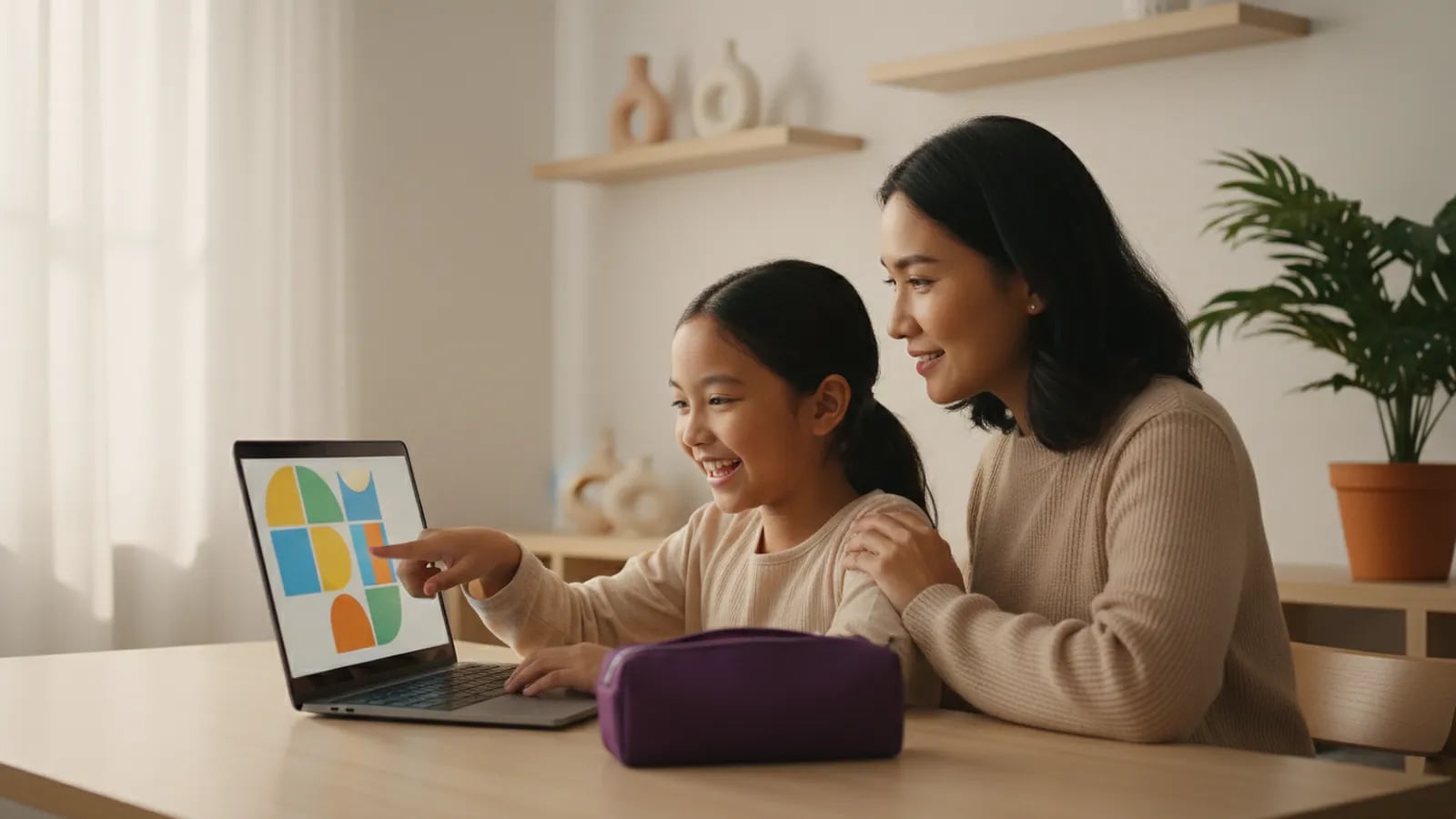
Canva projects for kids work best when the result gets used: pinned on the fridge, handed to a teacher, or shown in class. We suggest five starters for primary school children: a greeting card, a weekly study planner, a Heroes' Day poster for 10 November, a one-page infographic, and a 5-slide presentation. From about Grade 3, most kids finish one project in 30 to 60 minutes with a parent nearby.
Most children can start Canva around Grade 3, once they read menus comfortably and can type a short title. Kids in Grades 1 and 2 can still join in, but the parent drives the mouse while the child picks the colours and pictures.
There are two ways in. The first is a parent's account, with a separate folder for the child's work; the parent handles downloads and sharing. The second is a school account. Many Indonesian schools have already issued a belajar.id account through the Ministry of Primary and Secondary Education, and it can be used to sign in to Canva for Education. Ask the class teacher whether your child's account is active.
Safety settings, age limits, and the free versus paid plans are covered in what is Canva. This guide sticks to projects.
Keep the first session to about 20 minutes, with one goal: your child learns to create, edit, and save a design. In this order:
If your child would rather draw freely than fill in templates, see our list of free drawing apps for kids.
The five projects run from easiest to hardest, and each one adds a single new design skill. That's why the order matters.
| No | Project | Best for | Time | Skill practised |
|---|---|---|---|---|
| 1 | Greeting card | Grades 1-3 (with help) | 30 min | big title, 2 colours |
| 2 | Weekly study planner | Grades 3-4 | 40 min | tables and alignment |
| 3 | Heroes' Day poster | Grades 3-6 | 50 min | one main image, contrast |
| 4 | One-page infographic | Grades 4-6 | 60 min | ordering information |
| 5 | 5-slide presentation | Grades 4-6 | 60 min | one idea per slide |
A birthday card for Grandma or a thank-you card for a teacher is the safest first project. It's small, it needs very little text, and someone actually receives it. The rules: one greeting line in large letters, the person's name, and no more than two colours. Rania, aged 7, chose a yellow background with purple lettering and added one cake picture. Her mum only helped with the typing.
A planner is how kids practise tables. They set up seven columns for the days, fill in lessons and activities, and give each type of activity its own colour: blue for school, green for sport, orange for Quran recitation. Along the way they notice that text lined up on the same edge is easier to read. Kids also look at a planner they made themselves far more often.
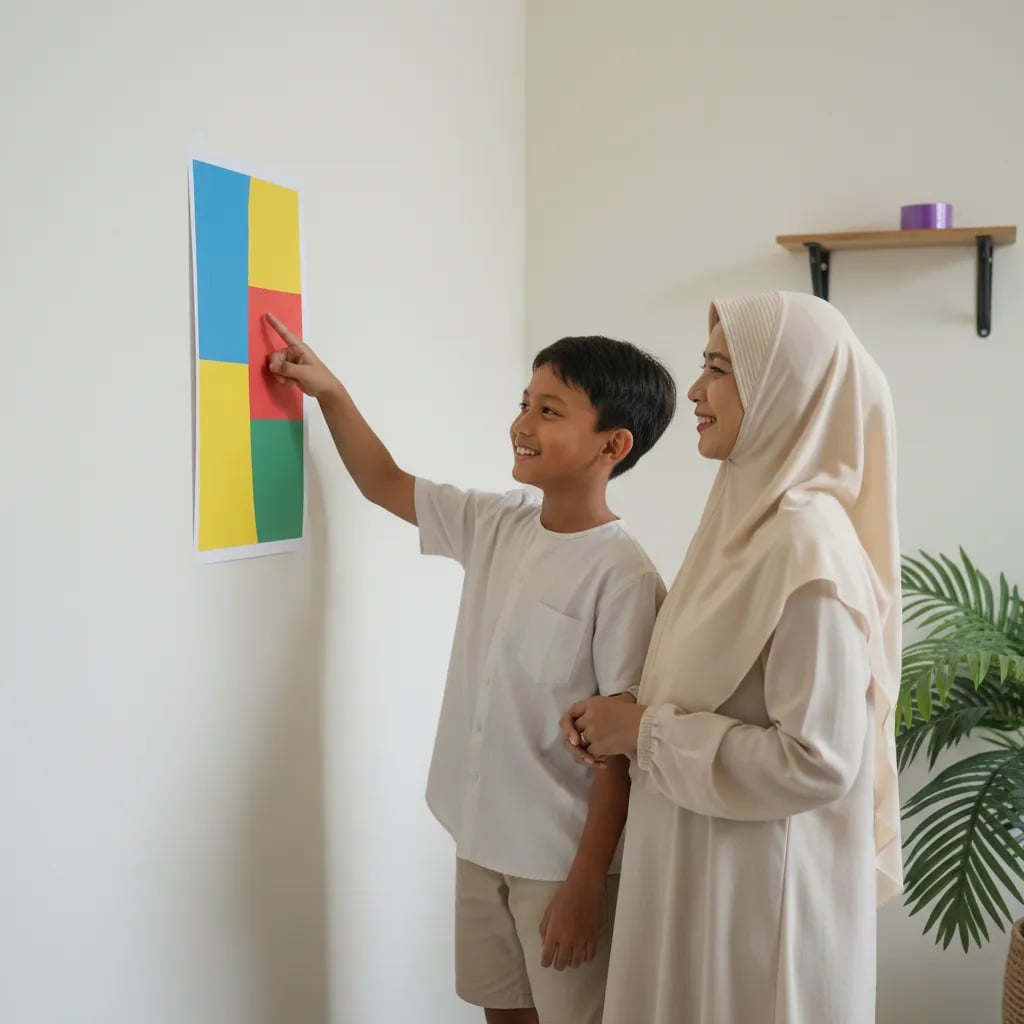
Schools ask for posters more than anything else, and Heroes' Day on 10 November is a good excuse. A strong poster has one main image, a title you can read from 2 metres away, and one short line of text. Test it: print on A4, tape it to a wall, and look from the far side of the room. The usual first-poster mistake is five fonts and six colours. If the title is hard to read from across the room, make it bigger and remove two colours.
An infographic teaches a child to sort information. Pick a topic they love, say "5 facts about Komodo dragons" or "the water cycle". They write five short facts, rank them by importance, and give each one an icon. Most of the time goes into picking 5 facts out of the 20 they found; the design itself is quick.
The presentation comes last because it uses every earlier skill. The rules: one idea per slide, no more than 10 words per slide, and pictures that explain rather than decorate. Slide 1 is the title, slides 2 to 4 carry the content, slide 5 is the conclusion. Grade 5 and 6 pupils are usually asked to present in class already, so practice at home gets used straight away.
After these five, try a logo or sticker with how to make a simple logo, or a 4-panel comic with how to make a simple comic for primary school kids.
The five projects train four basic graphic design rules, the same ones professional designers use. Your child doesn't need the jargon. They just need to answer one question per rule:
One extra rule for beginners: no more than 2 fonts in one design. More on fonts in what is typography, and the basics in what is graphic design.
A parent's job here is to ask, not to fix. The temptation is always the same: grab the mouse and "just tidy it up". The result looks neater, but the design now belongs to you.
Three questions help: "What should people see first?", "From far away, what can you read?", and "Which colour could go?". Each one gets your child judging their own work. Keep every finished piece in one folder. After five projects, put the first and the last side by side. The difference usually shows straight away, and your child will be the one to point it out.
A template helps a child start. Design skill begins when they dare to delete what the template gave them and put their own idea in its place.
A child is ready to move past templates when they start changing the layout, not just the words. The signs: deleting built-in elements, drawing their own shapes, or asking "can I make the picture myself?".
At that point Canva starts to feel small, because most of it is ready-made parts. The next step is drawing and building from scratch: layered digital illustration, vector design, 3D models, and short animations. In Algonova's graphic design course for primary school kids, children aged 8 to 11 work in GIMP, Inkscape, Tinkercad, and Wick Editor in private lessons with a mentor until they have a first portfolio. For other ages, see the kids' graphic design programme. Algonova teaches coding, AI, and design to children aged 5 to 17 and maths to ages 6 to 17, with more than 1 million students in 97 countries.
Around age 8, or Grade 3, is a good time to start with Canva, because most children read and type short words fluently by then. At that age they can follow menus, search for a template, and change a title themselves. Children of 6 or 7 can still make something simple, like a birthday card, but the parent operates the tool and the child chooses colours and pictures. The purpose matters more than the age: make something that will be used, rather than scroll through templates. Start with a 20-minute session and one small project. If your child asks to make another, they're ready for project two. If they lose interest quickly, try again a few months later with a project that has a real recipient, like a card for a grandparent.
Yes, Canva has apps for Android phones and iPhones, but a laptop is easier for beginners. On a phone screen the buttons and elements are tiny, so kids tap the wrong thing and get frustrated fast. On a laptop they see the whole design at once and can move elements precisely with a mouse. A good middle ground: do the first project on a laptop together, then let small edits like changing text happen on the phone. For text-heavy work, like planners and presentations, stay on the laptop. If the household only has a tablet, choose one with a screen of 10 inches or more. A basic school laptop is enough, since Canva runs in the browser.
A greeting card is the easiest Canva project for a beginner, because it's small, has little text, and has a clear recipient. Your child only changes three things: the greeting, one background colour, and one picture. It takes about 30 minutes, and even a Grade 1 child can finish it with help. A card for Grandma, a teacher, or a friend's birthday keeps kids motivated, because someone receives the work right away. After the card, move on to a weekly planner to practise tables and text alignment. Going from small to big keeps confidence up. Posters and presentations can wait until your child has finished two or three small pieces all the way to download and print.
To make a school poster in Canva, choose the A4 size and settle on one title, one main image, and one line of message. Search for a poster template, then delete elements until only those three parts remain. The title should be readable from about 2 metres, so use large, bold letters. Pick a background colour that contrasts with the title, such as white with red or yellow with purple. Before handing it in, print one copy and tape it to a wall to test from a distance. For a Heroes' Day theme on 10 November, a single illustration of a hero or the flag is enough. Put your child's name and class at the bottom in small letters so they don't compete with the title.
No, your child doesn't need drawing skills for Canva, because most of it is ready-made elements, photos, and templates. That's what makes Canva a good entry point: kids learn to arrange things, choose colours, and handle fonts without worrying that their drawing looks bad. What Canva trains is layout, not drawing. If after a few projects your child wants to create their own characters or illustrations, they're ready to learn digital drawing. At that stage, free programs like GIMP or Inkscape give much more room to create from scratch. Both run on Windows, Mac, and Linux laptops, so you don't need new hardware.
For primary school kids, a Canva session of about 30 to 60 minutes, two or three times a week, is plenty. Measure it in projects rather than hours: one session, one finished piece. Long sessions tend to turn into aimless template scrolling, and the child gets tired with nothing to show. Mix in screen-free time too, such as a quick sketch on paper before opening Canva. A 5-minute sketch means your child knows what they want to make, so the screen time is more productive. Schoolwork on screen still counts toward the daily limit. If a poster is due tomorrow, split the work into two short sessions with a break in between.
Canva trains kids to arrange ready-made parts, while a graphic design course teaches them to make those parts themselves. In Canva a child picks icons, photos, and templates and decides where they go. In a design course they draw layered illustrations, build vector shapes, 3D models, and short animations, then combine them into a finished piece. The two work well together. Canva is great for school tasks with a deadline, while a course builds deeper skills and a portfolio. At Algonova, the Junior design course for ages 8 to 11 uses GIMP, Inkscape, Tinkercad, and Wick Editor with a mentor. Kids who already know Canva usually pick up colour and layout faster in the first lessons.
That depends on the competition rules, so read them before your child starts designing. Many poster and design contests for children require original work, and some ban templates or ready-made elements. If the rules are strict, use Canva only to set the text and have your child create the main image themselves, then photograph it or redraw it digitally. Keep the working file and early sketches as proof of process. For a drawing contest, a digital drawing app or paper is a safer choice than Canva. Popular templates are easy to recognise, and work that looks like one can lose points for originality.
Blog

Algonova worldwide
Contact
Whatsapp: +62 21 50996971
Email: info@algonova.id
Address
Coworking Area, Gedung IT 6 Lantai Dasar, Nongsa Digital Park, Jalan Hang Lekiu, Kelurahan Sambau, Kecamatan Nongsa, Batam, Indonesia Directorate General of Consumer Protection and Trade Compliance – Ministry of Trade of the Republic of Indonesia. WhatsApp Ditjen PKTN: 0853-1111-1010.
PT Algonova Indonesia Cerdas All rights reserved 2026