Child Phone Addiction: Signs, Effects and How to Cut Back Calmly
Parent Guides9 min
Learn Coding

Fajar Hidayat
Coding Curriculum Team, Algonova
Coding for kids means teaching children aged 5 to 17 to give a computer clear, step by step instructions, first by dragging picture blocks in Scratch and later by typing Python. Explained for kids, it works like a recipe: the computer follows each step in order, and when a step is wrong, the child finds it and fixes it. What children gain is a habit of structured thinking and more patience with mistakes. For ages 8 to 12, the coding course for primary school kids shows how this looks in a live class.
Coding is the way of giving instructions to a computer to do something - from moving a character in a game to sending a message to a friend. Imagine a cooking recipe: when you write step-by-step instructions to make fried rice, that's like coding - just that a "computer" reads and executes them.
Three basic elements of every code:
For children, coding doesn't start with typing complex code. It begins with dragging picture blocks, each representing one instruction - like a puzzle that produces an animation or game.
Coding for kindergarten, primary, and middle school children is essentially the same; only the difficulty level and the tools differ. Kindergarten children (ages 5-6) use ScratchJr with picture icons and no text. Primary children (ages 7-12) use full Scratch and start meeting Python. Middle schoolers (ages 13-15) can already write real Python and build simple websites. So when parents search "what is coding in primary school" or "what is coding for kindergarten", the core is always one thing: teaching a child to give instructions to a computer, matched to their age.
For the primary years specifically, the topics are mapped level by level in the coding material for primary grades 1 to 6 - from logic and sequencing in grades 1 and 2, through algorithms and Scratch in grades 3 and 4, to an introduction to Python in grades 5 and 6.
The easiest way to find the right level is through the Algonova coding course or a free coding class. For a comparison of schools, see the 10 best kids coding schools in Indonesia.
Professional coding aims to produce software many people use; coding for kids aims to build a way of thinking. The output and process of the two are very different.
Five key differences:
| Aspect | Coding for kids | Professional coding |
|---|---|---|
| Output | Mini-games, animations, interactive stories | Apps, websites, systems |
| Languages | Scratch, ScratchJr, simple Python | Java, JavaScript, Go, Rust, etc |
| Tools | Browser, tablet, simple apps | Complex IDE, git, terminal, cloud |
| Goal | Learn logic and creativity | Productivity and software quality |
| Session length | 15-60 minutes | 4-8 working hours |
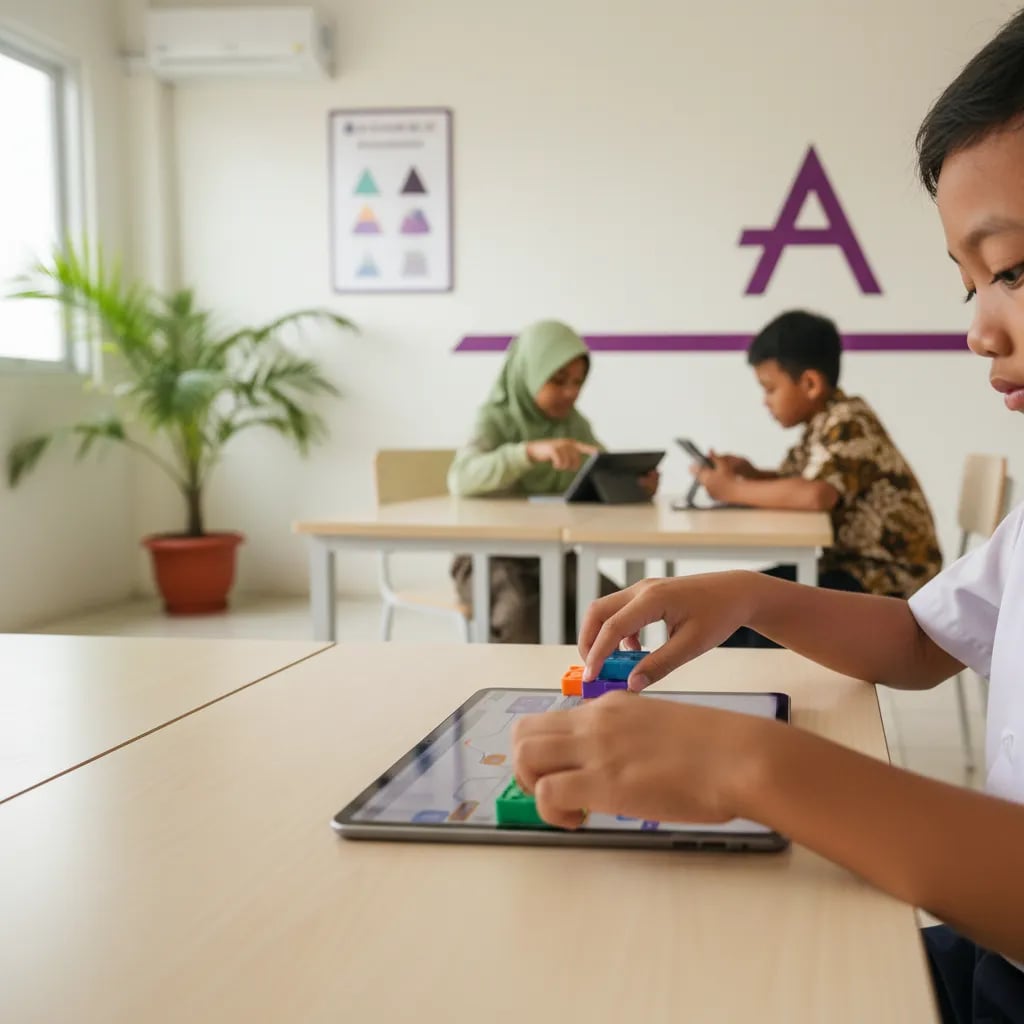
This doesn't mean coding for kids is a "toy version" - the logic behind it is identical to professional coding. A child consistently doing 5-7 years of Scratch and Python at Algonova has a very solid foundation for transitioning to professional coding at university.
Children typically learn 2-3 languages from kindergarten to high school - not 10 at once. The key is mastering one language before moving to the next.
A typical sequence that works at Algonova:
According to the Future of Jobs Report 2025 by the World Economic Forum, Python is the #1 most-demanded language in the 2025-2030 job market - so a child mastering Python by high school has a major advantage.
The terms coding and programming are often used interchangeably. Technically, coding is part of programming: coding focuses on writing lines of code, while programming covers the broader process of designing, writing, testing, and fixing a program. For parents the distinction doesn't need worrying about, because both train the same thing in a child: arranging instructions logically.
A computer doesn't understand human-written code directly. It takes three steps: write instructions in a programming language, translate them with a compiler or interpreter into machine language, then run them until the result appears as a game, website, or app. The shortest Python example is print("Hello, world!"). When run, the screen shows the text Hello, world! It is usually the first program a child builds when starting Python.
Code is used in many fields: websites (HTML, CSS, JavaScript), phone apps (Kotlin, Swift), games (C#, Lua), data and AI (Python), and automating repetitive tasks (Python). The logic basics a child learns now apply to all of them.
Children don't just sit and type - a structured coding session involves exploration, experimentation, debugging, and presentation. Think of it as a creative workshop, not a maths class.
Typical structure of a 60-minute coding session:
Concrete examples of what Algonova students do:
A child is ready for coding if they can follow three-step instructions, focus 10-15 minutes, and show curiosity about how things work. Calendar age isn't the only benchmark.
Readiness indicators by age:
The full discussion of the ideal starting age and readiness signs lives in a separate article: what age a child should start coding. If you're unsure whether your child is ready, the most honest way is a free trial session - a teacher can assess the level in 60 minutes. For a practical guide on how to start, see Learning to Code for Kids: Where to Start.
Coding for kids isn't about becoming a programmer - it's about understanding the logic behind the technology that will shape their life.
Bayu Nugraha, Children's Coding Specialist
Five most common myths that make parents hesitate to start coding for their child - and the actual facts.
Myth 1: A child needs to be a maths genius for coding. Fact: actually the opposite. Children who initially struggled with maths often grasp logic better after 3-6 months of coding, because results are visible immediately on screen.
Myth 2: A child needs to know English first. Fact: ScratchJr is wordless (icons only). Full Scratch is available in Indonesian. Python uses short English syntax (if, for, print) that kids memorise quickly.
Myth 3: Coding is only for boys. Fact: logic and creativity don't depend on gender. Many girls especially enjoy story-based projects, UI design, and teamwork, and in Algonova classes every child works with the same materials and projects.
Myth 4: Coding makes children antisocial. Fact: group coding classes train collaboration and presentation. End-of-session show-and-tell trains the child to explain ideas to others.
Myth 5: Coding requires an expensive laptop. Fact: ScratchJr runs on an old iPad or entry-level Android tablet. Scratch.mit.edu runs in a browser on a second-hand laptop. Start with what you have.
Algonova uses project-based learning in Private (1 student), Mini (2-4 students), and Group (up to 10 students) formats with certified teachers. Every class is an interactive workshop - not a one-way lecture.
Four key features of Algonova's method:
The process starts with a Master Class, a free 60-minute trial session. Our teachers assess the child's level, introduce the most-fitting platform, and give honest recommendations without package selling.
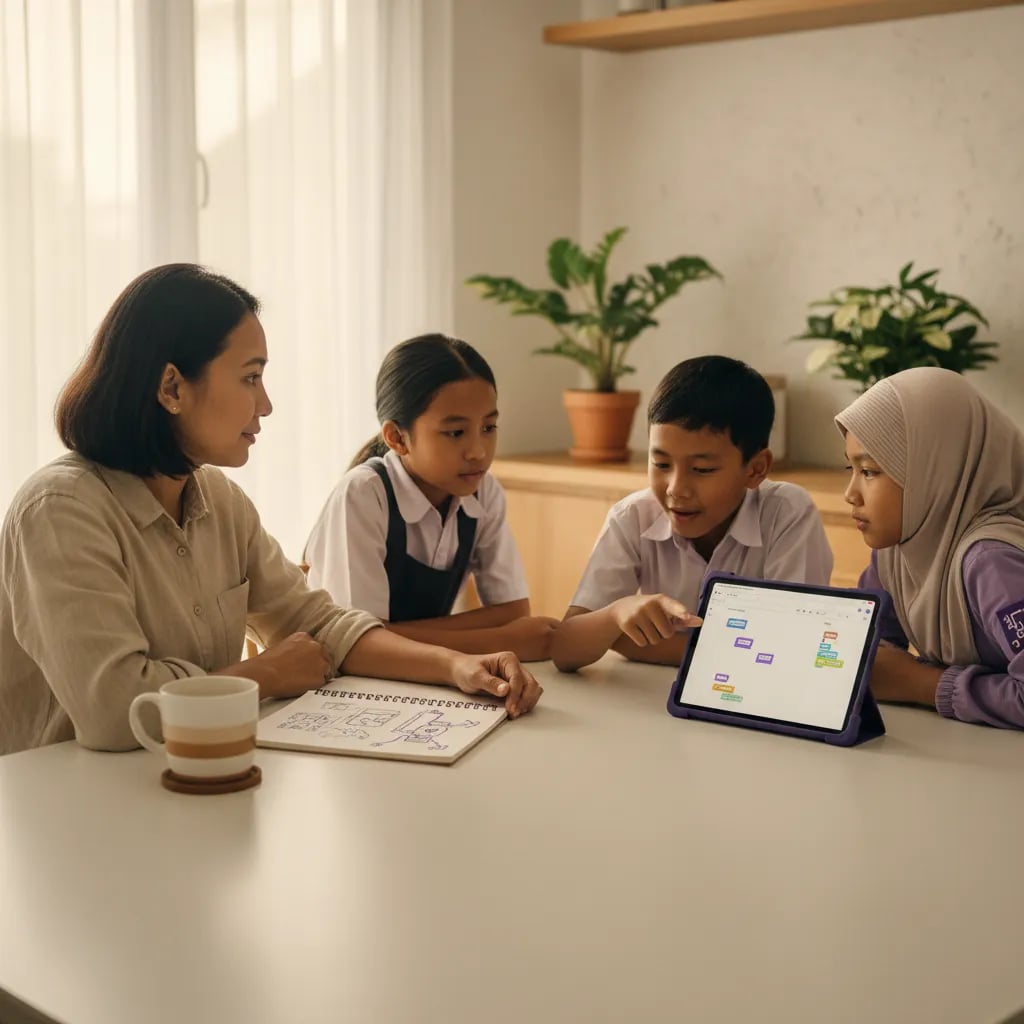
For a full program overview by age, visit the kids coding course online page or see the guide Benefits of Coding for Kids.
The lowest-risk way to start: pick one free app (ScratchJr for kindergarten or Scratch.mit.edu for primary), download or open in a browser, and sit with the child for a 15-30 minute first session. No need to buy anything on day one.
Five practical steps from zero to first session:
For a more complete step-by-step guide with examples, see Learning to Code for Kids: Where to Start. If your question is more about timing, read what age a child should start coding. And if your child is already in primary school and you are looking for the class itself, see the coding course for primary kids ages 8–12.
The most honest way to start: Algonova free Master Class - no credit card, one 60-minute session for assessment and level recommendation.
Yes, Algonova Indonesia runs a full coding program for kids aged 5 to 17, covering kindergarten through senior high. It splits into three age tracks: Little Coders for ages 5 to 7 using visual block based coding, Junior Coders for ages 8 to 12 using Scratch and the fundamentals of programming logic, and Teen Coders for ages 13 to 17 using Python and game development. Every class is live online with certified teachers in small groups of up to 10 students. Kids build a real project from the first session rather than memorising syntax. Algonova has taught more than 1,000,000 students across 97 countries since 2016.
Yes. For the coding track Algonova Indonesia offers a free 60 minute master class with no commitment. No credit card is needed and there is no auto subscription afterwards. Note that these 60 minutes are an introductory master class, not a regular lesson. A regular coding class runs 90 minutes. During the master class the child works directly with a certified teacher, tries the online learning platform, and finishes a first small project matched to their age. After the session parents receive a personal learning track recommendation plus a transparent explanation of program, schedule, and pricing from Rp 102,000 per lesson. To book, fill in the form on the website.
Algonova Indonesia coding classes come in three formats: Private with one student per teacher, Mini group of 2 to 4 kids, and Group of 6 to 10 kids of similar age and level. The small group format exists because coding gets stuck on very specific lines of code, and a child needs a teacher who can look at their screen when it happens. In a Mini group the teacher checks each child's screen several times per session. The Private format is the most intensive and suits competition preparation, independent projects, or a child who wants to move faster than the group.
Kids coding at Algonova Indonesia starts from Rp 102,000 per lesson. The price covers the live session with a certified teacher, digital learning materials, online platform access, and an official certificate once the child completes each program level. The starting rate is the same across all age tracks. The final quote depends only on class format, meaning Private, Mini, or Group, and on how many sessions per week you choose. Group is the most affordable option and Private is the most intensive. Full pricing is shared after the free master class and before formal enrolment, with no surprise fees. To get a quote, fill in the form on the website.
Yes, every Algonova Indonesia coding program runs fully online with live sessions taught by certified teachers, not recorded videos. Kids learn in real time in small groups, with live Q&A and code written alongside the teacher during the class. To join, a child needs a computer or laptop with a camera, a stable internet connection, and a headset. The Algonova platform runs directly in the browser, so no special software installation is required and no expensive machine is needed. Because everything is online, families anywhere in Indonesia can join and easily fit lessons around school.
Three things make Algonova coding effective for Indonesian kids: project based learning, a staged track, and small groups. Every session produces something that runs and can be shown to a parent, which keeps motivation alive far longer than theory alone. The track climbs gradually from visual block based coding to Python, so a child never jumps into a text language before their logic is ready. Small groups of up to 10 students let the teacher adjust pace: faster kids get extra challenges and stuck kids get help inside the same session. The material also lines up with coding and artificial intelligence entering the Indonesian school curriculum.
That is fine, most Algonova students start from zero with no coding experience at all. Every new child begins with the free master class, where the teacher watches how they solve problems and picks the right starting point. Kids aged 5 to 7 start with visual block based coding and do not need to type fast yet. Older kids can start with Scratch and move up to Python once their logic is solid. All that is required is basic reading and curiosity. Parents do not need to understand programming to support the child, because every task is explained by the teacher during class.

Algonova worldwide
Contact
Whatsapp: +62 21 50996971
Email: info@algonova.id
Address
Coworking Area, Gedung IT 6 Lantai Dasar, Nongsa Digital Park, Jalan Hang Lekiu, Kelurahan Sambau, Kecamatan Nongsa, Batam, Indonesia Directorate General of Consumer Protection and Trade Compliance – Ministry of Trade of the Republic of Indonesia. WhatsApp Ditjen PKTN: 0853-1111-1010.
PT Algonova Indonesia Cerdas All rights reserved 2026