Canva Projects for Kids: 5 First Projects for Primary School (and How to Start)
Learn Design9 min read
Learn Coding

Fajar Hidayat
Coding Curriculum Team, Algonova
Learning to code for kids starts with deciding the child's age, choosing one platform, and preparing a 30-minute first session at home. This guide gives a 5-step roadmap for parents without a tech background — from assessing readiness to building long-term consistency. Algonova teaches coding, maths, AI, and design online for kids ages 5–17, with 1,000,000+ alumni in 97 countries since 2016 and live classes in Private (1 student), Mini (2-4 students), and Group (up to 10 students) formats.
Starting kids on coding isn't about buying a laptop or signing up for a course - it's about answering three basic questions: when, with what, and how. Without clear answers, many parents buy expensive subscriptions only to have their child lose interest within 2 weeks.
Three basic questions to answer first:
This guide answers all three in order. For broader context on coding benefits for children, see our guide on Benefits of Coding for Kids.
Determine the child's age first - it automatically filters which platforms fit. A 5-year-old and an 11-year-old need very different approaches.
General age guide:
Besides age, check three readiness signs: can follow 3-step instructions, can focus 15+ minutes, and shows curiosity about how technology works.
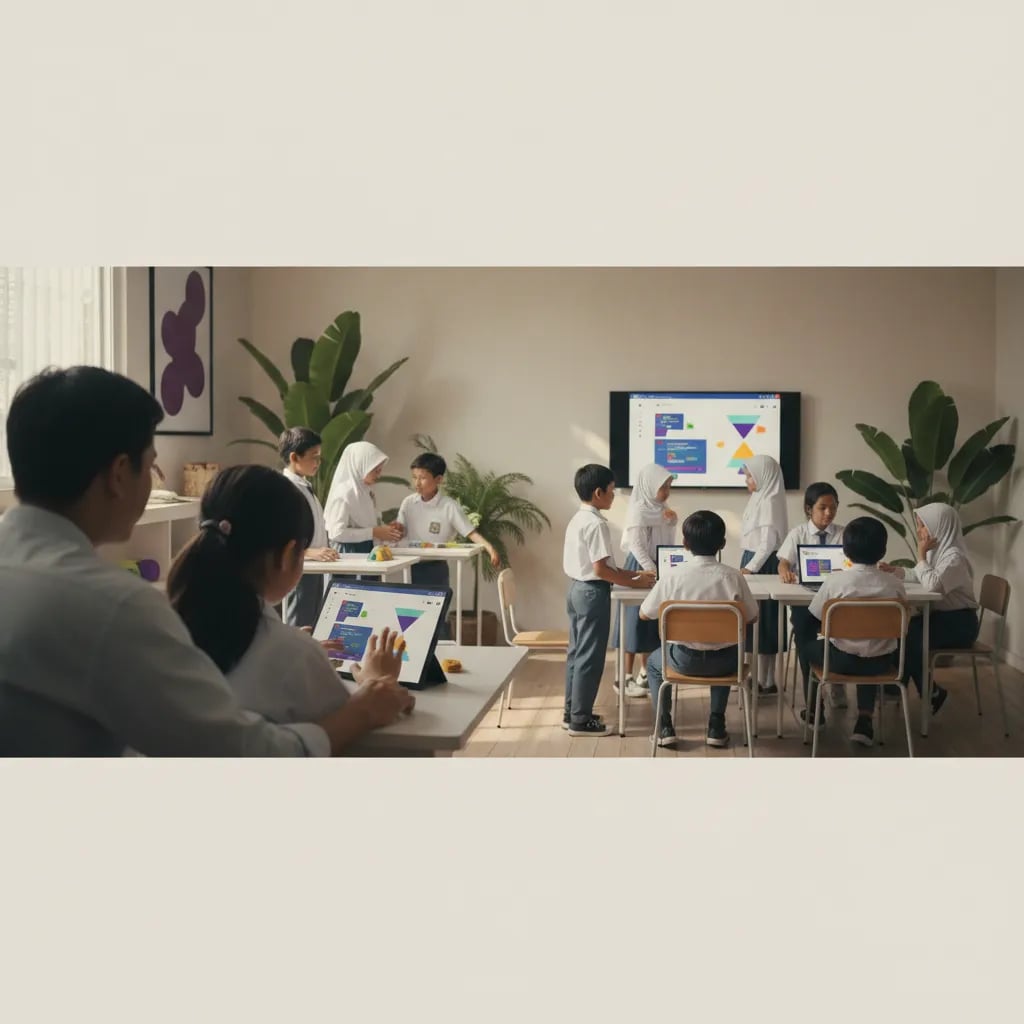
For beginners, start with ONE platform - not three at once. Too much variation too early means the child never masters the basics.
Recommendations by age:
| Age | First platform | Why |
|---|---|---|
| 4-7 | ScratchJr | Wordless, designed for pre-readers |
| 8-12 | Scratch (scratch.mit.edu) | Free, large community, easy transition to Python |
| 10-12 | Python via Trinket or Repl.it | Real language, still user-friendly |
| 13+ | Python + HTML/CSS | Preparation for real projects and AI |
According to the Future of Jobs Report 2025 by the World Economic Forum, analytical thinking and tech literacy are among the core skills most in demand through 2030 - so whichever platform you pick, the foundation built has long-term value.
Minimum setup for at-home kids' coding: one device (tablet or laptop), stable internet, and a quiet desk. No need to buy expensive hardware at the start.
Comfortable minimum specs:
Learning spaces that work in many Indonesian homes:
For a more complete approach with primary-school-age kids, see How to Teach Your Child to Code at Home.
There is no one perfect setup - the most important thing is consistency of place and time, so the child's brain associates that corner with focused learning.
Bayu Nugraha, Children's Coding Specialist
The child's first session with coding must feel like play, not a school lesson. The main goal: the child wants to come back next session, not to master a single concept.
Structure of a successful first session:
Minutes 0-5: Free exploration. Let the child press any button in the app. There's no "right" or "wrong". Your job: sit beside them and ask "what happens if you press that?"
Minutes 5-20: Micro-project. Together, build one small thing. Example: in ScratchJr, move a cat from left to right and make it say "hello". In Scratch, make a circle spin.
Minutes 20-25: Modification. Ask: "What if the cat is bigger? Or changes colour?" Let the child change one thing on their own.
Minutes 25-30: Close with a small win. Show the result to another family member (sibling, grandparents via WhatsApp video). This builds pride that makes the child want to come back.
What to AVOID in the first session: don't introduce technical concepts (loops, variables), don't criticise mistakes, don't set time targets.
The biggest challenge isn't starting - it's coming back for session 10, 50, 200. Coding isn't an instant skill; benefits show after 3-6 months of weekly consistency.
Three patterns that maintain consistency:
1. Fixed weekly schedule. Pick one or two slots per week that are identical - for example "every Saturday morning after breakfast". "Whenever" schedules usually end up never.
2. Projects that matter to the child. A child making a game about their hobby (football, K-Pop, pet cat) lasts far longer than one just following generic tutorials. Ask: "What do you want to build?"
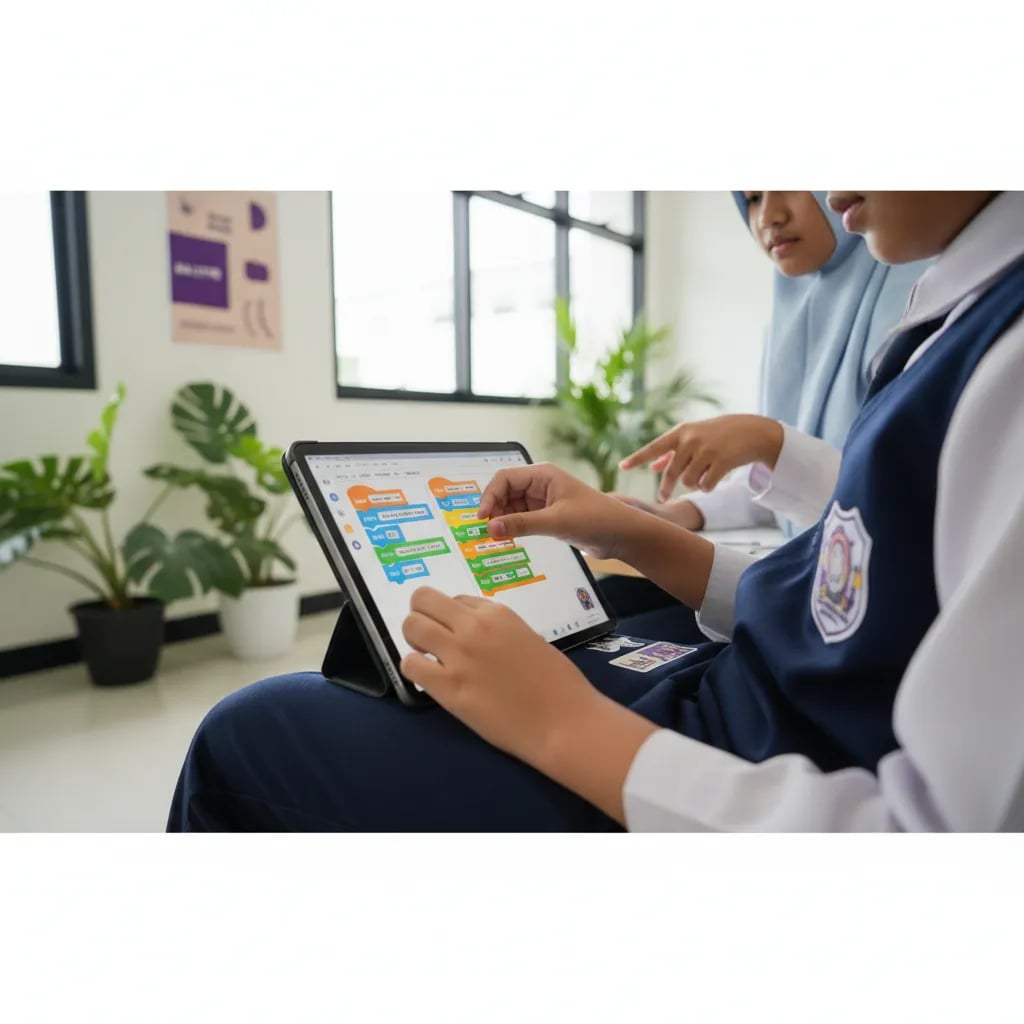
3. Community or teacher. A child learning alone usually stops within 2-3 months. A child with classmates or a regular teacher lasts far longer. This is the strength of Algonova's classes - Private (1 student), Mini (2-4 students), and Group (up to 10 students) formats create social dynamics that keep motivation alive.
After 3 months of consistency, look for natural transition signs: the child starts asking "can we make this?", looks up tutorials independently, or sketches project ideas in a notebook. That's the moment to level up.
Four mistakes that most often kill a child's motivation in the first 3 months. Avoid these, and your child's chances of continuing to learn coding rise dramatically.
Mistake 1: Buying expensive subscriptions before knowing if the child likes it. Start with free apps (ScratchJr, Scratch.mit.edu). Upgrade only after 1-2 months once the child has proven they enjoy it.
Mistake 2: Expecting linear progress. A child can stagnate 2-3 weeks then make a big leap in one session. Normal pattern, don't panic.
Mistake 3: Comparing with other children. "My friend's child already knows Python at 8" - every child has their own rhythm. Comparisons usually make the child themselves lose interest.
Mistake 4: Taking over when the child gets stuck. When the child is stuck, the parent's biggest temptation is "let me just finish it". This removes the child's chance to learn problem-solving. Better to ask: "What have you tried?"
Algonova is designed specifically for parents without a tech background - there's nothing you need to learn beforehand. Start with the Master Class - a free 60-minute trial session where our teacher:
After the Master Class, the child enters their own learning path with regular checkpoints. For a full overview of programs by age, visit the Algonova Coding page.
Parents who start humbly - as exploration partners, not teachers - almost always succeed in building the child's consistency.
Bayu Nugraha, Children's Coding Specialist
Avoid 4 common mistakes: don't buy expensive at the start, don't expect linear progress, don't compare with others, don't take over when the child gets stuck.
The lowest-risk way to start: Algonova free Master Class - no credit card, no commitment, one session to see if your child enjoys the process.
For kids, start with block-based visual coding (Scratch or ScratchJr) at ages 5 to 8, then move to text-based Python from age 10. The order is always logic first, programming language second.
Do you need an expensive computer? No. A standard laptop or even a tablet is enough to start Scratch.
Self-taught or a class? A child can start for free through Scratch, but mentor guidance speeds up progress and keeps motivation up. If you want to compare options before deciding, see the 10 best kids coding schools in Indonesia. The easiest way to find the right starting point is a trial class. See the age tiers on the Algonova coding classes page, then try a free coding class to see which level your child should start from.
Yes, Algonova Indonesia runs a full coding program for kids aged 5 to 17, covering kindergarten through senior high. It splits into three age tracks: Little Coders for ages 5 to 7 using visual block based coding, Junior Coders for ages 8 to 12 using Scratch and the fundamentals of programming logic, and Teen Coders for ages 13 to 17 using Python and game development. Every class is live online with certified teachers in small groups of up to 10 students. Kids build a real project from the first session rather than memorising syntax. Algonova has taught more than 1,000,000 students across 97 countries since 2016.
Yes. For the coding track Algonova Indonesia offers a free 60 minute master class with no commitment. No credit card is needed and there is no auto subscription afterwards. Note that these 60 minutes are an introductory master class, not a regular lesson. A regular coding class runs 90 minutes. During the master class the child works directly with a certified teacher, tries the online learning platform, and finishes a first small project matched to their age. After the session parents receive a personal learning track recommendation plus a transparent explanation of program, schedule, and pricing from Rp 102,000 per lesson. To book, fill in the form on the website.
Algonova Indonesia coding classes come in three formats: Private with one student per teacher, Mini group of 2 to 4 kids, and Group of 6 to 10 kids of similar age and level. The small group format exists because coding gets stuck on very specific lines of code, and a child needs a teacher who can look at their screen when it happens. In a Mini group the teacher checks each child's screen several times per session. The Private format is the most intensive and suits competition preparation, independent projects, or a child who wants to move faster than the group.
Kids coding at Algonova Indonesia starts from Rp 102,000 per lesson. The price covers the live session with a certified teacher, digital learning materials, online platform access, and an official certificate once the child completes each program level. The starting rate is the same across all age tracks. The final quote depends only on class format, meaning Private, Mini, or Group, and on how many sessions per week you choose. Group is the most affordable option and Private is the most intensive. Full pricing is shared after the free master class and before formal enrolment, with no surprise fees. To get a quote, fill in the form on the website.
Yes, every Algonova Indonesia coding program runs fully online with live sessions taught by certified teachers, not recorded videos. Kids learn in real time in small groups, with live Q&A and code written alongside the teacher during the class. To join, a child needs a computer or laptop with a camera, a stable internet connection, and a headset. The Algonova platform runs directly in the browser, so no special software installation is required and no expensive machine is needed. Because everything is online, families anywhere in Indonesia can join and easily fit lessons around school.
Three things make Algonova coding effective for Indonesian kids: project based learning, a staged track, and small groups. Every session produces something that runs and can be shown to a parent, which keeps motivation alive far longer than theory alone. The track climbs gradually from visual block based coding to Python, so a child never jumps into a text language before their logic is ready. Small groups of up to 10 students let the teacher adjust pace: faster kids get extra challenges and stuck kids get help inside the same session. The material also lines up with coding and artificial intelligence entering the Indonesian school curriculum.
That is fine, most Algonova students start from zero with no coding experience at all. Every new child begins with the free master class, where the teacher watches how they solve problems and picks the right starting point. Kids aged 5 to 7 start with visual block based coding and do not need to type fast yet. Older kids can start with Scratch and move up to Python once their logic is solid. All that is required is basic reading and curiosity. Parents do not need to understand programming to support the child, because every task is explained by the teacher during class.
Blog

Algonova worldwide
Contact
Whatsapp: +62 21 50996971
Email: info@algonova.id
Address
Coworking Area, Gedung IT 6 Lantai Dasar, Nongsa Digital Park, Jalan Hang Lekiu, Kelurahan Sambau, Kecamatan Nongsa, Batam, Indonesia Directorate General of Consumer Protection and Trade Compliance – Ministry of Trade of the Republic of Indonesia. WhatsApp Ditjen PKTN: 0853-1111-1010.
PT Algonova Indonesia Cerdas All rights reserved 2026