
Learn Design

7 min read

Digital Drawing for Kids: How to Start and What to Learn (Ages 8 to 12)

Published: 14.10.2026·Updated: 14.10.2026
Mariana Solís

Mariana Solís

Design Curriculum Team, Algonova

Digital Drawing for Kids: How to Start and What to Learn (Ages 8 to 12)

Kids ages 8 to 12 can start digital drawing with the equipment you already have at home: a tablet with a stylus, a computer with a mouse, or even a phone. With 20-minute sessions three times a week and five basic exercises, within a month your child will be comfortable with layers, line work, and color, which are the foundation of graphic design.

Algonova is an online coding and graphic design school for kids and teens ages 6 to 17, with more than 1,000,000 students in 97 countries. Classes are live, with a teacher, in groups of up to 10. This guide is for parents who watch their child fill notebook after notebook with drawings and wonder how to move that to a screen without overspending.

What is digital drawing, and how is it different from paper?

It's drawing on a screen with a stylus, a finger, or a mouse, in a program that splits the drawing into layers and lets you undo mistakes.

The basics stay the same: observe, get the proportions right, and practice a lot. What changes is the room for error. On paper, one bad line can ruin the page. On a screen, you undo it with a tap. For a 9-year-old who gets frustrated quickly, that matters more than any fancy brush.

The other difference is layers. The sketch goes on one, the clean line on another, and the color on a third, so your child can paint without worrying about erasing the outline. Working in layers is the same habit design programs rely on later.

If you're worried about adding another screen to their day, our guide on screen time for kids explains why creating on a screen doesn't count the same as watching videos.
Tablet, computer, or phone? What equipment to start with

Any device at home will do: a tablet with a stylus is the most comfortable, and a computer with a mouse costs nothing extra.

DeviceThe goodThe hard partBest for
Tablet with stylusFeels close to paper, and the line changes with pressureStyluses get lost, and some apps charge for featuresKids who already draw a lot by hand
Computer with mouseAlready at home, with full-featured free programsLines come out shaky without a stabilizerKids 10 to 12 who want shapes, color, and design
Computer with drawing tabletPen-like precision at a low costAt first it's hard to draw on the desk while looking at the monitorKids who have practiced for a month and still want more
PhoneAlways within reachSmall screen, the finger covers the line, and notifications pop upQuick sketches, not long sessions

Our advice is not to buy anything the first month. Digital drawing with a mouse is slower, but it teaches the same things about layers and color. If after four weeks your child keeps asking to draw, that's when a drawing tablet for kids makes sense: a basic screenless tablet that plugs into the computer is usually the smartest first purchase.

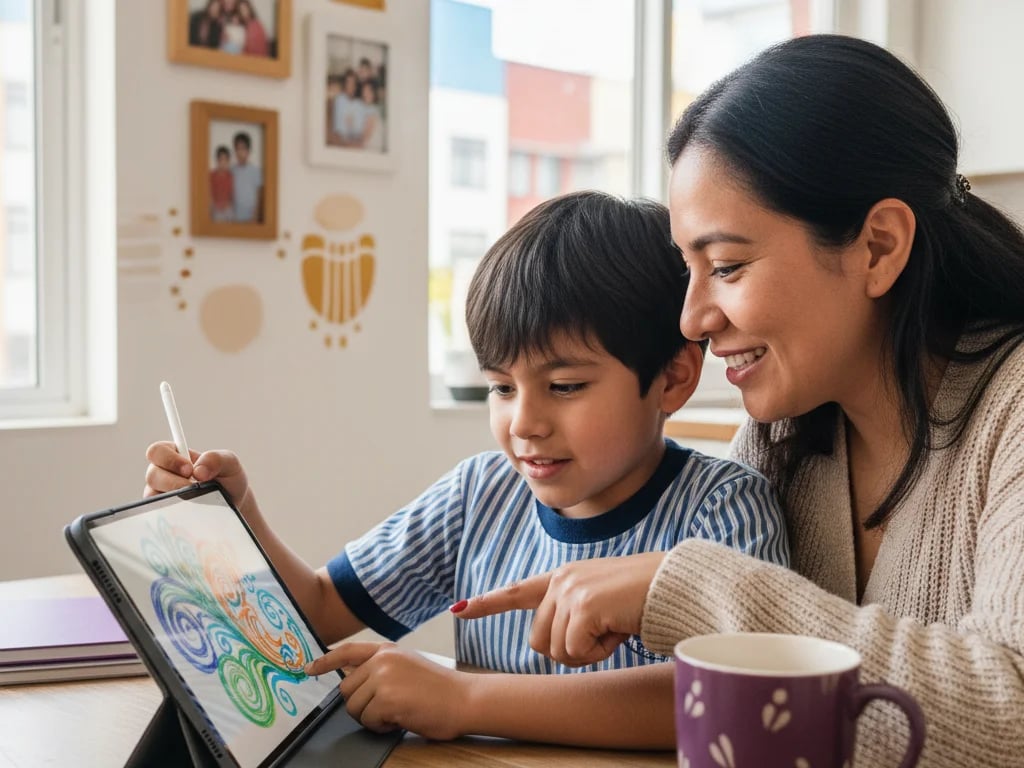
Mom and her 9-year-old son look at a digital drawing made with a stylus on a tablet

Equipment matters less than parents think. A child who draws with a mouse three times a week makes more progress than one with a new tablet who uses it one Saturday a month.

Design teaching team · Algonova

Drawing programs for kids: which ones to try first

To start, go with a free program: Krita on a computer, Ibis Paint X on a tablet or phone, and GIMP for editing images.

  • Krita, on a computer: free, for Windows, Mac, and Linux. It has brushes that imitate pencil and watercolor, plus a stabilizer that smooths the line when drawing with a mouse.
  • Ibis Paint X, on a tablet or phone: free with ads, on Android and iPad. It's popular for comics and anime. Go over the ads and the option to post drawings to its community with your child before letting them use it alone.
  • Sketchbook, on a tablet or computer: free, with only a few buttons on screen. It works well for an 8-year-old.
  • Procreate, iPad only: a one-time purchase. Worth it if you already have an iPad and stylus, but not a reason to buy them.
  • GIMP, on a computer: more for editing than drawing. It's the program we use for illustration in our design course, so it makes a good next step.

The rule that works best is one program for one month. Jumping from app to app means your child learns menus instead of drawing. If you want to compare more advanced design tools, see our list of free graphic design programs without Adobe. And if your child asks for an image generator, first read when drawing with AI helps and when it holds kids back.

5 digital drawing exercises for the first week

These five exercises cover the basics in about 20 minutes each: line work, layers, color, and a finished piece your child can actually use.

  1. Line warm-up. A full page of straight lines, curves, and spirals. With a stylus, let them play with pressure. With a mouse, have them draw the same spiral with the stabilizer off and then on, and compare.
  2. From paper to screen. Your child draws something on paper, takes a photo, and opens it in the program. They lower the photo's opacity to 30% and trace the drawing with a clean line on a new layer.
  3. Three layers. Sketch on the first, line on the second, color on the third. At the end, they hide the sketch. This is where they see that each layer can be fixed without touching the others.
  4. Three-color palette. They paint the same drawing twice: once with every color they want, and once with only three colors plus black and white. Ask which one reads better from a distance.
  5. Their own sticker. They draw a character or an emoji, erase the background, and export it as a PNG with a transparent background. Then they can use it in a family chat or on the cover of a school assignment.

If exercise 3 frustrates them, have them repeat exercise 2 for another week. The order matters less than finishing each one.

How much should kids practice, and how can you tell they're improving?

For ages 8 to 12, 20 to 30 minutes two or three times a week is enough, and progress shows up in the choices they make.

The American Academy of Pediatrics doesn't set a number of screen hours for kids over 6. Instead, it recommends that families agree on when, where, and why devices are used, using its Family Media Plan. Giving drawing its own time slot, separate from videos, keeps the two from blending together.

To track progress, look for these signs:

  • They open new layers without anyone reminding them.
  • They sketch before painting instead of going straight to color.
  • They choose colors on purpose and can explain why.
  • They finish drawings instead of leaving ten half done.

There are also signs of getting stuck: they always copy the same character, or they get upset because their drawing doesn't look "like the ones online." At that point, having someone show them what to change helps more than hearing that it looks nice. Our guide on how to teach graphic design to a child has ideas for supporting them even if you don't draw yourself.

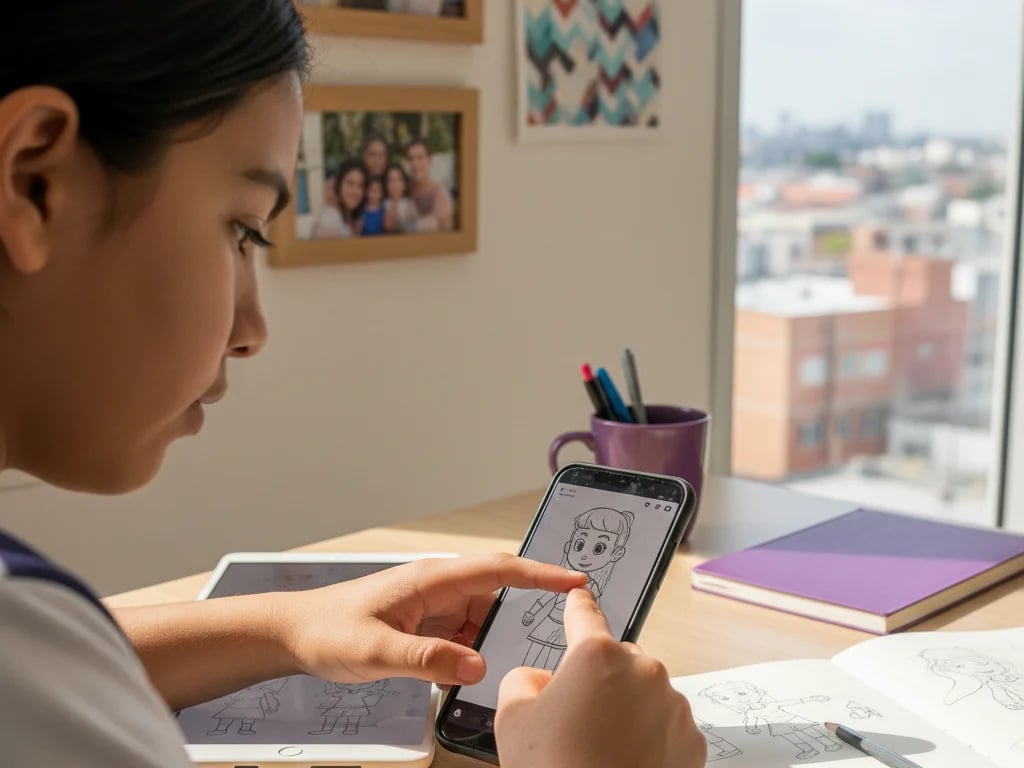
12-year-old girl draws a character with her finger on a phone next to her sketchbook

When a child starts hiding the sketch layer and choosing colors on purpose, they are already thinking like a designer, even if the drawing still looks simple.

Design teaching team · Algonova

How does digital drawing lead to graphic design?

Drawing creates images. Graphic design uses them to communicate something, like a logo, a poster, or a sticker, by combining shape, text, and color.

Nearly everything your child practiced carries over. The layers are the same ones in GIMP. The clean shapes from the sticker lead to vectors in Inkscape, where you make logos that don't pixelate when you enlarge them. And a character drawn several times is the first step toward animation, which they can also try with an animation in Scratch. The OECD measured creative thinking for the first time in PISA 2022, and visual expression was one of its four domains. For the full picture, here's why kids should learn graphic design.

When drawing on their own isn't enough anymore, a guided class gives them a clear path. At Algonova, the Digital Design Junior course for kids ages 9 to 12 has 5 modules and a final project over about 8 to 9 months: illustration in GIMP, vectors in Inkscape, 3D in Tinkercad, and 2D animation in Wick Editor. At age 8, kids start with Graphic Design for Kids ages 6 to 8. Classes are live with a teacher, in groups of up to 10 students, from US$ 7 per class. You can see every level in graphic design courses for kids.

The first class is a free 60-minute masterclass: your child tries GIMP or Inkscape with the teacher and finishes a digital piece of their own.

Summary

  • Kids can start digital drawing between ages 8 and 12 with the equipment at home, and there's no need to buy anything the first month.
  • Free programs are enough to start: Krita, Ibis Paint X, or Sketchbook, one at a time.
  • The 5 exercises: line warm-up, paper to screen, three layers, three-color palette, and their own sticker.
  • With 20 to 30 minutes two or three times a week, you'll see progress within a month.
  • Layers, color, and clean shapes are the foundation of graphic design.

Sources

  • American Academy of Pediatrics (AAP). Family Media Plan, HealthyChildren.org.
  • OECD (2024). PISA 2022 Results (Volume III): Creative Minds, Creative Schools.
  • Algonova. Digital Design Junior course curriculum, ages 9 to 12.

Updated: October 2026

FAQ about digital drawing for kids

At what age can a child start digital drawing?

A child can start digital drawing around age 8, when they hold a pencil well and have the patience for 20-minute sessions. Younger kids can draw on a tablet too, but for them it's more of a color game than practice. At 8 or 9, a program with few buttons and short exercises works best, like tracing a paper drawing on the screen. By 10 or 11, kids understand layers, adjust opacity, and pick brushes based on what they want to do. For example, an 8-year-old girl can move the cat she drew in her notebook onto a phone and color it with three colors. By 12, she can design her own character in several poses. What changes with age is the type of exercise.

What drawing tablet is best for a child?

A beginner doesn't need an expensive tablet. The one you have at home, or a basic drawing tablet connected to the computer, is enough for the first few months. Screenless drawing tablets are the cheapest option. Your child draws on the surface and watches the result on the monitor. It takes a week or two to get used to, but the line is precise. Tablets with a screen and stylus are more comfortable because you draw right on the image, though they cost a lot more. The practical move is to wait. If your child draws for a month with a mouse or the family tablet and keeps asking for more, then the purchase makes sense. Buying gear in the first week often turns out expensive if the interest fades after a month, and that happens a lot at this age.

Can kids learn digital drawing with a mouse or a phone?

Yes, kids can learn digital drawing with a mouse or a phone. The line is less precise, but layers, color, and composition are learned the same way. With a mouse, the key is to turn on the program's stabilizer, which smooths out shaky lines. It works very well for geometric shapes, coloring, and building compositions, which is exactly what graphic design asks for later. With a phone, the problem is size: the finger covers what they're drawing, and notifications break their focus. For example, an 11-year-old can make a complete sticker with a mouse in Krita, using shapes and layers, without ever touching a stylus. A phone works better for quick sketches away from home. For 20 to 30 minute sessions, a computer or tablet is more comfortable than a phone.

What is the best free drawing program for kids?

On a computer, the best free drawing program for kids is usually Krita. On a tablet or phone, Ibis Paint X or Sketchbook are the easiest to start with. Krita is free, runs on Windows, Mac, and Linux, and comes with brushes that imitate pencil, ink, and watercolor. Ibis Paint X is free with ads and very popular with kids who draw comics. Sketchbook has a clean screen with few options, which is ideal for ages 8 or 9. Later on, GIMP is useful for editing and combining images, and it's the foundation for design. What matters is picking one and sticking with it for at least a month. A child who switches apps every week learns where the menus are but doesn't get better at drawing. Once they've mastered layers and brushes in one program, moving to another takes just a few days.

Does digital drawing replace drawing on paper?

No, digital drawing doesn't replace paper. It complements it, and kids who switch between the two usually improve faster in observation and technique. Paper trains hand control and makes kids think before drawing a line, because erasing takes effort. A screen lets them experiment without fear, undo, and split their work into layers. Each format teaches something the other doesn't teach as easily. A routine that works well is to sketch on paper and finish on screen. For example, your child draws a character in their notebook, takes a photo, opens it in the program, and traces it with a clean line on a new layer. That way they keep the pencil habit and learn digital tools with a drawing that's already theirs.

How much time a day should a child ages 8 to 12 practice?

For a child ages 8 to 12, 20 to 30 minutes per session, two or three times a week, is enough, within the screen time your family has agreed on. Consistency pays off more than long sessions. Three 20-minute sessions during the week do more than a whole Saturday afternoon, because the hand and eye adjust little by little. Also, stopping while they still want to keep going makes them come back the next day without you asking. The American Academy of Pediatrics doesn't set a number of hours for kids over 6, but it recommends a family plan that says when and why screens are used. For example, drawing can have a set time on Tuesdays and Thursdays after homework, separate from videos. That way, creating on a screen doesn't compete with watching content.

How do I know if my child has a talent for digital drawing?

Look at motivation more than talent. If they go back to drawing on their own, finish their work, and want to improve something specific, it's worth giving them more guided practice. Drawing is a skill you train, like a sport. A 9-year-old who draws oddly but practices three times a week will often overtake, within a year, a child who draws nicely but doesn't practice. That's why the useful signs are about habits: they sketch before painting, use layers without being reminded, and choose colors on purpose. A sign that they need support is repeated frustration, when they compare their drawing to what they see online and give up. At that moment, a person who shows them what to change helps more than general praise. An experienced teacher can see in one class where they're stuck and suggest the next step.

What's the difference between digital drawing and graphic design?

Digital drawing creates images, while graphic design uses images, text, and color to communicate a specific message, like a logo, a poster, or a book cover. The tools are similar: layers, brushes, shapes, and color palettes show up in both. The difference is the goal. A drawing can exist just because the child likes it, but a design piece has to work for someone else. For example, the school fair poster has to be readable from far away. That's why drawing is a great way into graphic design. A 10-year-old who already makes stickers with transparent backgrounds is one step away from creating their first vector logo in Inkscape. In Algonova's Digital Design Junior course for ages 9 to 12, that path goes from illustration in GIMP to vectors, 3D, and animation.

Are drawing apps safe for kids?

Most drawing apps are safe if you set them up together with your child: check the ads, in-app purchases, and options for posting or chatting. Computer programs like Krita or GIMP have no ads or social features, so the risk is minimal. Tablet and phone apps are a different story. Some free versions show ads between tools, charge for extra brushes, or have a public gallery where other users leave comments. Before handing one over, install it yourself, go through the menus, and turn off anything you're not comfortable with. For example, you can block purchases in the phone settings and agree that drawings are saved on the device, not in the app's community. Looking at their work together each week also lets you see what they're doing without watching them all the time.

How much do Algonova's design classes for kids cost?

Algonova's graphic design classes for kids cost from US$ 7 per class. They're live with a teacher, and the first one is a free 60-minute masterclass. Groups have up to 10 students, so the teacher sees each child's work and gives feedback during class. For ages 6 to 8 there's the Graphic Design for Kids 6 to 8 level, and for ages 9 to 12 there's the Digital Design Junior course, with 5 modules and a final project over about 8 to 9 months. Students work with free programs, so there are no licenses to buy. In the free masterclass, your child tries GIMP or Inkscape with the teacher and finishes a digital piece of their own. At the end, you get a recommendation on where to start based on their age and level. It's a good way to see if design interests them before you decide.