Coding Education

7 min read

Graphic Design for Kids Without Adobe: The Best Free Tools (GIMP, Inkscape, Tinkercad)

Published: 29.06.2026·Updated: 29.06.2026
Neftalí Cázares

Neftalí Cázares

Senior Coding Instructor

Graphic Design for Kids Without Adobe: The Best Free Tools (GIMP, Inkscape, Tinkercad)

When a child says they want to learn design, many parents look first at the price of Adobe and lose heart. A Creative Cloud subscription costs a lot every month and opens programs built for professionals, not for a 9-year-old who is just exploring. The good news: there are free graphic design programs that deliver professional results without paying for Adobe. With GIMP, Inkscape and Tinkercad a child edits photos, draws vector logos and models 3D objects, and every project they create begins to form a real portfolio — the same kind of material a design school looks for.

A child doesn't need Adobe to start in design

A child doesn't need Adobe to start in design because the skills that matter at the beginning —composition, color, form and visual problem-solving— are learned with any serious tool, and there are free alternatives to Photoshop and Illustrator with the same technical depth. What sets a designer apart is not the brand of the software, but how they think when facing a brief. GIMP, Inkscape and Tinkercad cover the three families of work —image, vector and 3D— at no cost and without cutting essential features.

Paying for a professional license from day one is like buying a child who is just learning to cook the most expensive knife in the store. What they need is to practice the cut. Free tools take the pressure off the family and take the fear away from the child: if they ruin a file or delete a layer, nothing happens. That freedom to make mistakes is exactly where learning happens. And once the child masters the fundamentals, moving to Adobe later will be a matter of days, because the concepts are already in their head.

💡 The practical rule: craft first, paid program later. Whoever learns to think like a designer adapts to any software in an afternoon.
GIMP: image editing and digital art at the level of Photoshop

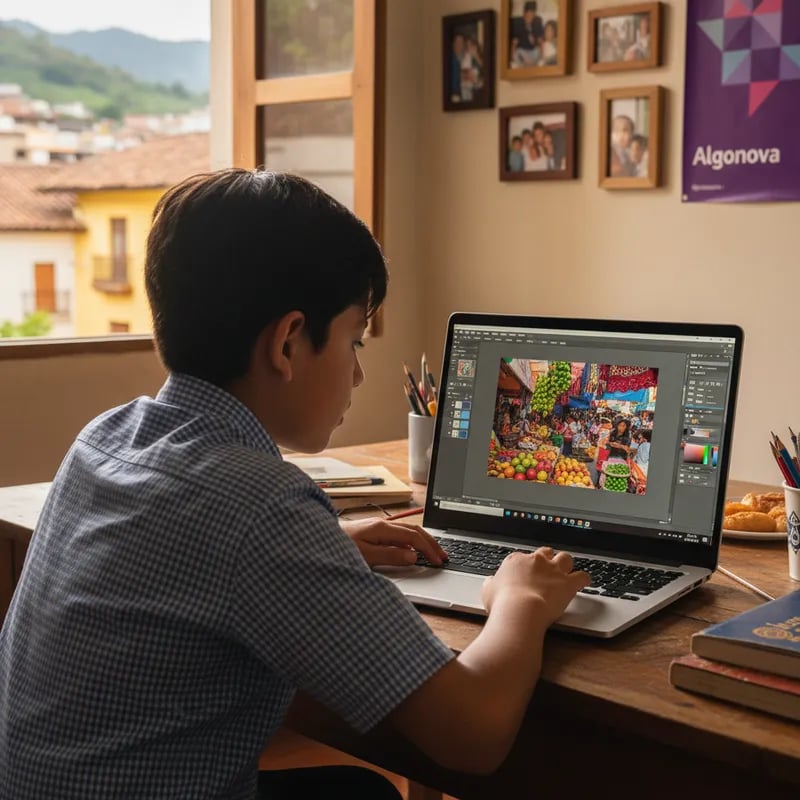
GIMP is a free, open-source image editor that works with layers, masks, filters and brushes — the same tools a professional uses in Photoshop for retouching and digital art. A child can open it, import a photo and start editing in minutes. It's the most natural entry point to design because it starts from something familiar: the images and photos the child already sees every day on their phone.

What a child creates with GIMP

With GIMP a child retouches and combines photos, draws digital illustrations with a tablet or mouse, designs posters for a birthday or a school event, and puts together collages and memes with their own images. Working in layers teaches something valuable: an image is not a single block, but many stacked pieces edited separately. That concept —thinking in layers— is the foundation of all digital design and transfers intact to any professional program.

For what age

GIMP works well from around 9 or 10 years old, once the child handles the mouse with ease and understands saving and opening files. Younger ones start with concrete tasks: cropping a figure, changing a background, applying a filter. Over time they move to their own projects. The child doesn't need to memorize menus; what matters is discovering that they can transform an image with their own hands.

Inkscape: vector graphics for scalable logos and illustrations

Inkscape is a free vector graphics editor where the drawing is built with lines and mathematical shapes instead of pixels, which lets you scale a logo or an illustration to any size without losing sharpness. It's the free alternative to Illustrator and the right tool when a child wants to design brands, icons or characters that will later be printed large or small.

What a child creates with Inkscape

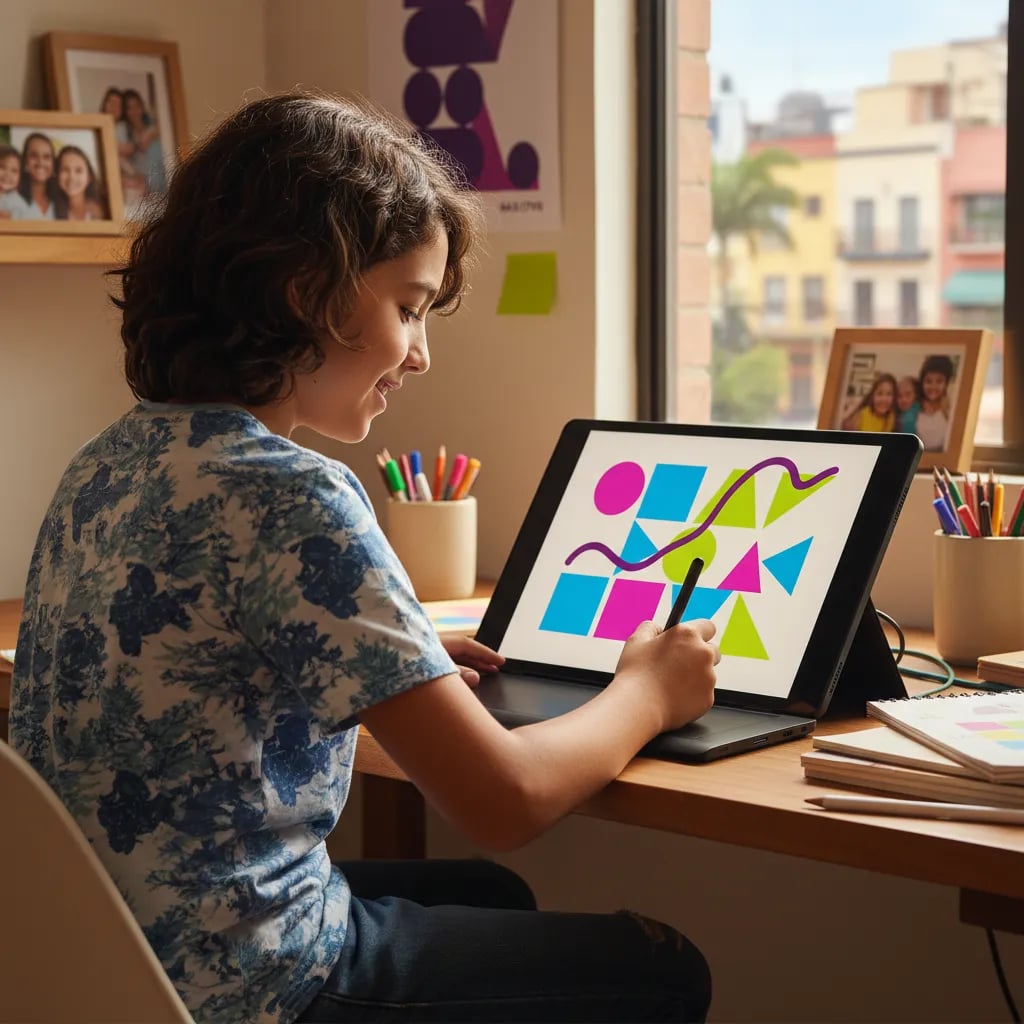
With Inkscape a child designs the logo of their channel or team, creates icons and stickers, draws flat-style characters and prepares illustrations that work equally for a t-shirt or a screen. Since each element is an editable shape, they can move, recolor and recombine without starting over. That teaches modular design: building with reusable pieces, a way of thinking that later appears in programming and visual architecture.

Vector or bitmap: when to use each

The difference is simple and worth the child understanding from the start. A bitmap (what GIMP edits) stores the image as a grid of pixels: perfect for photos and detailed art, but it pixelates when enlarged. A vector graphic (what Inkscape creates) stores the image as mathematical instructions: ideal for logos, icons and text, because it scales without losing quality. The rule a child can memorize: if it's a photo or a drawing with many nuances, use GIMP; if it's a logo, an icon or something that will change size, use Inkscape.

Tinkercad: 3D design and first steps in modeling

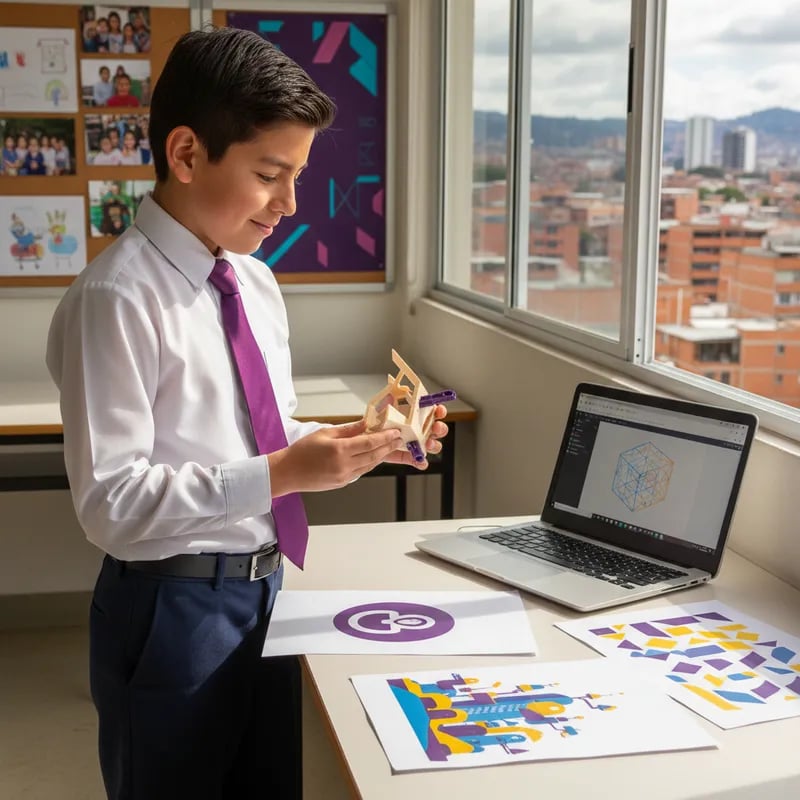
Tinkercad is a free 3D design tool that runs in the browser and lets you build objects by combining basic shapes like cubes, spheres and cylinders. It requires no installation or powerful equipment, and its interface was designed so a child models their first object the same day they open it. It's the leap from flat design to volume, and for many children it's the moment design stops feeling like a screen and starts feeling like something they can touch.

What a child creates with Tinkercad

With Tinkercad a child designs keychains, figures, phone stands, game pieces or house models. If the family or school has access to a 3D printer, those designs become real objects the child holds in their hand. Seeing an idea go from the head to the screen and from the screen to a physical object is one of the most motivating experiences in learning design.

Spatial thinking

Modeling in 3D trains spatial thinking: the ability to imagine an object from several angles, rotate it mentally and understand how its parts fit together. It's the same skill used by engineers, architects and product designers. Working in three dimensions also forces the child to plan —which shape goes first, where it joins the next— and that planning is design reasoning in its purest form.

How these three tools build a portfolio for university

Every project a child finishes in GIMP, Inkscape or Tinkercad is a portfolio piece, and a solid portfolio is exactly what design schools evaluate when receiving a new student. They don't ask for a software diploma or an Adobe certificate: they ask for evidence that the applicant knows how to solve visual problems and sustain an idea from start to finish.

The three tools complement each other and cover a range no single program reaches. GIMP demonstrates mastery of image and digital art. Inkscape shows brand, identity and vector work. Tinkercad contributes 3D design and product thinking. A teenager who arrives at an interview with a vector logo, a series of edited illustrations and a 3D-modeled object presents a more complete profile than someone who only knows one program. What's valuable is not the number of files, but the story they tell: variety, judgment and consistency.

How to support your child without being a designer

You don't need to know design to support your child; you need to give them a meaningful project, a bit of structure and someone to guide them when they get stuck. The most common mistake is leaving the child alone in front of a YouTube tutorial: they learn buttons, but not how to think. What works is working by projects —"let's design your team's logo", "let's make a keychain for grandma"— because a concrete goal gives direction to the practice.

That's where a live teacher changes the outcome. At Algonova classes are live with a certified teacher, not recorded videos, and in groups of up to 8 students, so each child gets real attention and advances at their own pace. The teacher doesn't just teach the tool: they help the child make design decisions, finish what they start and turn each project into a piece worth keeping. With more than 10 years training children in technology, presence in more than 90 countries and a 4.9★ rating from families, the Algonova method is built on real projects and a learning path designed for each student.

You can start by getting to know our design program for kids and booking a free trial class, where the child works with a live teacher and you see how they learn before deciding.