
Your child already knows how to move a sprite in Scratch, and now they want that character to tell a story, not just slide back and forth. That's exactly the difference between a game and an animation: in an animation, blocks create a sequence of actions with a beginning and an end.
This guide covers five steps to build a short Scratch animation, from picking a character and backdrop to sharing it. Written so a 7 to 12 year old can follow it alone, with the parts kids get stuck on explained first.
What Is Scratch?
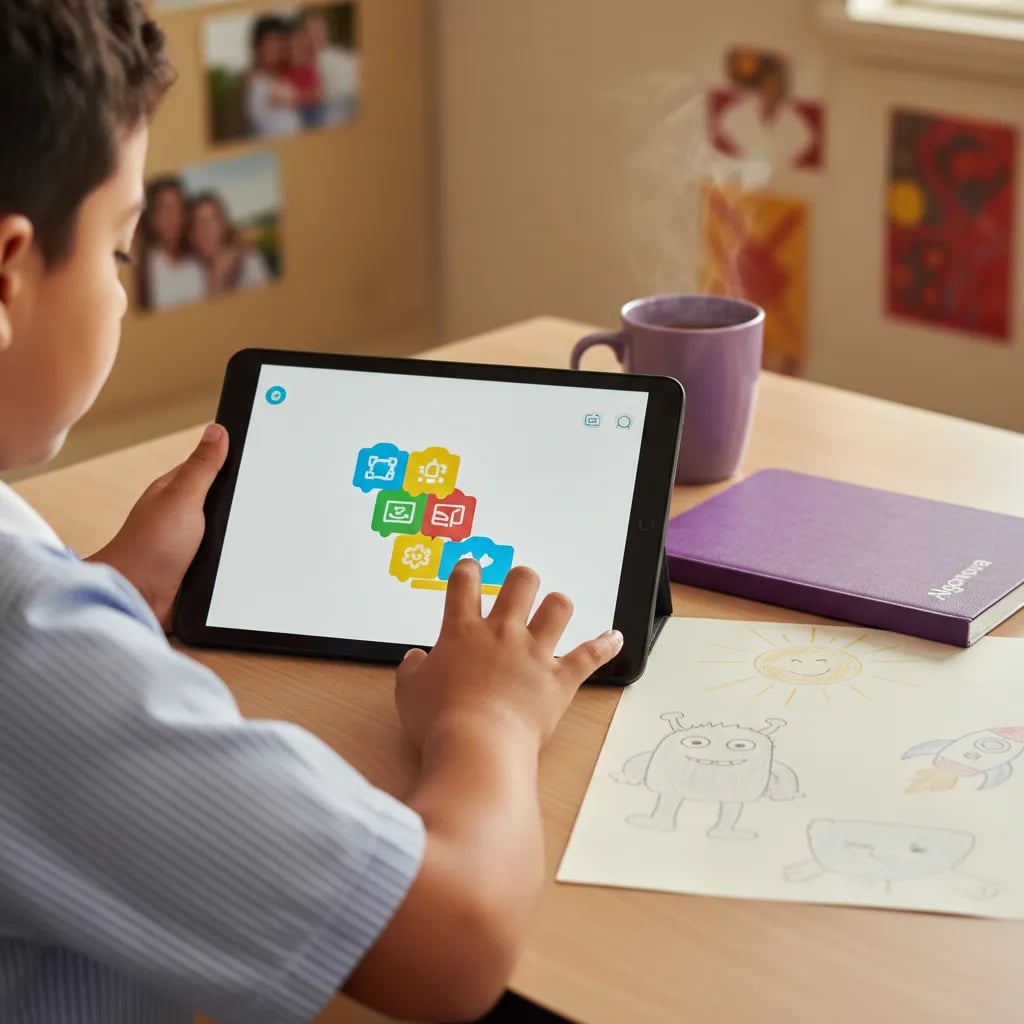
Scratch is a free block-based programming language developed at the MIT Media Lab and released publicly in 2007, used by children to build animations, games and interactive stories. It came from the Lifelong Kindergarten research group led by Mitchel Resnick, and it now has more than 90 million registered users worldwide. The characters being animated are called sprites, and each sprite can hold several costumes, which is what creates the illusion of movement.
What's Needed Before Starting
- A free account at scratch.mit.edu. Nothing to install, because Scratch runs directly in the browser, on a computer or tablet with a keyboard.
- No prior coding knowledge. Scratch uses blocks that snap together like puzzle pieces rather than text, so the first project gets built without ever seeing a line of code.
- A calm 20 to 30 minute stretch. Enough to finish a short animation start to finish in one sitting.