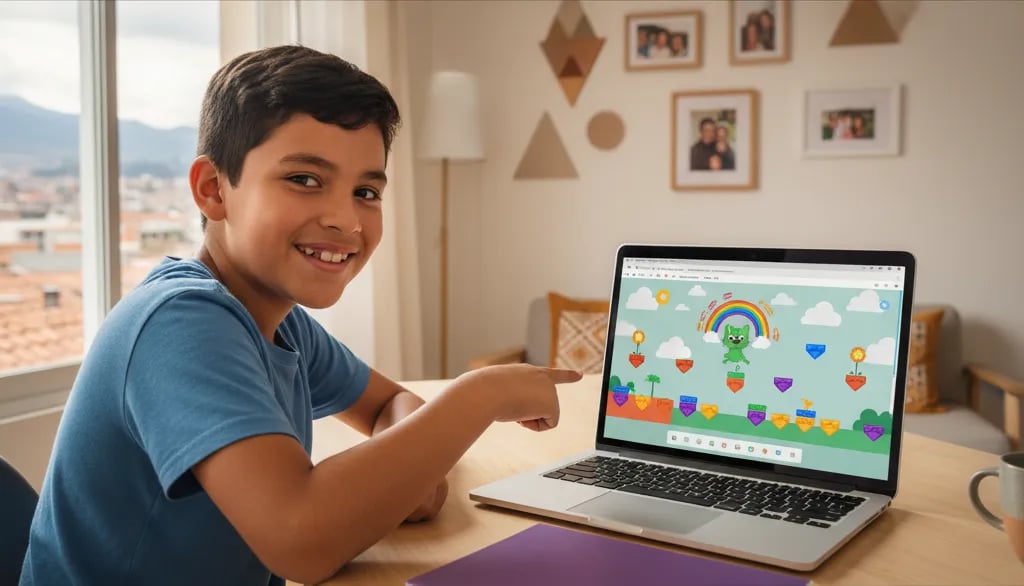
Does your child already play games all the time, and just asked: "Can I make my own game?" The answer is yes, it's free, and it can be finished in one afternoon.
This guide covers six steps from empty to a game someone else can actually play. Written so a child can follow it alone, and so you understand what they're actually doing.
What Is Scratch?
Scratch is a free program developed at the MIT Media Lab for building games, animations, and interactive stories without typing any code. It was created by the Lifelong Kindergarten research group led by Mitchel Resnick and released publicly in 2007, and it now has more than 90 million registered users worldwide. Kids snap together colorful blocks like a puzzle to control characters called sprites.
Three things to know before starting:
- Completely free. Runs directly in the browser at scratch.mit.edu, nothing to install.
- Works on a computer or tablet. Unlike Roblox Studio, which only runs on a computer, Scratch just needs a modern browser.
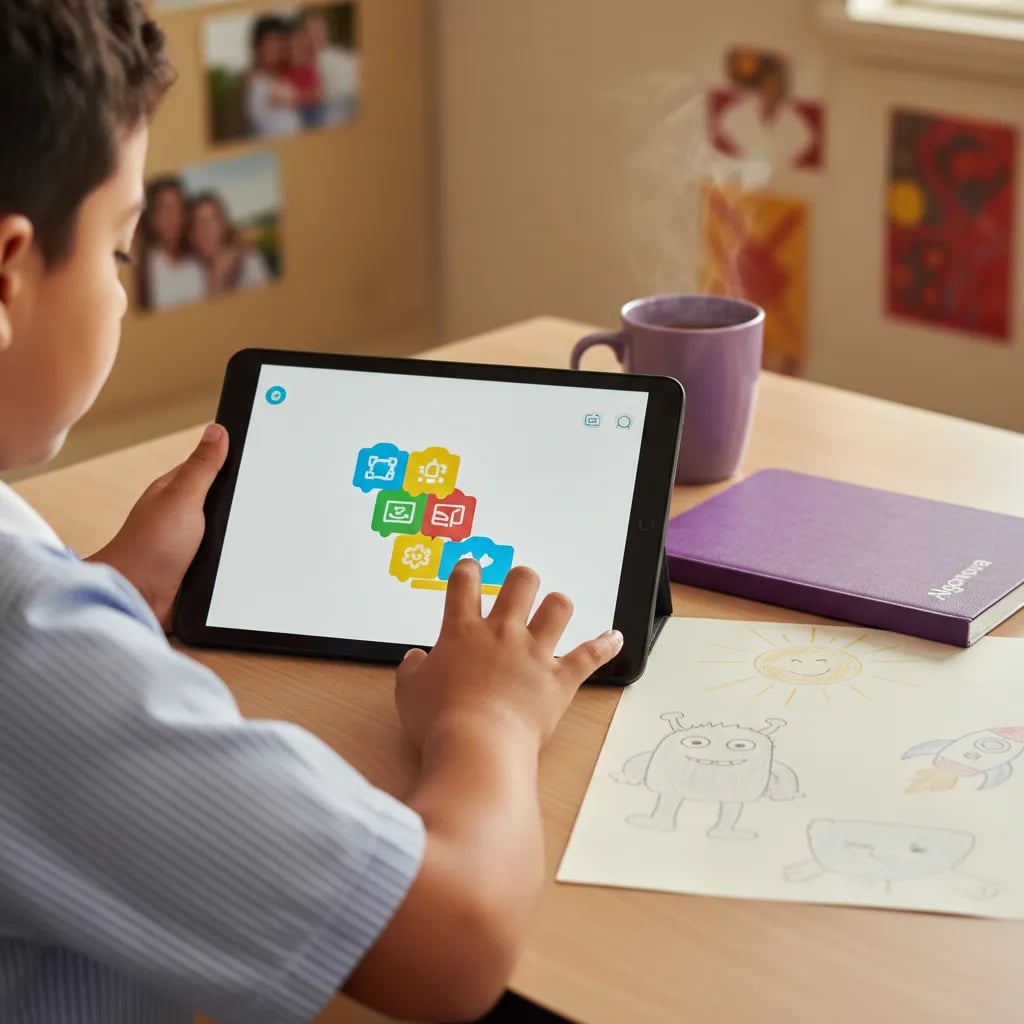
- No fluent reading required. Full Scratch (age 7+) uses short-text blocks; ScratchJr, released in 2014 by Tufts University together with MIT for ages 5 to 7, uses no text at all.
Finished games can be published to the Scratch community, where millions of other children play them and open the blocks to see how they were built.