Three Common Beginner Mistakes
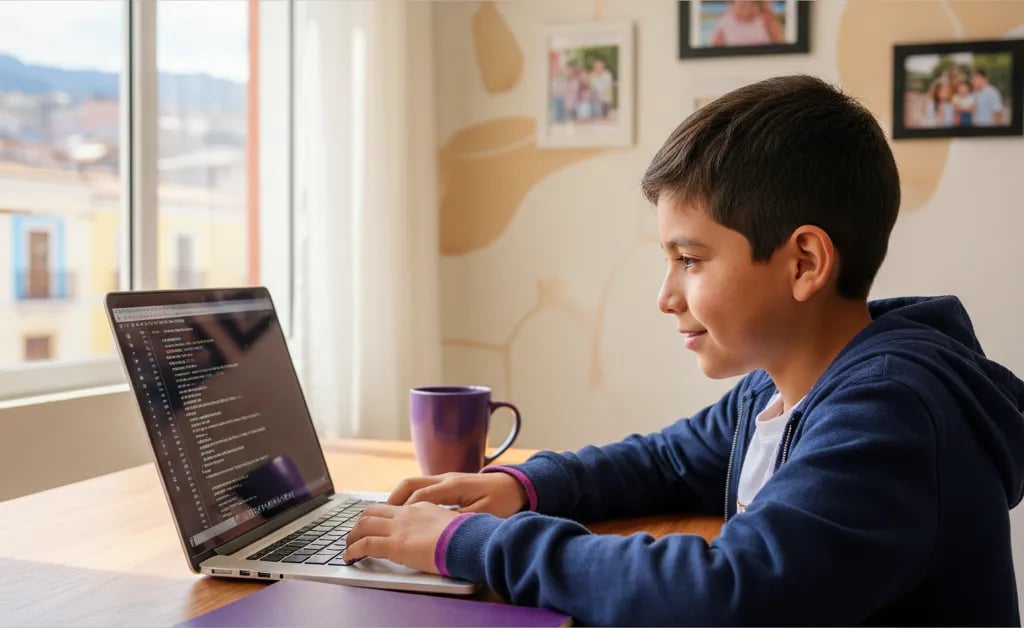
1. Wrong indentation. Python uses spacing to know which line belongs to which block. If the if isn't indented the same as related lines, the program throws an error. It's the most common day-one mistake, and it doesn't mean the child is doing something wrong — it's just the syntax.
2. Forgetting quotation marks. print(Hello) errors out; print("Hello") works. Text always needs quotes, numbers don't.
3. Jumping to a big project before the basics stick. Wanting to build a full game in the second session usually ends in frustration. The five lines above already cover variables, input, and conditions — enough of a base to move forward calmly.
What Age Can a Child Start
Around 9-12 years old for Python seriously, since by that age a child can read error messages in English and follow multi-step logic. Under 9, Scratch (block-based) is usually a better starting point.
If Your Child Gets Stuck
Some kids move forward on their own with YouTube tutorials. Others stop at the first syntax error, with no one around to explain what the message means.
In Algonova's coding classes, a certified teacher guides the child step by step: from the first print() to their own projects, fixing errors the moment they appear. The first class is free, 30 minutes, no obligation to continue.
In Short
A first Python program takes under an hour: install, write print(), add input() and a condition, and combine it all into a small calculator. Syntax errors are normal, not a sign the child isn't cut out for this — they're part of learning, same as for any programmer.