Online vs In-Person Coding Classes for Kids: Which Fits Better? (2026)
Which Is Better?9 min read
Learn Coding

Fajar Hidayat
Coding Curriculum Team, Algonova
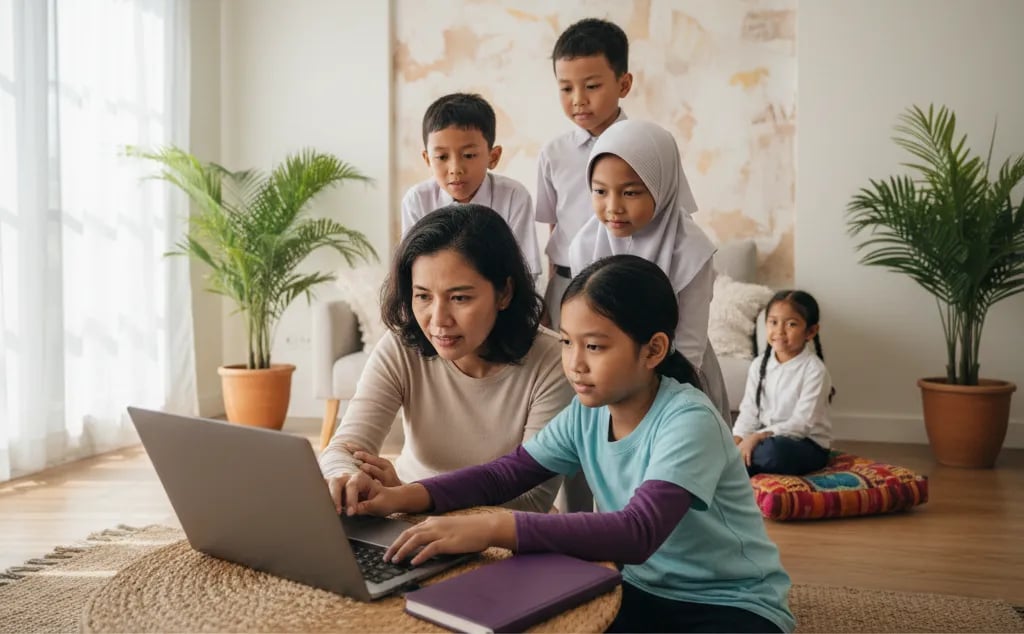
ChatGPT for kids has one hard rule before anything else: OpenAI sets the minimum age at 13, and users under 18 need a parent's permission. Below 13 that means no account of their own. Above 13, it works best as a study partner that explains, never as a machine that finishes homework. The six house rules below are what make the difference for families in Indonesia.
It explains well and knows nothing about your child's actual syllabus. That single gap decides how useful it is for school work.
| Task | How well it does |
|---|---|
| Explaining a concept three different ways | Very well |
| Rephrasing a hard question in simpler words | Very well |
| Generating extra practice questions | Well, but check the answers |
| Doing arithmetic reliably | Unreliable, it still slips |
| Matching Kurikulum Merdeka | Poorly, it does not know the format |
| Giving sources you can verify | Poorly, it invents references |
| Marking your child's reasoning | Poorly, it agrees too easily |
That last row is the one parents underestimate most. Tell ChatGPT a correct answer is wrong and it will usually fold and agree with the child.
Under 13 there should be no personal account, and that is the service's own rule rather than a parenting opinion. For 13 to 17, a parent has to accept the terms, which in practice means the account sits under your supervision.
The last point matters more in Indonesia than parents expect, because children often paste an entire worksheet header carrying their name and class.
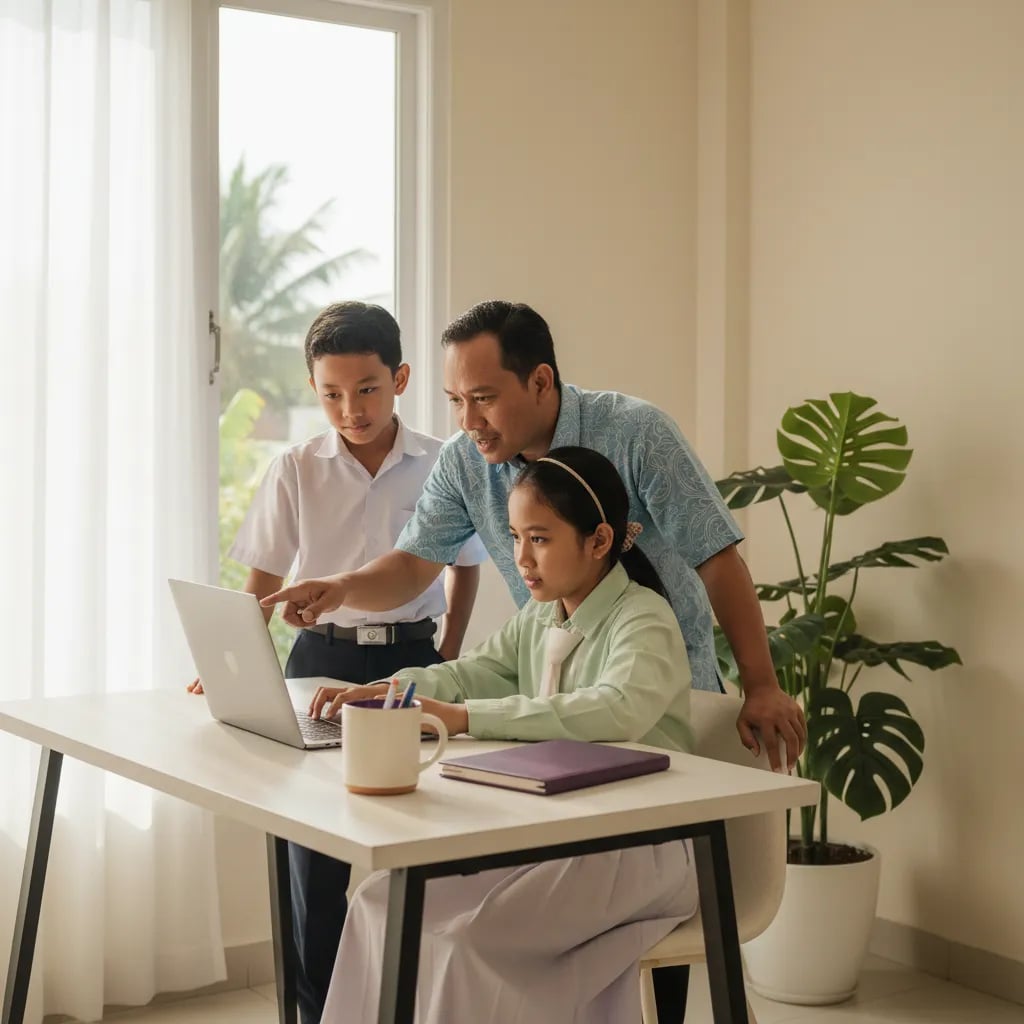
Rules about output always fail. Rules about process hold. Telling a child not to use ChatGPT for homework is unenforceable; teaching them how to use it is not.
Rule four carries the most weight. It turns the tool from a shortcut into a study aid, because a child who cannot explain something has to go back and understand it.
Ask one question at dinner: what did you do differently this time? A child who learned can answer. A child who copied changes the subject.
| Signal | Learning | Copying |
|---|---|---|
| Can explain the middle steps | Yes | No, only the answer |
| Small corrections and crossings out | Yes | No, the work is too clean |
| Word choice in the book | Sounds like a child | Sounds like an adult |
| Time taken | Similar or slightly less | Dramatically less |
| Reaction when asked to redo it | Fine with it | Resists strongly |
If the last two rows both point to copying, do not take the tool away. Change the task instead and ask your child to teach you the same topic in five minutes. Difficulty there is not a discipline problem, it is a signal that a real teacher would help.
It sounds equally confident when it is right and when it is inventing. For a child, that tone is the whole problem, because confidence reads as correctness.
Show your child the last one directly. Give it a correct sum, say the answer is wrong, and watch it apologise and change. Children who see this once stop treating it as an authority, which is the most valuable lesson in the whole exercise.
A good prompt asks for a method, a check or an example, not for the answer. These four cover most homework situations:
Writing prompts like these is a skill in itself, and it is the part that transfers to real work later. That is the centre of our AI classes for kids, where children learn to direct the tool rather than accept whatever appears first.
Most schools have no written AI policy yet, so the safest assumption is that undeclared AI use counts as someone else's work. Until such a policy arrives, the workable line at home is simple: AI can help your child understand, it cannot produce what gets handed in.
That last line is the practical argument. If the exam is handwritten with nothing on the desk, any homework habit that skips the thinking builds a gap that eventually shows up on the paper. We discuss a similar pattern in coding and AI, required or optional.
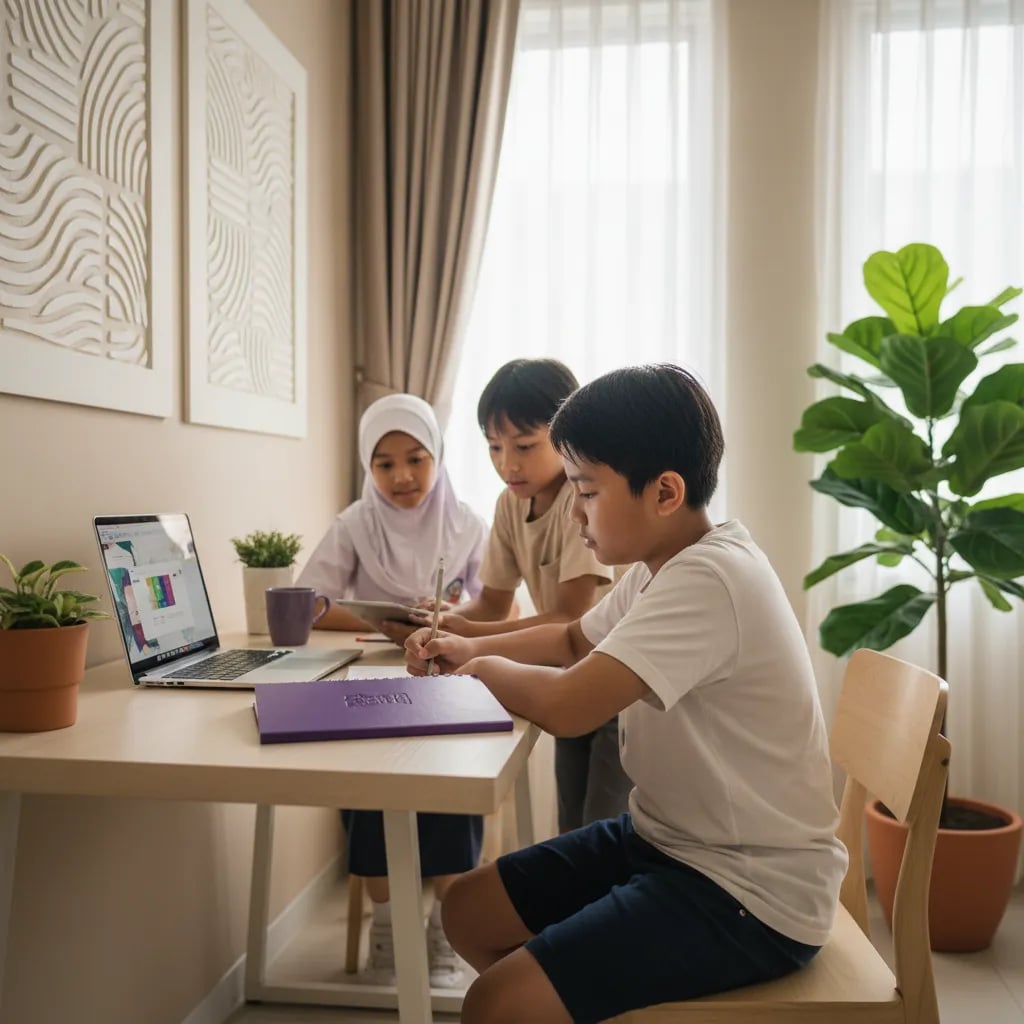
Under 13, skip the chatbot and use tools built for children. They teach the same underlying ideas without an open-ended chat window.
Teachable Machine is the one worth trying this weekend. Ten minutes training a model to tell two objects apart gives more understanding of AI than an hour of chatting with a bot. For other angles there is also learning AI for primary school kids and is AI safe for children.
Day six tells you more than any of the others. A child who can teach a topic back has understood it, whatever tool they used to get there.
Worth reading next: AI classes for kids, what parents say and our coding programme.
OpenAI sets the minimum at 13, and anyone under 18 needs permission from a parent or guardian. In practice that means a child under 13 should not have their own login, while a teenager between 13 and 17 uses an account you know about and can look into. Plenty of families skip this and let a nine year old use an older sibling's account, which removes every safeguard that comes with an adult being nearby. If your child is under 13 and curious, use it together on your device, or move to a tool built for children such as Teachable Machine or Scratch.
It depends which part is handed over to the tool. Asking it to explain long division and then solving the questions yourself is studying. Asking for the answers and copying them into the book is submitting work that is not yours. Most schools in Indonesia have no written policy yet, so the safest assumption is that undeclared AI use counts as someone else's work. The practical test at home is far simpler than any rule: if your child cannot explain the answer to you in their own words, it does not get submitted.
It helps with understanding a concept and is weak on the curriculum itself. Ask it to explain fractions three different ways and the result is good. Ask for questions in the exact school exam format, with the same mark distribution, and it produces something plausible that does not match the real paper. It also slips on longer calculations, which matters when a child assumes the answer is already correct. Treat it as a patient explainer and check every number manually. For syllabus-specific practice, past papers and a teacher who knows the format remain more reliable.
The model is tuned to be agreeable, so pushing back on a correct answer often makes it apologise and switch to a wrong one. This is the most dangerous habit for a student, because it teaches the opposite of checking your own work. Show it to your child directly: give it a correct sum, say the answer is wrong, and watch what happens. Children who see this once stop treating it as an authority and start treating it as a tool that needs verifying. That shift is worth more than any rule about when they are allowed to use it.
Full name, school name, student number, address, phone number, photographs and anything about other children. This happens more often than parents expect, because children paste an entire worksheet including the header with their name and class. Teach one habit rather than a long list: retype the question, never paste the page. It takes ten seconds and removes the whole category of risk. The same applies to photos of homework, which usually carry a name, a school stamp or a teacher's handwriting in the corner.
Not as a personal account, because the service itself sets 13 as the minimum. Used with a parent on the parent's device it is manageable, though better options exist for that age. Tools built for children teach the same underlying ideas without an open conversation: Teachable Machine has a child train a model with their own webcam photos in about ten minutes, Scratch offers simple AI extensions, and Code.org runs structured AI lessons for primary ages. All of these give a real understanding of how AI learns from examples, which a chatbot conversation never shows.
Ask what they did differently this time. A child who actually worked through it can explain the middle steps; a child who copied gives the answer and changes the subject. Other reliable signals: the work is unusually clean with no crossings out, the word choice sounds like an adult wrote it, and it took far less time than usual. If two of those appear together, do not take the tool away. Change the task instead and ask your child to teach you the same topic in five minutes. If that falls apart, the gap is in understanding rather than discipline.
Banning the output fails, because you cannot enforce it and your child will use it on a friend's phone. Setting rules about the process works, because it changes what the tool is for. Six that hold up: ask it to explain rather than answer, write the final answer yourself, check every number manually, submit nothing you cannot explain, keep chat history visible for the first few months, and never enter personal details. Families who set these early spend far less time arguing about it later on.
It can, but only if it replaces the thinking rather than the explaining. The risk is concrete: exams in Indonesia are handwritten with no tool on the desk, so a homework habit that skips the working builds a gap that eventually shows up on the paper. The protection is the same rule used throughout this article. The child produces the answer, the tool only clarifies the method. Watch for the specific pattern where homework marks stay high while test marks fall, because that gap is the earliest measurable warning.
Writing prompts, checking output and understanding how a model learns from examples. Chatting is the least transferable part; directing a tool precisely is what carries into real work. A child who can ask for a method, request a self-check instead of an answer, and spot an invented reference is doing something closer to a genuine skill. That is the focus of our AI classes, alongside coding, because prompting without any understanding of how software works usually stalls quickly.

Algonova worldwide
Contact
Whatsapp: +62 21 50996971
Email: info@algonova.id
Address
Coworking Area, Gedung IT 6 Lantai Dasar, Nongsa Digital Park, Jalan Hang Lekiu, Kelurahan Sambau, Kecamatan Nongsa, Batam, Indonesia Directorate General of Consumer Protection and Trade Compliance – Ministry of Trade of the Republic of Indonesia. WhatsApp Ditjen PKTN: 0853-1111-1010.
PT Algonova Indonesia Cerdas All rights reserved 2026