Abacus vs Kumon vs Conceptual Math: Which Is Right for Your Child?
Which Is Better?6 min read
Learn Coding

Hafiz Rahman
Coding Curriculum Team, Algonova Malaysia
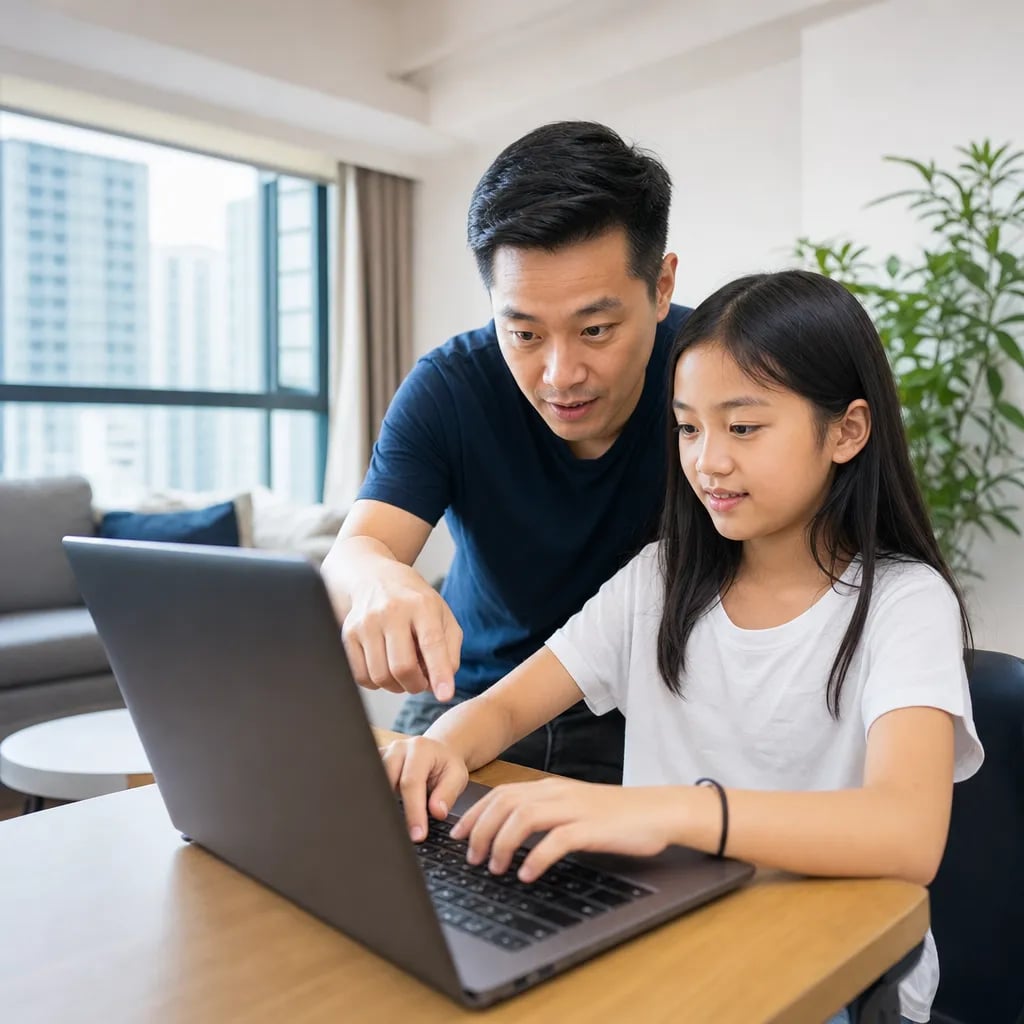
A computer class for kids should change with age: mouse, keyboard and safe use at 5 to 7, touch typing and Scratch at 8 to 10, design and AI tools at 11 to 13, then Python and real projects at 14 to 17. For most Malaysian children, 1 to 3 hours a week is enough. This guide gives parents a table by age, a weekly time plan and 7 checks for choosing a course.
A computer class for kids teaches a child to use a computer with confidence: handle files, type, search safely, make documents and pictures, and later write programs. Coding is one part of it, usually the part that starts at about 8.
Parents in Malaysia often search for "computer class" when what they want is broader than coding. A 6 year old who cannot yet drag a file into a folder is not ready for Scratch. A 12 year old who types with two fingers will find Python slow and frustrating. Good courses therefore stack skills in layers:
A child who can save, find and rename a file without help is ready for almost any beginner course.
Start your child's tech journey
Book your free 60-minute trial class with an Algonova certified tutor. No payment, no obligation, just discover what your child can build.
The short answer is to follow readiness, not the school year. The table below is the plan we suggest to Malaysian parents, built on how children aged 5 to 17 usually progress in our classes.
| Age | Main skills | Best format | Time per week |
|---|---|---|---|
| 5 to 7 | Mouse, keyboard letters, saving work, first logic games, ScratchJr | Short live lessons with a parent nearby | 45 to 60 min lesson + 2 short practice sessions |
| 8 to 10 | Touch typing, Scratch, simple slides and posters, safe search | Small group class, weekly | 1 to 2 hours |
| 11 to 13 | Graphic design, game design, AI tools, typing speed, Scratch to Python bridge | Small group with projects | 2 to 3 hours |
| 14 to 17 |
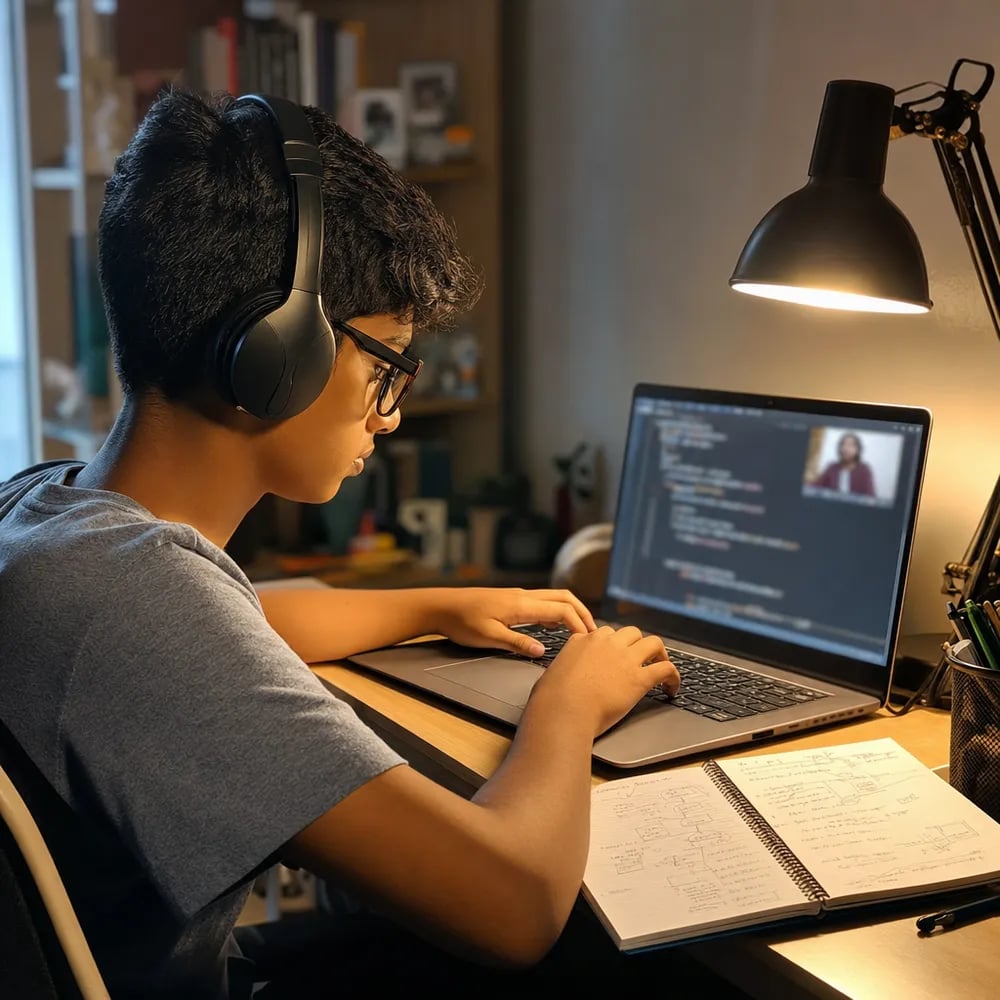
At 14 to 17, a computer class should lead to real programming. Python Year I suits ages 12 to 14 and Python Year II ages 15 to 17, with projects saved on GitHub. Our Python courses for teens aged 12 to 17 end with 3 to 5 finished projects a teen can show a university.
A typical Year II project: Arjun, 15, writes a Python script that tracks his badminton scores in a table and draws a chart of his progress over 8 weeks.
Schools give a base, but limited hands-on time. In primary school, computational thinking and simple programming appear inside Reka Bentuk dan Teknologi (RBT) from Tahun 4, as our guide to coding and STEM under KSSR explains. In secondary school, Asas Sains Komputer was introduced from Tingkatan 1 in 2017 under KSSM.
The starting age is also shifting. From the 2027 session, children who attended preschool may enter Tahun 1 at 6, according to a Malaysia MADANI report from January 2026. A computer class at home or online adds what school time rarely allows: regular practice and projects a child actually finishes.
Both work if the class is small and the teacher watches each screen. Searches for "computer class near me" are common, but a centre near home only helps if your child can attend every week without long traffic.
| Factor | Online live class | Computer centre |
|---|---|---|
| Travel | None | 20 to 60 minutes each way in Klang Valley traffic |
| Computer | Your child learns on the home laptop they will keep using | Centre machines, then a different setup at home |
| Teacher attention | Teacher sees the shared screen | Teacher walks between desks |
| Best for | Ages 7 and up, children who can sit for 45 to 60 minutes | Ages 5 to 6 who need hands-on help |

Algonova worldwide
Contact us
Email: int_legal@alg.team
| Small group or one to one |
| 3 to 4 hours including homework |
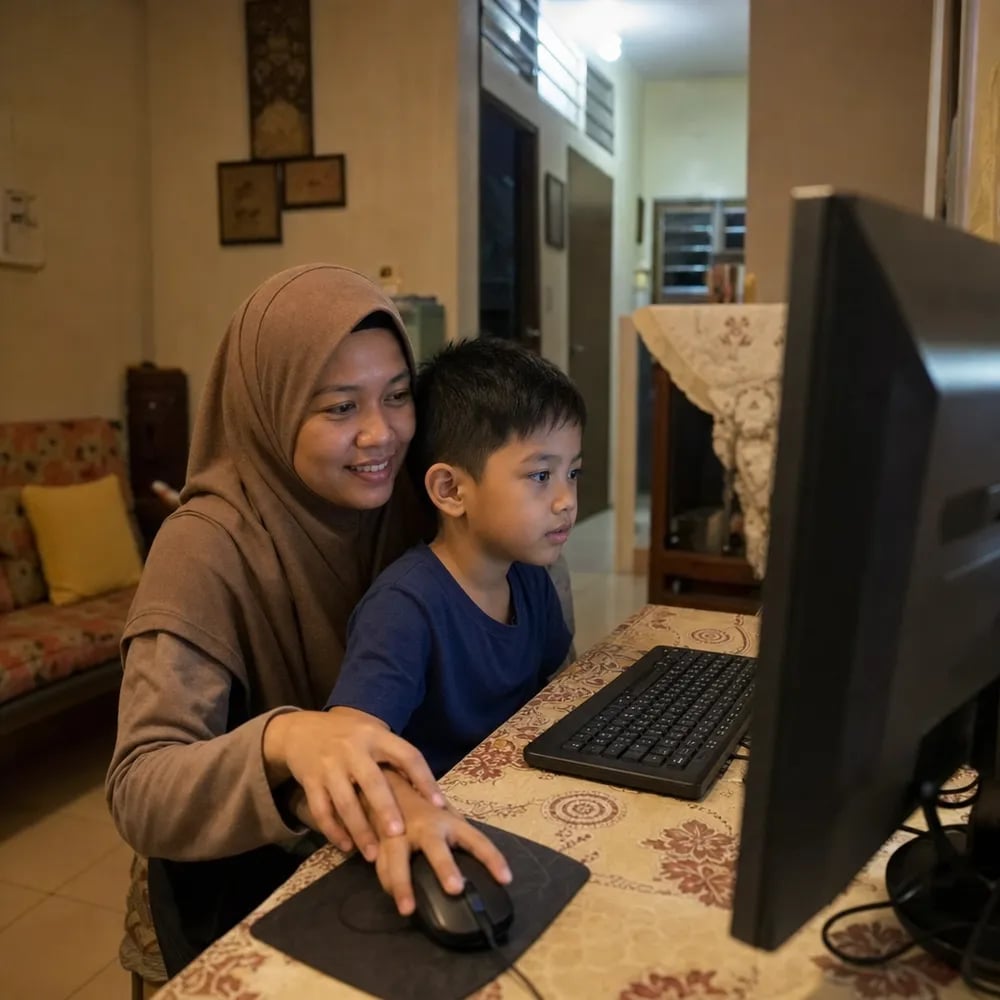
At 5 to 7, the goal is comfort, not output. Your child learns to click and drag, find letters on the keyboard, open and save a drawing, and follow a three-step instruction. Picture-block apps such as ScratchJr teach sequence without reading; our ScratchJr guide for ages 5 to 7 shows the first 15 minutes step by step.
Aisyah, 6, spends 10 minutes drawing a cat, saves it as "kucing", closes the app and finds the file again. That small loop is a full lesson at this age. Algonova's computer and coding classes for ages 6 to 7 start here, with Math for 6 to 8 and Digital Literacy from 7.
From 8, most children read well enough for real tools. Touch typing becomes worth 10 minutes a day, and Scratch lets them build games with variables, loops and scores. A rough target for a 10 year old is 15 to 20 words per minute with eyes on the screen.
Take Wei Jie, 9: he builds a Scratch quiz with 5 questions and a score counter for his Tahun 3 class. Our classes for ages 8 to 12 cover Visual Programming in Scratch from 8 to 11 and Graphic Design Junior from 8 to 12.
At 11 to 13, children want to make things that look real. This is the age for Graphic Design Senior (11 to 14), Game Design in Roblox Studio with Lua (10 to 12) and careful use of AI tools for ideas and checking work. Our guide to AI for kids by age explains what is safe to allow.
Nurul, 12, designed a poster for her school's Hari Sukan. She wrote the prompt for a background idea herself, then redrew the result in her own style.
One structured lesson a week plus short practice works better than one long weekend session. Use these steps:
Our article on screen time limits by age helps you fit learning into the daily total.
A good computer course shows you what your child will make, not only what topics it covers. Check these before you pay:
Algonova has taught more than 1 million students in 97 countries. Our coding and computer courses for ages 5 to 17 follow the path in the table above.
Most children can start a simple computer class at 5 or 6, as long as lessons are short and focus on the mouse, keyboard and saving work rather than coding. At 5, attention lasts about 15 to 20 minutes at a time, so a good class mixes screen work with talking and drawing. By 7, most children can follow a 45 to 60 minute lesson with breaks. Reading matters more than age: a child who reads short words can use labelled buttons and simple menus alone. If your child is 4, playful tablet time with a parent is enough, and a formal class can wait a year. In Malaysia, many families start around the move to Tahun 1, which helps because school will soon expect basic digital skills. A free trial lesson is the easiest way to see whether your child is ready without signing up for a full term.
No. A computer class covers general digital skills such as typing, files, documents and safe search, while a coding class teaches a child to write programs. The two overlap from about age 8, when Scratch and simple logic enter most computer courses. For a 6 year old, a computer class is mostly basic use, with a little logic through picture blocks. For a 12 year old, a good computer class is largely coding and design, because basic use is already in place. Parents who search for a "computer class" often want both, so ask the provider how much time goes to each part. At Algonova, Digital Literacy from age 7 covers basic skills and creative tools, and coding starts in Visual Programming from 8. Picking by your child's current skills, rather than the course name, avoids paying for lessons they have already outgrown.
Not before, but alongside. Touch typing helps most from age 8, when children start writing text in Scratch projects and later in Python. Block coding at 8 needs little typing, so there is no reason to delay Scratch until typing is perfect. Text coding is different: a 13 year old who hunts for every key spends more time searching the keyboard than thinking about the program. A practical routine is 10 minutes of typing practice, 4 or 5 days a week, using any free typing game that shows correct finger positions. Stickers on the F and J keys help fingers find the home row. We wouldn't pay for a separate typing course at this age; a free game and steady practice do the same job. Within 2 to 3 months many children double their speed. Track words per minute once a month so your child sees progress, because visible numbers keep motivation up much better than reminders.
Prices vary widely by format, group size and city, so compare the price per hour of live teaching rather than the monthly fee. Community programmes sometimes offer free short introductions to computers and typing, while private classes charge per lesson or per term. A one to one lesson costs more per hour than a group of 6 to 10, but the child gets the teacher's full attention. Before paying, ask what is included: materials, software, certificates and how many lessons make up a course. Also check whether you must pay for a full term upfront or monthly, and what happens to unused lessons if your child stops. Ask too whether the price per lesson changes with group size. The fairest test is a free trial lesson, which shows the teaching quality before you commit any money at all.
Online works well for most children from about 7, especially when the class is live and small. A centre helps mainly at 5 or 6, when a child needs hands-on help with the mouse. Online classes save travel time, which in Klang Valley can add an hour or more to each lesson. Your child also learns on the same laptop they use for homework, so skills carry over directly. The risk is distraction, so set up a quiet corner, a headset and a parent nearby for the first few lessons. A centre is worth considering if your home computer is shared or unreliable. Whatever the format, ask whether the teacher can see every child's screen and step in quickly when someone gets stuck. That single detail decides more about progress than the location does.
A basic Windows laptop or a Chromebook with a real keyboard is enough for most classes up to age 13. A tablet works for ages 5 to 7 but not for typing or Scratch projects. Look for at least 8 GB of memory, a screen of 13 inches or more and a working webcam and microphone for live lessons. An external mouse helps younger children, because trackpads are hard for small hands. From 14, Python and code editors run better on a laptop with Windows or macOS than on a basic Chromebook. You do not need a gaming computer, even for Roblox Studio, unless your child builds very large worlds. Before buying, check the course's technical requirements, since some tools need a specific system. A second-hand laptop in good condition is a sensible first machine for a child.
Look at what your child can make alone, not at hours spent. After 8 weeks of classes, most children should finish at least 2 small projects without help. At 5 to 7, progress means saving and finding work, and following a short instruction sequence. At 8 to 10, it means a working Scratch game and visibly faster typing. At 11 to 13, your child should be able to plan a project before starting it. At 14 to 17, look for code that runs, is saved on GitHub and is explained in your teen's own words. Ask your child to teach you one thing they learned this week. If they can explain it in their own words, they have understood it. If nothing new appears for a month, talk to the teacher about the level or the pace of the course.
AI tools can be safe from about 10 with clear rules and an adult who checks the settings. For younger children, a teacher or parent should type the questions. ChatGPT, for example, sets a minimum age of 13 in its terms and asks for parental consent under 18, so read each tool's rules before creating any account. In class, children can use AI to brainstorm ideas, explain an error message or check a summary, while still doing the actual work themselves. Teach your child to never share their name, school or photos with a chatbot. Our guide to AI tools that are safe for kids lists what Malaysian parents can allow at each age. Every AI answer is a draft: check it against a book or ask a teacher.
Visit us
Suite 8634, 1021 E Lincolnway, Cheyenne, WY, Laramie, US, 82001
Algonova online LLC International tech school for kids and teens