What Does Scratch Mean? Full Guide to Visual Coding for Kids
Coding Education9 min read
Coding Education
Maya Putri
Early Childhood Education Specialist
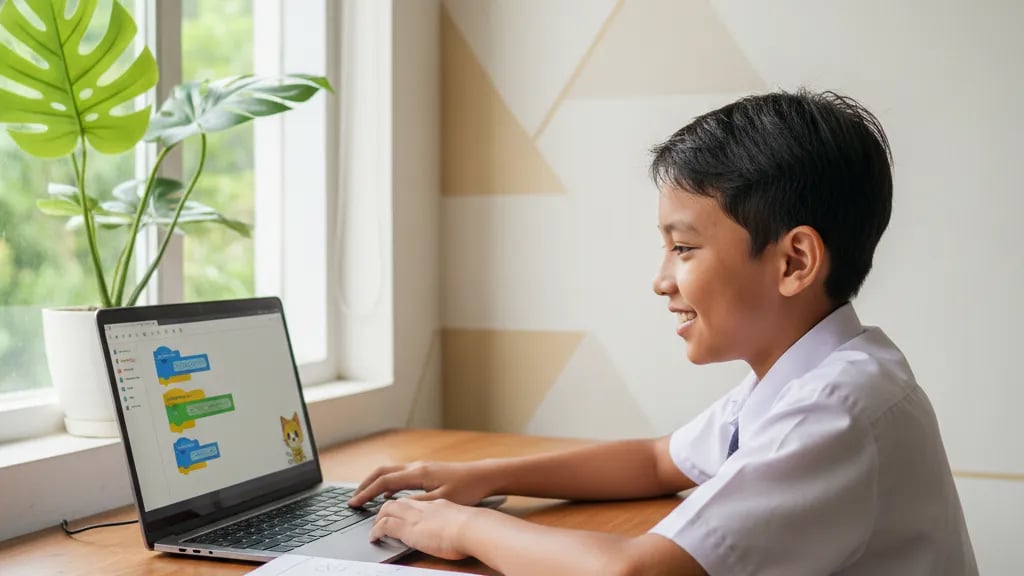
These 40 Scratch questions with an answer key cover the Informatics syllabus for grades 4 to 9 in Indonesian primary and junior high schools. They are grouped into fill-in-the-blank, multiple choice, essay, and program-tracing questions, and every question comes with a short explanation. Use them for quiz practice, homework, or end-of-term (PAS) revision. Work through each question in a notebook first, then check the answer below it.
A quick reminder before you start: Scratch is a visual programming language built by the Lifelong Kindergarten group at the MIT Media Lab in the United States, led by Mitchel Resnick, and released to the public in 2007. The editor is free to use at scratch.mit.edu.
This practice set was put together by the teaching team at Algonova, an online school of coding, math, AI, and design for children aged 5 to 17. More than 1,000,000 students in 97 countries have studied with Algonova. Classes run live with a teacher in groups of up to 10 children, prices start from Rp 102,000 per session, and parents rate the school 4.9.
Question. Scratch is a visual programming language developed by ....
Answer key. The Lifelong Kindergarten research group at the MIT Media Lab.
Explanation. The group takes its name from Mitchel Resnick's idea that learning at any age should feel as free as playing with blocks in kindergarten, and Scratch follows exactly that logic: commands are blocks you snap together. The first public version came out in 2007 and schools have used it for free ever since. In 2014 ScratchJr followed for children aged 5 to 7, a joint project of the MIT Media Lab and Tufts University, with picture blocks and no text. If the teacher only asks for one name, "MIT Media Lab" counts as correct, but the most complete answer names the Lifelong Kindergarten group. The full history is covered in our article what is Scratch.
| No. | Fill in the blank | Answer key |
|---|---|---|
| 2 | An object or character used in Scratch is called a .... | Sprite |
| 3 | The area where sprites move and the program output is shown is called the .... | Stage |
| 4 | The background picture on the stage is called a .... | Backdrop |
| 5 | A different look of the same sprite is called a .... | Costume |
| 6 | Scratch commands come as colorful pieces called .... | Blocks |
| 7 | A group of blocks snapped together and run in order is called a .... | Script |
| 8 | Scratch was introduced as a tool for .... | Learning to program by making your own stories, animations, and games |
| 9 | The block that runs a program when the green flag is clicked belongs to the category .... | Events |
| 10 | Online Scratch projects are made at the address .... | scratch.mit.edu |
| 11 | The default sprite that appears in a new project is the .... | Scratch Cat |
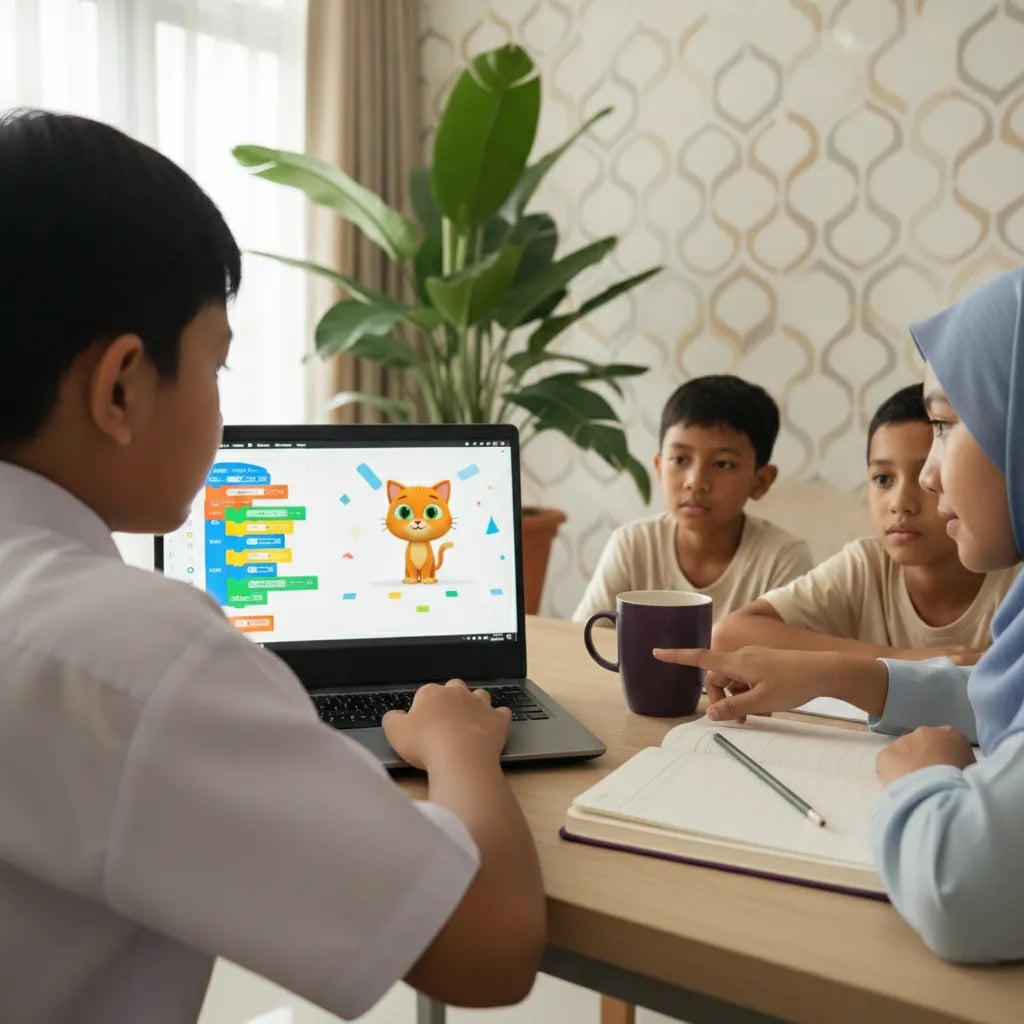
Explanation notes. The two questions students mix up most often are 4 and 5. A backdrop belongs to the stage, so the whole screen background changes. A costume belongs to a sprite, so only one character changes its look, for example the cat standing and then the cat stepping. Question 7 is often answered "block", but one block is a single command and only a chain of them is called a script. Children who can tell these three apart easily are usually ready for a coding class for primary school kids.
A child who can explain the difference between a costume and a backdrop has usually grasped how Scratch thinks. Memorised block names fade quickly, but understanding what changes on the screen lasts.
Maya Putri, Child Education Specialist
12. The block "move 10 steps" belongs to: A. Looks B. Motion C. Sound D. Events
Answer: B. Motion controls a sprite's position, direction, and x and y coordinates.
13. The block "say Hello! for 2 seconds" belongs to: A. Motion B. Control C. Looks D. Sensing
Answer: C. Looks controls everything the audience sees: speech bubbles, costumes, size, and color effects.
14. The block "repeat 10" belongs to: A. Control B. Operators C. Events D. Variables
Answer: A. Control handles loops and branching, including the "forever" and "wait 1 seconds" blocks.
15. Blue blocks in the palette belong to the category: A. Events B. Motion C. Sound D. Control
Answer: B. Scratch gives each category its own color, and blue is used for Motion.
16. The block "when green flag clicked" is used to: A. stop the program B. repeat commands C. start the program D. switch costume
Answer: C. Events blocks act as triggers, so the script below them only runs once the trigger happens.
17. To make a sprite play a "Meow" sound, you take a block from: A. Looks B. Sound C. Sensing D. Operators
Answer: B. Sound handles playing sounds, volume, and tempo.
18. The block "if ... then" belongs to: A. Operators B. Control C. Sensing D. Motion
Answer: B. The block itself is a Control block, but the condition slot inside it is usually filled with a Sensing or Operators block.
19. The block "touching color ...?" belongs to: A. Sensing B. Control C. Looks D. Motion
Answer: A. Sensing reads what is happening around the sprite: touches, mouse position, keys pressed, and distance between sprites.
20. To store a score in a game, students use the category: A. Operators B. Variables C. Events D. Sound
Answer: B. Variables store numbers or text whose value can change while the program runs.
21. The addition block "( ) + ( )" belongs to: A. Variables B. Operators C. Motion D. Control
Answer: B. Operators do calculations and comparisons, and the result is placed inside another block.
22. Explain the difference between Motion blocks and Looks blocks in Scratch.
Model answer. Motion blocks control how a sprite moves: its position, the direction it faces, and its x and y coordinates on the stage. Looks blocks control how a sprite appears: its costume, size, color effects, speech bubbles, and whether it is shown or hidden. So Motion changes where the sprite is, while Looks changes what the sprite looks like. The two are often used together so that movement looks alive.
| Aspect | Motion blocks | Looks blocks |
|---|---|---|
| Main job | Change position and direction | Change how the sprite looks |
| Palette color | Blue | Purple |
| Example blocks | move 10 steps, turn 15 degrees, go to x y | say Hello!, switch costume, change size by 10 |
| What changes | x and y coordinates, direction | Costume, size, effects, speech bubble |
| Visible while the sprite stands still | No | Yes |
23. Name three Motion blocks and what they do. Answer: "move 10 steps" moves the sprite forward by 10 units, "turn right 15 degrees" changes the direction it faces, and "go to x: 0 y: 0" moves the sprite to the center of the stage.
24. Name three Looks blocks and what they do. Answer: "say Hello! for 2 seconds" shows a speech bubble, "next costume" changes the sprite's look, and "hide" makes the sprite disappear from the stage without deleting it.
25. A sprite has to walk to the right while its legs move. Which block categories are needed? Answer: Events for the green flag trigger, Control for the "repeat" block, Motion for "move 10 steps", and Looks for "next costume". Combining Motion and Looks inside one loop is what makes a walking animation look real. The full steps are in our guide on how to make an animation in Scratch.
26. when green flag clicked / go to x: 0 y: 0 / repeat 4 { move 50 steps, turn right 90 degrees }. What happens?
Answer: the sprite traces a square path with sides of 50 steps. The total distance is 4 x 50 = 200 steps and the total turn is 4 x 90 = 360 degrees, so the sprite stops back at x: 0 y: 0 facing the same way it started. The path only shows on screen if you add a pen block.
27. set score to 0 / repeat 5 { change score by 3 }. What is the final score?
Answer: 15. The score starts at 0 and goes up by 3 five times, so 5 x 3 = 15. Note the difference: "set score to" overwrites the value, while "change score by" adds to the value already there.
28. go to x: -100 / repeat 4 { change x by 25 }. At which x coordinate does the sprite stop?
Answer: x = 0. It moves 4 x 25 = 100 units to the right, so -100 + 100 = 0, which is the middle line of the stage.
29. when green flag clicked / say "Hello" for 2 seconds / say "Happy learning" for 3 seconds / hide. How long does the sprite talk?
Answer: 5 seconds, because blocks run one after another from top to bottom, not at the same time: 2 + 3 = 5 seconds.
30. forever { if key up arrow pressed then { change y by 10 } }. What happens?
Answer: while the up arrow key is held down, the sprite rises 10 units every time the loop runs, and it stops rising as soon as the key is released. The program never stops on its own because the "forever" block keeps running until the red stop button is pressed. This is the same pattern used to move the main character in a game made in Scratch.
The most honest way to check a program-tracing answer is to run it in Scratch. When the screen shows something different from the answer in the notebook, that is exactly where your child learns.
Maya Putri, Child Education Specialist
31. Scratch comes in two versions, namely .... Answer: an online version (run in a web browser at scratch.mit.edu) and an offline version (an app installed on the computer).
32. What is the advantage of the offline version? Answer: it works without an internet connection, which suits school computer labs with a weak network. The downside is that projects are not saved to an account automatically and cannot be shared right away.
33. What is the advantage of the online version? Answer: projects are saved to an account, can be opened from any computer, and can be shared with other users.
34. What age is ScratchJr designed for? Answer: 5 to 7 years old.
35. Explain the difference between Scratch and ScratchJr. Answer: ScratchJr uses picture blocks with very little text, so children who are not yet fluent readers can use it; it has far fewer blocks and no variables or operators. Regular Scratch has nine block categories and is used from around age 8 upward. A full comparison is on our page about Scratch courses for kids.
36. Why is learning Scratch considered a good first step before a text language such as Python? Answer: because students can practise programming logic without getting stuck on typos. Blocks whose shapes do not match simply will not snap together, so syntax errors almost never happen and students can focus on sequence, conditions, and loops. The same concepts return later in Python, just written as text. The recommended order by age is covered in our article Scratch or Python for kids.
37. What do you know about programming in Scratch? Answer: Scratch is a free visual programming language from the MIT Media Lab whose commands are colorful blocks arranged by dragging. Users make animations, interactive stories, quizzes, and games by controlling sprites on a stage. It is used in Informatics lessons because it introduces algorithms, conditions, and loops without writing text code.
38. Where does a sequence of instructions in coding start? Answer: with a trigger block, usually "when green flag clicked". After that the computer reads the blocks one by one from top to bottom, and each block only runs after the one above it has finished.
39. Name three kinds of projects you can make with Scratch. Answer: short animations, simple games, and interactive stories or quizzes.
40. What happens if two scripts on the same sprite both start with "when green flag clicked"? Answer: they run at the same time, because Scratch supports several parallel scripts on one sprite.
Scratch questions in Informatics can rarely be solved by memorising. The quickest way to check whether your child really understands is to ask them to open scratch.mit.edu and rebuild the program-tracing questions 26 to 30. If their answers match what happens on screen, they are actually reading the order of the blocks rather than guessing. If not, ask them to click the blocks one at a time and say the x, y, or score value at each step.
A few signs show that practising alone is no longer enough and a structured program would help. First, your child can answer theory questions but freezes when asked to build a project from scratch. Second, their projects stop at one moving sprite and never grow into a game with a score and rules. Third, they keep copying other people's projects without being able to explain the scripts.
At that point a group class usually helps, because there is a clear order of topics and projects that a teacher reviews. At Algonova, the coding course for primary school kids moves from Scratch to game projects and then to Python, in groups of up to 10 children so every student still gets the teacher's attention. Prices start from Rp 102,000 per session.
Before deciding, your child can join a free 60-minute coding masterclass. There the teacher sees how well your child understands Scratch blocks and suggests a group that fits their age. Fill in a short quiz to choose a time.
Scratch questions appear most often in Informatics for grades 7 to 9 in junior high, under Algorithms and Programming, and in some primary schools from grade 4 through coding clubs or local-content lessons. The question types are similar from school to school: fill-in questions on basic terms such as sprite and stage, multiple choice on block categories, then essays and program-tracing questions for higher grades. Children in grades 4 to 6 usually just need the terms and block categories, while junior high students are expected to trace a script and work out the result. That is why the 40 questions on this page are graded, from the most basic question 2 up to question 40 for grade 9 tests.
The surest way is to run the script again in Scratch, because the screen cannot be wrong, while answer keys found online sometimes are. For program-tracing questions, build the blocks exactly as in the question, click the green flag, then compare the sprite's position, the score, or how long the speech bubble lasts with the answer in the notebook. In question 28, for example, the sprite really does stop at x = 0 after moving 25 units four times from x = -100. For theory questions, match the block name with the palette in the editor: the color and position of each category on the left side of the screen tell you at once whether a block is Motion, Looks, or Control.
Scratch 3 project files use the .sb3 extension, while projects from Scratch 2 use .sb2 and projects from Scratch 1.4 use .sb. An .sb3 file is actually an archive that holds the scripts, costume images, backdrops, and sounds in one package. That is why it can get large if your child adds many sounds or high-resolution pictures. The Scratch 3 editor can still open older .sb2 and .sb files, so projects from previous years are not lost. If the teacher asks for homework as a file, choose File and then Save to your computer, and send the .sb3 file that downloads.
Motion blocks change a sprite's position and direction, while Looks blocks change how the sprite appears, such as its costume, size, color effects, and speech bubbles. An easy way to remember it: Motion answers where the sprite is, Looks answers what the sprite looks like. In the palette, Motion is blue and Looks is purple. The blocks move 10 steps and turn 15 degrees belong to Motion, while say Hello! and next costume belong to Looks. In a walking animation both are used together inside one loop. Motion moves the character forward, and Looks switches costumes so the legs appear to step.
A sprite is the character or object you program, the stage is where sprites perform, and a backdrop is the background picture placed on the stage. One project can have many sprites but only one stage. The stage can switch backdrops, for example from a daytime scene to night, while a sprite switches costumes to change its look. These last two terms are the ones students mix up most often in tests. The Scratch 3 stage measures 480 x 360 points, with x: 0 y: 0 right in the middle. This matters for coordinate questions such as 26 and 28.
Scratch 3 has nine built-in block categories: Motion, Looks, Sound, Events, Control, Sensing, Operators, Variables, and My Blocks. Each category has its own color so it is easy to spot, for example Motion is blue and Looks is purple. On top of those nine, extra blocks come from the Extensions button in the bottom-left corner, such as Pen for drawing paths, Music, and Translate. The Pen blocks are what you need when a question asks for the sprite's path to show on screen. In tests, the most common questions are about Events as triggers, Control for loops, and Variables for storing a score.
Yes, Scratch is completely free and can be used without the internet through the Scratch app installed on a computer or tablet. The online version opens in a browser at scratch.mit.edu and saves projects to an account, so work can continue on another computer and be shared with friends. The offline app is available for Windows, macOS, ChromeOS, and Android, which suits school labs with a limited network. The catch with the offline app is that projects must be saved manually as .sb3 files. Many students lose homework because they close the app without saving, so make a habit of saving every 10 to 15 minutes.
Scratch is designed for children aged 8 to 16, while children aged 5 to 7 can start with ScratchJr, which uses picture blocks. The real guide is reading ability as much as age. A grade 2 child who reads fluently can usually handle regular Scratch with some help, while kindergarten children are more comfortable in ScratchJr because it has almost no text. A 6-year-old might make a cat walk in ScratchJr, for instance, and then move to Scratch around grade 3. At Algonova, coding programs are open to ages 5 to 17, and the level is set after a free 60-minute masterclass.
Practising questions helps with test scores, but it is not enough to learn coding, because real skill shows when a child builds a project from scratch. Questions test whether a child knows the terms and can read a script. Building a game or an animation tests something else: planning the order, fixing mistakes, and combining many blocks. A child who answers question 30 correctly, for example, may still struggle to build a jumping game with a score and obstacles. Ideally, question practice goes together with a small project every week, such as one short animation or one interactive quiz.
The most structured way is a live class with a teacher and a step-by-step curriculum, because the child gets an order of topics, projects, and direct feedback. Learning alone from videos often stalls after the first project because the child does not know what to do next. In a group class the teacher sets challenges that grow gradually, from simple animations to games with a score, and then to Python when the child is ready. Algonova classes are online and live, in groups of up to 10 children, with prices from Rp 102,000 per session. Your child can try one first in a free 60-minute coding masterclass.

Algonova worldwide
Contact
Whatsapp: +62 21 50996971
Email: info@algonova.id
Address
Coworking Area, Gedung IT 6 Lantai Dasar, Nongsa Digital Park, Jalan Hang Lekiu, Kelurahan Sambau, Kecamatan Nongsa, Batam, Indonesia Directorate General of Consumer Protection and Trade Compliance – Ministry of Trade of the Republic of Indonesia. WhatsApp Ditjen PKTN: 0853-1111-1010.
PT Algonova Indonesia Cerdas All rights reserved 2026