
My Child Has Outgrown Scratch: What to Learn Next (Ages 9-13)
Coding Education7 min read
Coding Education

Aina Rashid
Coding Education Specialist at Algonova Malaysia
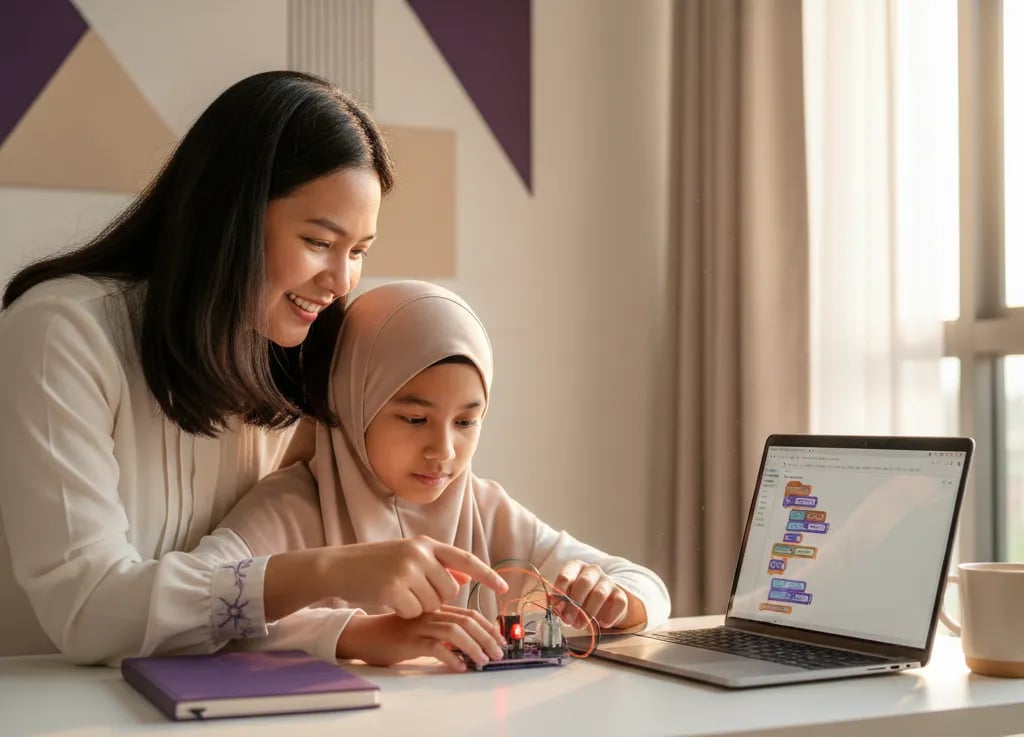
RBT Year 4, 5 and 6 programming starts with Scratch in Year 4, moves to flowcharts, pseudocode and microcontroller boards in Year 5, then covers basic robotic systems in Year 6. Pupils aged 10 to 12 are assessed through PBD on mastery levels TP1 to TP6. This guide explains what is taught each year and how parents can help at home.
Algonova is an online coding and maths school for children, with more than 1,000,000 students in 97 countries. Classes run live with a teacher in groups of up to 10, from RM 48 per lesson, with a 4.9 parent rating.
Reka Bentuk dan Teknologi (RBT, Design and Technology) is a compulsory Tahap II subject under KSSR (Semakan 2017), first taught to Year 4 pupils in 2020. Asas Sains Komputer only starts in Form 1, so in primary school RBT is where children meet coding. We checked the topics below against the DSKP for RBT Year 4, 5 and 6 published by the Curriculum Development Division (BPK) of KPM.
Each year has one Reka Bentuk Pengaturcaraan unit, and the difficulty climbs from on-screen animation to hardware that actually moves.
In the current textbook order, programming is Unit 6 in Year 4, Unit 3 in Year 5 and Unit 2 in Year 6. So when your child mentions "unit 3" or searches for RBT Year 6 unit 2 notes, that is the chapter they mean.
| Year | Programming topics in the DSKP | How to help at home |
|---|---|---|
| Year 4 (age 10) | What programming is, algorithms, pseudocode and sequence flowcharts. Scratch: moving objects, dialogue, sound, changing characters and backdrops | Ask your child to write the steps for making tea as an algorithm, then build a three-scene Scratch animation |
| Year 5 (age 11) | Sequence, selection and repetition control structures. Flowcharts that control light, sound and movement. Programs on a microcontroller with LEDs, buzzers and motors | Draw a traffic light flowchart together, then check every arrow |
| Year 6 (age 12) | Basic robotic systems: control, power, sensor and movement elements. Build, connect and test projects such as a plant watering robot | Find a device at home with a sensor, such as an automatic light, and name its four elements |
Is your Year 4 child just meeting Scratch? Try a free 60-minute coding class and watch how they think while arranging blocks.
Year 4 builds on-screen logic with Scratch, Year 5 moves that logic onto a microcontroller board, and Year 6 combines both into a small robot.
Pupils learn what programming is and where it is used in everyday devices. They write simple algorithms, turn them into pseudocode and sequence flowcharts, then identify the features of the Scratch interface. Typical activities are moving a character, adding dialogue and sound, and switching backdrops. If your child wants to revise, what is Scratch explains the tool in plain language.
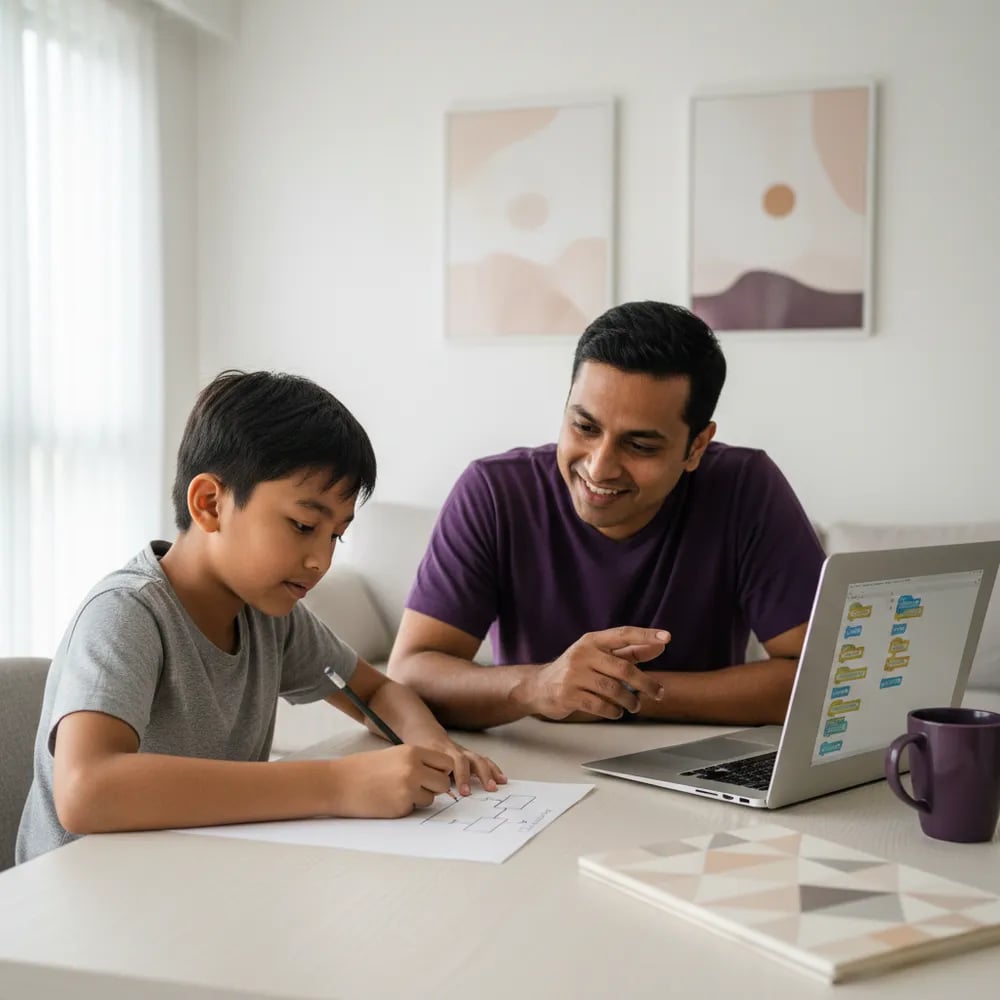
Year 5 introduces three control structures: sequence, selection (IF) and repetition. Pupils draw flowcharts to control hardware that produces light, sound or movement. They then build a program from the flowchart, connect an LED, buzzer or motor, transfer the program to the board and test whether it works. The DSKP suggests projects such as a safety barrier gate and a smart fan. The software is block-based, so it looks a lot like Scratch.
Pupils learn the four elements of a robotic system: control, power, sensor and movement. They study how a microcontroller board, sensors such as an ultrasonic sensor, and servo motors work, then build, connect and test their own project. Common examples are a plant watering robot, an automatic money box and a fire alarm.
What about micro:bit? The DSKP only says "microcontroller board" and names no brand. Some schools use micro:bit, others use different boards. Ask the teacher which board the class uses before buying a kit, because flowchart and block practice can be done at home without any hardware.
In RBT classes, the pupils who progress fastest can usually explain their flowchart in their own words before touching the computer. Typing speed barely matters.
Aina Rashid · Coding Education Lead at Algonova Malaysia
You do not need to code yourself. Your job is to ask good questions, allow time to try again and check your child's work.
Want to see your child arrange blocks with a teacher? Book a free trial class, 60 minutes live online.
RBT is assessed through Pentaksiran Bilik Darjah (classroom assessment): teachers give mastery levels TP1 to TP6 based on projects, observation, exercises and presentations.
The KPM UASA 2025 format for Tahap Dua primary schools lists seven subjects: Bahasa Melayu, English, Mathematics, Science, History, Chinese and Tamil. RBT is not on that list. In practice, your child's RBT result comes from work across the year, not one end-of-session paper. The official documents are on the KPM school-based assessment page.
| TP | Short meaning (KPM PBD guide, 2019) | Programming example (our illustration) |
|---|---|---|
| TP1 | Knows the basics | States what programming means |
| TP2 | Explains what was learned | Explains what each flowchart symbol does |
| TP3 | Uses knowledge to complete a task | Builds a program from a flowchart |
| TP4 | Completes tasks systematically, following procedure | Tests and fixes a program step by step |
| TP5 | Does it in new situations, consistently | Adapts a project to a different problem |
| TP6 | Creative, innovative and a model for others | Designs their own project and presents it |
How to prepare for PBD:
Mastery levels go up when a child dares to test, fail and fix things alone. Parents help most when they ask questions and let the child find the answer.
Aina Rashid · Coding Education Lead at Algonova Malaysia
A teacher-led class pays off when your child is keen but stuck on the logic, or wants more than one programming unit a year.
RBT gives one programming unit a year, and it shares time with other topics such as food design and agricultural technology. Signs your child may need extra help:
At Algonova, children aged 8 to 11 start with the Visual Programming (Scratch) course, while 10 to 12 year olds can try Game Design with Roblox and Lua. Classes are live online with the same teacher all year, in groups of up to 10, from RM 48 per lesson. See coding classes for ages 8-12 and coding class prices. If your child is already comfortable with blocks, compare Scratch and Python for the next step.
Updated: October 2026
Year 4 pupils learn what programming is, plus algorithms, pseudocode and sequence flowcharts, then use Scratch to move characters and add dialogue and sound. This is Unit 6 in the textbook, Reka Bentuk Pengaturcaraan. The aim is to train children to put steps in a clear order. For example, a pupil writes how to make tea as five steps, draws it as a flowchart, then builds a short animation that follows the same order. At home, ask your child to explain each step before opening the computer. Ten-year-olds usually pick up basic blocks quickly but still need help understanding why order matters. One three-scene animation project is enough to test that understanding and spot gaps before the teacher assesses the unit.
Yes, Scratch is the block programming software commonly used in RBT Year 4 to teach interface features, moving objects, dialogue and sound. The DSKP refers to programming software in general, but Year 4 teaching materials and the textbook use Scratch as the main example. Pupils identify several interface features such as the stage, sprites and the scripts area, then use them to build a small animation. Scratch is free and runs in a browser, so your child can practise at home without installing anything. Ask them to make a character that walks to the right, says "Hi" and plays a sound when clicked. If they can do it without looking at an example, they are ready for the harder Year 5 topics on flowcharts and control structures.
RBT Year 5 teaches sequence, selection and repetition control structures through flowcharts and pseudocode, then has pupils build programs for a microcontroller board. In the textbook this is Unit 3, Reka Bentuk Pengaturcaraan. The first part covers programming design basics: writing an idea as pseudocode or a flowchart. The second part is developing programs on a microcontroller, where pupils connect an LED, buzzer or motor and test whether the hardware behaves as planned. The DSKP suggests projects such as a safety barrier gate or a smart fan. For 11-year-olds, the hardest part is usually selection, the IF condition. A simple exercise at home is drawing a flowchart for a traffic light, or for a fan that switches on when the room gets hot.
A microcontroller is a small electronic board that runs a program to control hardware such as LEDs, buzzers and motors in RBT Year 5 projects. The RBT Year 5 DSKP defines a microcontroller as a device that controls hardware. Pupils build a program on a computer with block-based software, transfer it to the board, then test whether the light turns on, the sound plays or the motor spins as planned in the flowchart. For parents, the easiest way to picture it is a small brain inside a device. The child gives instructions and the board carries them out. If the program fails, the child has to recheck the flowchart and the wiring. This testing and fixing process is what teachers assess in PBD, not only the final result.
Some schools use micro:bit for RBT Year 5 and 6, but the DSKP only refers to microcontroller boards in general and does not name a specific brand. The choice of board depends on the school and the equipment it has. Some schools pick micro:bit because its block software is easy to start with, while others use different boards that work with graphical programming software. The concepts stay the same: flowchart, program, hardware connection and testing. Before buying any kit for home, ask your child's RBT teacher which board the class uses. Most practice, especially flowcharts, pseudocode and block logic, can be done with no hardware at all. A kit is only worth it once your child understands the logic and wants to test their own ideas outside school hours.
The RBT Year 6 programming unit introduces basic robotic systems, including the four elements of control, power, sensor and movement, and building a simple robot project. In the textbook this is Unit 2, Reka Bentuk Pengaturcaraan. Pupils learn how a microcontroller board, sensors such as an ultrasonic sensor, and servo motors work. They then build a design, connect the hardware, transfer the program and test that it works. Common projects include a plant watering robot, an automatic money box and a fire alarm. For 12-year-olds, the main challenge is combining program logic with real hardware. Parents can help by asking their child to name the four robotic elements in a device at home, such as an automatic light or a sensor door.
No, the KPM UASA 2025 format for Tahap Dua primary schools does not list RBT, so RBT is assessed through classroom-based PBD instead. The 2025 UASA list for Year 4, 5 and 6 has seven subjects: Bahasa Melayu, English, Mathematics, Science, History, Chinese and Tamil. Each paper takes 1 hour 15 minutes. RBT is not on that list. This means your child's RBT result depends on work across the year: projects, exercises, teacher observation and presentations. Any RBT question papers you find online are usually practice material made by teachers or publishers, not an official KPM test. The main focus should be a complete folio and finished projects that your child can explain clearly in their own words, since teachers also assess spoken answers.
Teachers give mastery levels TP1 to TP6 based on the performance standards in the DSKP, using projects, observation, exercises, presentations and spoken answers. The KPM PBD guide (2nd edition, 2019) defines TP1 as knowing the basics, TP3 as using knowledge to complete a task, and TP6 as creative, innovative and a model for others. Teachers record progress in exercise books, work folios or checklists, then decide an overall level at the end of the session. In programming, a child who can build a program from a flowchart is roughly at TP3. To reach TP4 and TP5, they need to test and fix programs systematically, then apply the same idea to a new problem. Practising short presentations at home helps a lot with the higher levels.
Not necessarily, because most RBT skills such as flowcharts, pseudocode and block logic can be practised at home without any hardware. A kit is useful once your child understands the logic and wants to test their own ideas, for example a light that switches on when it gets dark. Before buying, ask the teacher which board the school uses so your child practises with the same software and is not confused by two different systems. For most Year 4 and Year 5 pupils, Scratch and paper for drawing flowcharts are enough. Year 6 pupils building a robotics project may benefit from a kit, but make sure an adult can help connect components safely. Put understanding first and hardware second. A child who understands flowcharts can pick up a new board quickly.
Extra classes are worth it when your child is interested in coding but stuck on the logic, or wants to go further than one programming unit a year. RBT has only one programming unit a year, and it shares time with other topics such as food design and agricultural technology. Children who get excited about Scratch often ask what comes next once the unit ends, and schools rarely have time for that. At Algonova, children aged 8 to 11 learn Visual Programming (Scratch), and 10 to 12 year olds can try Game Design with Roblox and Lua. Classes are live online, in groups of up to 10, from RM 48 per lesson. The first trial class is free and lasts 60 minutes, so you can see how your child responds before committing.
Blog
Start your child's tech journey
Book your free 60-minute trial class with an Algonova certified tutor. No payment, no obligation, just discover what your child can build.

Algonova worldwide
Contact us
Email: int_legal@alg.team
Visit us
Suite 8634, 1021 E Lincolnway, Cheyenne, WY, Laramie, US, 82001
Algonova online LLC International tech school for kids and teens

