
Kurikulum Persekolahan 2027 (KP2027): What Changes for Year 1 Maths
Parent Guides9 min read
Learn Design

Mei Ling Tan
Design Curriculum Team, Algonova Malaysia
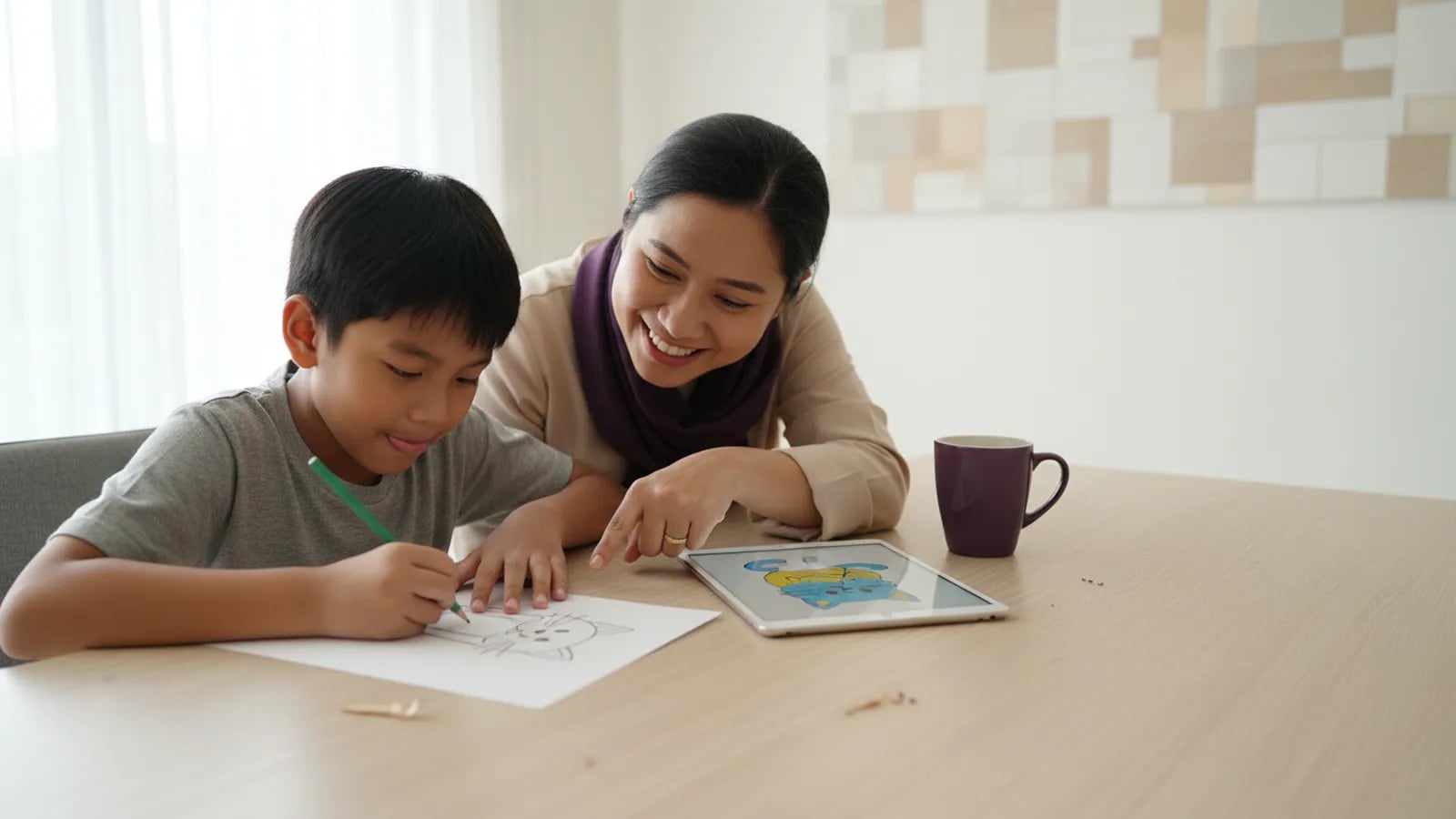
AI drawing for kids and pencil drawing teach different skills. A pencil trains hand control, observation and planning, and quick drawing helped adults remember words better than writing them in University of Waterloo studies. An AI tool trains describing an idea in words and choosing between results, but your child never makes the marks. For ages 5 to 12, keep paper as the base and add AI later, with a parent beside them.
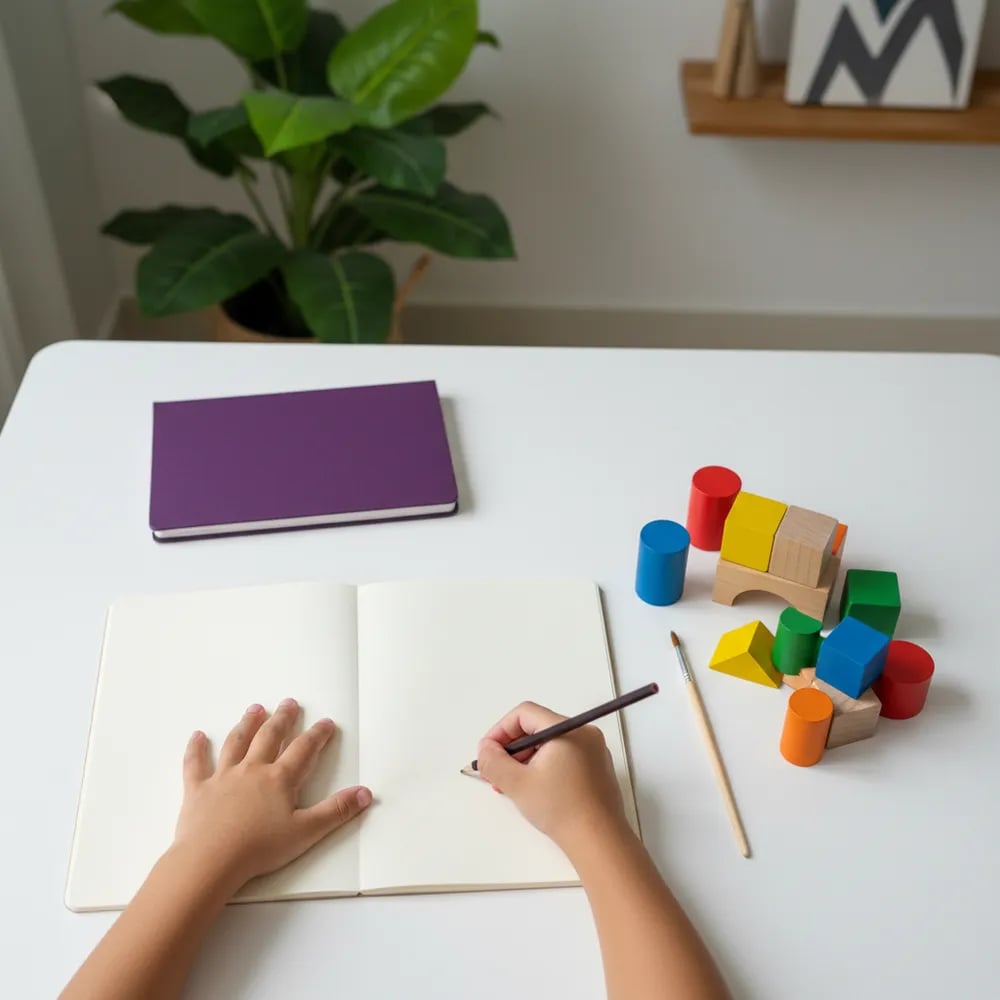
Drawing with a pencil teaches a child to turn what they see or imagine into marks they control, and every mark is a small decision. Where does the line start? How big is the head next to the body? What happens if the pencil presses harder? A 7 year old who draws a cat 3 times in a week is practising hand control and proportion, and learning to sit with a hard task.
Paper drawing also helps memory. Researchers at the University of Waterloo asked adults to draw simple words such as "truck" or "pear" for about 4 seconds each, and drawn words were remembered better than written ones. The quality of the drawing did not matter. These studies used adults, so treat the result as a hint for children, not proof.
There is a quieter benefit too. A pencil drawing shows the child's own mistakes, and fixing them is how a child learns to look closely.
A pencil drawing can look messy and still teach a lot. Every wobbly line is a decision your child made alone.
An AI drawing tool teaches a child to describe a picture in words and then judge the results, which is closer to giving instructions than to drawing. The child types or says a prompt, for example "a cat astronaut on a red planet, cartoon style", and the tool returns a finished picture in seconds.
Some of this is useful. A child learns that vague words give vague pictures, that details such as colour, style and setting change the result, and that the first answer is rarely the best one. We cover this skill in more depth in our guide to prompt writing for kids.
The child also skips a lot. There is no hand control to practise and no proportion to work out, and a mistake never stays on the page long enough to fix it. Here is how the two compare:
| Skill | Pencil and paper | AI drawing tool |
|---|---|---|
| Hand control and fine motor practice | Yes, every line | No |
| Looking closely at real objects | Yes | Rarely |
| Describing an idea in words | A little | Yes, this is the main skill |
| Planning a picture step by step | Yes | Partly, through repeated prompts |
| Judging and choosing between options | Some | Yes |
| Owning every part of the result | Yes | No, the tool makes the marks |
AI art is not automatically bad for creativity, but it pulls everyone's ideas towards the same few answers. A 2024 study in the journal Science Advances by Anil Doshi and Oliver Hauser gave 293 adult writers story ideas from an AI. Their stories were rated as more creative, especially for weaker writers, but the AI-assisted stories were also more similar to each other than stories written without help.
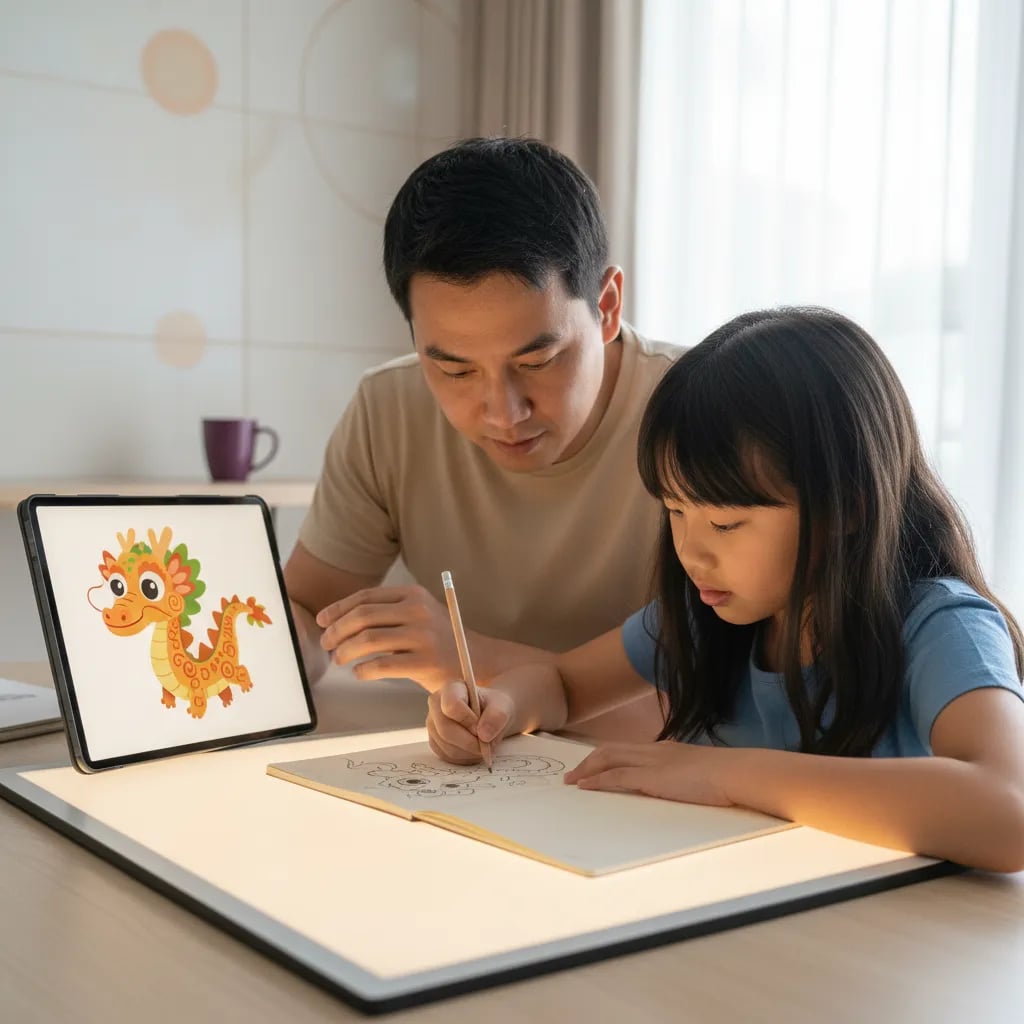
The study looked at short stories by adults, not drawings by children. Still, the pattern is easy to spot at home. Ask 5 children to draw "a dragon" on paper and you get 5 strange, personal dragons. Ask an AI tool and the dragons tend to share the same glossy style.
A simple rule works for most families: the idea comes from the child first. If your child sketches a dragon on paper and then uses an AI tool to try backgrounds for it, the AI is helping. If the AI makes the dragon and the child only picks one, it is doing the creative part for them.
Most general AI tools are built for teenagers and adults, not young children. In September 2023, UNESCO's guidance on generative AI in education suggested considering an age limit of 13 for classroom use. OpenAI's terms for ChatGPT, which also makes images, ask users to be at least 13, and under 18 they need a parent's or guardian's permission.
For children under 13, the safest approach is shared use: you hold the account, you sit beside your child, and you type the prompt together. Check what the tool does with uploaded photos before your child adds a picture of their face, a school badge or your home. Our checklist of AI tools safe for kids covers settings, privacy and red flags in more detail.
For a free drawing app without AI, see our comparison of drawing apps for kids, where we checked ads, data and age ratings for 7 apps.
The best mix keeps the pencil first and uses AI as a second step. This 4 step routine takes about 30 minutes and works for children from around 8:
The comparison in step 3 is where most of the learning happens. A 9 year old who notices that the AI gave her cat 6 whiskers on one side and 3 on the other is learning to look closely, which is the same skill pencil drawing builds.
If your child wants to keep drawing on a screen without AI, our guide on how to draw digitally explains the first steps on a tablet or laptop.
Use AI as a second opinion, not as the artist. The paper drawing comes first, and your child decides what to keep.
A design course makes sense when your child draws often and wants to make finished work on a computer: characters, posters, logos or simple animations. That usually starts around age 8, when children can follow multi step instructions on a screen.
At Algonova, children aged 8 to 14 learn graphic design online with a live teacher, one to one or in a group of up to 10. They use free professional tools such as GIMP, Inkscape, Tinkercad and Wick Editor, so your family does not need to buy any software. Every drawing, layer and animation in the portfolio is made by the child, and the teacher explains how each tool works instead of generating the picture.
Before you decide, your child can join a free design masterclass that lasts 60 minutes. You will see whether they enjoy building a picture step by step on a screen. Our overview of graphic design for kids explains what the full course covers.
AI drawing can be good for kids aged 8 and up when it is a second step after paper, not a replacement for it. The child practises describing an idea in words, comparing results and spotting mistakes the tool makes, such as extra fingers or a missing tail. The weak side is that the child does not make the marks, so hand control and proportion get no practice. A good test is ownership: if your child can point to the part of the picture that came from their own head, AI is helping. If they only press a button and pick a favourite, it is doing the work for them. For younger children, 10 to 15 minutes of pencil drawing first, followed by a short AI session together with a parent, keeps the balance right and gives you something to talk about.
Yes, most children should build a hand drawing habit first, because the pencil teaches skills an AI tool skips. Drawing by hand trains fine motor control, close observation of real objects and planning a picture from the first line to the last. Those skills also help with handwriting, geometry and later with design software, where your child still has to place every shape. A child who has drawn a cat 20 times on paper knows what a cat's ear looks like and can tell when an AI picture gets it wrong. A child who has only used AI has nothing to compare against. You do not need to wait years. A few months of regular paper drawing, 3 or 4 times a week, gives a 7 or 8 year old enough of a base to start exploring AI with you.
Most AI image generators are designed for users aged 13 and older. OpenAI's terms for ChatGPT, which can create images, require users to be at least 13, and users under 18 need permission from a parent or guardian. In 2023, UNESCO's guidance on generative AI in education suggested considering an age limit of 13 for classroom use. Under 13, a child should not hold their own account. A parent can still try AI drawing with a younger child by logging in on their own device, sitting beside them and typing the prompt together. Before you start, read what the tool does with uploaded images, and avoid adding photos of your child's face, school uniform or home. Our guide to AI tools safe for kids in Malaysia lists the settings to change on the first day.
AI art does not kill creativity, but it can narrow it if the child lets the tool supply every idea. In a 2024 study in Science Advances, 293 adults who received AI story ideas wrote stories that judges rated more creative, yet those stories were also more alike than stories written without AI. The same thing tends to happen with pictures: AI tools favour a polished, familiar style, while a child's own drawings are odd in personal ways. The fix is simple and costs nothing. Ask your child to sketch the idea on paper first, then use AI to explore one change, such as a new background or colour scheme. That way the strange, original part of the picture still comes from your child, and the AI only adds options they can accept or reject.
AI drawing apps are only as safe as their settings, the account they run on and the adult nearby. The main risks for children are uploaded photos being stored or reused, pictures that do not fit a child's age, and in-app purchases or subscriptions. Read the privacy section on the app store page before installing: look at whether the app collects data, whether it shows ads and what age rating the store gives it. For children under 13, keep the app on a parent's account and use it together. Turn off public sharing so drawings and prompts are not posted to a gallery. Explain to your child that a prompt is like a message to a stranger: no full name, school name or address. Our drawing apps guide checked these points for 7 popular apps on their store pages.
Drawing by hand develops fine motor control, visual observation, spatial thinking and patience. Each line asks the child to judge length, angle and pressure, which is the same hand and eye coordination used in handwriting. Drawing a real object, such as a shoe or a pot plant, trains the habit of looking closely and noticing shapes. Working out how big a head is next to a body is early practice with proportion, which comes up again in maths with ratios and scale. Drawing can also help memory: in University of Waterloo studies with adults, quick 4 second drawings of words led to better recall than writing those words out. Patience is the quiet bonus. A child who keeps going after a wobbly first try learns that a picture, like any skill, improves with practice.
AI drawing can help a child who says "I can't draw" to start, but it should not become the reason they stop trying. For a frustrated child, seeing their idea appear on screen can be a real confidence boost, and it proves the idea itself was good. Use that moment as a bridge back to paper. Ask your child to copy one simple part of the AI picture, such as the shape of a cloud or a character's eyes, using basic shapes like circles and triangles. Most children who say they cannot draw are comparing themselves to finished art, not to practice sketches. Show them that every artist starts with rough shapes. In a beginner design class, lessons start with dots, lines and simple shapes, so a child sees progress within the first few lessons.
There is no official screen limit for drawing apps specifically, so judge the activity and the routine rather than counting only minutes. The WHO guidelines from 2019 recommend no more than 1 hour of sedentary screen time a day for children aged 2 to 4, and say less is better. For school-age children, the American Academy of Pediatrics suggests a family media plan instead of a single number. Creative screen time, where your child draws, edits or builds something, is different from scrolling videos. Even so, eyes and hands need breaks. A practical rule for ages 6 to 10 is 20 to 30 minutes of screen drawing, followed by a break or a switch to paper. Keep screens out of the hour before sleep, and watch for tired eyes, headaches or frustration.
Your child is ready for a design class when they draw on their own most weeks and start asking how to make things look professional. Typical signs are wanting to design a logo, a game character or a poster, or getting bored with the simple tools in a free app. Most children reach this point around age 8, when they can follow several steps on a computer. In a design class, a live teacher shows how professional tools work, such as layers, vectors and colour, and the child builds a portfolio of finished work. At Algonova, children aged 8 to 14 learn with free tools such as GIMP, Inkscape and Tinkercad, so no software needs to be bought. A free 60 minute design masterclass is an easy way to check whether your child enjoys this kind of work.
Blog
Start your child's tech journey
Book your free 60-minute trial class with an Algonova certified tutor. No payment, no obligation, just discover what your child can build.

Algonova worldwide
Contact us
Email: int_legal@alg.team
Visit us
Suite 8634, 1021 E Lincolnway, Cheyenne, WY, Laramie, US, 82001
Algonova online LLC International tech school for kids and teens

