
Exam Stress Before UASA: Signs in Your Child and How to Help

Parent Guides12 min read
Learn Coding

Hafiz Rahman
Coding Curriculum Team, Algonova Malaysia
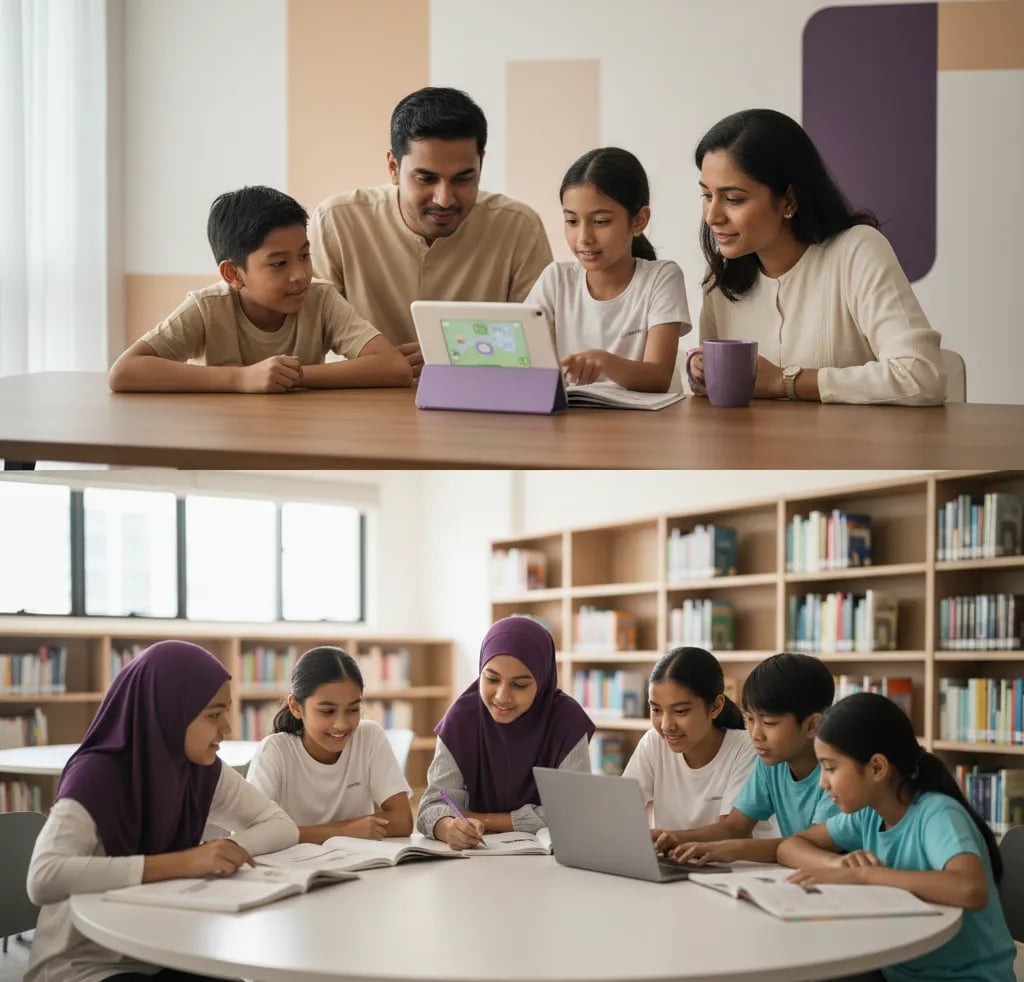
AI tools safe for kids share five traits, and you can judge any app against them in about two minutes without installing anything. The shortlist below covers ages 6 to 17, names what to skip, and lists the settings Malaysian parents should change on day one. The rule that matters most is simple: if the tool needs an account and your child is under 13, it is not for them.
Run any AI app through these before your child touches it.
| Check | What to look for |
|---|---|
| Age rule | A stated minimum age you can find in two clicks |
| Account | Can it be used without a personal login for your child? |
| Data | Does it need photos, voice or personal details to work? |
| Open chat | Can it produce anything, or only within a set task? |
| Output | Does the child produce something, or only receive? |
The fourth row separates most kid-safe tools from the rest. A tool that trains a model on your child's own examples has a bounded output. An open chat window does not, which is exactly why the main chatbots set 13 as their minimum.
The pattern is bounded tasks first, open chat much later.
| Age | Suitable | Skip for now |
|---|---|---|
| 6 to 8 | Teachable Machine with a parent, drawing apps with AI features | Any chatbot, any account |
| 9 to 10 | Scratch with AI extensions, Code.org AI lessons | Personal chatbot accounts |
| 11 to 12 | Same, plus supervised chatbot use on a parent device | Independent chatbot use |
| 13 to 15 | Own chatbot account with permission, history visible | Image generators without supervision |
| 16 to 17 | Most tools, with rules agreed in advance | Anything that needs payment details |

Each one is bounded, needs little or no personal data, and makes the child produce something.
Start with Teachable Machine this weekend. Ten minutes of training a model to tell a pencil from a rubber does more for understanding than an hour of chatting with a bot, and it works on any laptop with a camera.
Four signals mean the tool is not built with children in mind.
The third is the one parents underestimate. Open-ended image generators are the fastest route to content nobody intended, and they are rarely necessary for anything a child needs. For safety guidance beyond AI specifically, Common Sense Media reviews apps by age and is the most practical reference available in English.
Five minutes of setup removes most of the risk, and almost nobody does it.
Number five does more than the other four combined. Rules that depend on trust break at 10pm; rules that depend on where the laptop physically sits do not.
Safety with AI is mostly two habits rather than a list of banned apps.
The first habit is easier to teach through one rule: retype the question, never paste the page. Children paste worksheet headers carrying their name and class without thinking about it, and that single habit removes the whole category. The second matters because these tools sound equally confident when they are inventing, which we covered in our ChatGPT guide.
A tool can be perfectly safe and teach your child nothing. The distinction is whether the child produces or only consumes.
| Type of tool | Safe | Teaches something |
|---|---|---|
| Model training, such as Teachable Machine | Yes | Yes, how AI learns from examples |
| Block coding with AI extensions | Yes | Yes, logic and sequencing |
| Homework answer apps | Mostly | No, the thinking is skipped |
| Open image generators | Depends | Rarely, without a task around it |
| Chatbots used to explain | With rules | Yes, when the child has to answer back |
Row three is where most families end up by accident, because answer apps are the easiest to find and the quickest to install. They are not dangerous, they are simply hollow, and the marks gap shows up a term later.

If your child can explain why their model got confused, the weekend worked. That single explanation covers more ground than any list of approved apps, because it means they understand AI learns from examples rather than knowing things.
Supervision keeps a child safe; it does not make them capable. If your child has used these tools for a few months and still only receives answers rather than building anything, the gap is not the tool. Our AI classes for kids pair prompting with coding for ages 7 to 17, with the first class free, so you can see which side your child lands on before paying for a term.
Worth reading next: AI for kids: where to start, prompt writing for kids, AI and homework and what parents say.
The ones that give a bounded task rather than an open chat window. Teachable Machine by Google is the strongest starting point: your child trains a model using webcam images, it needs no account, and it takes about ten minutes to show how AI learns from examples. Scratch from MIT adds simple AI extensions to block coding, with an optional account. Code.org runs free structured lessons including an AI section aimed at primary ages. All three make the child produce something, which is the difference between a safe tool and a useful one.
Five checks take about two minutes. Is there a stated minimum age you can find in two clicks. Can it be used without a personal login for your child. Does it require photos, voice or personal details to function. Can it generate anything at all, or only work within a set task. Does the child produce something or only receive an answer. The fourth check separates most child-appropriate tools from the rest, because an unbounded output is precisely why the major chatbots set 13 as their own minimum age.
OpenAI sets 13 as the minimum and requires parental permission under 18, so below 13 there should be no personal account. Between 11 and 12, supervised use on a parent's device is manageable if you are sitting there. From 13, an own account with permission works when the chat history stays visible to you for the first few months. Under 13 and curious, the better route is a tool built for children, which teaches the same underlying ideas without an open-ended conversation your child navigates alone.
Four are worth refusing outright. No stated minimum age, or an age buried deep in a long document. A request for a photo of your child's face before anything works. Unlimited image generation from any text prompt with no filter you can see. A subscription pushed before the free version shows what it does. The third one is underestimated most often, because open image generators are the quickest route to content nobody intended, and they are rarely needed for anything a child is actually trying to do.
Five, and they take about five minutes in total. Turn off training on chat history where the option exists. Use a family email rather than your child's school address. Disable microphone and camera access unless the tool genuinely needs them. Turn off image generation if the setting is available. Keep the device in a shared room. That last one does more than the other four combined, because rules that depend on trust break down at ten at night, while rules that depend on where the laptop physically sits do not.
Not dangerous, mostly hollow, which is a different problem. These apps are usually safe in the data sense and teach nothing, because the child receives a finished answer and skips the thinking that the exercise was designed to produce. Families end up with them by accident, since they are the easiest to find and quickest to install. The cost shows up a term later as a gap between homework marks and test marks. Exams in Malaysia are handwritten with nothing on the desk, so anything that removes the working eventually appears on the paper.
With supervision from about 13, and with a task around it rather than free rein. The risk is not only inappropriate output; it is that unlimited generation teaches a child that pictures appear rather than get made. Used inside a brief, such as producing three draft backgrounds for a project and then editing one properly, it is a reasonable design tool. Treat anything it produces as a draft, check whether the platform sets an age limit, and do not let generated images be handed in as finished work without saying where they came from.
Full name, school name, IC number, address, phone number, photographs and anything identifying other children. The practical version for a child is one habit rather than a list: retype the question, never paste the page. Children paste entire worksheets, and worksheet headers carry a name and a class without anyone thinking about it. The same applies to photos of homework, which often include a school stamp or a teacher's handwriting. One retyping habit removes the whole category of risk in about ten seconds a time.
Short and purposeful beats long and open-ended, which matters more than any specific number. Ten to fifteen minutes with a goal, such as training a model or finishing one prompt exercise, leaves a child with something to show. An hour of open chatting usually leaves nothing. A practical rule is that the session ends when the task is done rather than when the time runs out, since that keeps the tool tied to a purpose and avoids the drifting use that parents find hardest to interrupt.
When your child has used these tools for months and still only receives answers rather than building anything. Safety and capability are different problems, and settings solve only the first. If the pattern is passive, a class changes it by putting a project in front of the child and a teacher watching the process. Our AI classes pair prompting with coding for ages 7 to 17, and the first class is free, which is enough to see whether your child starts making things or keeps waiting for output.
Blog

Start your child's tech journey
Book your free 60-minute trial class with an Algonova certified tutor. No payment, no obligation, just discover what your child can build.

Algonova worldwide
Contact us
Email: int_legal@alg.team
Visit us
Suite 8634, 1021 E Lincolnway, Cheyenne, WY, Laramie, US, 82001
Algonova online LLC International tech school for kids and teens

