The most important thing when choosing an online coding course for kids is the combination of three factors: small groups, certified teachers and a methodology built on real projects. If those three are present and verifiable, almost everything else (price, platform, schedule) becomes secondary. This guide gives you the eight criteria that truly matter and a checklist to decide with confidence.
Why this choice matters more than it seems
A good first experience with coding can spark lifelong curiosity; a bad one can convince a child that this isn't for them. The difference rarely lies in which language is taught, but in how it's taught: how much attention each child gets, whether they create their own projects, and whether they feel safe to make mistakes. That's why it's better to evaluate with clear criteria than by intuition.
Group size: how much attention does your child get?
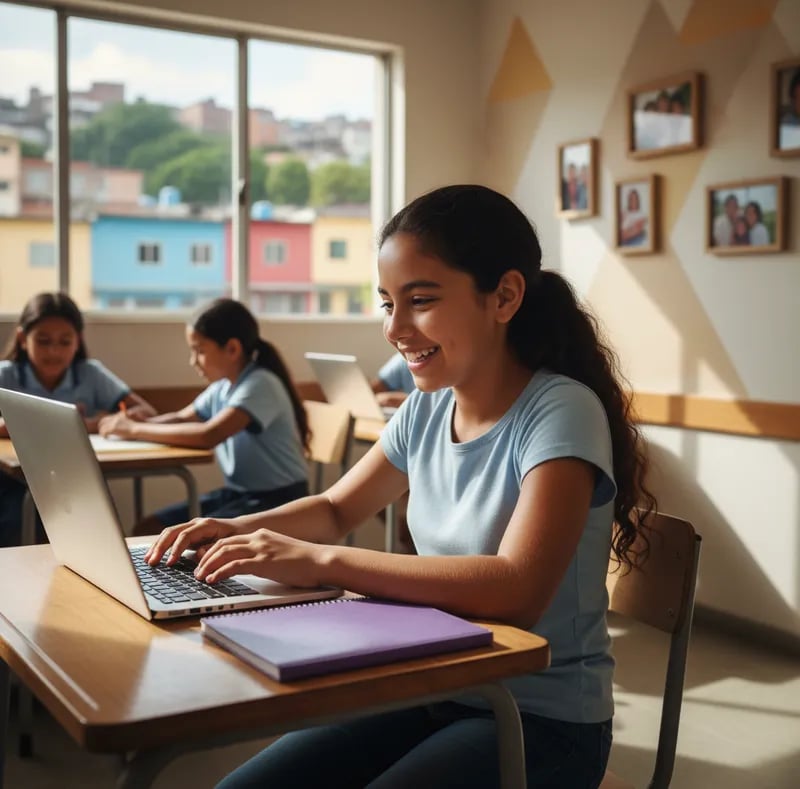
Group size is the most reliable predictor of online learning quality. In large groups, the teacher can't see each child's screen or notice who got stuck. Look for small groups —ideally up to 10 students— where the teacher knows each child by name and can adapt the pace. At Algonova we work in a private 1-on-1 format, a mini-group of 2 to 4, or a group of up to 10 students for exactly this reason.
Certified teachers with experience teaching children
Knowing how to code is not the same as knowing how to teach an eight-year-old. Ask how teachers are selected and trained: do they have teaching backgrounds? Experience with your child's age? Ongoing training? A good teacher turns a mistake into a learning moment. Ask to see the teacher's profile before enrolling; transparency here is an excellent sign.
Methodology and real projects
Ask what the child creates at the end of each module. The best sign is that they walk away with something tangible —a game, an animation, a small app— that they can show their family. Project-based learning keeps motivation high and turns abstract concepts into concrete achievements. Be wary of courses that only explain theory or move identically for everyone with no room to create.
Online safety: the criterion you must not overlook
Your child will spend time on a digital platform, so safety is non-negotiable. Check that classes take place in a closed, supervised environment, that there's a clear policy for protecting a minor's data, and that parents can access progress information. A serious school explains these measures without you having to insist; if the information is vague, it's a red flag.
Age and level: does the course grow with your child?
A good program adapts to the child's real age and level, not the other way around. For younger children (6–9) visual environments like Scratch tend to work well; later, written code such as Python is introduced. Ask whether there's a long-term learning path: ideally the child can progress from beginner to advanced projects without switching schools every year. Learn more about programming languages for kids by age.
Price and transparency
The criterion isn't cheap or expensive, but clear or confusing. A good school explains in advance what the price includes, how payments work, and what happens if you want to pause or cancel. Be wary of pressure discounts (today only) or hidden costs. Transparency in pricing usually reflects transparency in everything else.
The trial class: your best decision-making tool
No description replaces seeing your child in a real class. A trial class —ideally free— lets you observe how the teacher teaches, how your child reacts, and whether the format fits. Watch for one thing: does the child finish the class wanting more? That reaction says more than any brochure.
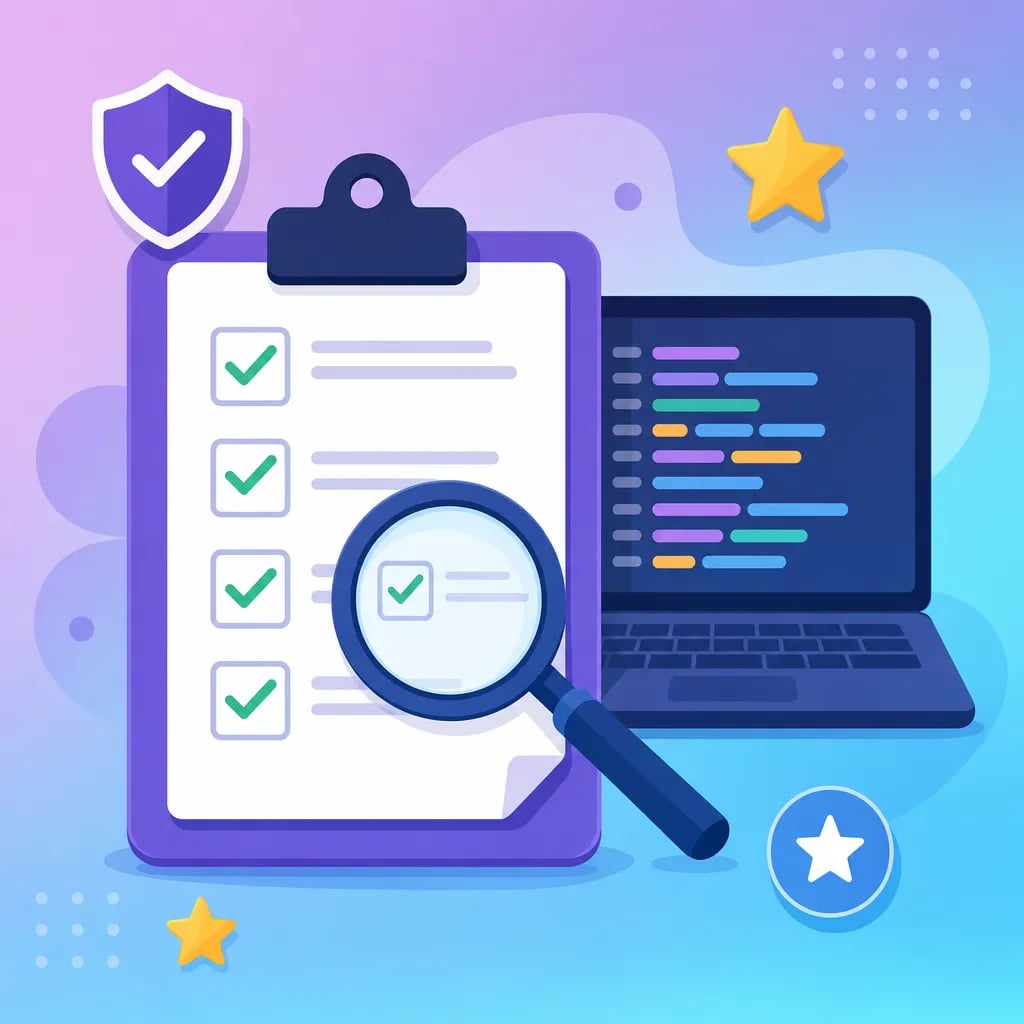
Checklist: what to ask before enrolling
| What to ask | Good sign | Red flag |
|---|---|---|
| How many kids per group? | Up to 10 students | 20–30, but it doesn't matter |
| Who is the teacher? | Visible profile and certification | They won't share details |
| What does my child create? | Their own projects each module | Theory or random exercises only |
| How do you protect minors? | Clear policy, supervised environment | Vague answers |
| Is there a long-term path? | Beginner-to-advanced levels | A single course with no continuity |
| What does the price include? | Detailed and in writing | Hidden costs or pressure to pay now |
| Can I try first? | Free trial class | Pay first, then you'll see |
What to avoid: common red flags
Some red flags keep showing up: exaggerated promises (your child will be a programmer in a month), mass groups disguised as personalized classes, anonymous teachers, pressure to pay immediately, and a lack of clarity about safety or refunds. A school that trusts its product invites you to try it without rush and answers your questions with facts, not marketing.
How these criteria work in practice
If you want to go deeper into each topic, these guides will help you decide with more context: start with what coding for kids is to understand the benefits, compare Scratch vs Python to choose a starting point, and explore Python for kids when they're ready for the next step. To see how these criteria apply to specific courses, explore our coding and digital design programs, or learn who we are.
Ready to see it in action? Book a free trial class and watch with your own eyes as your child creates their first project, with no commitment. In a single class, you'll know whether it's the right place to start.