

Online Math Tutoring for Primary & Middle Schoolers: Options & Pricing 2026
Math Education8 min
Coding Education

Bayu Nugraha
Children's Coding Specialist
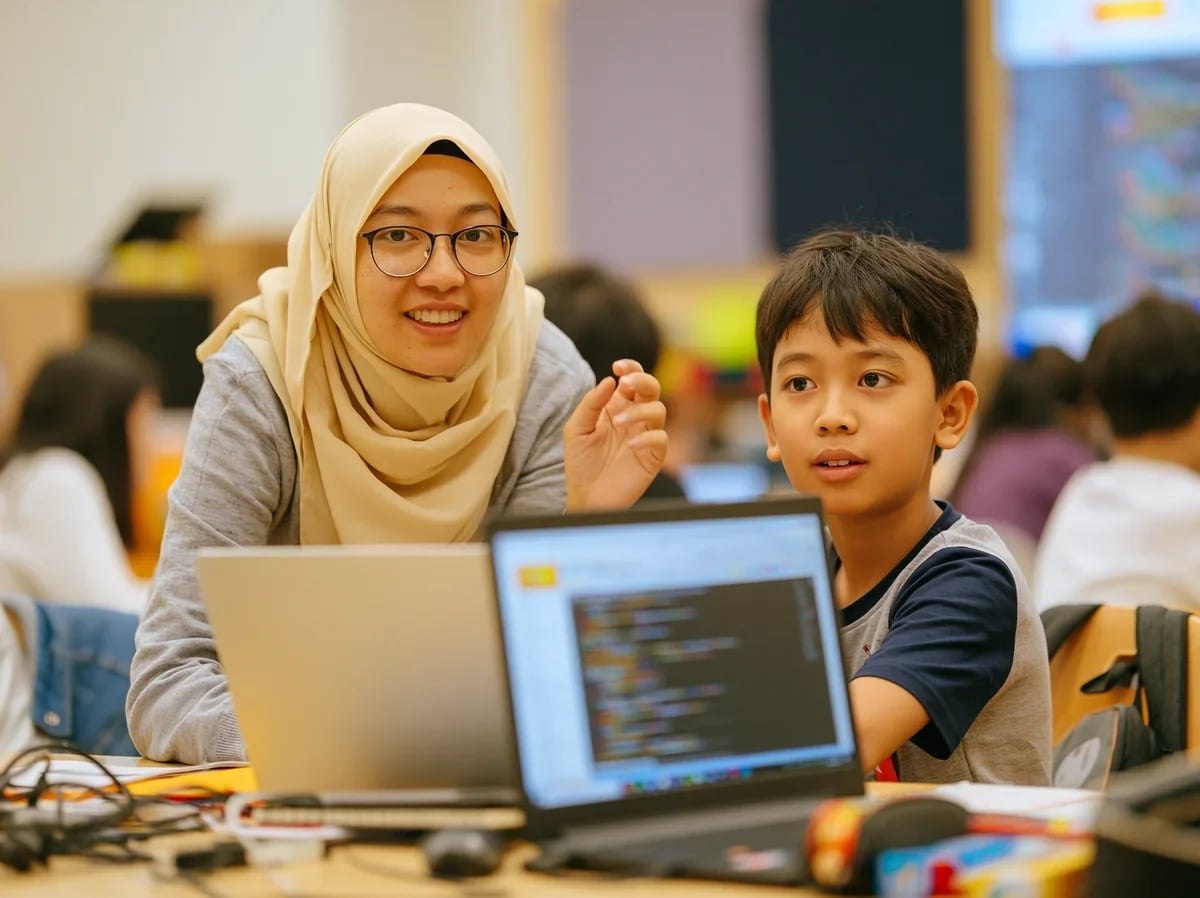
A website is a set of linked pages, stored on a computer that is always switched on, which anyone can open over the internet using a single address.
Table of Contents
Two terms often get mixed up: a website is the whole thing, while a web page is one sheet of it. A school website may hold dozens of pages - home, about, news, contact - but all of them sit under the same address.
When a child types an address into a browser, a chain of events runs in under a second.
The last part often surprises children: a web page is not sent as a complete image. Only instructions are sent, and each browser assembles the final result itself. That is why the same page can look slightly different on different devices.
| Part | What it does |
|---|---|
| Domain name | The address people type, such as algonova.com |
| Hosting | Where the files live, on a computer that stays switched on |
| HTML | Defines the content: headings, paragraphs, images |
| CSS | Defines the appearance: colours, fonts, layout |
| JavaScript | Makes the page move and react to clicks |
Those last three languages are what a child learns when they start building websites of their own.
Building a first website is the project whose result is easiest to share. Unlike a Scratch game, which has to be opened on its platform, a web page can be sent as a link to a grandparent and simply opens.
The project also pulls together much of what the child has already learned: structure from HTML, visual judgement from CSS, and logic from JavaScript. That is why websites are often the closing project at secondary level - real proof that a child can build something complete from nothing.
In the Algonova coding course, teenage students build their own portfolio website. Want to see where your child is now? Join a free coding class.
A website is a set of linked pages stored on a computer that stays switched on, which anyone can open over the internet using a single address. The website is the whole thing; a web page is one sheet inside it.
The browser finds the location of the storing computer from the address, sends a request to that computer called a server, receives files containing code, then assembles and draws the page on screen. The whole sequence takes under a second.
Five main parts: a domain name as the address, hosting as the place the files live, HTML for the content, CSS for the appearance, and JavaScript so the page can move and react to clicks.
A static website shows the same content to everyone and rarely changes, such as a school profile page. A dynamic website shows content that changes with the user or with a database, such as an online shop or a social network.
Children aged 11 to 12 and up can usually build a simple web page with HTML and CSS. Compared with a Scratch game, the advantage is that the result can be sent to family as a link and opens without any special application.

Algonova worldwide
Contact
Whatsapp: +62 21 50996971
Email: info@algonova.id
Address
Coworking Area, Gedung IT 6 Lantai Dasar, Nongsa Digital Park, Jalan Hang Lekiu, Kelurahan Sambau, Kecamatan Nongsa, Batam, Indonesia Directorate General of Consumer Protection and Trade Compliance – Ministry of Trade of the Republic of Indonesia. WhatsApp Ditjen PKTN: 0853-1111-1010.
PT Algonova Indonesia Cerdas All rights reserved 2026
