AI or coding first: which should your child learn?
Course Guides7 min read
Coding Education

Hafiz Rahman
Lead Coding Instructor at Algonova Malaysia
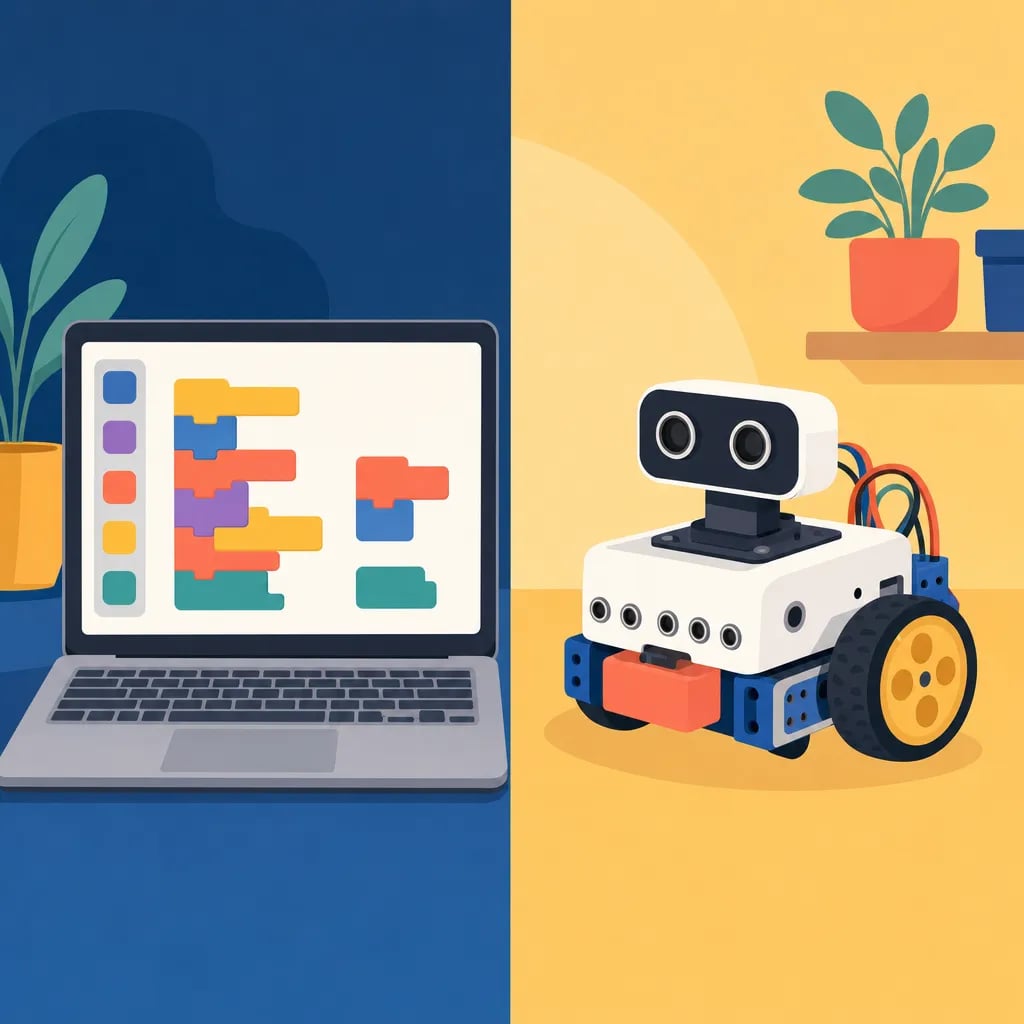
Tynker is a kids' coding platform where children learn to program by dragging visual blocks first, then level up to real text-based languages like Python and JavaScript. Launched in 2013, it turns coding into games, puzzles, and Minecraft- or Roblox-style projects so kids aged 5-17 can build skills one step at a time.
Table of Contents
Tynker starts every learner with drag-and-drop blocks — the same idea behind Scratch — so young children can make characters move without typing or worrying about syntax. As they grow, Tynker bridges those blocks into written Python and JavaScript, something Scratch does not do. Themed courses set inside Minecraft and Roblox worlds keep motivation high, while built-in lessons, hints, and auto-checked challenges guide kids without an adult watching every step. Unlike Roblox Studio, which is a single game engine, Tynker is a structured curriculum that teaches concepts in order: loops, conditionals, variables, and functions. Kids earn badges and unlock new projects as they master each idea, so progress stays visible and motivating.
Tynker and Scratch both start kids with drag-and-drop blocks, but they aim at different journeys. Scratch is completely free and stays block-based, which is ideal for making games and animations. Tynker adds a paid, guided path that carries a child from blocks into written Python and JavaScript, so it keeps growing with them. Scratch gives open creative freedom, while Tynker gives a structured course with lessons, hints, and badges. Many families explore with Scratch first, then move to a guided program once a child is ready for real text code.
Children use Tynker to build playable games, animated stories, Minecraft mods, and Roblox-style projects. Beginners might make a character jump across the screen, while older kids code a maze game or a simple app. Themed courses let a child design a Minecraft world with code or program characters in a Roblox-inspired scene. Each project ties a fun result to a coding idea, so a child sees loops and variables working inside something they actually want to play.
Platforms like Tynker give children a gentle on-ramp: they score quick wins early, then carry that logic into professional languages. This progression builds computational thinking, patience, and problem-solving that transfer to school and everyday life. Tools like Tynker are a great starting point, and a guided coding class helps kids turn play into real, lasting skills. Curious how your child would take to it? Book a free trial class and see them code live.
Tynker offers some free starter activities, but full courses and Minecraft or Roblox modules need a paid subscription. Pricing changes, so check tynker.com for current plans.
Tynker suits kids roughly ages 5 to 17. Younger children start with picture blocks, while teens progress to Python and JavaScript.
They fit different stages. Scratch is free and block-only, while Tynker adds a paid path from blocks into real text coding, so it keeps working as kids advance.
Early Tynker Junior levels use picture-based blocks, so pre-readers can start, though reading helps with the later text-based lessons.
Start your child's tech journey
Book your free 60-minute trial class with an Algonova certified tutor. No payment, no obligation, just discover what your child can build.

Algonova worldwide
Contact us
Email: int_legal@alg.team
Visit us
Suite 8634, 1021 E Lincolnway, Cheyenne, WY, Laramie, US, 82001
Algonova online LLC International tech school for kids and teens