
Exam Stress Before UASA: Signs in Your Child and How to Help

Parent Guides12 min read
Learn Coding

Hafiz Rahman
Coding Curriculum Team, Algonova Malaysia
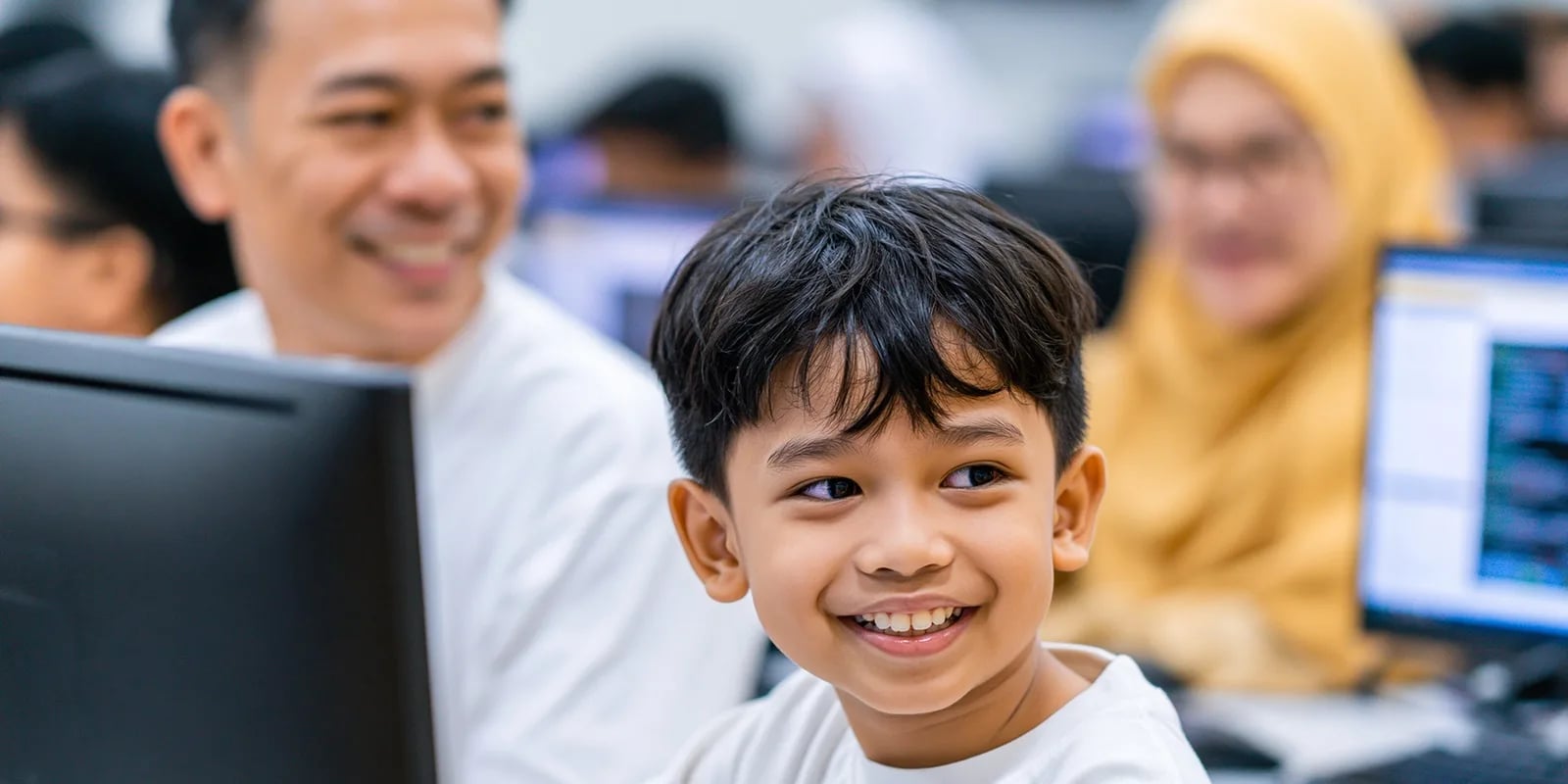
Is your child already comfortable with Scratch and starting to get curious about "real code"? Python is a sensible next step, and a first program can run within minutes.
This guide covers five steps from zero to a working first Python program, written so a child can follow it alone.
Download Python from python.org, then Thonny from thonny.org. Installation works like any regular app. Or open replit.com directly to try it with no installation.
print("Hello, world!")
Press Run (or F5 in Thonny). If "Hello, world!" appears, the first program is already running.
name = input("What is your name? ")
print("Hello, " + name + "!")
Now the program asks a question first, then answers with the typed name.
age = int(input("How old are you? "))

if age >= 10:
    print("You're old enough for the advanced level!")
else:
    print("Let's start with the basics first!")
This line already uses three concepts at once: variables, input, and conditions (if/else).
Combine everything learned so far into a simple calculator:
num1 = float(input("First number: "))
num2 = float(input("Second number: "))
print("Sum:", num1 + num2)
This small but genuinely useful program is a real achievement for day one.
1. Wrong indentation. Python uses spaces at the start of a line to mark what belongs inside a block (like the contents of an if). One wrong space breaks the program.
2. Forgetting quotation marks. Text in Python must be wrapped in quotes ("like this"). An unclosed quotation mark is the most common beginner error.
3. Jumping to a big project before understanding the basics. Wanting to build a game or bot right after learning print() usually ends in confusion. Master variables, conditions, and loops first before moving to bigger projects.
Around 9-12 years old, ideally with a logic foundation from Scratch or another visual block platform already in place. Teens starting coding later can also jump straight into Python without issue.
Python errors can confuse beginners, and often make kids stop trying. In Algonova's Python classes, a certified teacher helps debug alongside the child directly — private 1-on-1, mini groups of 2–4, or groups of up to 10 students. The first trial class is free, with no obligation to continue.
Python is free, runs lightly on any laptop, and a first program can run within minutes. The key: understand one concept before moving to the next, and treat errors as a normal part of the process, not a sign of failure.
Yes, Python is completely free to download and use from python.org. Beginner editors like Thonny are also free. It can also be tried directly online with no installation via sites like replit.com.
No. Python runs lightly even on an old laptop. All that's needed is enough RAM to run a browser or a basic code editor.
Not required, but it helps a lot. A child with a logic foundation from Scratch usually grasps the same concepts faster when they appear as text in Python.
A simple program like a calculator can be finished in 30-60 minutes. What usually slows things down isn't concept difficulty, but small mistakes like indentation or a missing quotation mark.
The most common causes are wrong indentation, an unclosed quotation mark, or unmatched parentheses. Reading the error message to find which line has the problem is a basic debugging skill to practice, not a sign of failure.
Around ages 9-12 for a basic introduction, especially with a logic foundation from Scratch already in place. Teens starting coding later can also jump straight into Python.
Blog

Algonova worldwide
Contact us
Email: int_legal@alg.team
Visit us
Suite 8634, 1021 E Lincolnway, Cheyenne, WY, Laramie, US, 82001
Algonova online LLC International tech school for kids and teens
